
Putih Hitam HyperOS Theme Review: Bold Black‑White Look for Xiaomi & Redmi
A deep dive into the Putih Hitam HyperOS theme—its stark black‑white aesthetic, who’ll love it, compatibility quirks, and step‑by‑step install tips.
1302 articles · Page 15 of 55
A deep dive into the Putih Hitam HyperOS theme—its stark black‑white aesthetic, who’ll love it, compatibility quirks, and step‑by‑step install tips.

Explore HyperClassic’s sleek rounded icons, dark‑mode polish, and seamless HyperOS/MIUI compatibility.
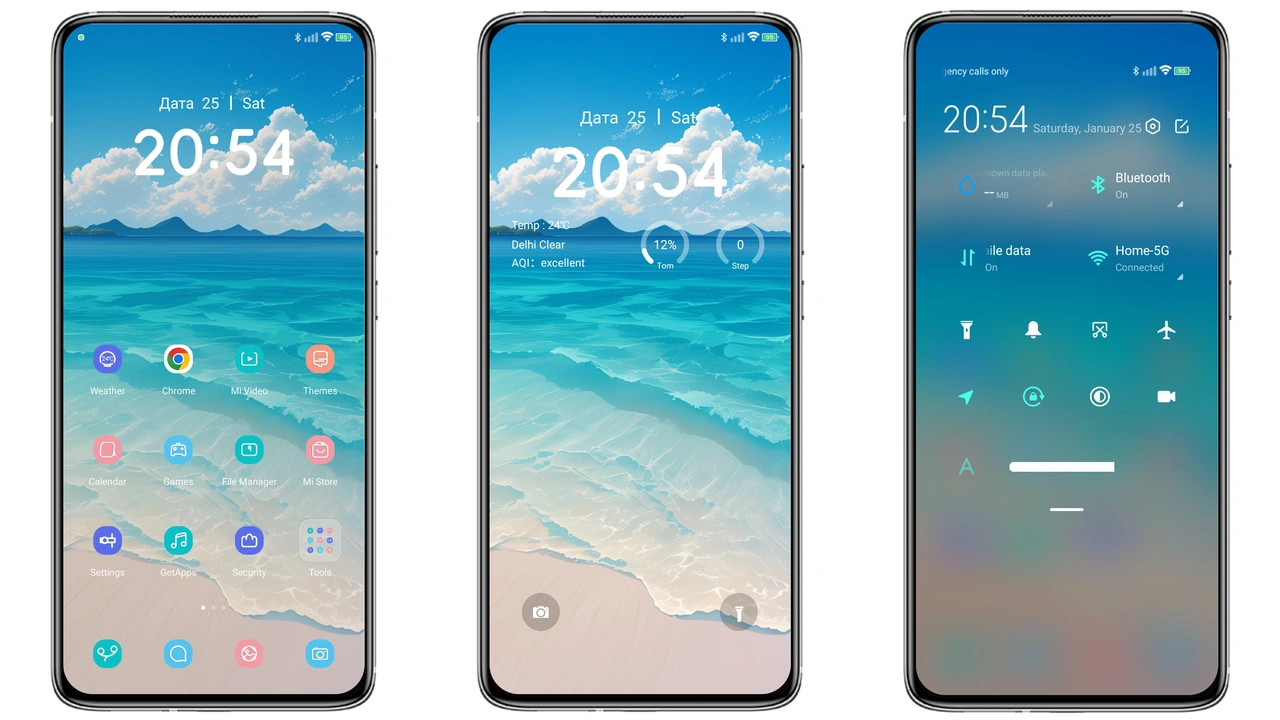
White Cloud HyperOS Theme Brings Light, Freshness to Xiaomi & Redmi with clear preview images, compatibility notes, and practical download steps for Xiaomi, Redmi, and Poco users.
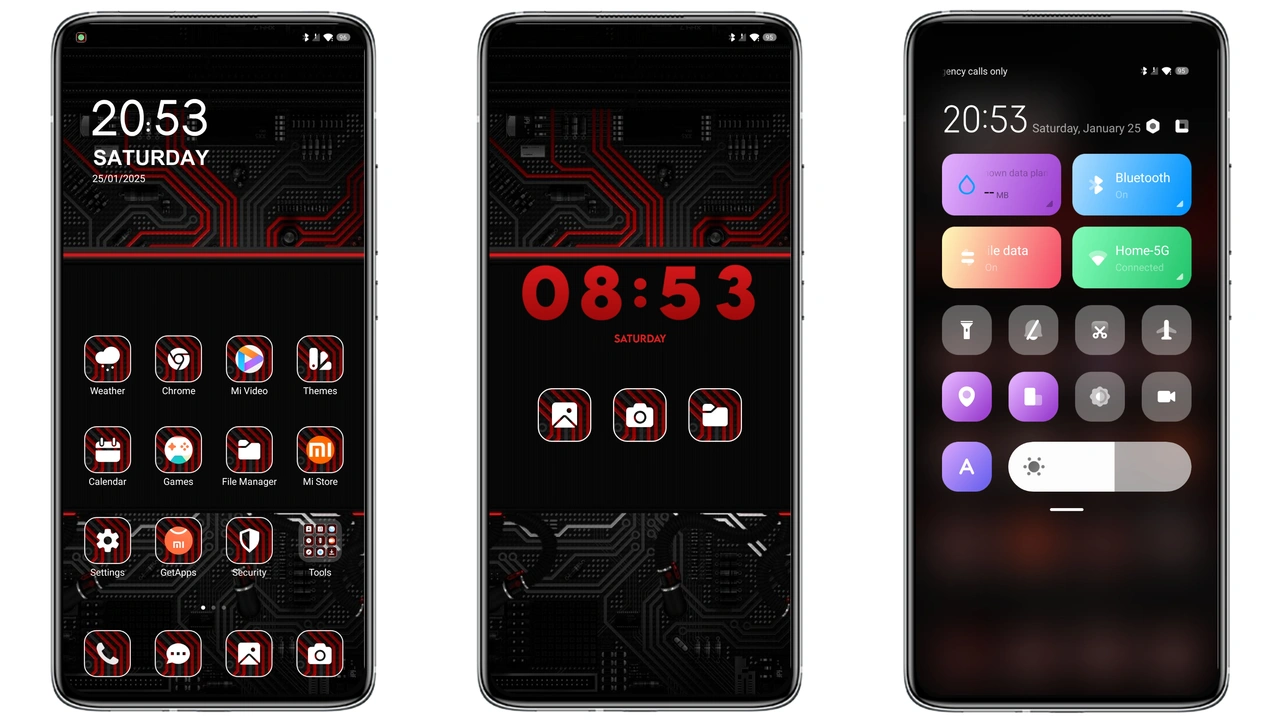
Bold red cyber‑punk theme transforms Xiaomi, Redmi and POCO devices with dynamic icons, glowing lock screen and sleek AOD.
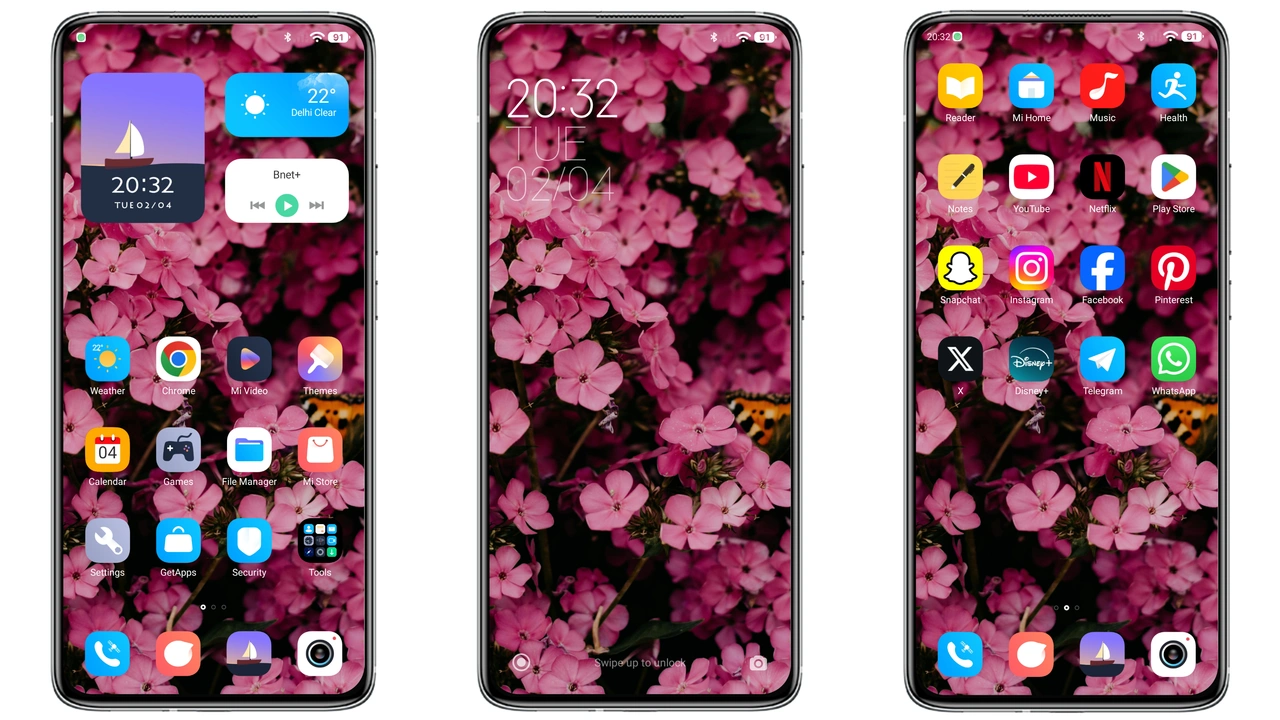
A quick dive into Breaking V9—new icons, floral wallpaper, sleek AOD, and easy install on HyperOS/MIUI.
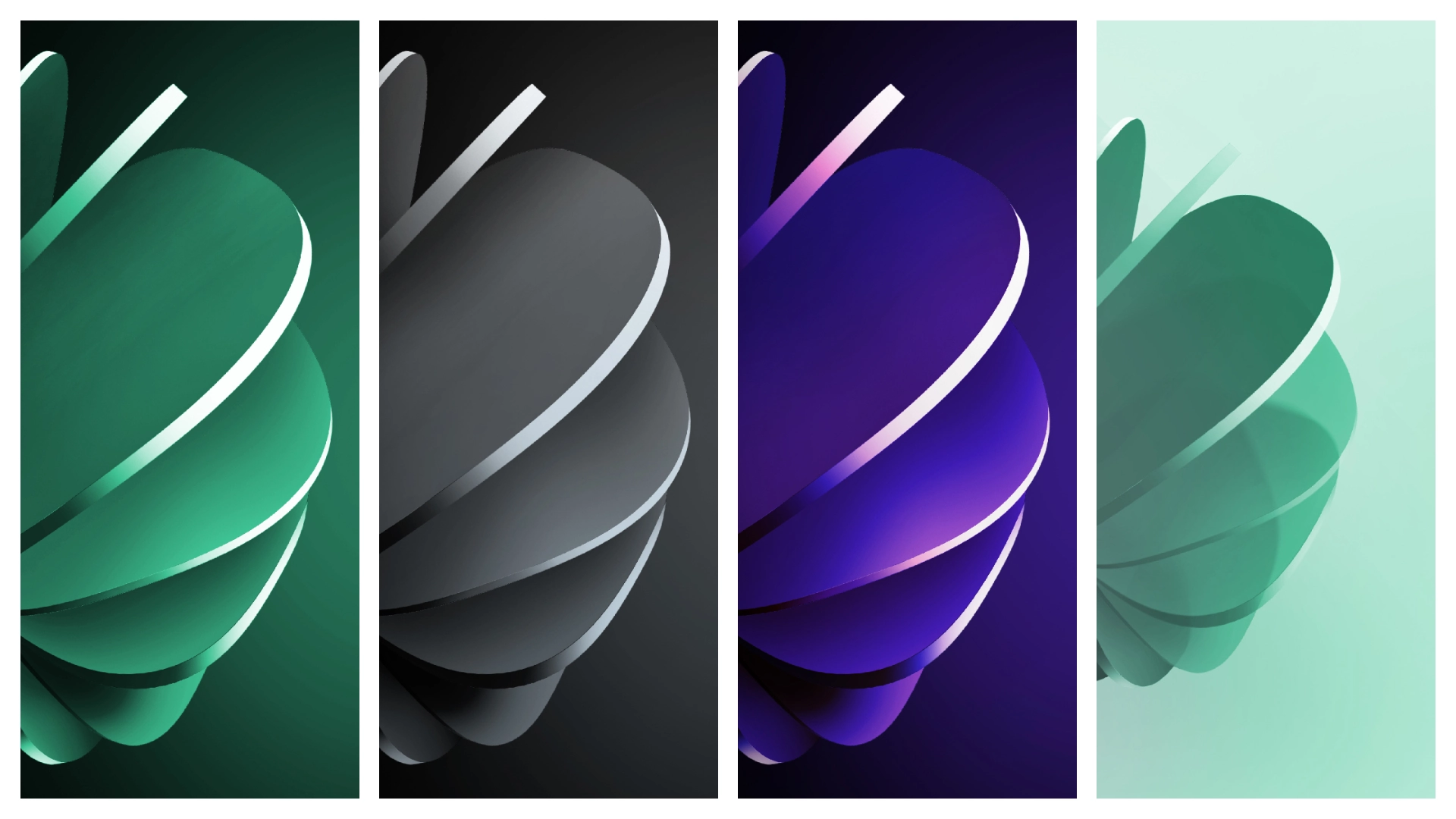
Grab crisp, HyperOS‑ready wallpapers for Redmi Note 14 Pro. Perfect for fans who love vibrant, battery‑friendly backgrounds.
A deep dive into IgThemeV15’s red‑rich UI, who’ll love it, compatibility quirks, and step‑by‑step install tips.

Bleach‑styled BLCH V15 transforms your Redmi with bold anime icons, dark mode polish, and lock‑screen flair—easy install, full HyperOS compatibility.

Discover HyperGlassV, a glass‑styled HyperOS theme that refreshes Xiaomi, Redmi and POCO devices with sleek icons, dynamic lock screen and subtle depth—all without slowing down your phone.
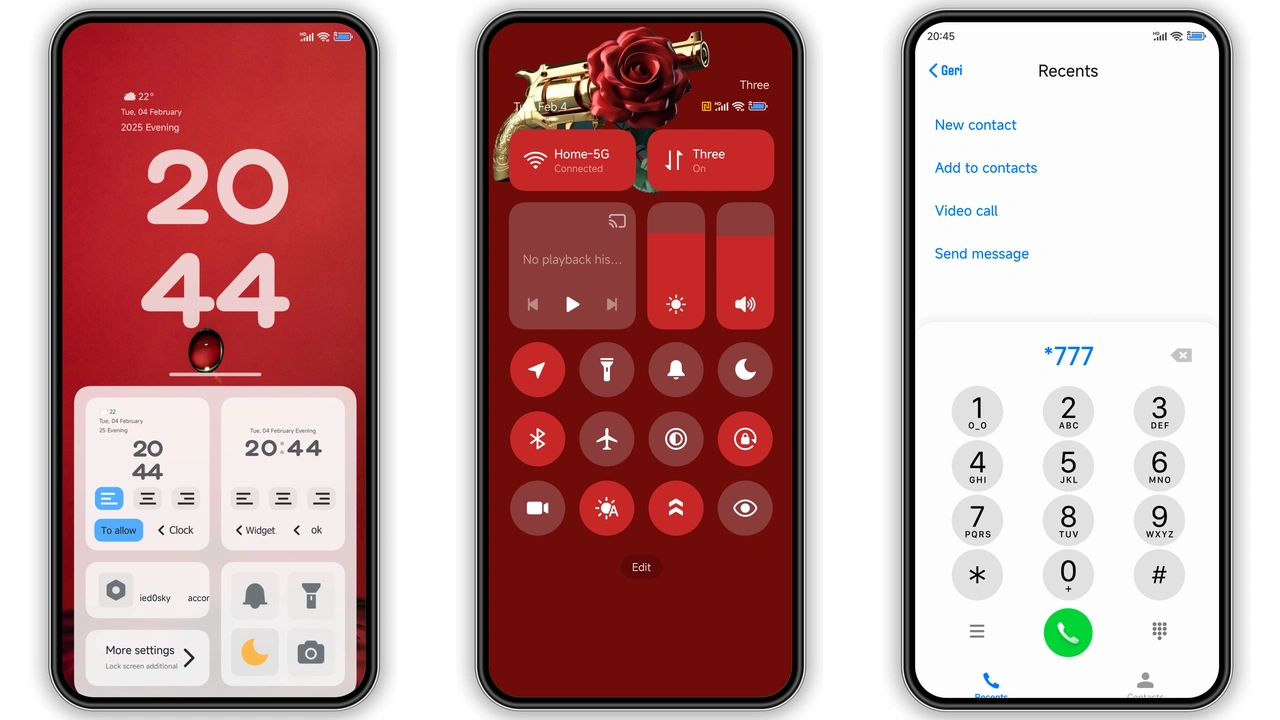
Discover the Flat Circular HyperOS theme’s bold red icons, crisp wallpapers, sleek lock screen. Compatible with HyperOS and MIUI, it freshens any Xiaomi, Redmi or POCO device.
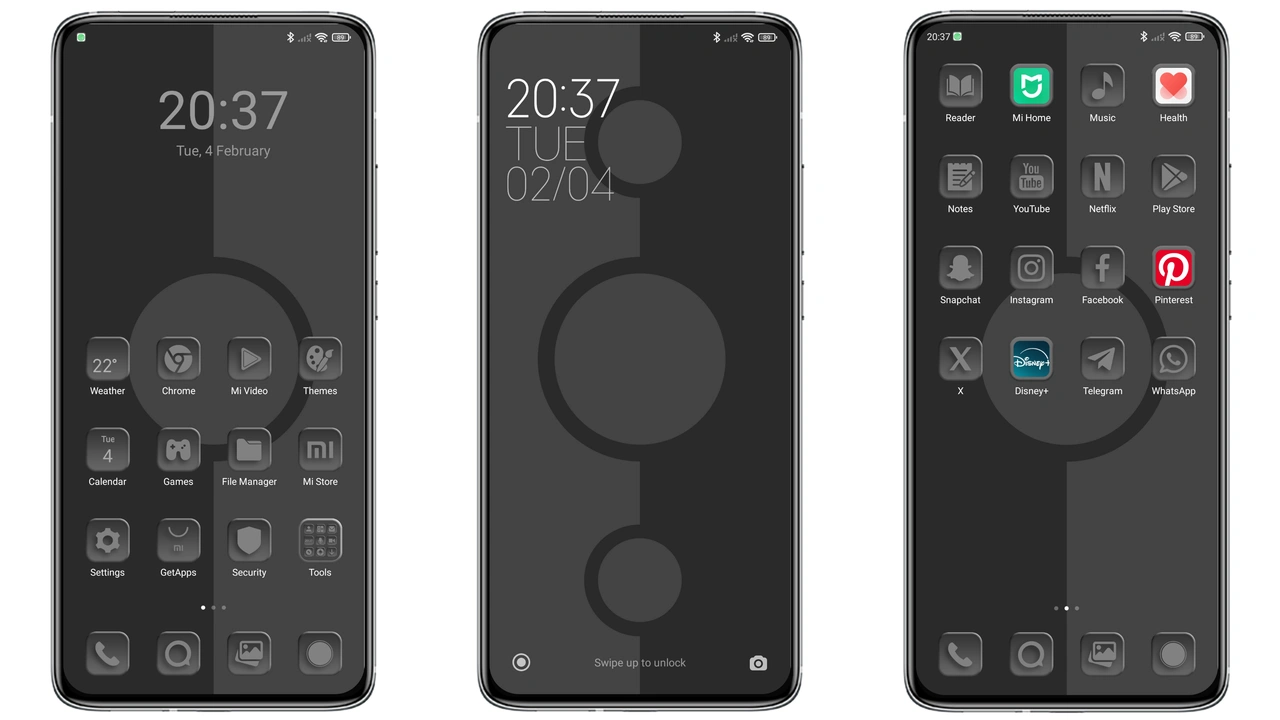
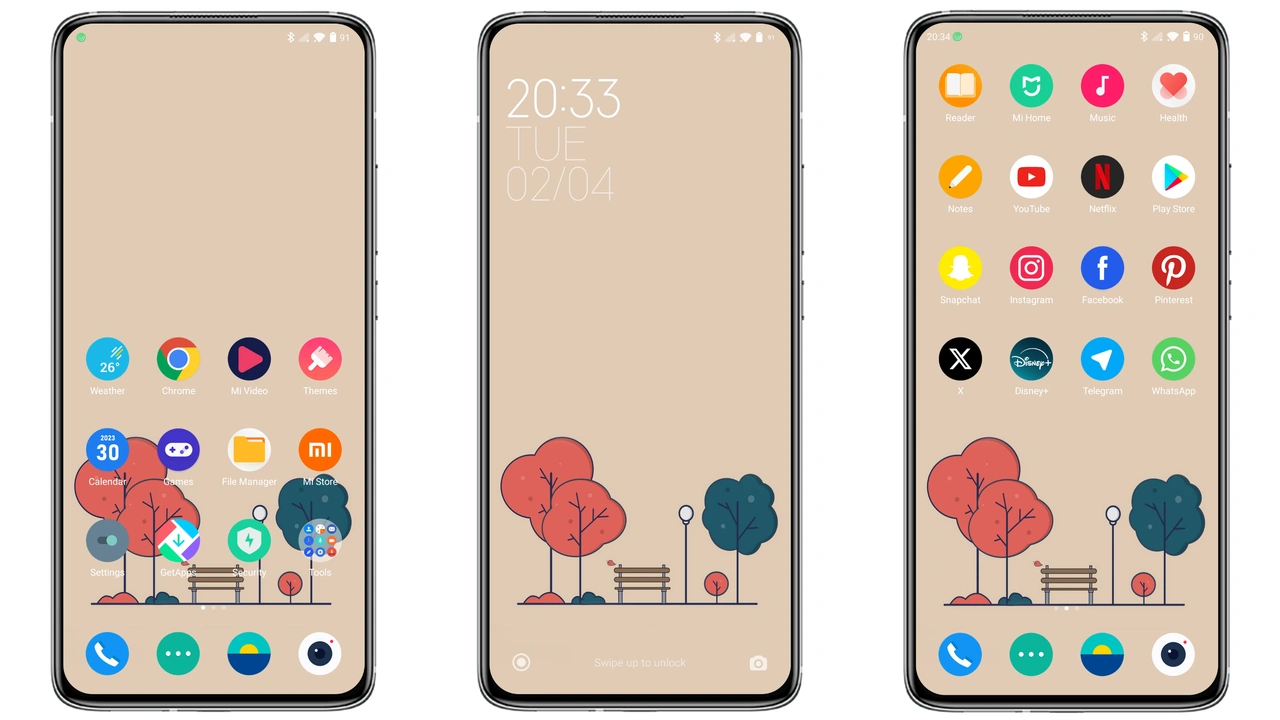
Sleek gray palette, fresh icons, and smooth AOD make this HyperOS theme a perfect fit for anyone craving a clean, modern Xiaomi experience.
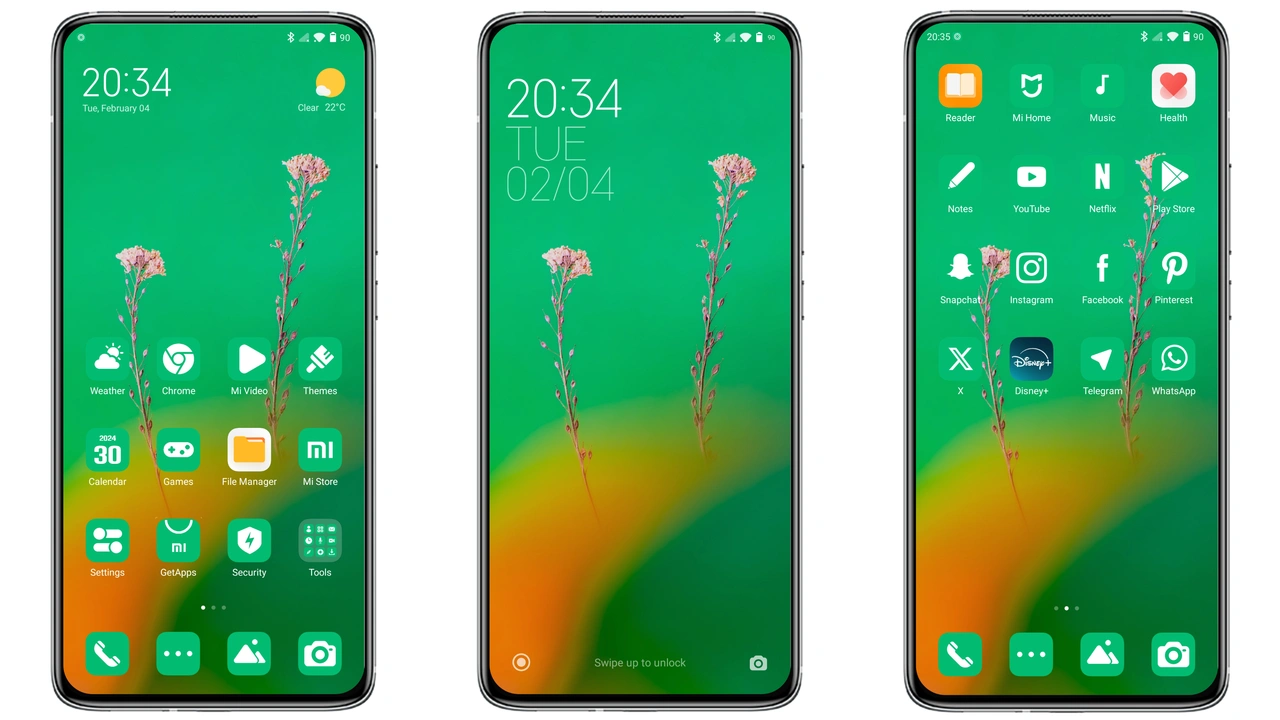
Discover how the Flat Green HyperOS theme transforms Xiaomi, Redmi, and POCO devices with crisp icons, soothing wallpapers, and a clean status bar that feels modern and minimalist.
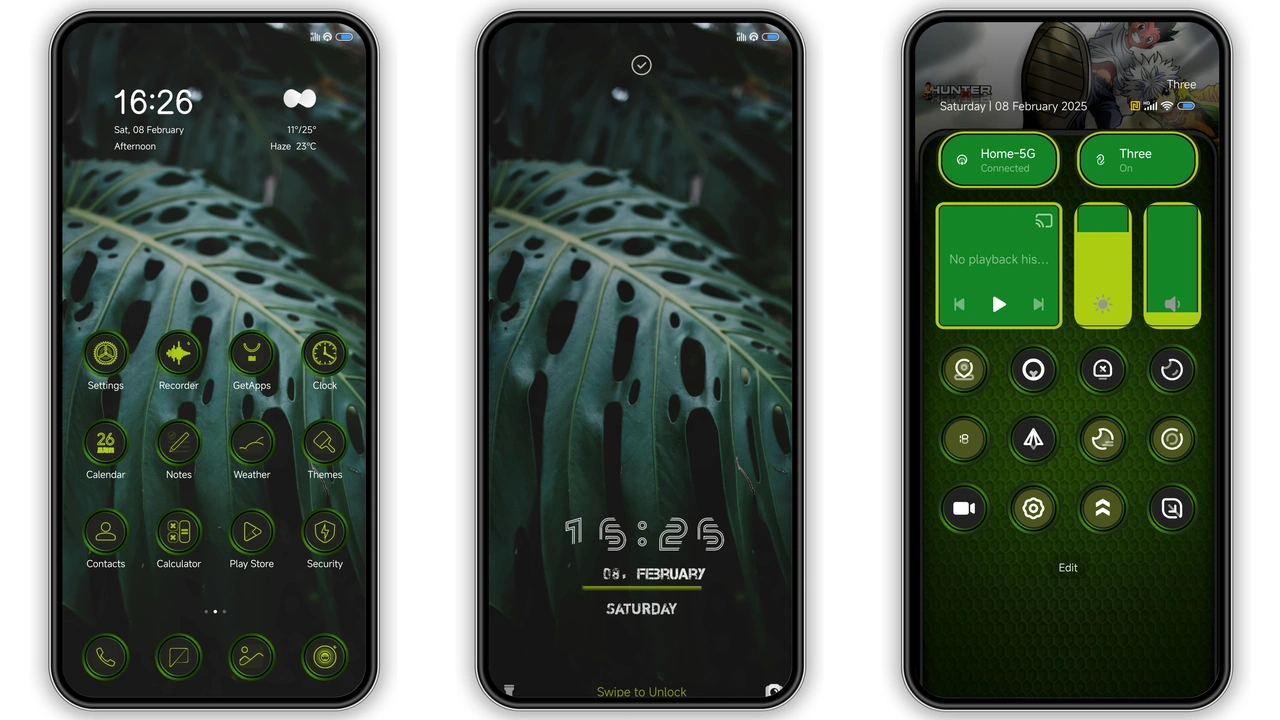
A deep‑dive into Gonxxxkillua v2’s dark anime‑green design, who’ll love it, compatibility quirks, install steps, and download tips.
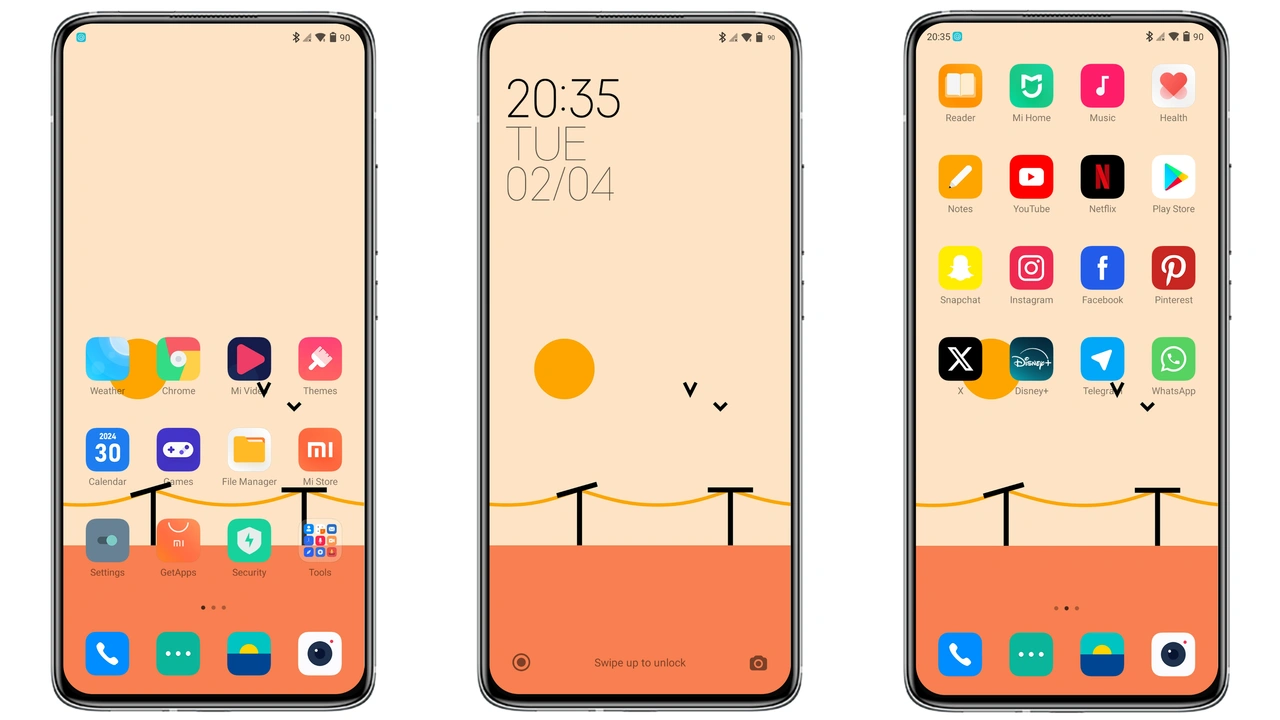
Discover the Flat Square HyperOS theme’s crisp icons, vibrant palettes, and seamless MIUI integration—perfect for anyone craving a clean, colorful look on Xiaomi, Redmi, or POCO devices.

Dive into Rat V’s anime‑charged icons, Dynamic Island and sleek AOD—perfect for Xiaomi, Redmi and POCO fans seeking a fresh HyperOS look.

Transform your Redmi with HOST‑N.126’s dark, minimalist UI – seamless HyperOS integration, easy install, and striking icons.
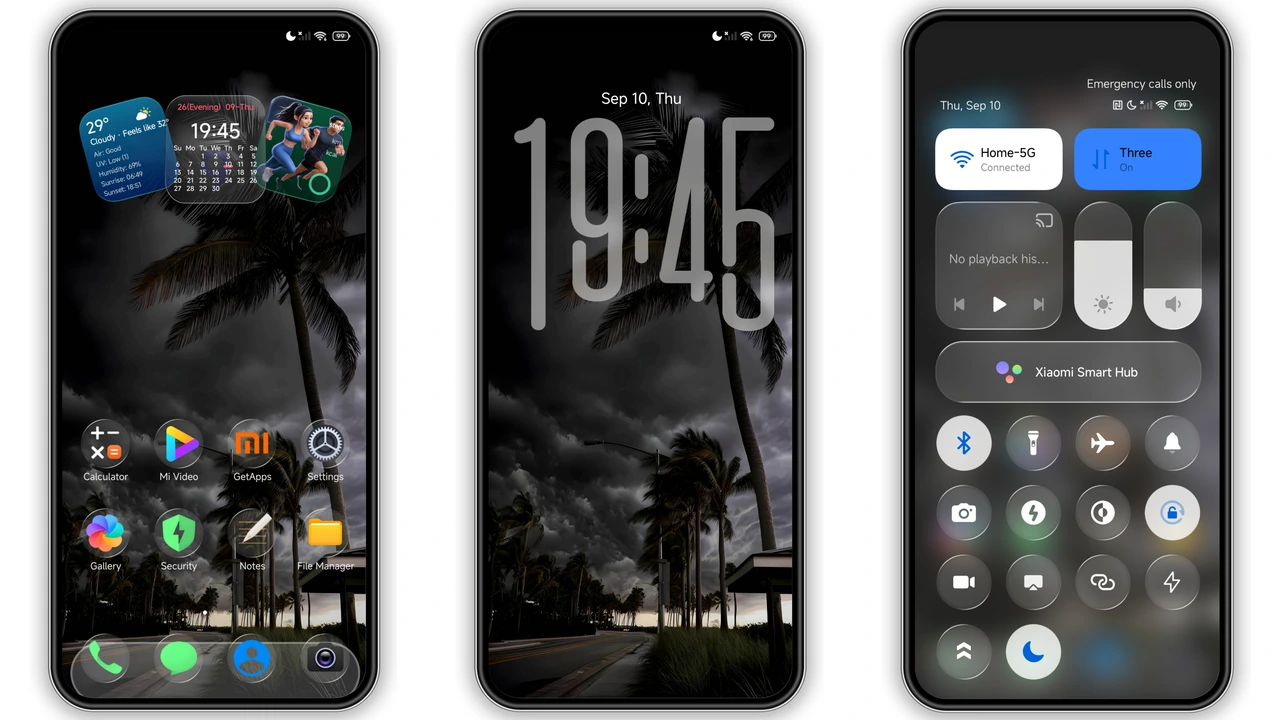
Sleek iOS‑style dark theme adds glassy icons, bold lock‑screen clock, and premium feel to any Xiaomi, Redmi or POCO device.
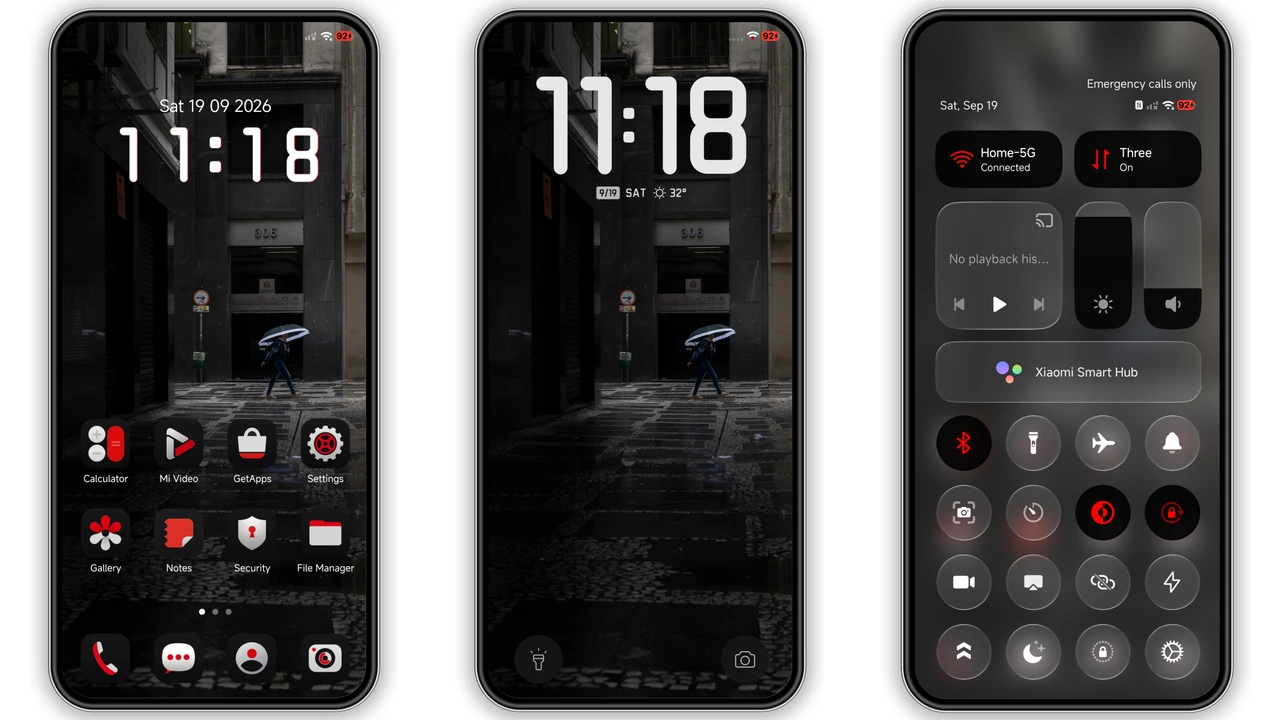
Dark HyperOS theme with striking red icons, sleek clock, and deep AMOLED backdrop—perfect for fans who crave contrast.
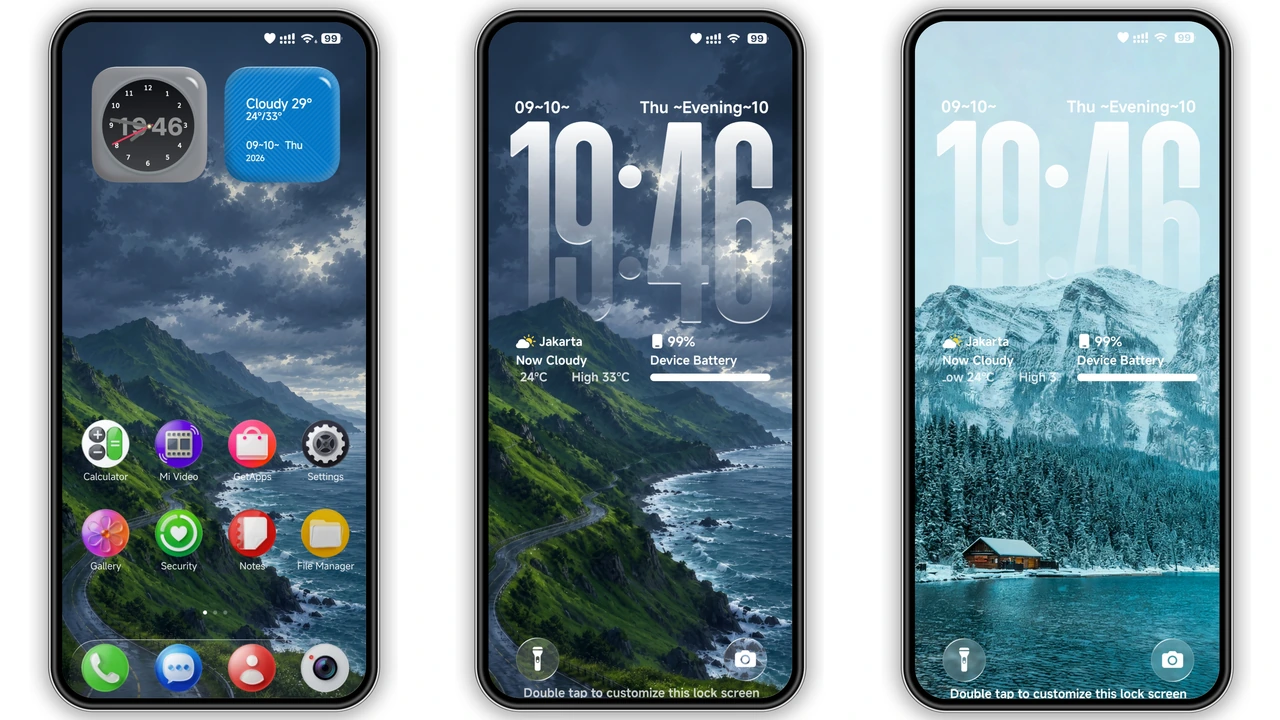
Glossy icons, 3D depth wallpapers, liquid‑glass lockscreen – Vibria transforms any HyperOS device into a sleek glass‑morphism showcase.
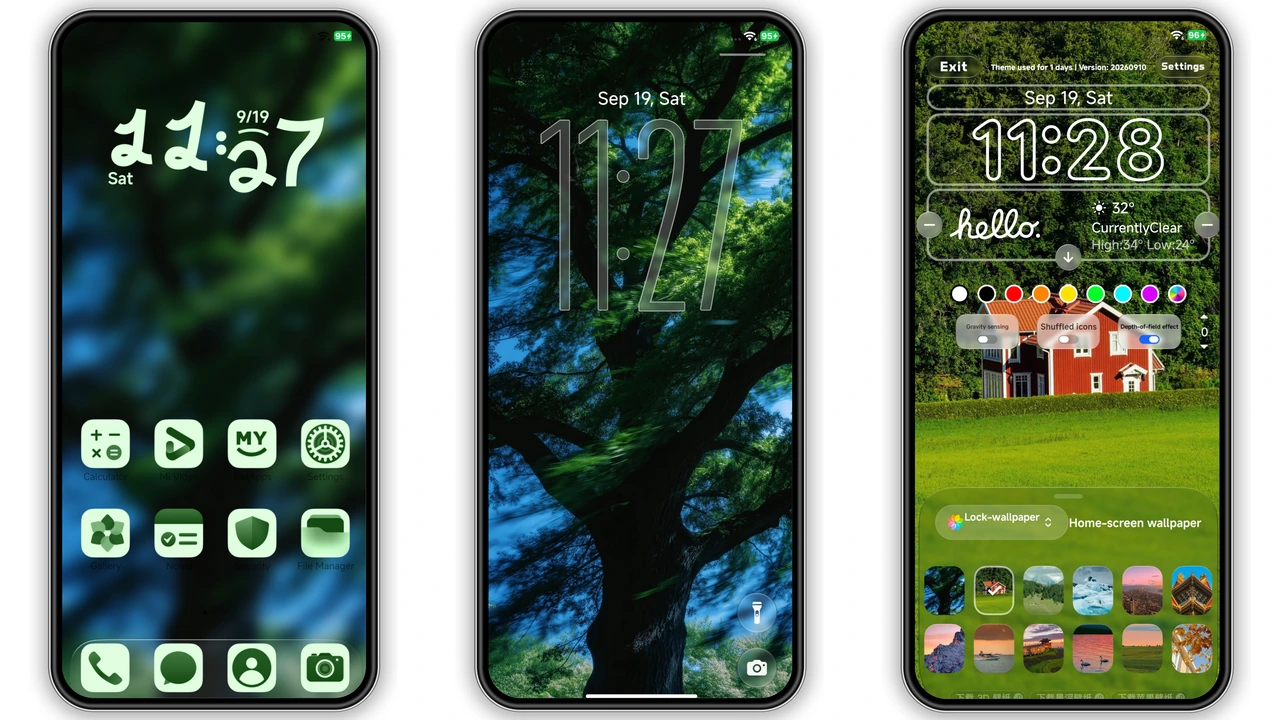
Green vibes meet sleek customization—Verdant transforms HyperOS with nature‑inspired wallpapers, fresh icons, and a lockscreen selector.
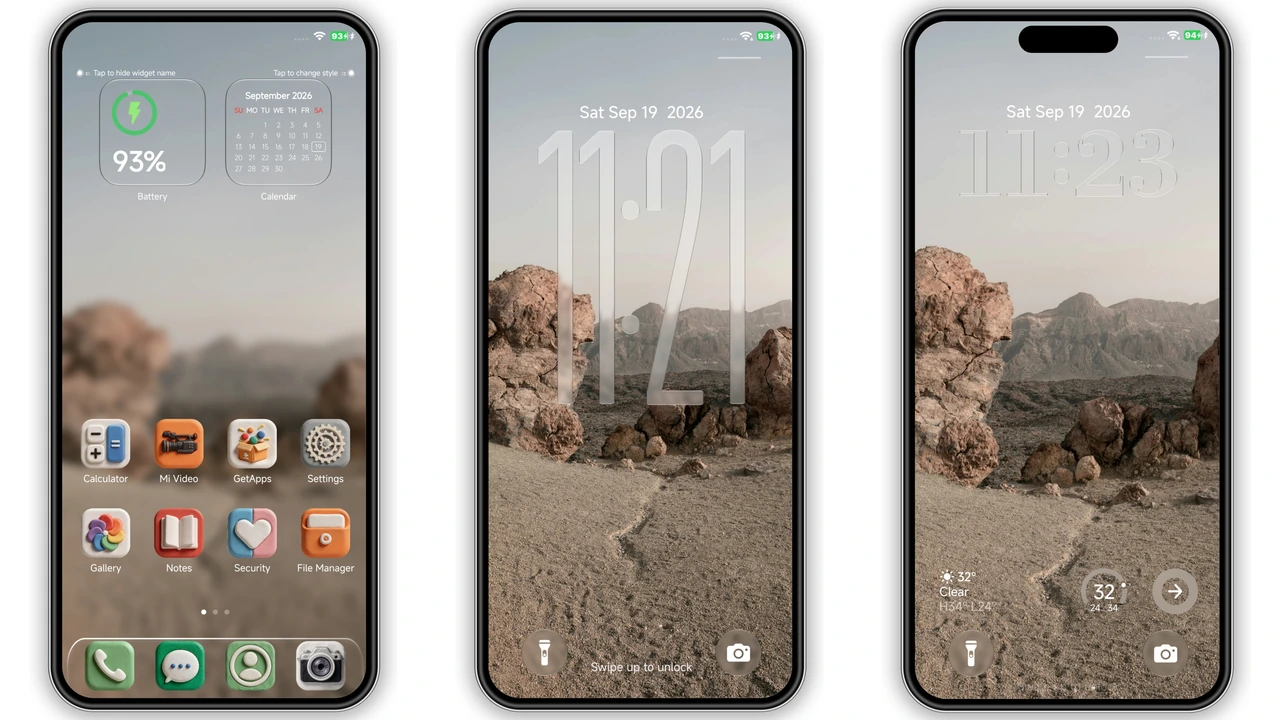
Tactile clay‑styled icons meet glassy lock‑screen motion in OX CLAY, a free HyperOS theme that reshapes Xiaomi, Redmi and POCO UI.

Discover the OX CLAY HyperOS theme—vivid 3D clay icons, custom lock screen, deep widgets. Perfect for Xiaomi, Redmi, Poco users who crave a fresh, tactile look.
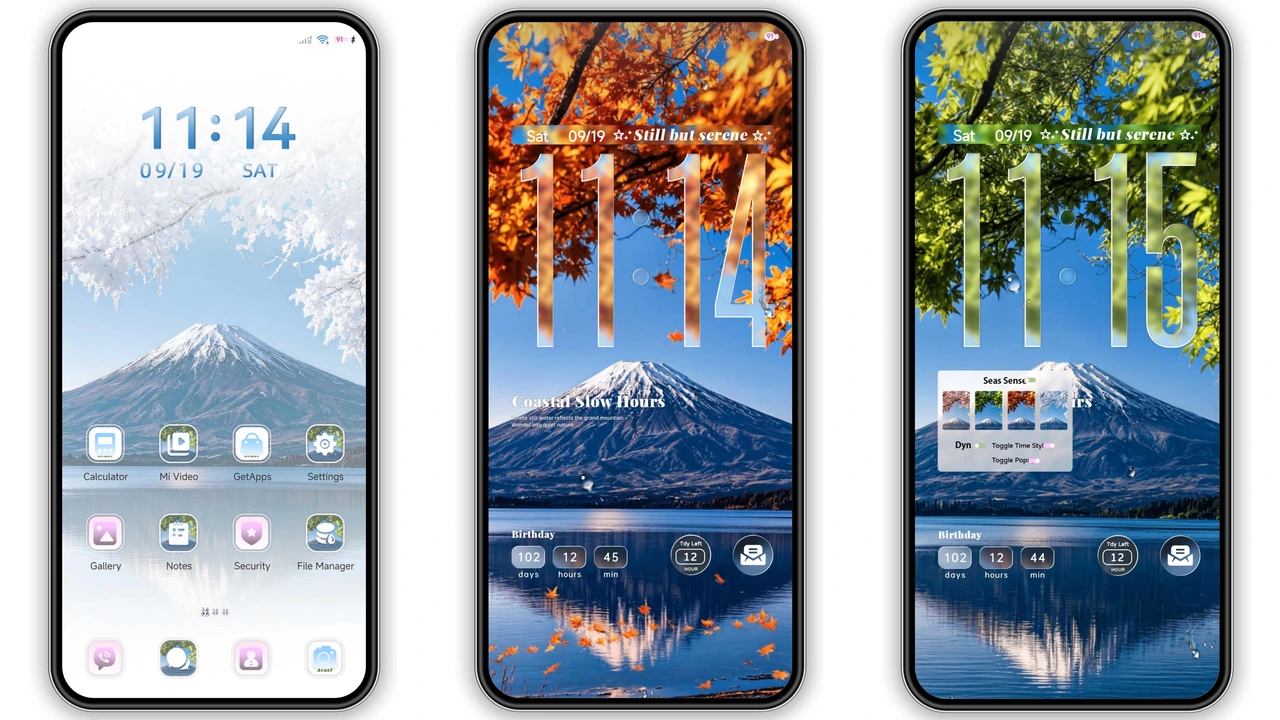
Seasonal Fuji vistas, pastel icons, circular charging effect – a calm, customizable HyperOS look for Xiaomi, Redmi, POCO.
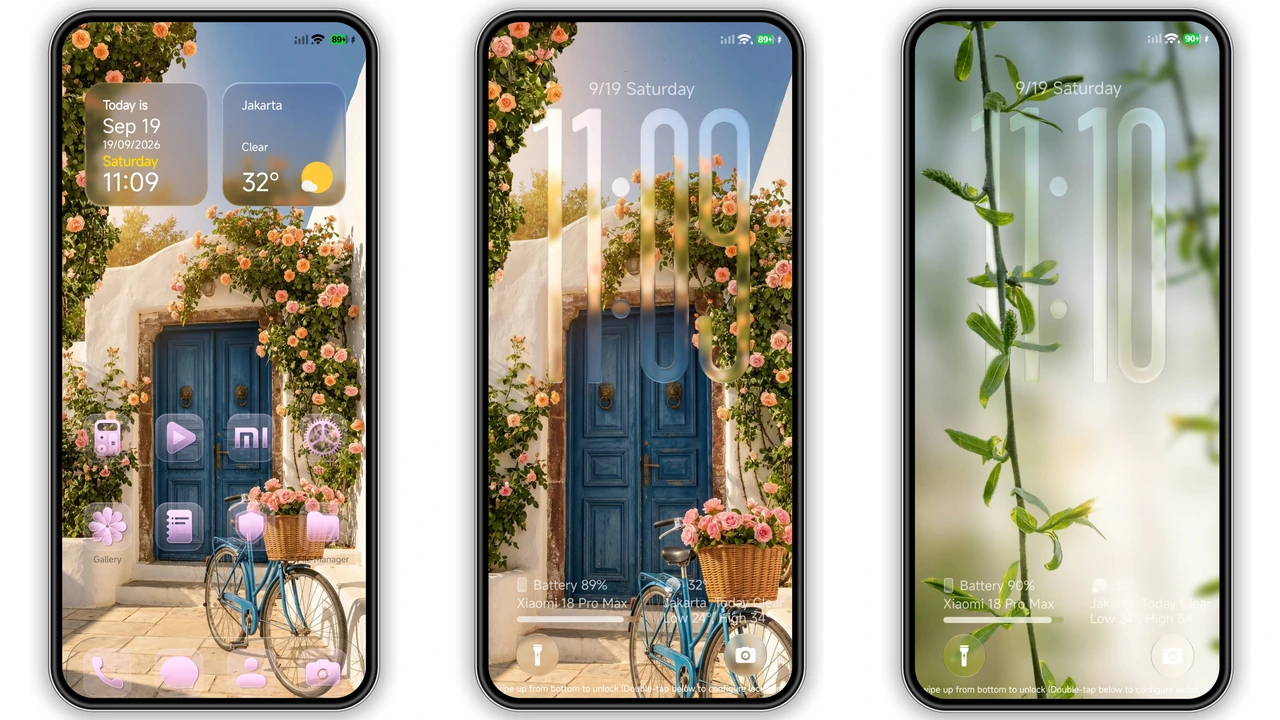
FiftyK blends frosted glass, pink icons, and dynamic lock‑screen clock for a fresh Xiaomi/Redmi look. Quick install, smooth performance.