Parameter · Value
Designer · Maidul Islam
Size · 34.02 MB
Format · MTZ
Compatibility · HyperOS, MIUI
Moody Glass Aesthetic with iOS‑Inspired Icons
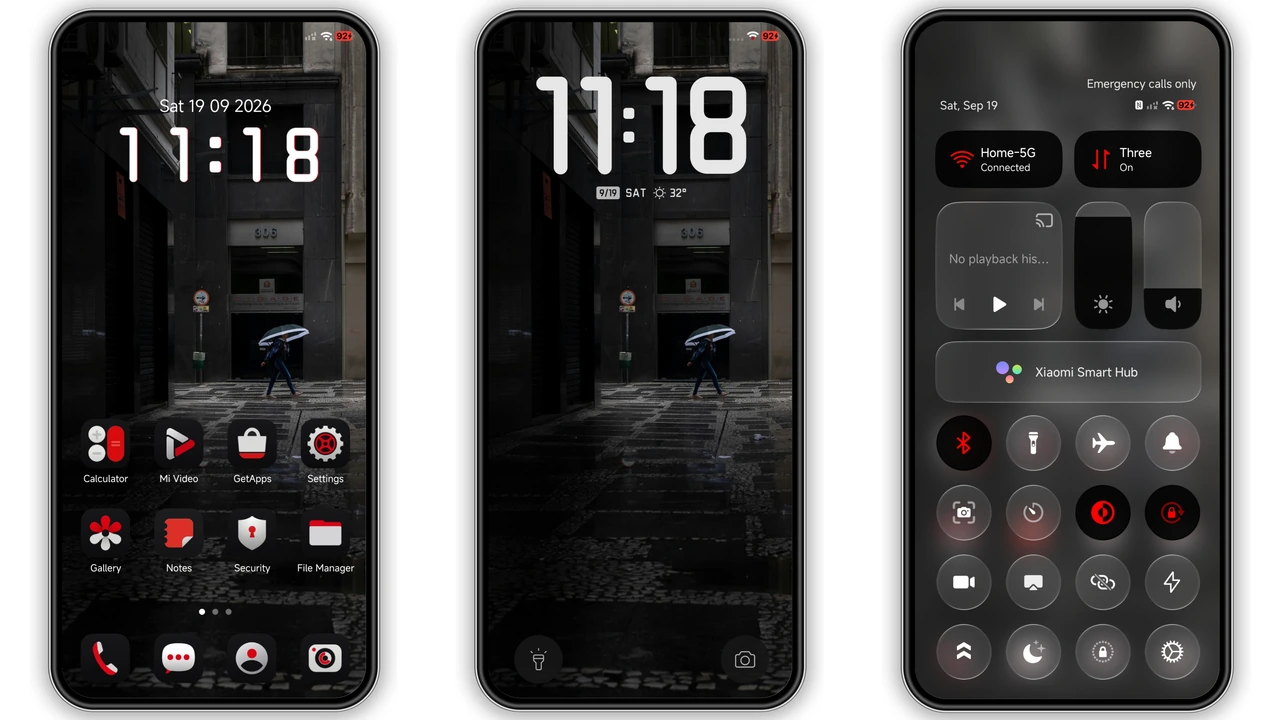
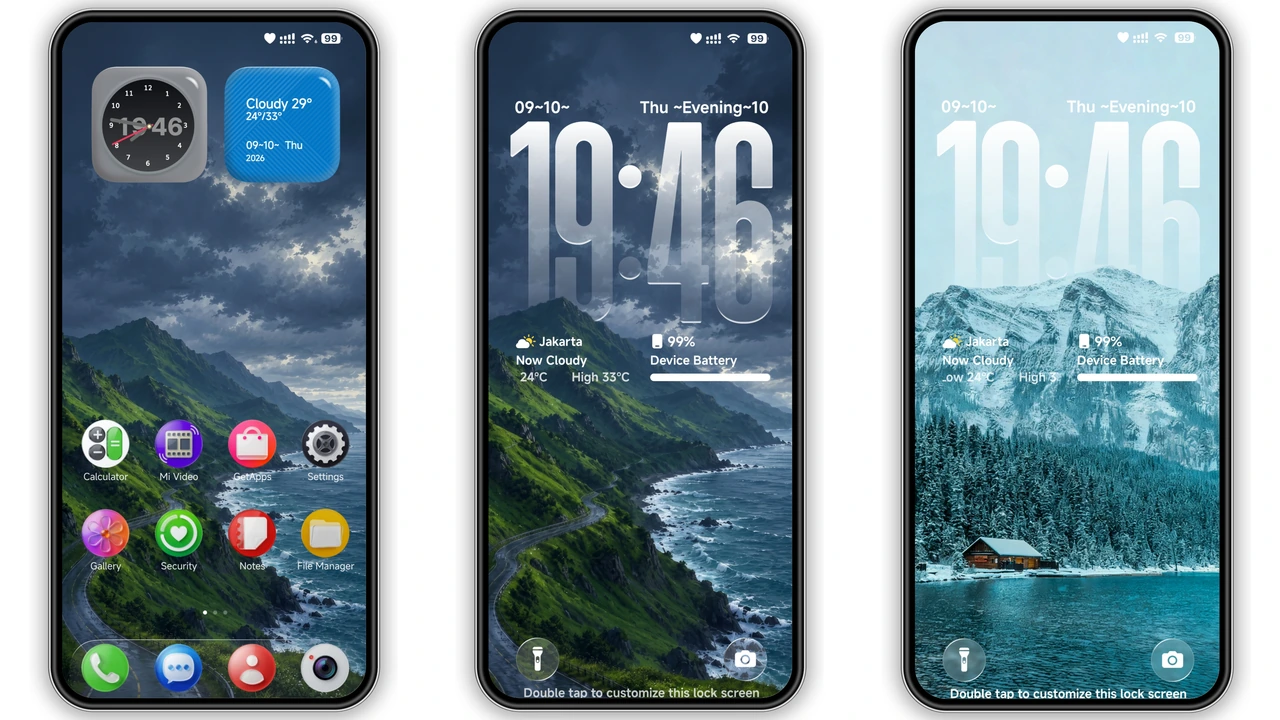
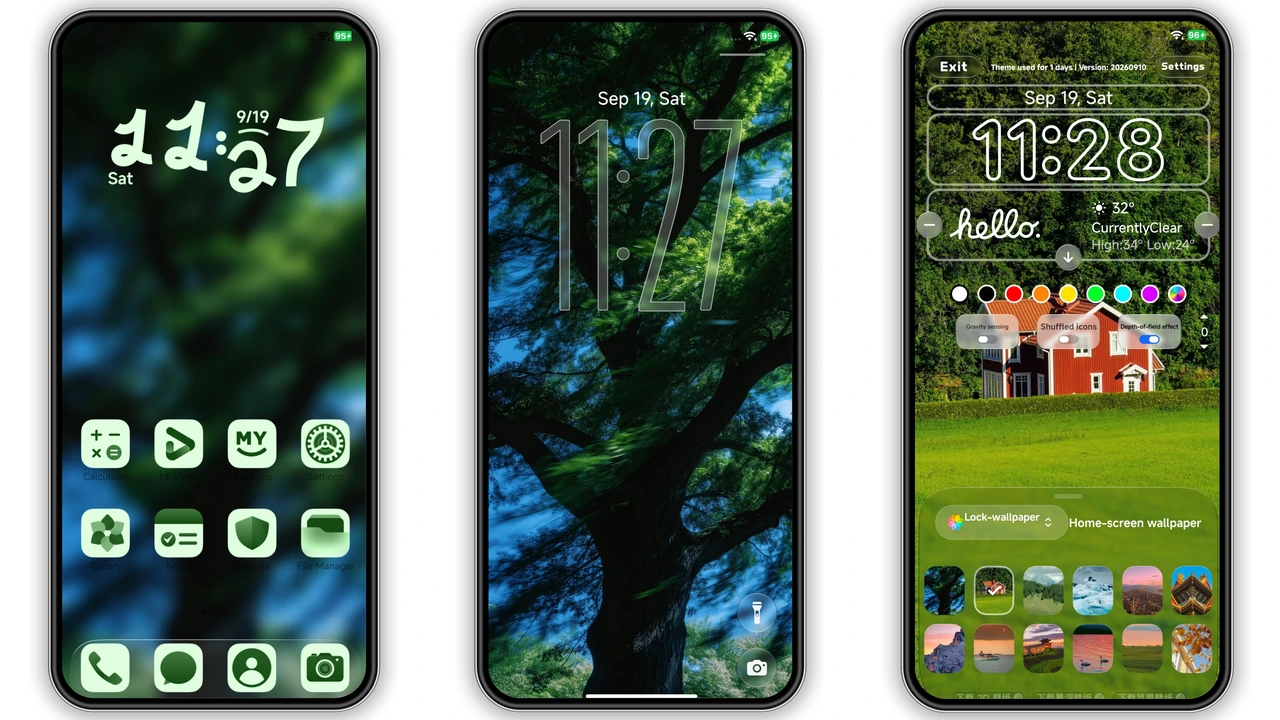
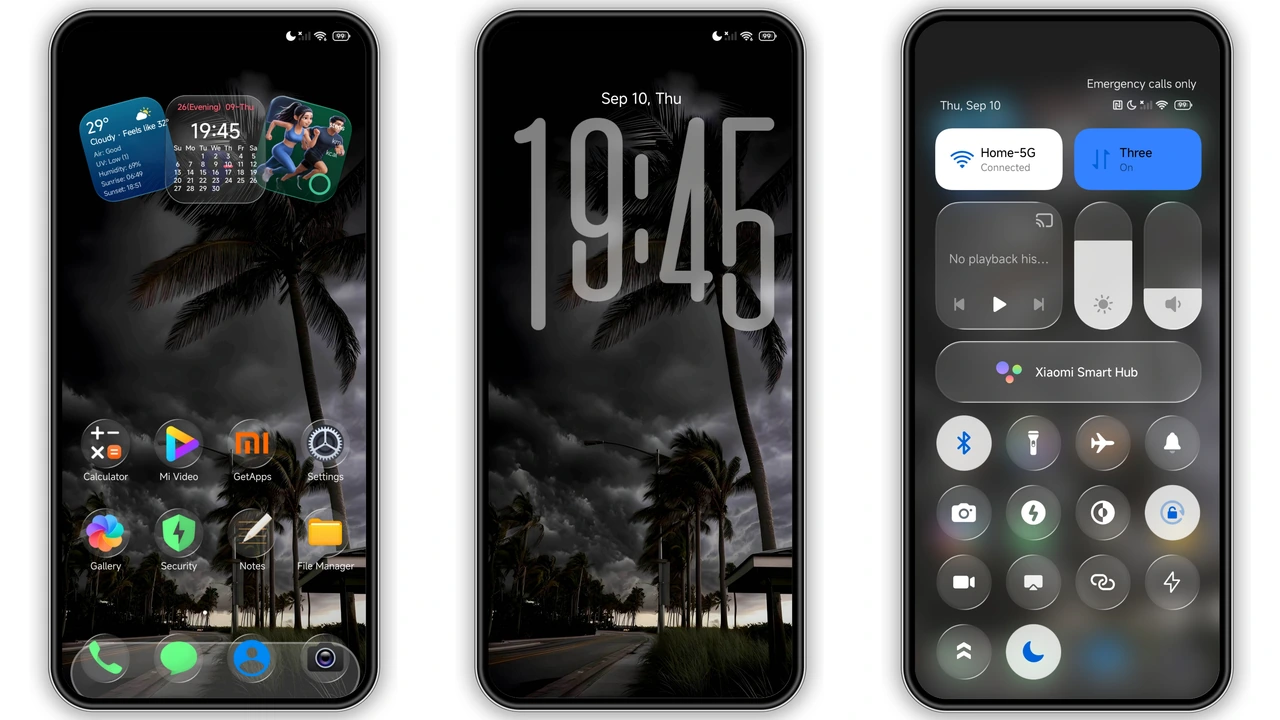
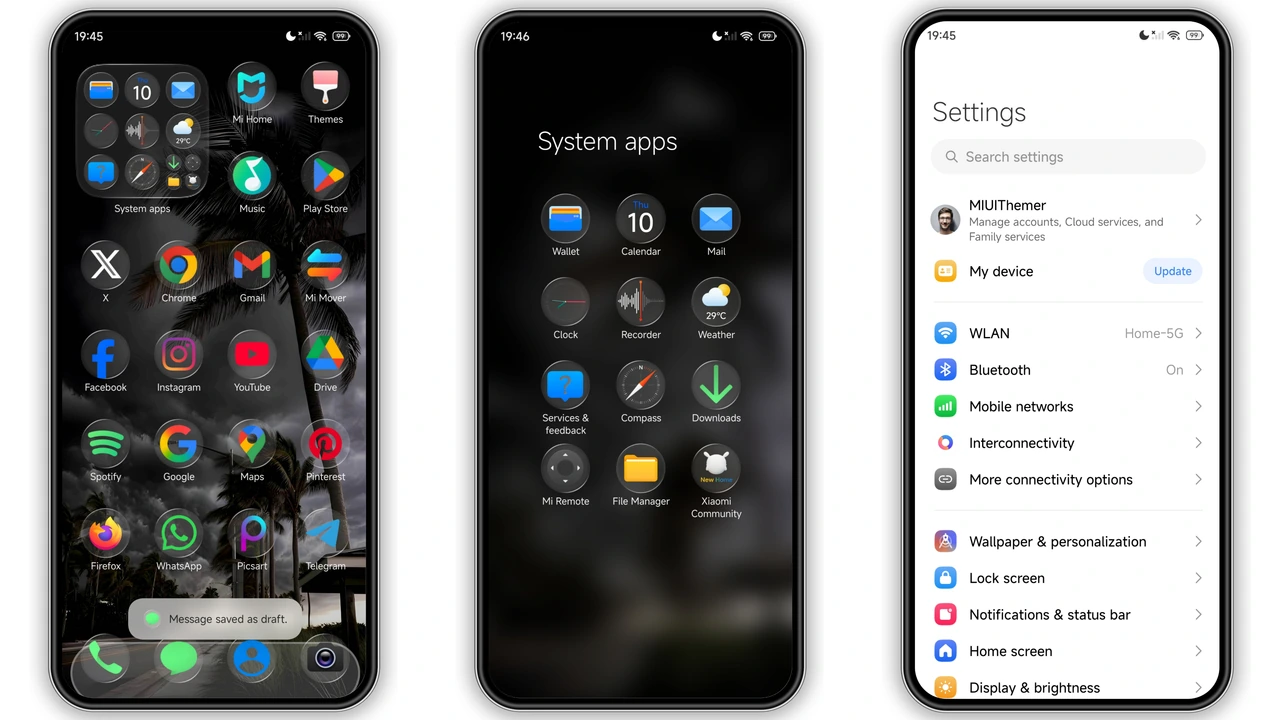
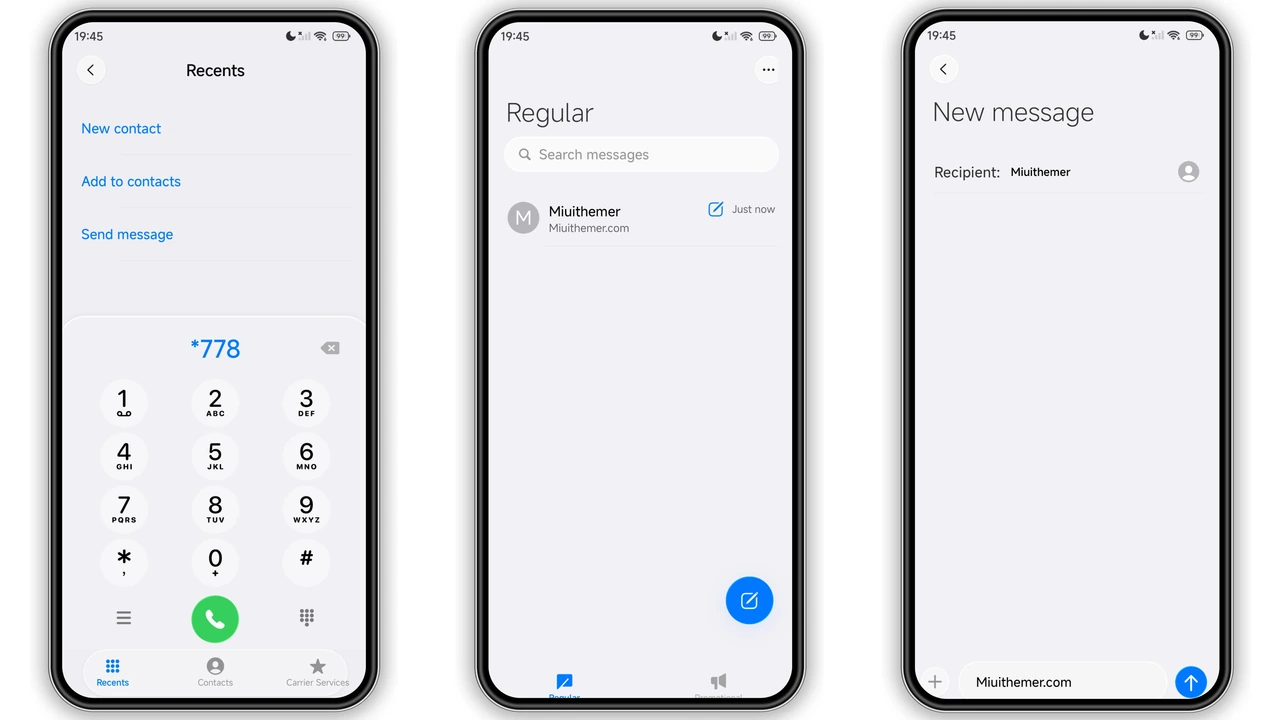
Velvet drapes your device in deep, matte black while translucent glass panels peek through. Icons sit on a subtle frosted surface, echoing iOS’s polished vibe but keeping the HyperOS edge. The lock‑screen clock adopts a bold, centered typeface that reads clearly even in low light. Wallpapers follow a muted, moody palette—think charcoal skies and soft gradients—so the theme never feels garish. The overall effect is premium, battery‑friendly, and instantly recognizable.
Suggested Read: Trending MTZ Theme “重感 爱而无畏” – A Fresh Look for HyperOS & MIUI
Who’ll Feel Right at Home with Velvet
If you love iOS minimalism but refuse to abandon Android flexibility, Velvet hits the sweet spot. Power users who customize status bars and widgets appreciate the seamless integration of custom widgets that match the glass motif. Casual fans enjoy the “out‑of‑the‑box” elegance without tweaking every element. The theme also suits night‑owl users; its dark palette reduces eye strain and conserves power on OLED screens. Redmi, Xiaomi, and POCO owners seeking a cohesive, high‑end look will find Velvet a natural upgrade.
Installation Walkthrough and What to Expect
1. Download the MTZ file from the provided link.
2. Open the Theme Store app (pre‑installed on HyperOS/MIUI).
3. Tap Import at the bottom of the Themes screen.
4. Locate the downloaded file and confirm import.
5. Apply Velvet; the system refreshes the UI.
6. Restart the device to clear any residual overlays.
The process takes under two minutes. After restart, icons, lock screen, status bar, and Always‑On Display adopt the new style. Expect a brief visual flicker as the system swaps assets—normal for any theme change.
Pros and Cons
Pros
• Dark glass aesthetic feels premium.
• iOS‑style lock‑screen clock improves readability.
• Battery‑friendly on OLED panels.
• Seamless integration with HyperOS widgets.
• Free download, no ads.
Cons
• Requires restart for full asset loading.
• Limited to HyperOS/MIUI; custom ROMs need manual import.
• No built‑in light mode variant.
• Font size fixed; users preferring larger text may need system scaling.
Theme Preview
Download Links
Use the buttons below to open the theme file and the supporting link.
Velvet Theme mtz File
Helpful links
More Theme Updates
For more curated HyperOS and MIUI theme updates, visit Hyper OS x MIUI .