Parameter · Value
Designer · Evanc
Size · 8.83 MB
Format · MTZ
Compatibility · HyperOS / MIUI
Airy Cloud Aesthetic
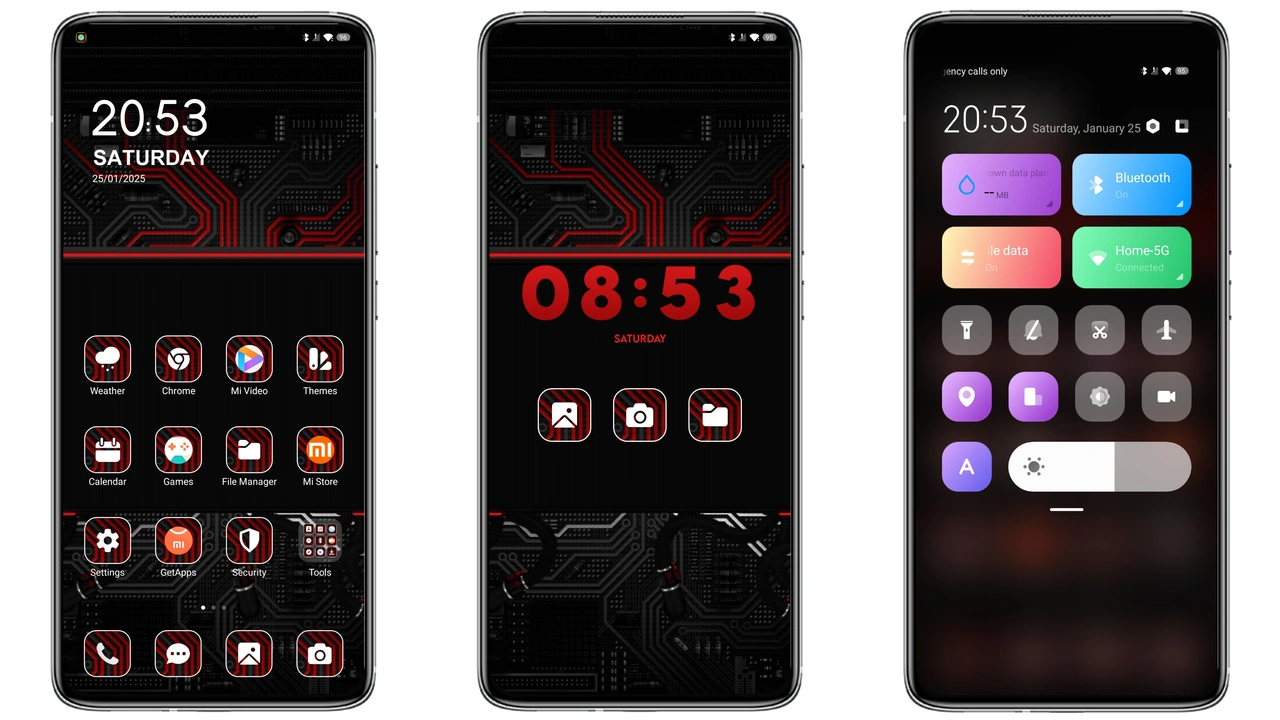
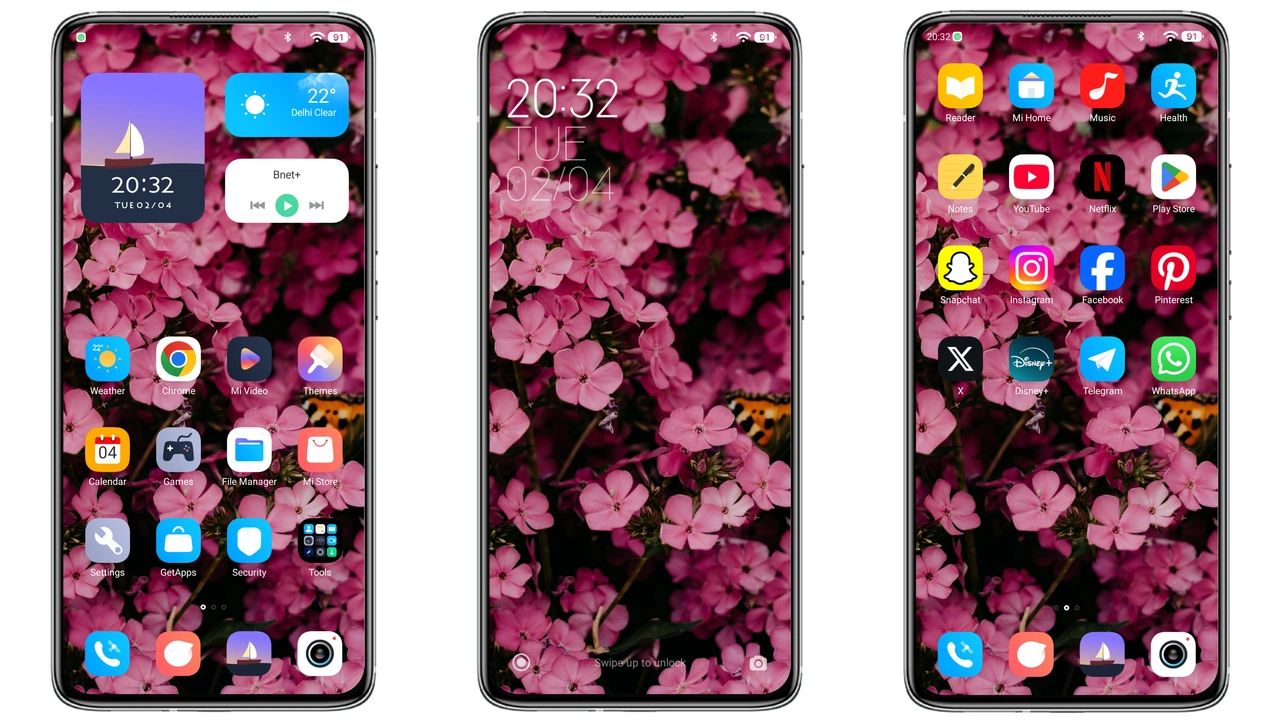
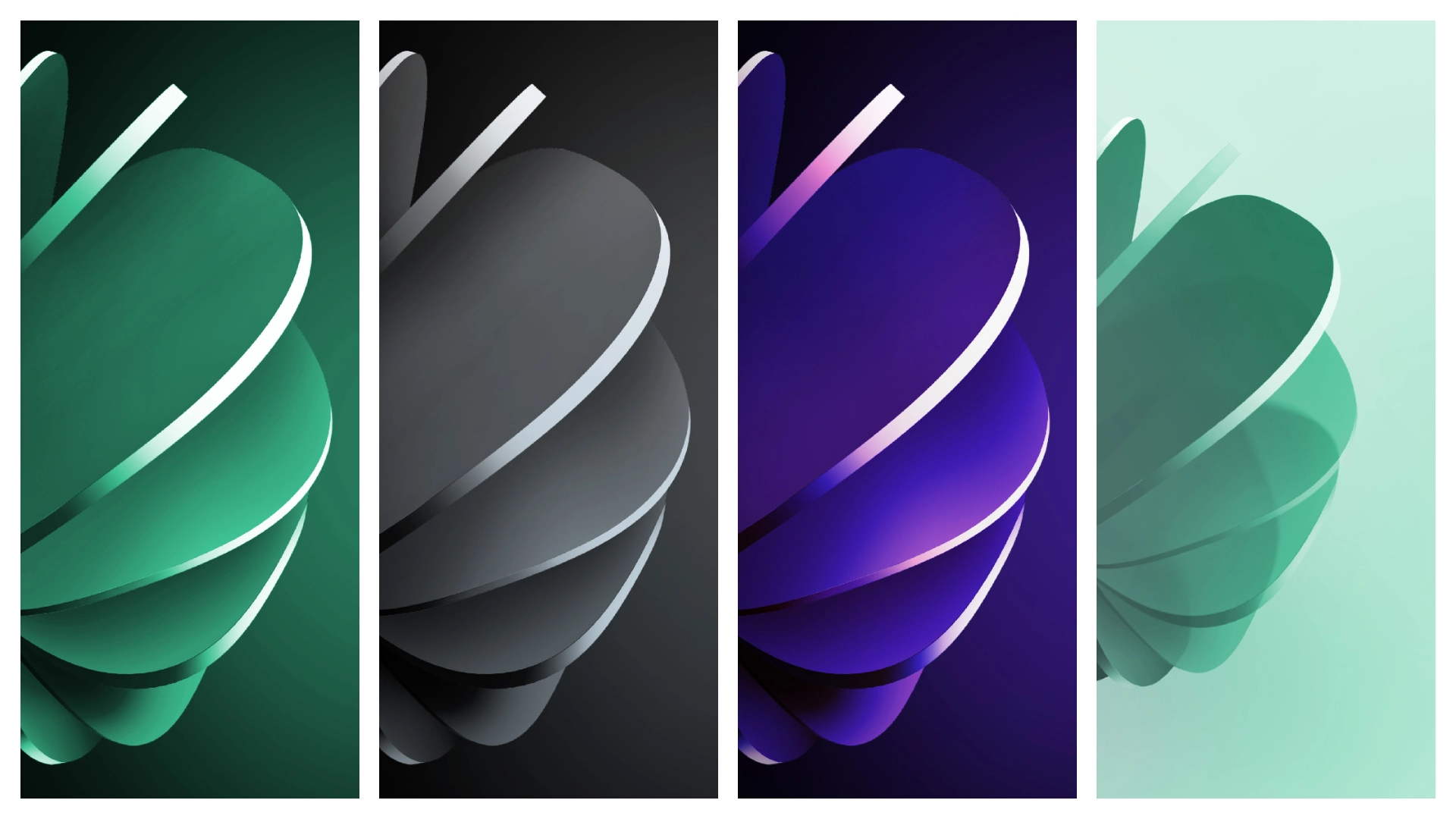
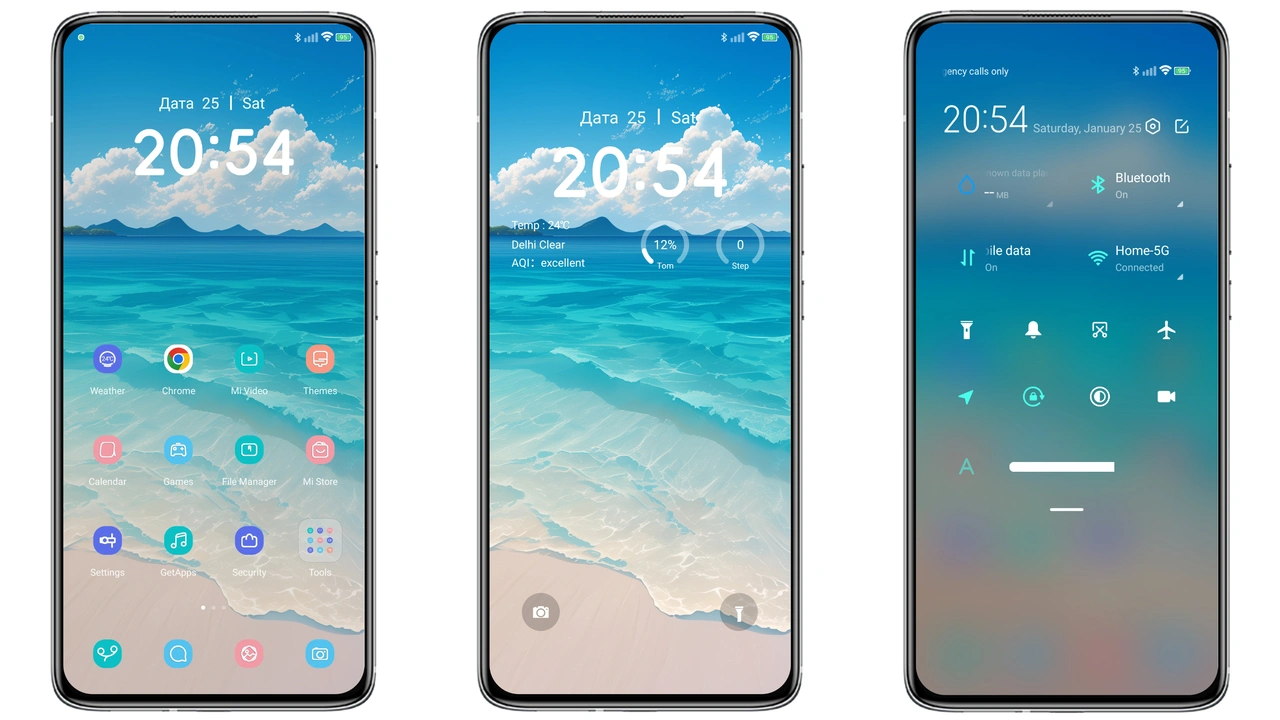
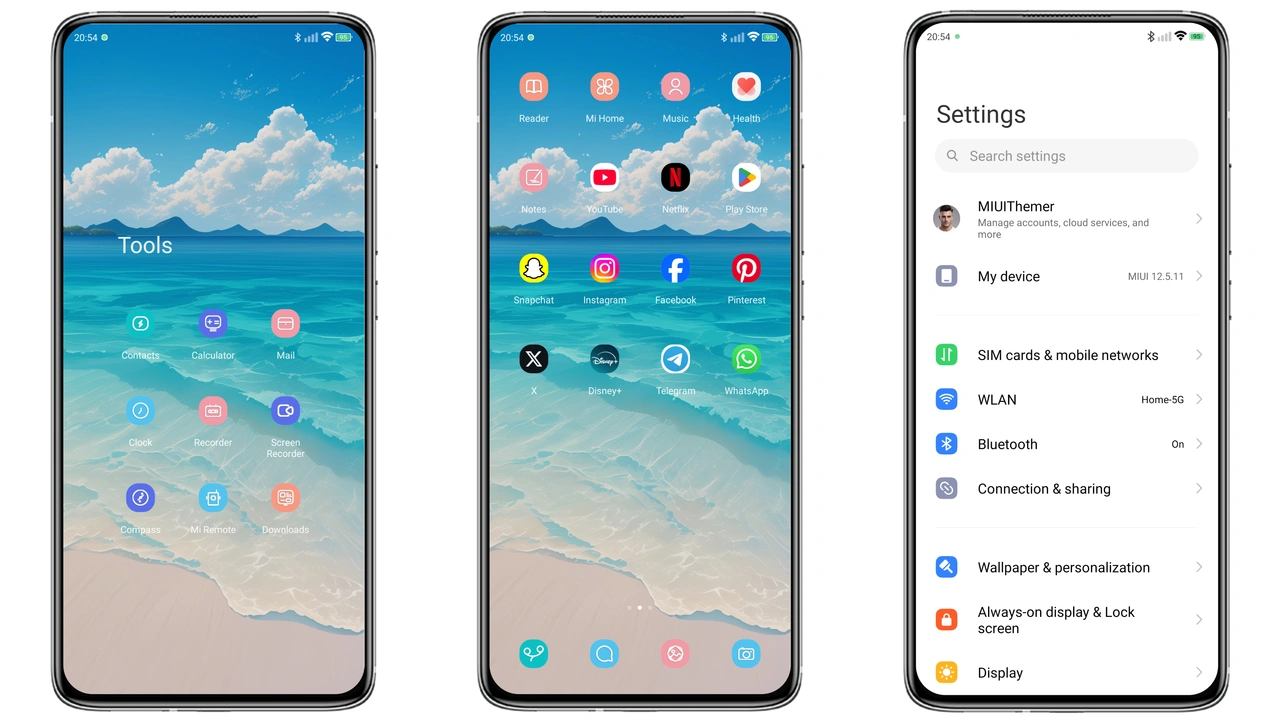
Soft palette lifts home screen. White backdrop blends with subtle blue accents. Icons receive gentle contour, shadows soften. Lock screen adopts sliding cloud veil, revealing time in crisp serif. Always‑on display mirrors sunrise hue, keeping glance pleasant. Wallpaper cycles through serene sky shots, each frame echoing calm. Status bar adopts translucent blur, letting background breathe. Overall feel: minimal, airy, inviting. No harsh contrasts, no clutter. Theme stays true to HyperOS fluidity while adding a whisper of nature.
Suggested Read: 和光同尘双模式 vs Pixel Perfect: Which Theme Wins on HyperOS & MIUI
Ideal Users & Use Cases
Fans of light mode gravitate here. Professionals seeking non‑distracting interface find focus. Students who enjoy fresh look without battery drain benefit. Minimalist lovers appreciate clean icon set and subtle motion. Users who switch between Xiaomi, Redmi, POCO devices appreciate cross‑model consistency. Developers who need a neutral background for screenshots also profit. Anyone tired of default gray finds a mood lift.
Installation Walkthrough
Open Theme Store app. Search "White Cloud". Tap download. Wait for file sync. After download, tap apply. Device restarts UI layer. For custom ROM users, locate MTZ file in file manager. Open Theme Store, choose Import, select file, confirm. Apply theme. Reboot if prompts appear. Ensure device runs HyperOS or MIUI version that supports MTZ import. No root required. No extra tools needed.
Performance & Battery Impact
Theme relies on native HyperOS rendering, no extra services. CPU usage stays baseline. GPU load rises only for lock‑screen animation, negligible. Battery drain stays within normal variance. No background processes added. Memory footprint adds ~30 MB, absorbed by system cache. Users report smooth scrolling, no lag. Theme respects power‑saving mode, disables animated clouds when enabled.
Pros and Cons
• Pros
• Light, airy visual refresh
• Seamless HyperOS integration
• Low resource consumption
• Consistent look across Xiaomi, Redmi, POCO
• Easy installation via Theme Store or MTZ import
• Cons
• Not suited for dark‑mode enthusiasts
• Limited customization beyond default options
• Requires HyperOS/MIUI version that supports MTZ files
Theme Preview
Download Links
Use the buttons below to open the theme file and the supporting link.
white cloud Theme mtz File
Helpful links
More Theme Updates
For more curated HyperOS and MIUI theme updates, visit Hyper OS x MIUI .