Parameter · Value
Designer · Ivan22
Size · 2.20 MB
Format · MTZ
Compatibility · HyperOS / MIUI
Midnight‑Blue Minimalist Aesthetic
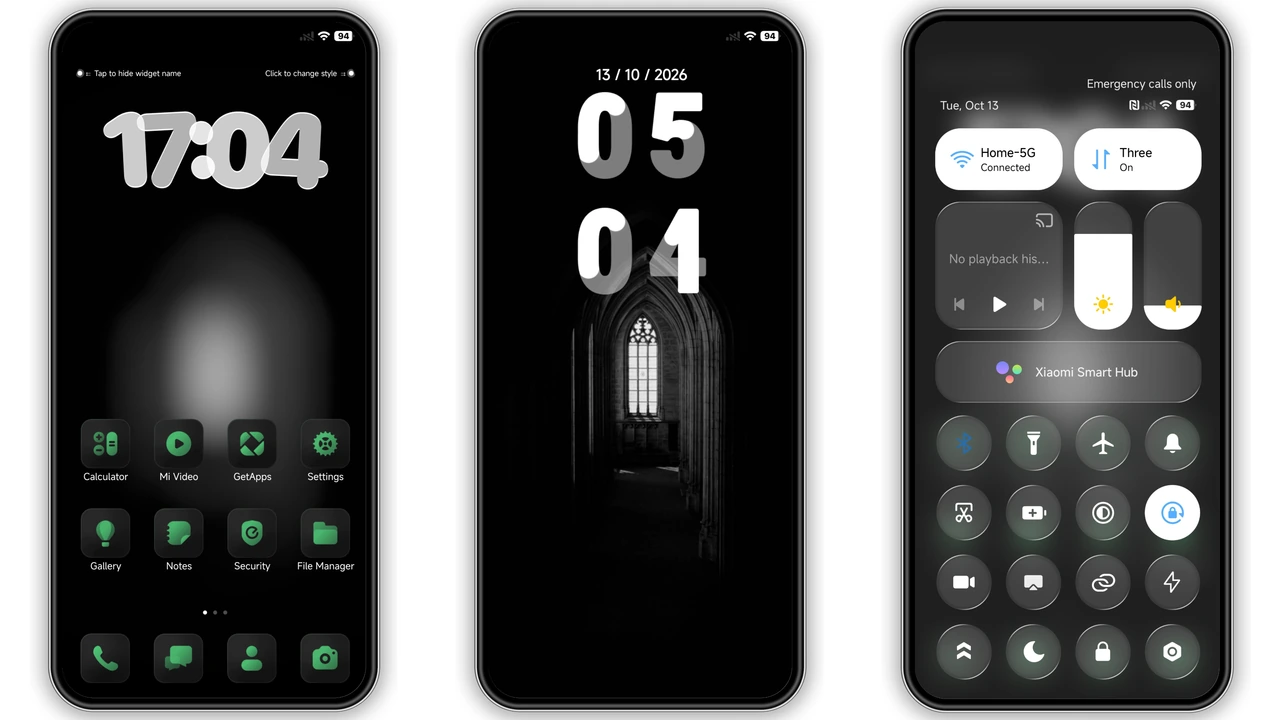
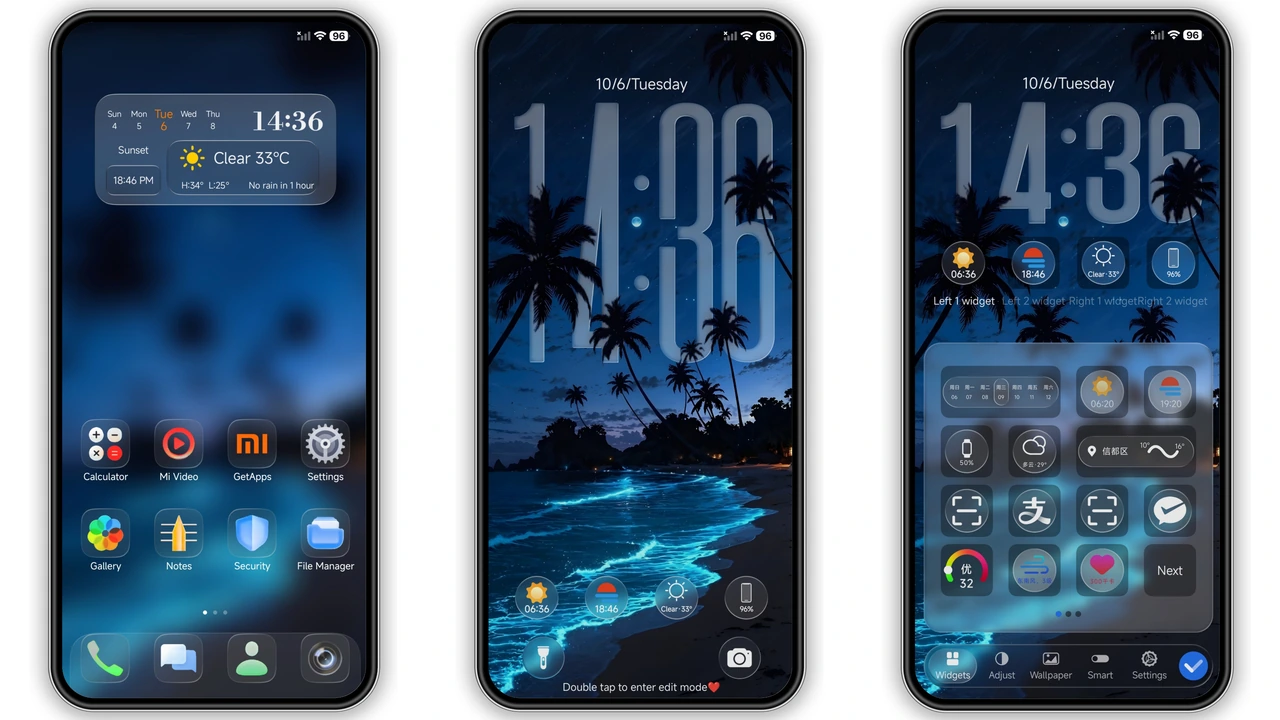
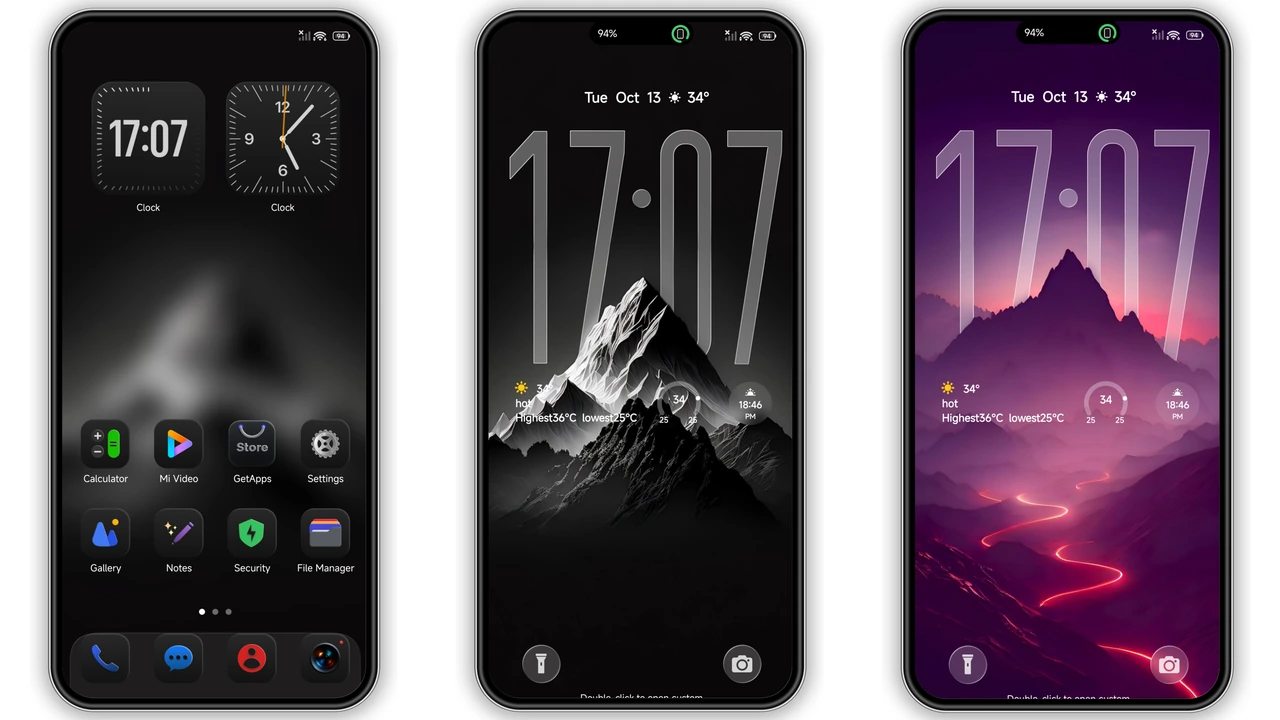
Space Black embraces a true black canvas, stripping away unnecessary chrome while preserving essential UI cues. Icons receive a subtle matte finish that glows against the dark backdrop, giving the home screen a premium feel. Wallpapers rotate between deep‑space nebulae and sleek abstract gradients, each calibrated to avoid battery‑draining over‑brightness. The status bar adopts a thin, translucent line that blends with the lock screen, ensuring notifications remain readable without breaking the visual flow.
Suggested Read: 古早 薄巧兔子少女 vs Neon Wave: Which Theme Fits Your HyperOS or MIUI Style?
Power Users Who Crave Business‑Class Flair
Professionals who favor a clean, distraction‑free workspace gravitate toward this theme. Business‑oriented widgets—calendar, email, finance—inherit a uniform glyph style that mirrors corporate branding guidelines. The dynamic lock screen showcases a low‑key animation of orbiting particles, reinforcing a sense of motion without compromising security. Always‑On Display (AOD) displays time and date in a crisp, white typeface that stands out against the black, making night‑time glances effortless.
Seamless Compatibility Across HyperOS Devices
Ivan22 designed Space Black for the entire HyperOS ecosystem. Whether the device runs the latest HyperOS build or a stable MIUI variant, the theme detects the OS layer and adjusts icon packs accordingly. Xiaomi, Redmi, and POCO models share the same resource folders, eliminating the need for device‑specific variants. The theme respects custom ROM overlays; on MIUI‑based custom ROMs, it imports the MTZ file without triggering conflicts, provided the user follows the standard import procedure.
Installation Walkthrough Without Hassle
1. Download the MTZ file from the official link.
2. Open the Theme Store app, tap Themes, scroll to Import at the bottom.
3. Select the downloaded file, confirm import, then apply.
4. Restart the device to ensure all overlays render correctly.
The process takes under two minutes on a mid‑range handset. If the built‑in import fails, switching to a different browser (Chrome or the native Xiaomi browser) resolves most hiccups. After activation, the home screen refreshes automatically; any lingering cache can be cleared via Settings → Display → Theme → Clear Cache.
Pros and Cons
• Pros
• Deep black palette reduces eye strain.
• Consistent icon redesign across system apps.
• Dynamic lock screen adds subtle flair.
• AOD readability excels in low‑light.
• Small file size, quick download.
• Cons
• Limited color accent options.
• Some third‑party launchers may hide custom icons.
• Requires manual restart for perfect rendering.
Overall, Space Black delivers a polished, business‑ready aesthetic while staying lightweight and broadly compatible. Its minimalist ethos appeals to users who prefer substance over flash, making it a solid addition to any HyperOS or MIUI device.
Theme Preview

Download Links
Use the buttons below to open the theme file and the supporting link.
Space Black Theme mtz File
Helpful links
More Theme Updates
For more curated HyperOS and MIUI theme updates, visit Hyper OS x MIUI .