Parameter · Value
Designer · TOO
Size · 25.65 MB
Format · MTZ
Compatibility · HyperOS / MIUI
Cosmic Dark Aesthetic That Pops
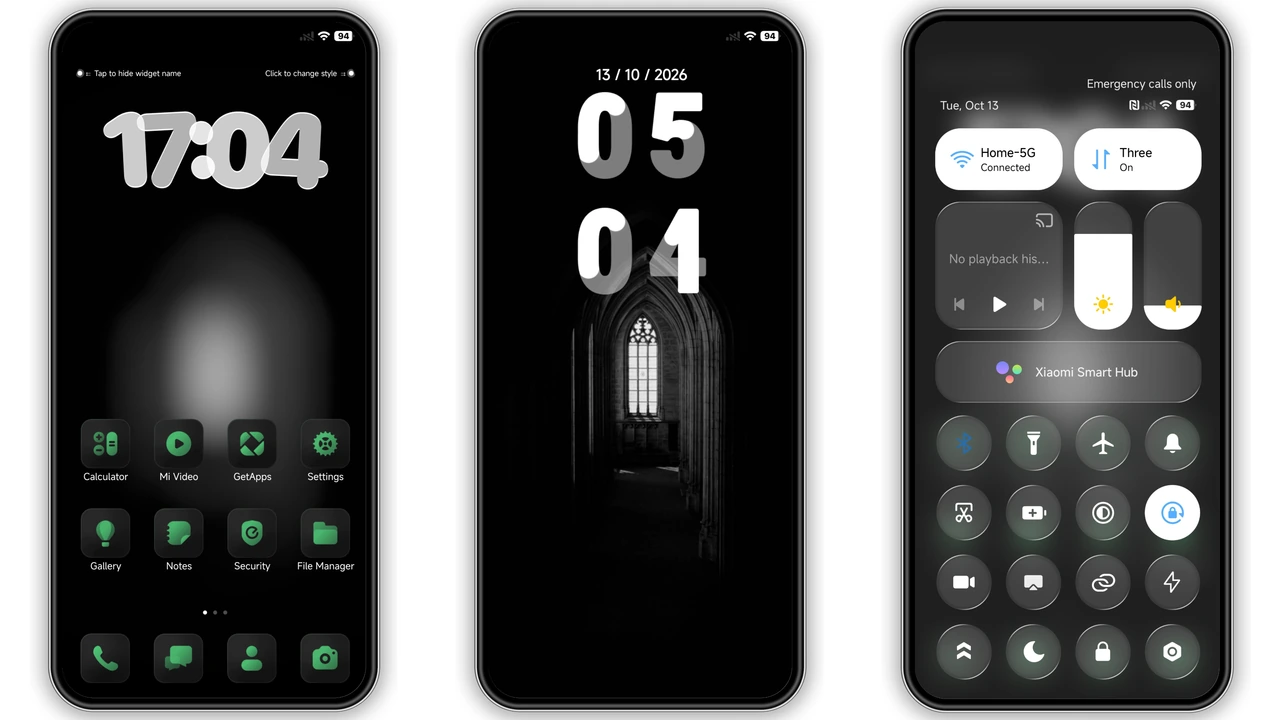
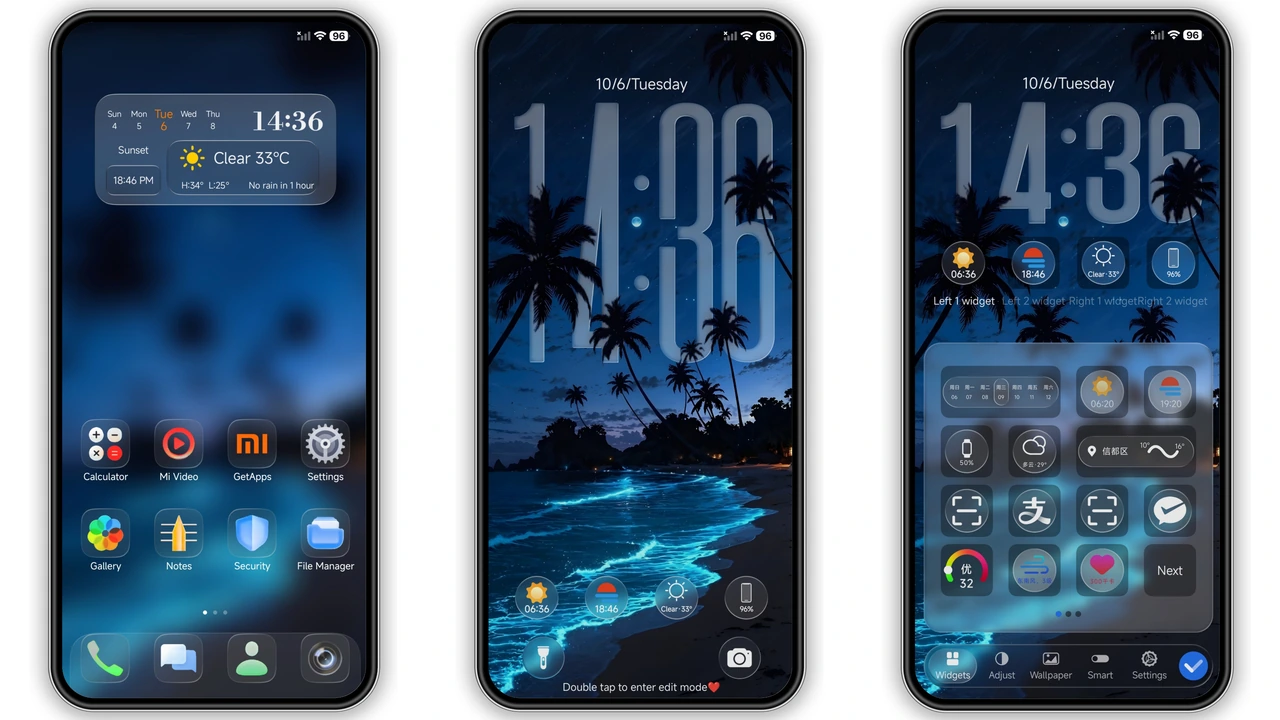
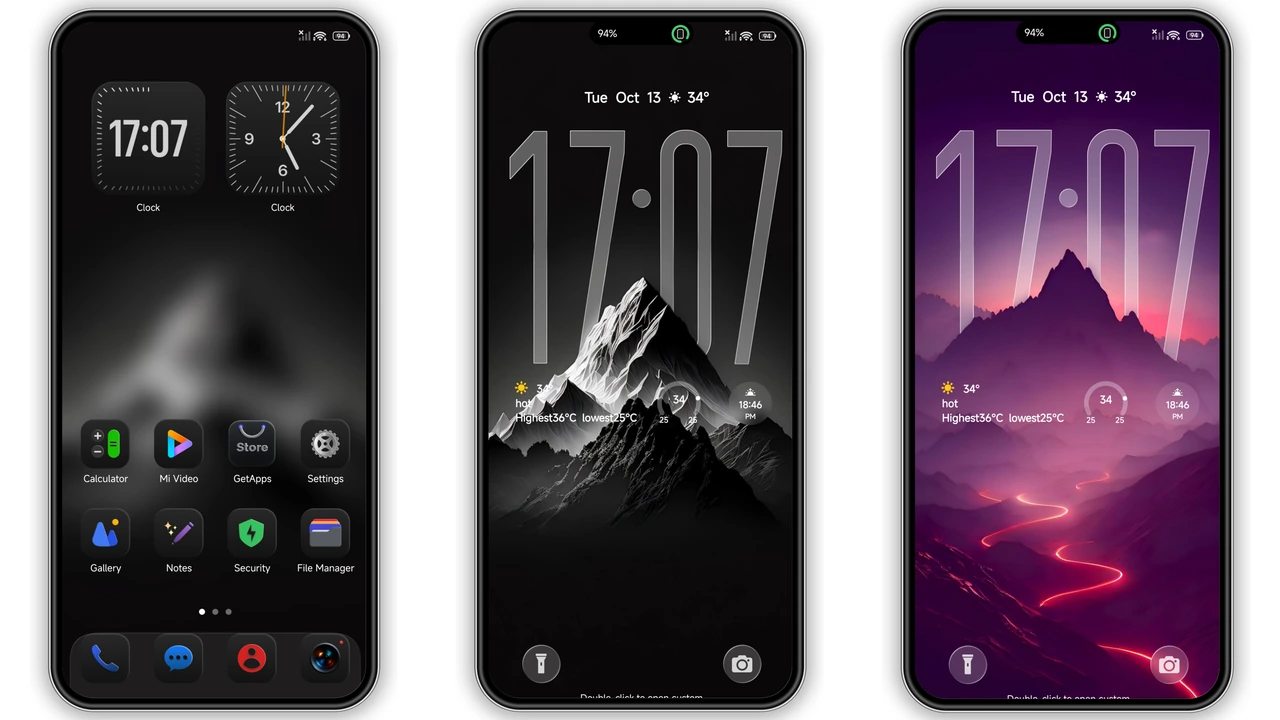
Black Planet embraces a deep‑space palette. Pure black dominates the UI, punctuated by subtle nebula gradients on the lock screen and always‑on display. Icons receive a fresh, matte finish that glows faintly against the darkness, giving the impression of distant stars. Wallpapers feature high‑resolution planetary textures—think swirling gas giants and cratered moons—while the status bar adopts a thin, luminous line that never feels intrusive. The theme balances minimalism with personality: no gaudy colors, just a refined, futuristic vibe that makes everyday navigation feel like a quiet orbit.
Suggested Read: Archive of 毛绒财神 诸事皆顺 MTZ Theme – Detailed Catalog
Who’ll Love This Interstellar Look
If you gravitate toward dark themes that feel premium rather than merely “black,” this pack is for you. Power users who spend hours tweaking UI elements will appreciate the cohesive icon set and the consistent color language across lock screen, home screen, and system dialogs. Fans of sci‑fi aesthetics, space‑art enthusiasts, and anyone who wants their phone to stand out without screaming will find it a perfect match. It also suits night‑owl developers and gamers who prefer low‑light environments; the theme reduces eye strain while keeping essential information readable.
Installing & Applying on HyperOS & MIUI
1. Download the MTZ file from the provided link.
2. Open the Themes app (pre‑installed on HyperOS/MIUI).
3. Tap the three‑dot menu → Import → locate the downloaded MTZ.
4. Confirm import; the theme appears in My Themes.
5. Select Apply. The system will prompt a quick reboot; accept it.
6. After reboot, verify icons, lock screen, and AOD reflect the new design. If any element looks misaligned, return to the Themes app and tap Refresh.
Pros and Cons
• Pros
• Cohesive dark‑space visual language.
• High‑resolution wallpapers and icons.
• Seamless compatibility with HyperOS and MIUI.
• Lightweight; minimal impact on performance.
• Cons
• No light‑mode variant; users who need a bright theme must switch.
• Limited customization beyond the provided assets.
• Requires manual import; not available directly in the official store.
Theme Preview


Download Links
Use the buttons below to open the theme file and the supporting link.
Black planet Theme mtz File
Helpful links
More Theme Updates
For more curated HyperOS and MIUI theme updates, visit Hyper OS x MIUI .