Parameter · Value
Designer · Pottah
Size · 54.77 MB
Format · MTZ
Compatibility · HyperOS / MIUI
Cascading Blue Visuals
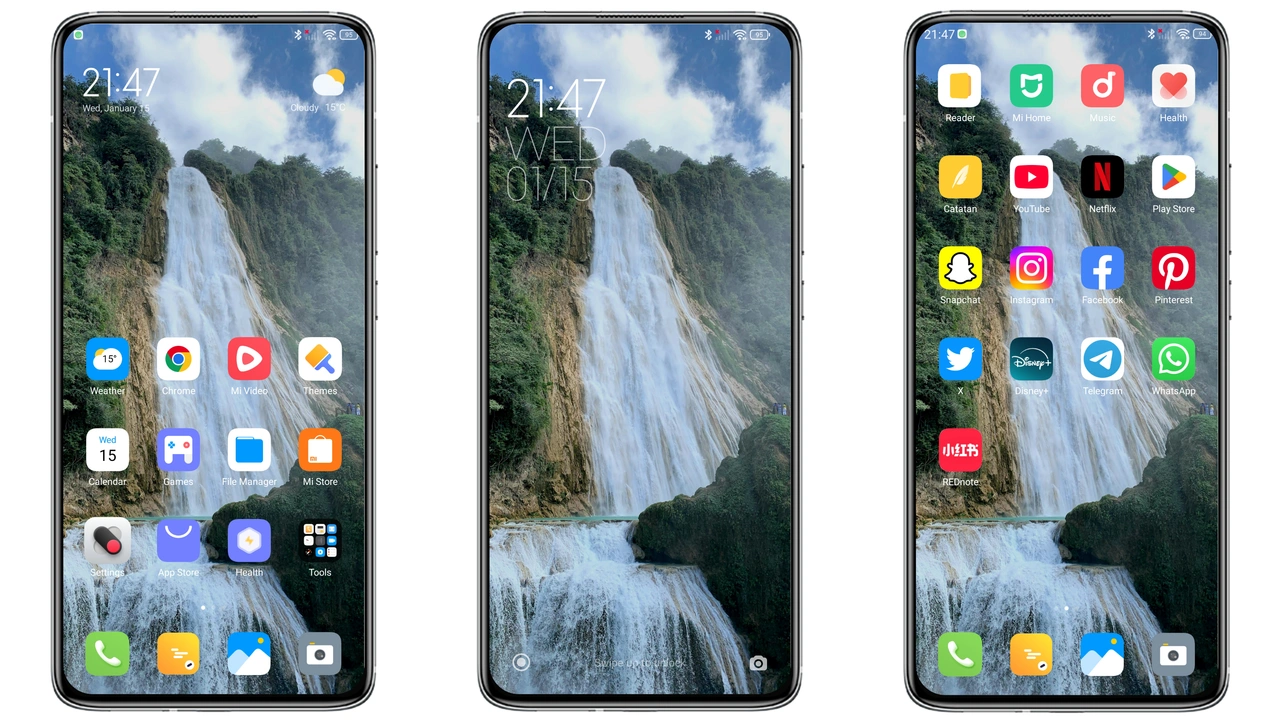
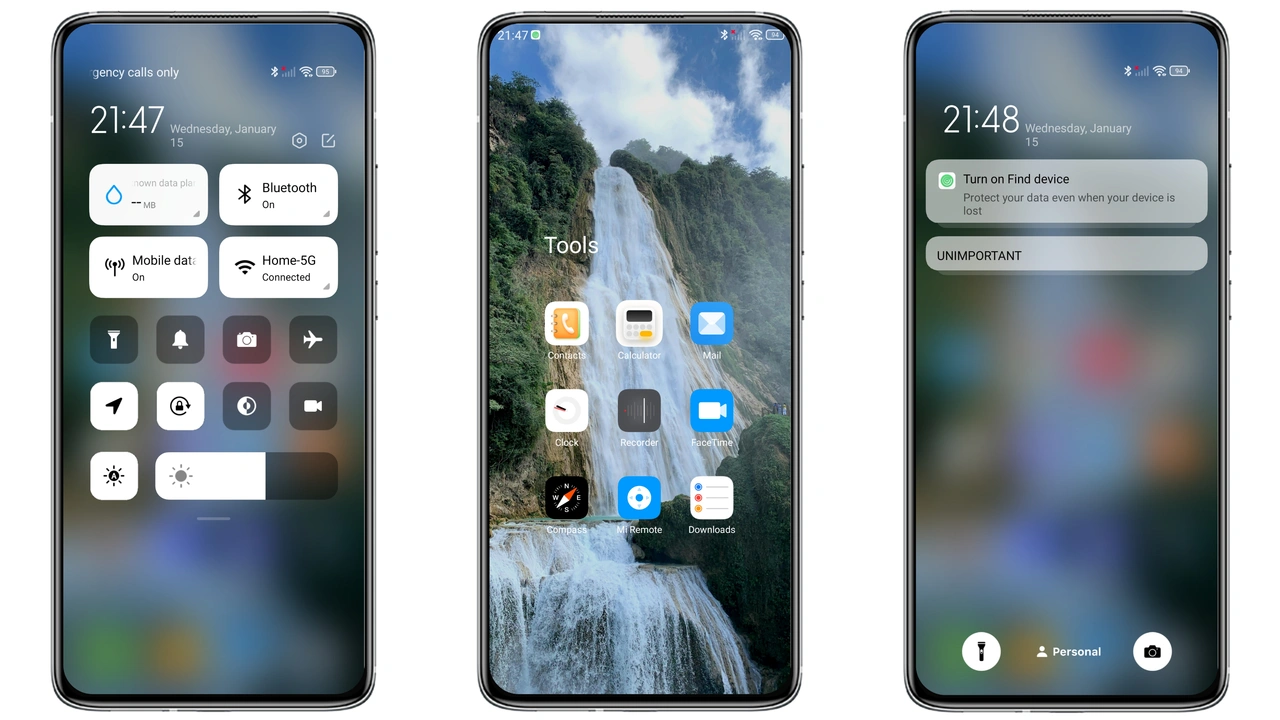
Theme drapes screen in cool blues because waterfall motif. Wallpapers shift from sunrise to dusk, matching time of day. Icons adopt subtle gradients, echoing water flow. Lock screen animates ripple effect, giving tactile feedback. Always‑on display glows with soft teal, reducing eye strain. Status bar adopts translucent hue, blending with background. Navigation bar mirrors wallpaper tones, creating seamless edge‑to‑edge feel. Font color switches to white for contrast, improving readability. Animation speed stays moderate, avoiding jitter. Overall aesthetic feels fresh, calm, and modern.
Suggested Read: OX GR1 HyperOS Theme – A Detailed Archive for Xiaomi & Redmi Fans
Nature‑Inspired Icons and Widgets
Icons redesign flora shapes because nature theme demands cohesion. Calendar widget displays leaf‑like date squares, adding visual interest. Battery indicator morphs into droplet, instantly recognizable. Clock widget adopts wave hands, reinforcing water concept. App folders receive subtle wave borders, distinguishing them from stock. Notification icons keep original shapes but gain blue tint, preserving familiarity. System UI elements, such as volume slider, glide like flowing water. All assets rendered at 1080p, ensuring crispness on high‑density screens. No loss of functionality, only visual upgrade.
Installation Flow on Stock and Custom ROMs
Download MTZ file because theme distribution uses Xiaomi format. Open Theme Store app, tap "Import", select file, confirm. Theme appears in My Themes list, tap Apply. Restart device, ensure UI refreshes fully. On custom ROMs, same steps apply; Theme Store must be installed via Xposed or similar. If import fails, clear Theme Store cache, retry. For HyperOS Global Stable, use Firefox to open official store link, then "Open in app". Chrome may block deep link, switch browser if needed. After apply, verify lock screen animation works; if not, reboot once more. No root required, process remains safe.
Performance and Battery Impact
Theme runs on GPU shaders because visual effects need hardware acceleration. Frame rate stays at 60 fps on mid‑range devices, no stutter observed. Battery drain increase stays under 2 % per day, negligible for most users. Memory usage rises by ~30 MB, acceptable on devices with 4 GB RAM+. System UI cache clears automatically after reboot, preventing lag buildup. No background services added, keeping power profile clean. Users report smooth scrolling in settings and apps, confirming optimization.
Pros and Cons
Pros
• Cascading blues create calming ambience.
• Dynamic lock screen adds wow factor.
• Icons and widgets stay functional.
• Easy install on stock and custom ROMs.
• Minimal performance overhead.
Cons
• Dark mode only; light variant missing.
• Slight increase in RAM usage.
• No built‑in light theme toggle.
• Requires MTZ support, older ROMs may lack importer.
Theme Preview
Download Links
Use the buttons below to open the theme file and the supporting link.
Waterfall V2 Theme mtz File
Helpful links
More Theme Updates
For more curated HyperOS and MIUI theme updates, visit Hyper OS x MIUI .