Parameter · Value
Designer · Ryuta SOFT SPOKEN
Size · 37.72 MB
Format · MTZ
Compatibility · HyperOS / MIUI
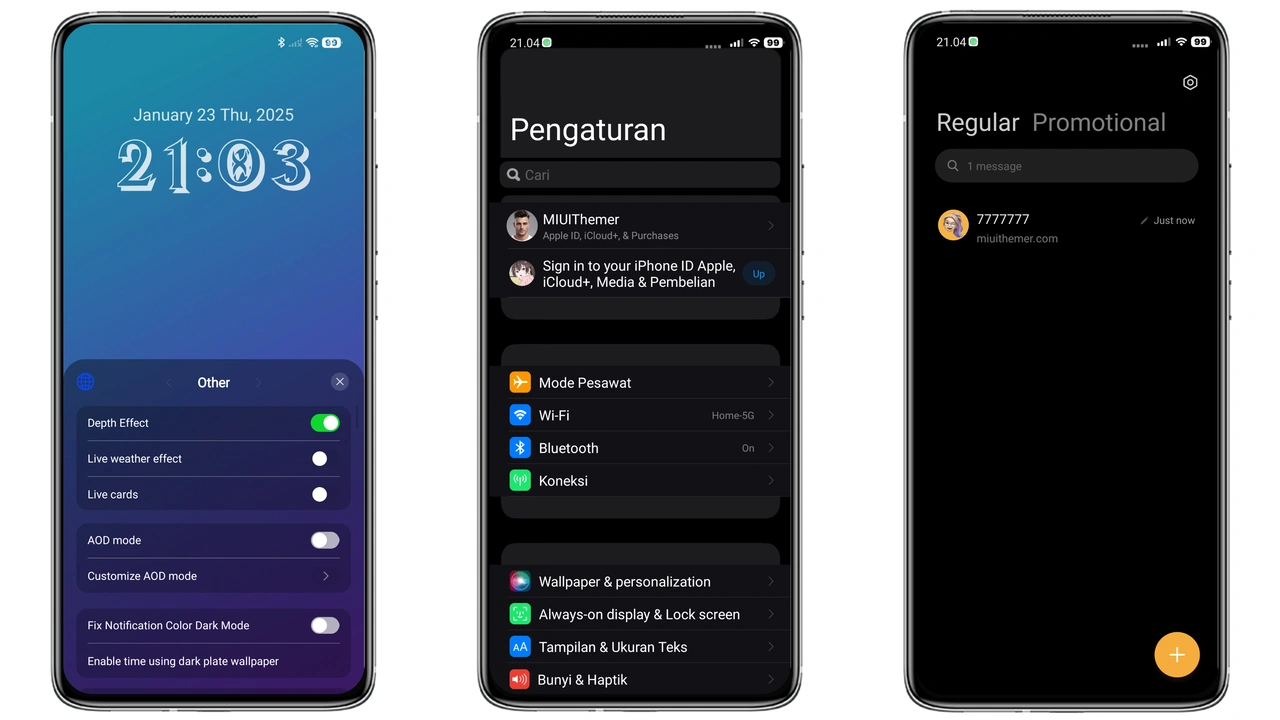
Deep‑Blue Minimalist Aesthetic
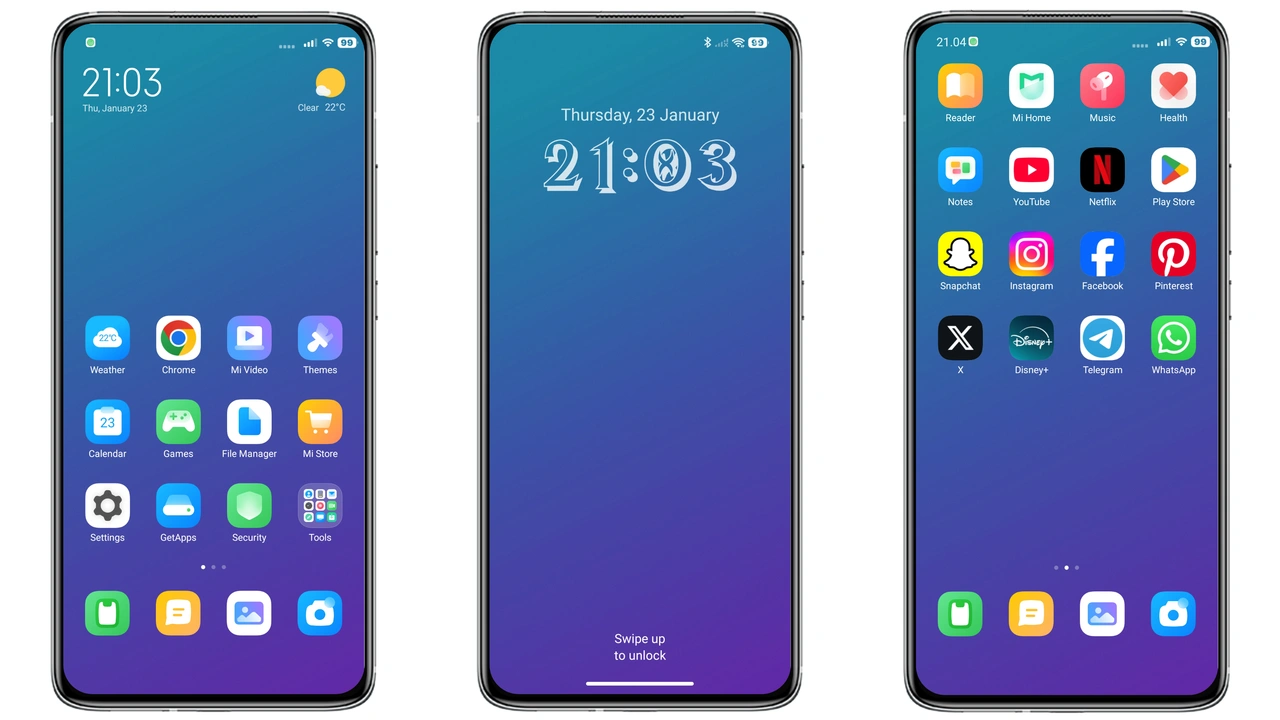
Blues Mix 3.0 leans into a cool, saturated blue palette that feels both modern and calming. Icons receive a subtle gradient that mimics the glow of a night‑time UI, while the wallpaper collection showcases high‑contrast cityscapes and abstract waves. The status bar adopts a translucent dark overlay, letting the blue accents peek through without sacrificing readability. Lock‑screen widgets keep the same chromatic language, creating a seamless visual thread from home screen to always‑on display.
Suggested Read: Cute Shiba Inu MTZ Theme Trending on HyperOS & MIUI
Who’ll Feel at Home with Blues Mix 3.0
Fans of iOS‑inspired minimalism will gravitate toward this theme. The clean lines, muted shadows, and restrained use of color echo Apple’s design language, making it a natural fit for users who enjoy a sleek, non‑cluttered look. It also appeals to night‑owl users who prefer darker UIs; the deep blues reduce eye strain while still providing enough contrast for quick navigation. If you own a Xiaomi, Redmi or POCO device and want a fresh aesthetic without sacrificing the familiar MIUI gestures, this theme hits the sweet spot.
Installing on HyperOS vs MIUI – What to Expect
On HyperOS the installation process mirrors the standard MIUI flow: open the Theme Store app, tap “Import”, select the downloaded .mtz file, and apply. HyperOS adds a quick preview screen that shows how the lock screen and always‑on display will appear, so you can confirm before committing. On stock MIUI the steps are identical, but older MIUI versions may lack the preview pane; you’ll see the changes only after applying and possibly restarting. In both cases a brief reboot is recommended to clear any cached assets and ensure the new icons render correctly.
Pros and Cons
• Pros
• Cohesive blue palette creates a premium feel.
• Dark base reduces eye strain and battery draw.
• Compatible across HyperOS, MIUI, and POCO devices.
• Easy one‑step import via Theme Store.
• Cons
• Limited customization beyond the preset icons.
• Some older MIUI versions lack preview, requiring a reboot to verify.
• No built‑in light‑mode variant.
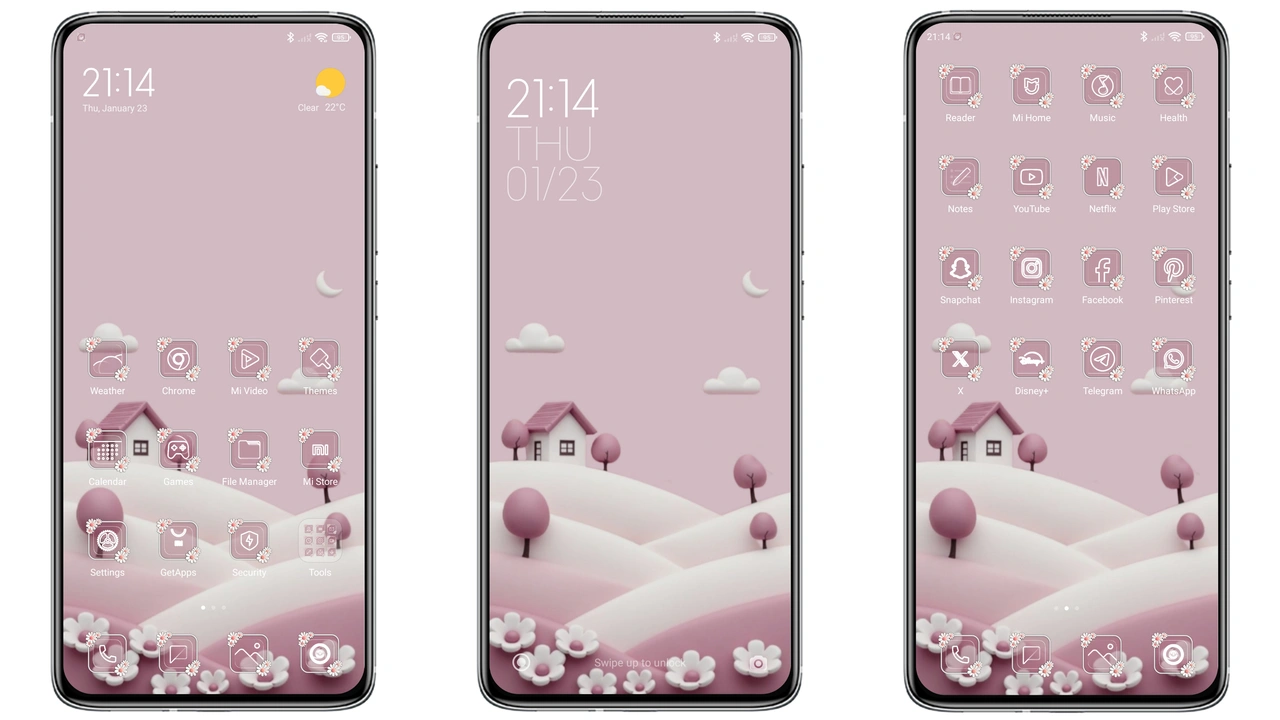
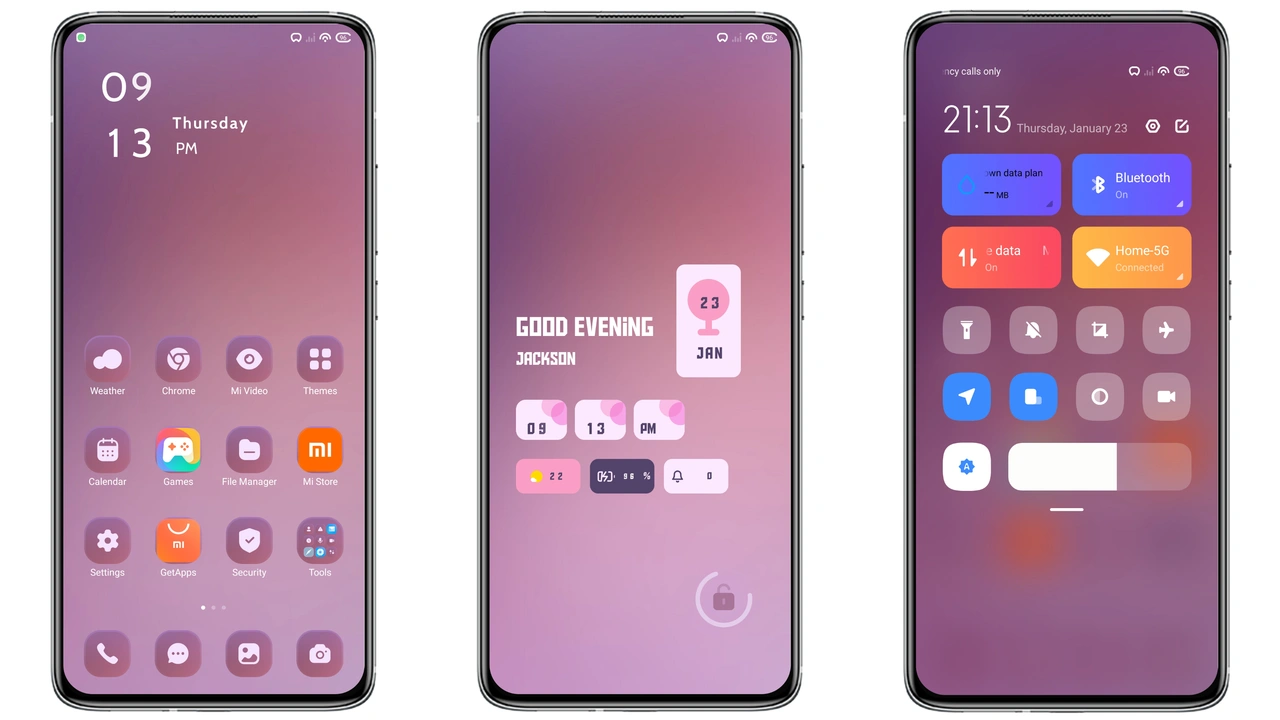
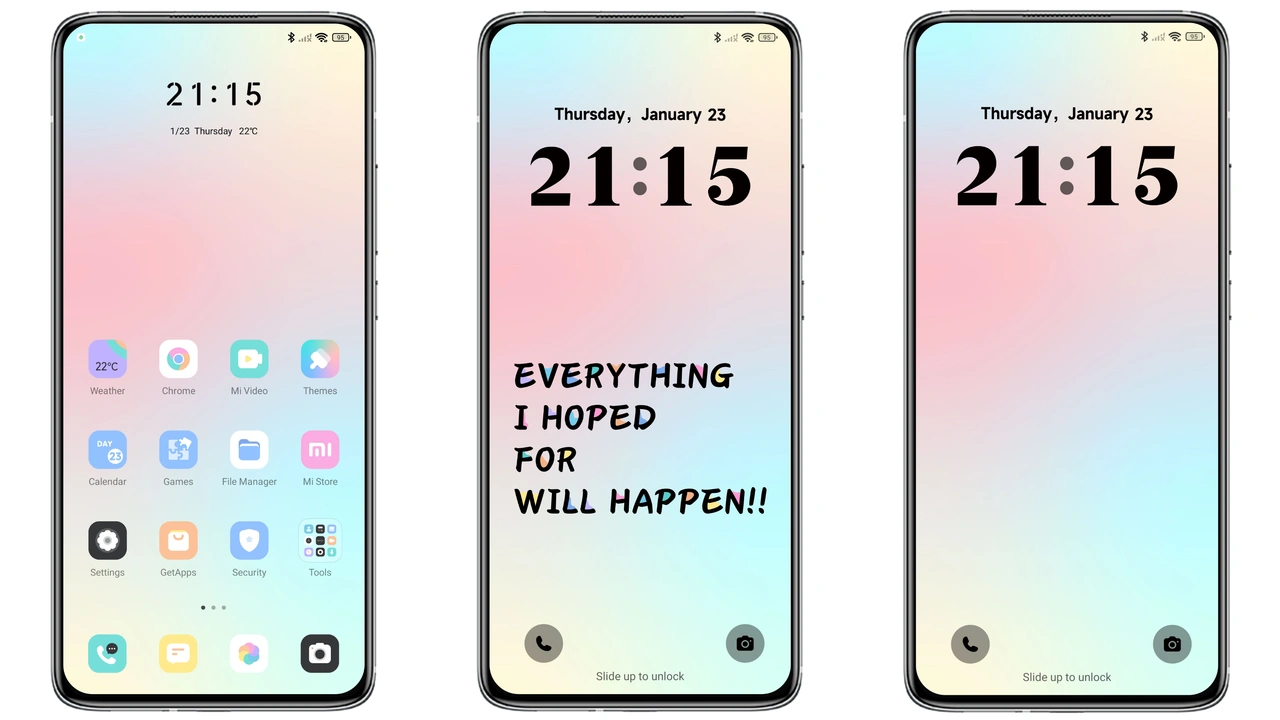
Theme Preview
Download Links
Use the buttons below to open the theme file and the supporting link.
Blues Mix 3.0 Theme mtz File
Helpful links
More Theme Updates
For more curated HyperOS and MIUI theme updates, visit Hyper OS x MIUI .