Parameter · Value
Designer · Soul
Size · 11.49 MB
Format · MTZ
Compatibility | HyperOS | MIUI
Neon‑Purple Claymorphism Meets Dark Ambient
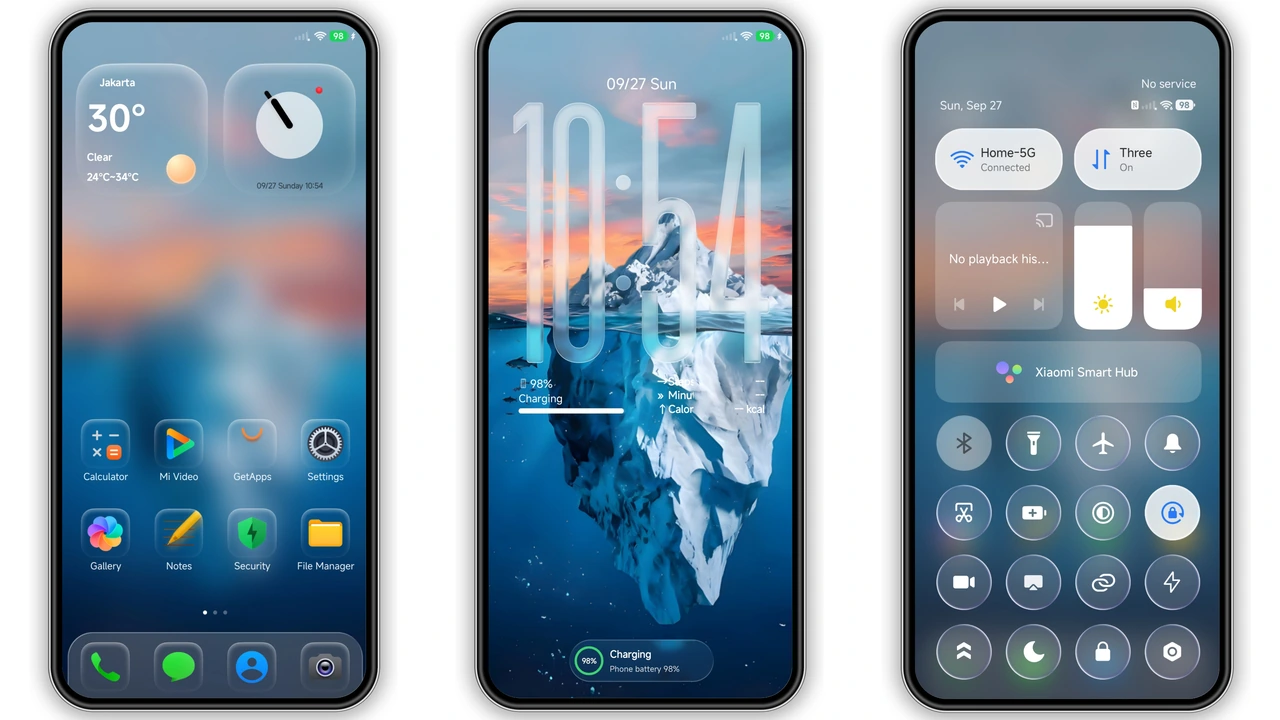
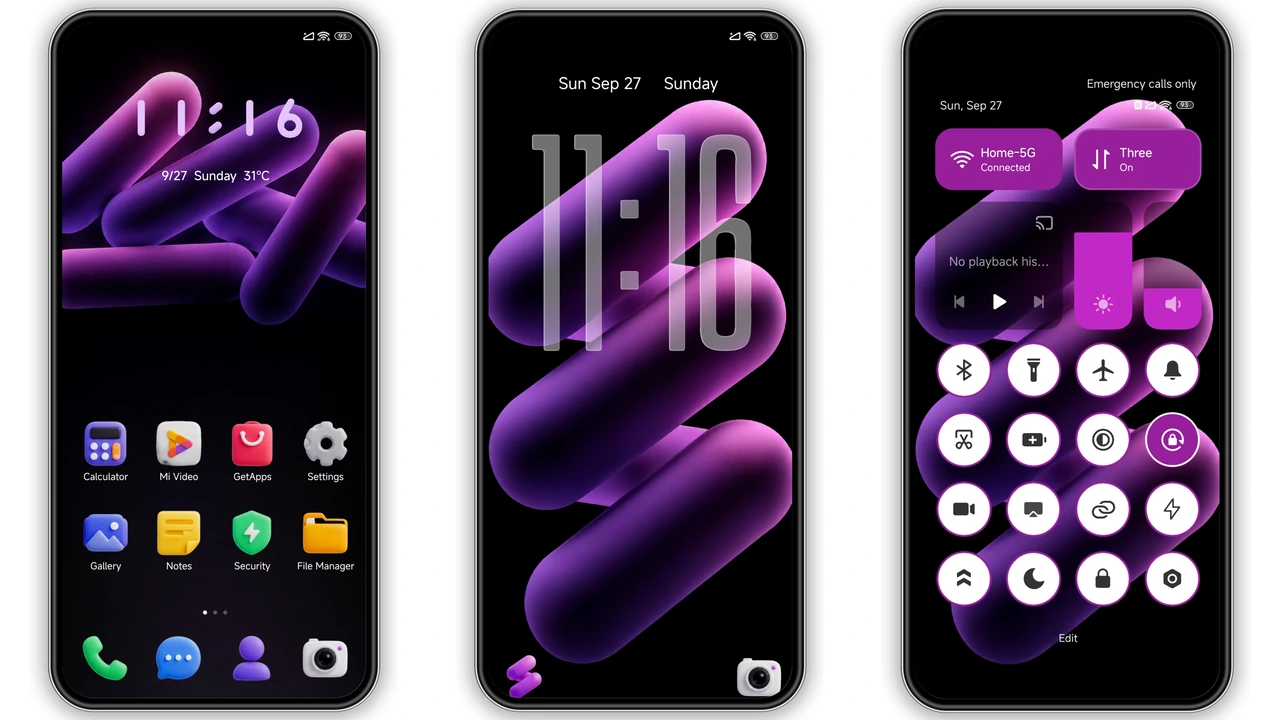
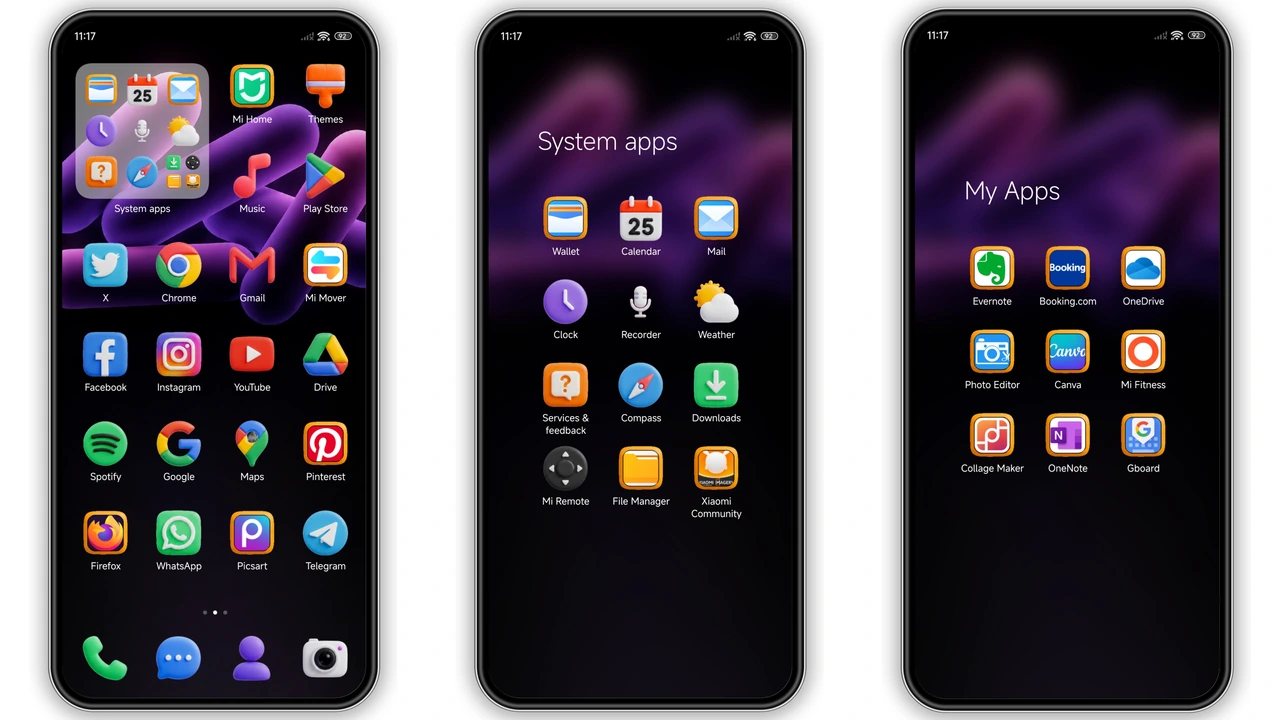
TIME throws a dark ambient backdrop into a neon‑purple neon‑lit playground. Abstract shapes float behind a subtle grain, while icons pop out in 3D clay‑style, giving each app a tactile feel. The lock screen uses translucent glass typography, letting the wallpaper breathe through the time and notification panels. Control Center adopts matching purple accents, making every swipe feel intentional. The color palette stays consistent: deep charcoal base, electric violet highlights, and occasional teal whispers for contrast. The result is a futuristic yet approachable UI that never feels garish.
Suggested Read: JIHE HyperOS Theme Lagi Trending: Minimal UI yang Bikin Phone Lebih Fresh
Who’ll Love This Futuristic Playful Look
If you gravitate toward cyber‑punk aesthetics, love bold color statements, or simply want a fresh break from stock MIUI, TIME fits. Designers who appreciate material depth will notice the claymorphic icons that seem to lift off the screen. Night‑owl users benefit from the dark base that conserves battery on OLED panels while the neon accents stay readable. Fans of Xiaomi’s ecosystem—Xiaomi, Redmi, POCO—will enjoy a theme that respects the brand’s layout conventions yet adds a distinct personality. Casual users who prefer subtle changes may find the neon intensity a bit much, but the theme offers a toggle‑off option for the lock screen glass effect, keeping it adaptable.
Installing TIME on HyperOS and MIUI: Step‑by‑Step
1. Open the official Theme Store app on your device.
2. Search for “TIME HyperOS Theme” or locate it in the “Community” section.
3. Tap Download – the MTZ file saves to your internal storage.
4. Return to the Theme Store, go to My Themes, and select Import.
5. Browse to the downloaded MTZ file, confirm, and apply.
6. Restart the phone to let the system refresh UI elements.
For custom ROM users (MIUI 11‑14, HyperOS‑based builds), the process mirrors the stock steps: download the MTZ, open Theme Store, import, apply, then reboot. No root required. The theme auto‑detects whether you run HyperOS 2.0 or HyperOS 3.0 and adjusts icon scaling accordingly.
Compatibility Notes
TIME declares compatibility with HyperOS and MIUI, covering devices from the early HyperOS 2.0 rollout to the latest HyperOS 3.0 builds. It works on Xiaomi, Redmi, and POCO models that support theme import—essentially any device with the Theme Store pre‑installed. If you run a heavily customized ROM that strips Theme Store, you’ll need to reinstall the app from the Xiaomi market first. The theme does not interfere with system updates; future OTA patches will retain the theme unless a major UI overhaul occurs, in which case re‑applying may be necessary.
Performance Impact
Because the theme relies on native resources, it adds negligible CPU overhead. The 3D clay icons are rasterized PNGs, not live shaders, so battery drain remains minimal. Users report smooth transitions and no lag in app launch times. The only noticeable change is a slight increase in RAM usage (≈30 MB) due to the extra UI assets, which is well within the capacity of modern devices.
Pros and Cons
Pros
• Striking neon‑purple aesthetic that stands out.
• Claymorphic icons add depth without sacrificing performance.
• Fully compatible with HyperOS 2.0/3.0 and MIUI 14.
• Includes lock‑screen glass effect and AOD redesign.
• Small file size, easy to download.
Cons
• Neon intensity may be too bold for minimalists.
• No built‑in light‑mode variant.
• Requires Theme Store; custom ROMs without it need extra steps.
• Minor UI flicker on first apply, resolved after reboot.
Theme Preview
Download Links
Use the buttons below to open the theme file and the supporting link.
TIME Theme mtz File
Helpful links
More Theme Updates
For more curated HyperOS and MIUI theme updates, visit Hyper OS x MIUI .