Parameter · Value
Designer · maidul
Size · 23.25 MB
Format · .mtz
Compatibility · HyperOS, HyperOS 2.0, HyperOS 3.0, MIUI
Iceberg Landscape Wallpaper – A Chill Visual Anchor
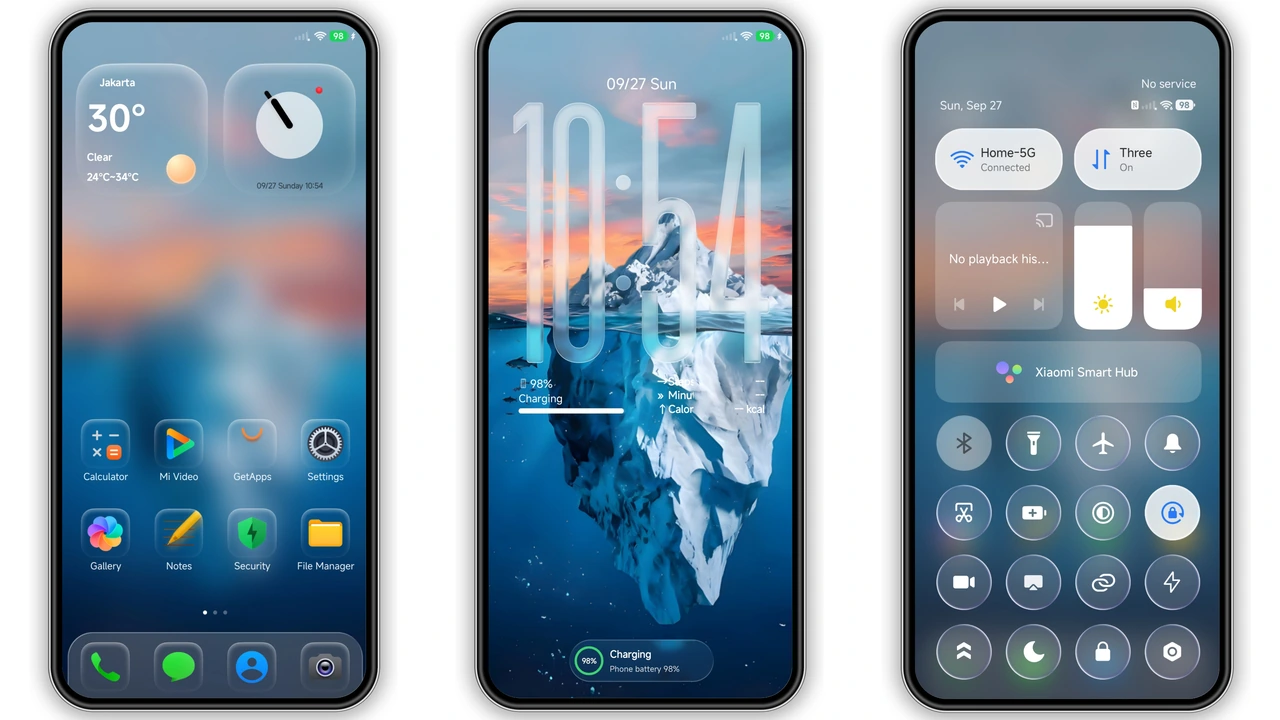
The theme’s centerpiece is a high‑resolution iceberg wallpaper that dominates the home screen. Cool blues and subtle gradients create depth without overwhelming icons. The image scales gracefully across the 6‑inch to 7‑inch range, preserving detail on both Xiaomi Mi series and Redmi Note devices. Because the wallpaper is static, battery impact stays negligible, yet the visual punch feels premium.
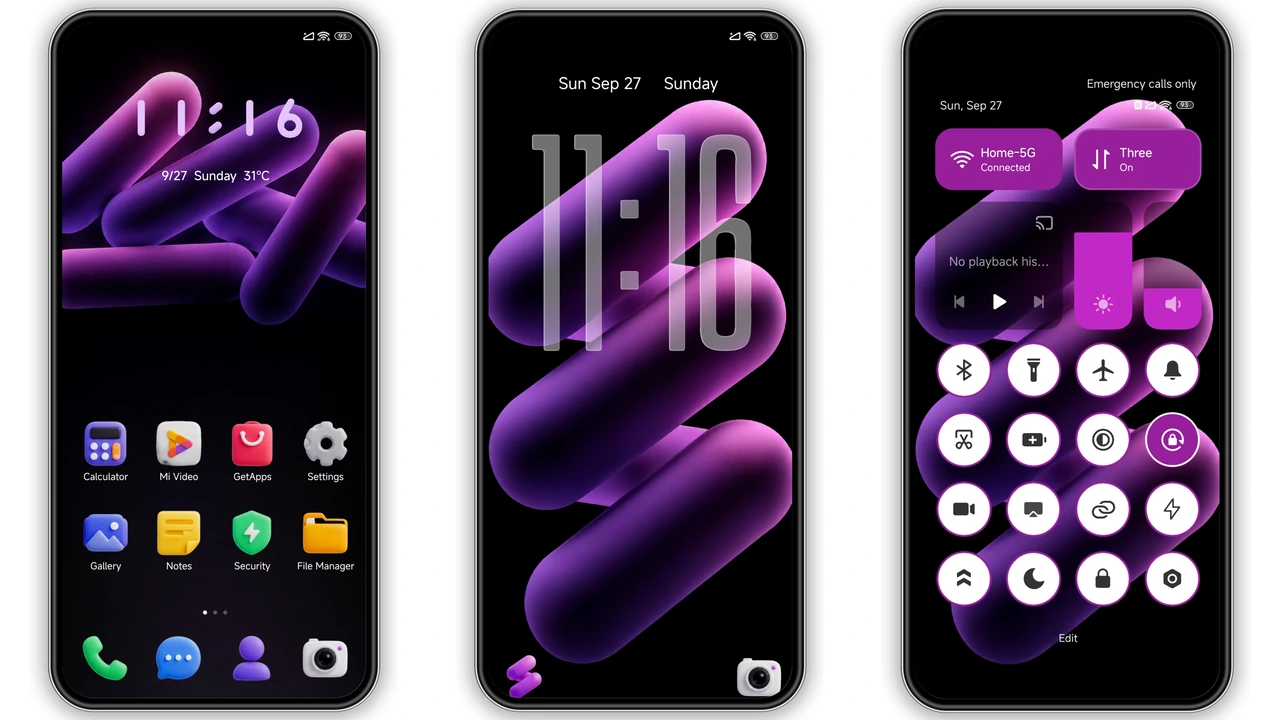
Suggested Read: Cute Sparkle Luck MTZ Theme vs Standard MIUI Pack – Which Fits Your HyperOS?
Frosted‑Glass Icons & Translucent Widgets – Modern Minimalism
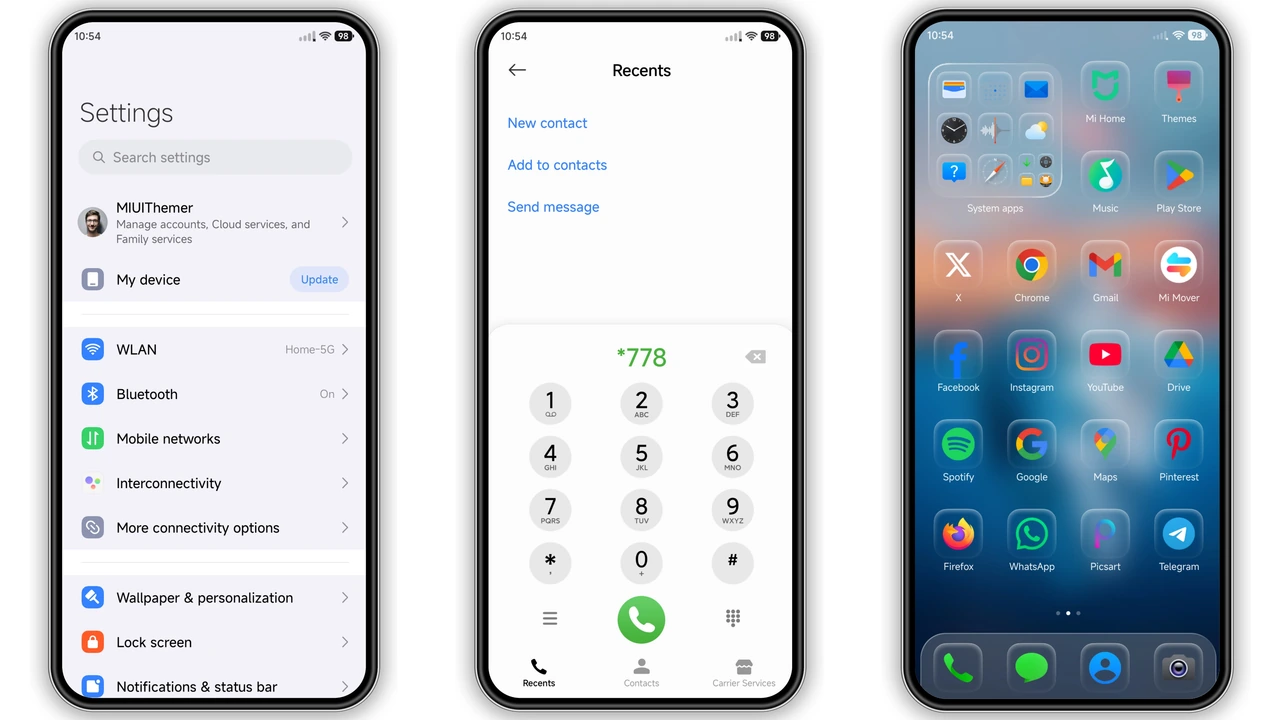
Every icon adopts a frosted‑glass treatment, echoing the wallpaper’s cold aesthetic. Transparency varies by status—active shortcuts appear sharper, while disabled apps fade into the background. The clock widget inherits the same glass effect, offering a translucent dial that syncs with the system time. Users report smoother transitions in the notification shade, as the glass layers blend with Android’s native blur.
Dynamic Lock Screen & Always‑On Display – Functional Flair
Lock screen redesign adds a subtle animation: the iceberg subtly ripples when you swipe, hinting at motion without draining power. The Always‑On Display (AOD) mirrors the frosted style, showing time and date in a minimalist font. Battery‑saving mode automatically dims the AOD after a set interval, preserving the theme’s elegance while respecting power constraints.
Installation Flow & Practical Download Tips
1. Download the .mtz file from the provided link.
2. Open the Xiaomi Theme Store app (or the MIUI Themes app on MIUI devices).
3. Tap the three‑dot menu → “Import Theme” → select the downloaded file.
4. Apply the theme; reboot recommended to clear residual caches.
Key notes: use a stable Wi‑Fi connection; the file size (23.25 MB) is modest, but a corrupted download will trigger an import error. If the “Official Theme Store” link fails, switch to Chrome or the default Xiaomi browser. After applying, verify that the lock screen animation runs; if not, clear the Theme Store cache and re‑apply.
Pros and Cons
Pros
• Striking iceberg wallpaper sets a unique tone.
• Frosted‑glass icons reduce visual clutter.
• Dynamic lock screen adds subtle interactivity.
• Compatible across HyperOS 1‑3 and MIUI 14.
• Small file size, quick download.
Cons
• Limited color palette may not suit bright‑theme lovers.
• AOD customization is minimal; only time/date shown.
• Some users report slight lag on older Redmi models.
• No built‑in dark‑mode toggle; relies on system dark mode.
Theme Preview
Download Links
Use the buttons below to open the theme file and the supporting link.
BUSD Theme mtz File
Helpful links
More Theme Updates
For more curated HyperOS and MIUI theme updates, visit Hyper OS x MIUI .