Parameter · Value
Designer · suger
Size · 42.47 MB
Format · MTZ
Compatibility · HyperOS, MIUI 12‑5, 13, 14
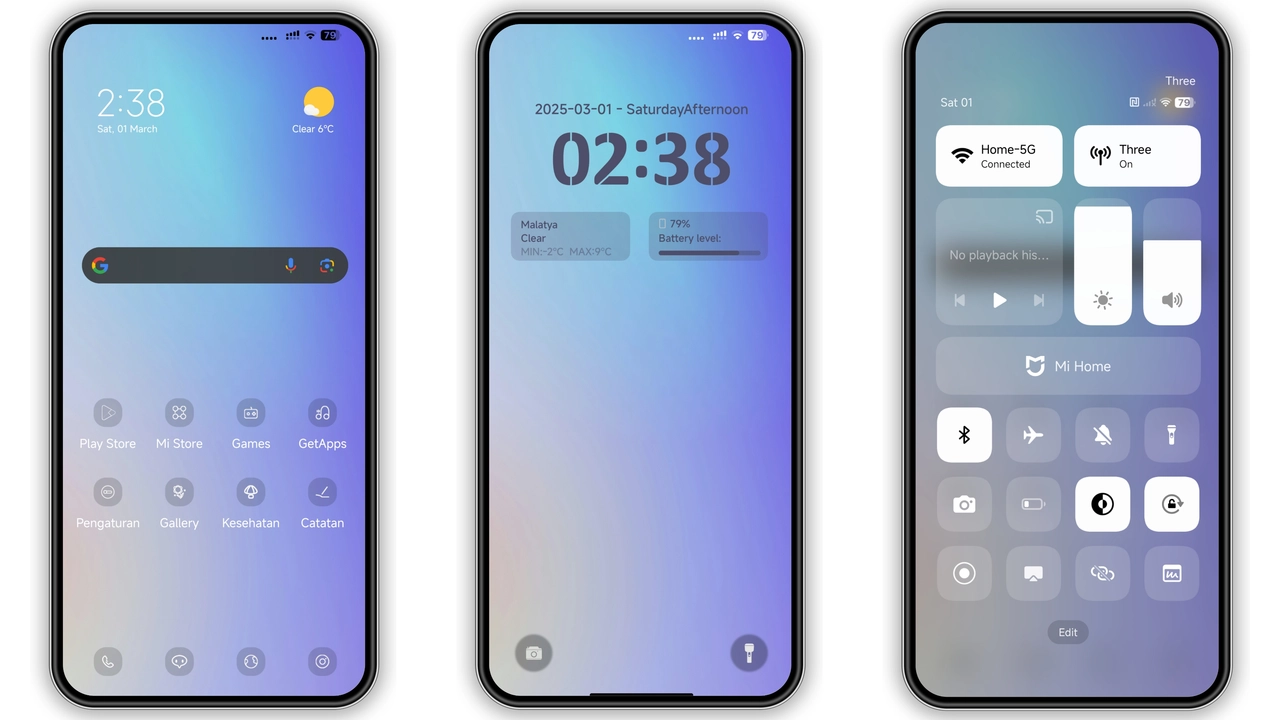
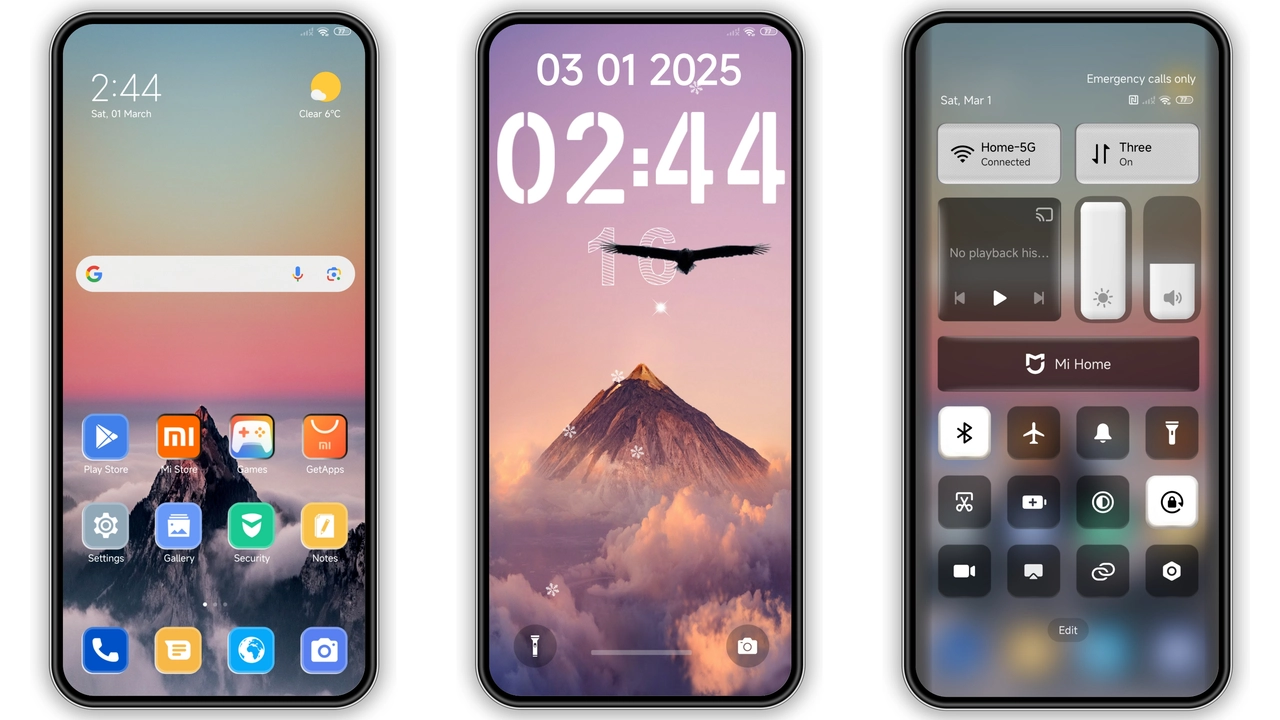
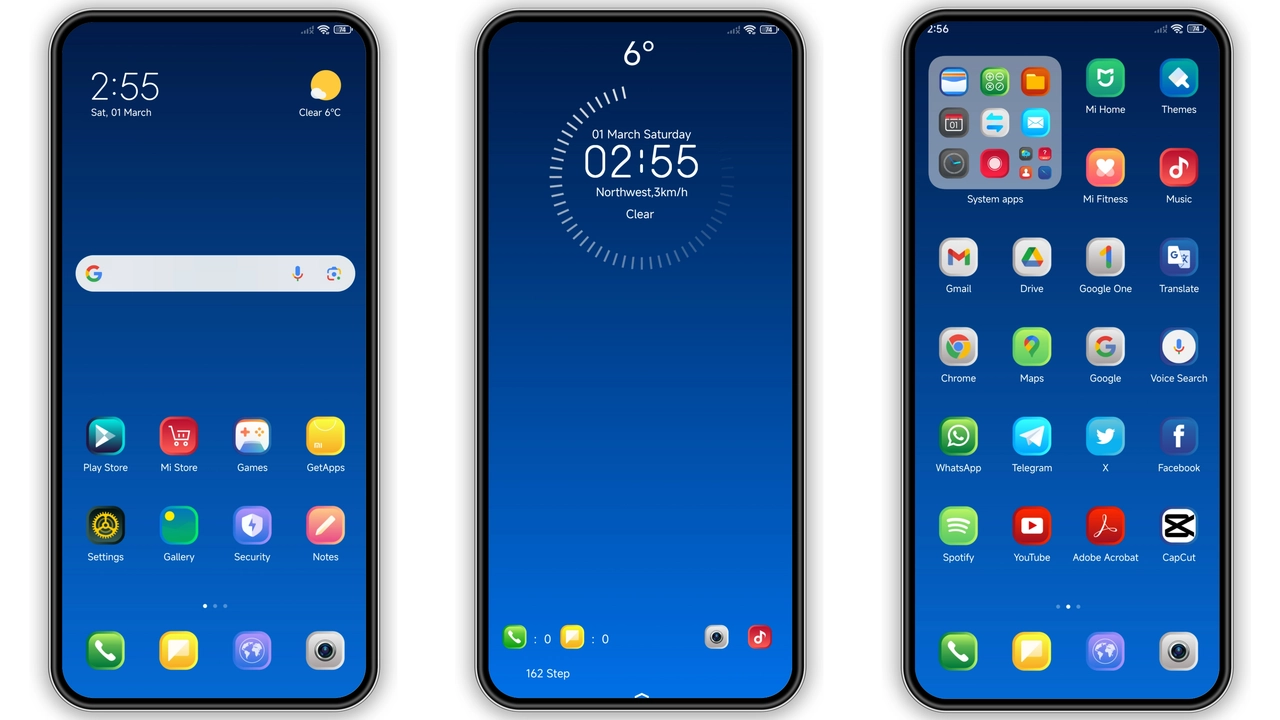
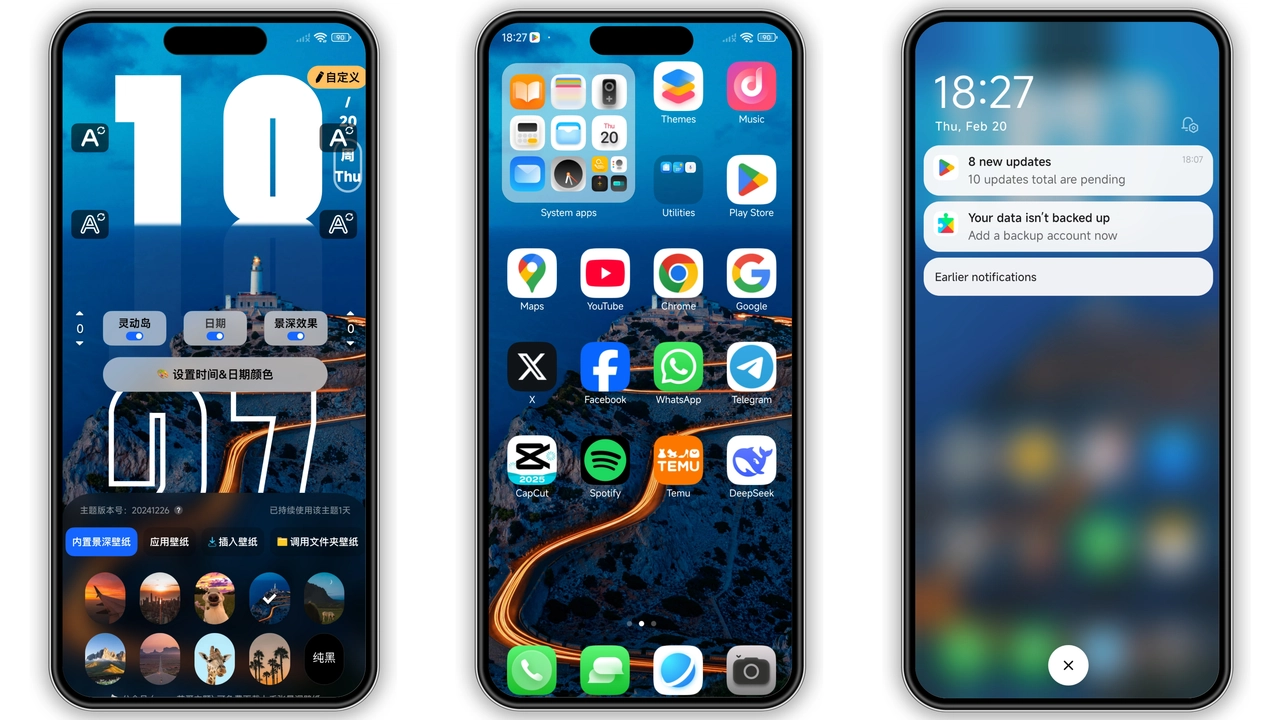
Immersive Dark‑Depth Visuals
The theme leans into a deep‑black canvas, letting neon‑blue and electric‑purple accents pop. Icons receive a subtle 3‑D emboss, giving a tactile feel without overwhelming the eye. Wallpapers cycle through abstract cityscapes and gradient horizons, each calibrated for OLED screens to preserve battery while delivering punchy contrast. The lock screen adopts a kinetic ripple effect that reacts to swipe gestures, adding a touch of futurism. Even the Always‑On Display inherits the same dark‑rich palette, ensuring a cohesive look at a glance.
Suggested Read: FluffV Premium HyperOS Theme – 3D Plush Icon Archive
Who’ll Love This High‑Contrast Palette
Power users who crave a “night‑mode‑first” experience will gravitate toward Super Hyper Depth Max. It satisfies fans of cyber‑punk aesthetics and those who spend hours scrolling under low‑light conditions. The theme also appeals to developers who appreciate clear status‑bar icons against a muted backdrop—readability improves during debugging sessions. If you own a Xiaomi, Redmi, or POCO device that runs HyperOS or any recent MIUI version, the theme feels native rather than an after‑thought.
Installation Walkthrough & Expected Behavior
1. Locate the MTZ file for your platform (HyperOS or MIUI) in the download section of the theme’s page.
2. Transfer the file to your device storage, preferably the Downloads folder.
3. Open the built‑in Theme Store app, tap the three‑dot menu, choose Import, then select the MTZ file.
4. Apply the theme; the system will prompt a brief UI refresh.
5. Reboot once to ensure lock‑screen animations and AOD widgets load without glitches.
After installation, expect the following:
• Icon packs replace stock icons instantly; no manual cache clear needed.
• System fonts remain untouched, preserving readability.
• Battery impact is negligible; dark backgrounds reduce OLED power draw.
• Occasionally, third‑party widgets may need a manual refresh to adopt the new color scheme.
Compatibility Nuances Across MIUI Generations
The theme officially supports HyperOS and MIUI 12‑5 through 14. On MIUI 12, certain dynamic lock‑screen effects downgrade to static images, but the core visual identity stays intact. Devices running custom ROMs (Xiaomi EU, MIUIRoom) can still import the MTZ file, though users should verify that the ROM’s theme engine is enabled. A quick test: after applying, navigate to Settings → Display → Theme; if the preview shows the new wallpapers and icons, compatibility is confirmed.
Pros and Cons
• Pros
• Striking dark aesthetic with vibrant accents.
• Consistent look across lock screen, AOD, and home screen.
• Low battery impact on OLED panels.
• Simple one‑step import via Theme Store.
• Works on HyperOS and multiple MIUI versions.
• Cons
• Dynamic lock‑screen animation limited on older MIUI builds.
• No custom font option; relies on system default.
• Slightly larger file size (42 MB) may affect low‑storage devices.
• Requires a reboot for full effect.
Overall, Super Hyper Depth Max delivers a bold, cohesive visual overhaul that feels at home on modern Xiaomi, Redmi, and POCO devices. Its dark‑first design, seamless integration, and modest performance footprint make it a strong candidate for anyone looking to personalize their handset without sacrificing usability.
Theme Preview
Download Links
Use the buttons below to open the theme file and the supporting link.
Super Hyper Depth Max Theme mtz File
Super Hyper Depth Max Theme mtz File
Helpful links
More Theme Updates
For more curated HyperOS and MIUI theme updates, visit Hyper OS x MIUI .