Cloudy Mountains Theme Review
Parameter · Value
Designer · Fatih
Size · 19.21 MB
Format · MTZ
Compatibility · HyperOS / MIUI
Misty Alpine Visuals
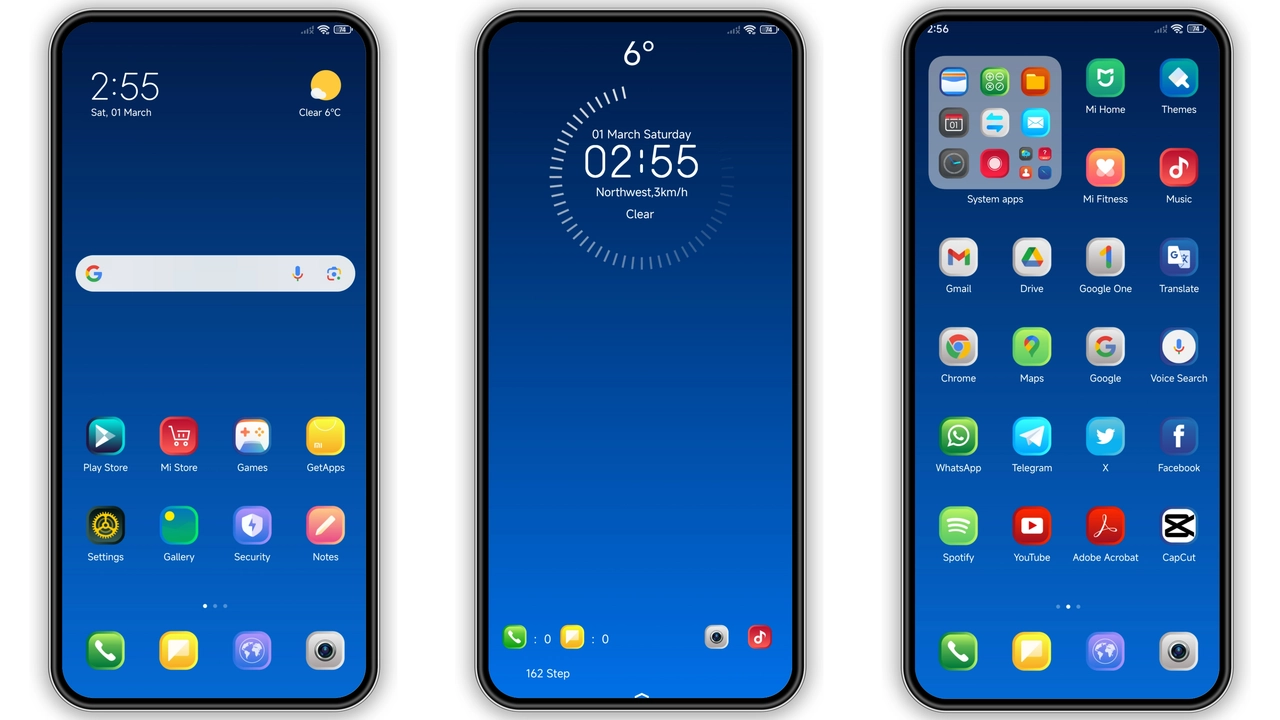
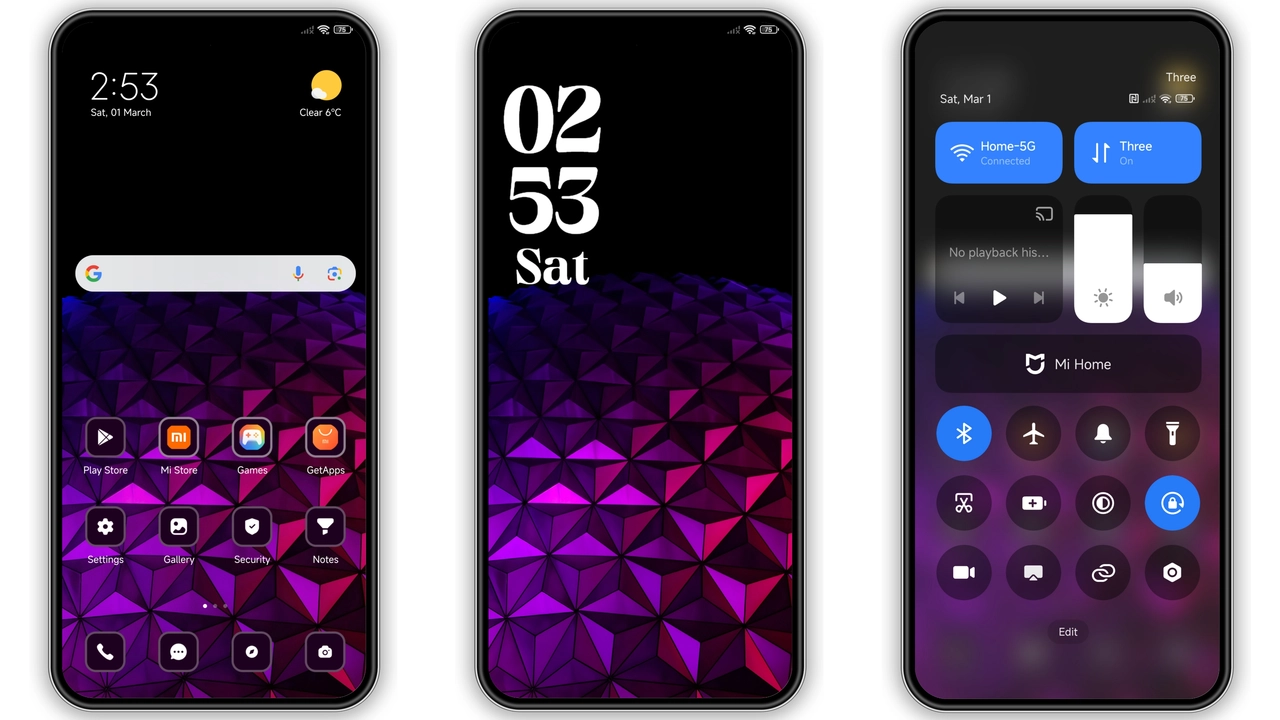
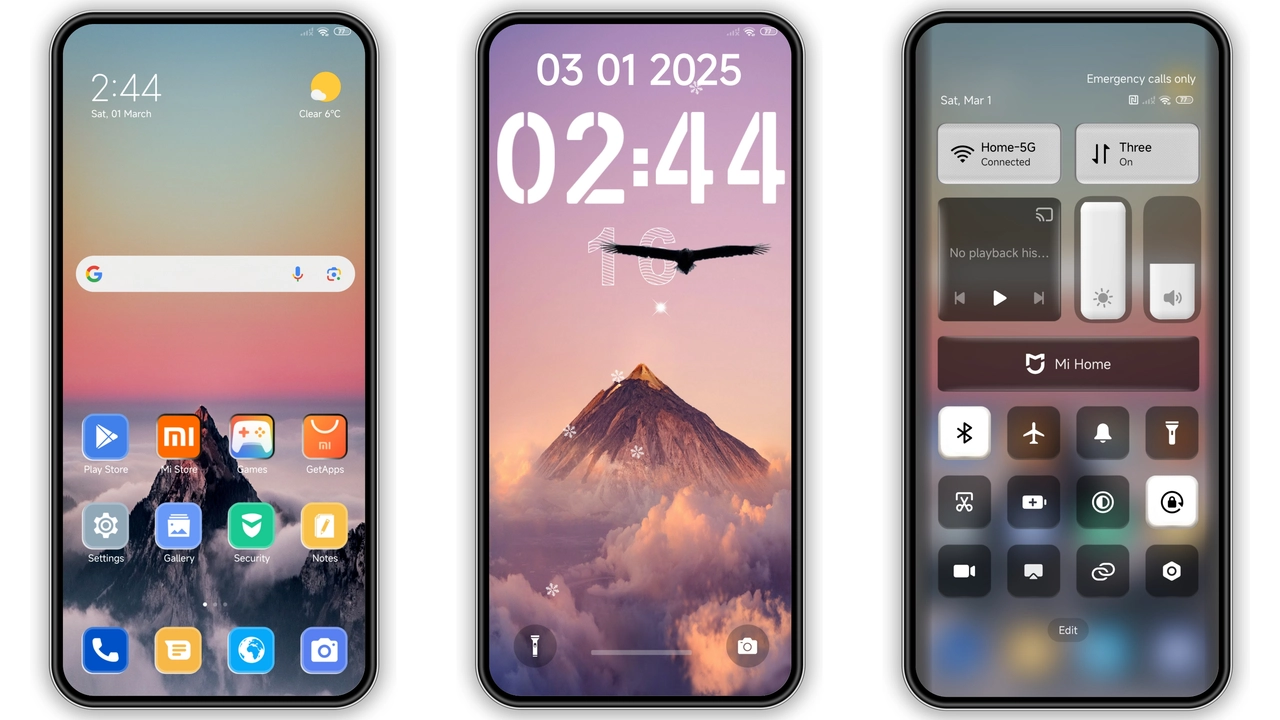
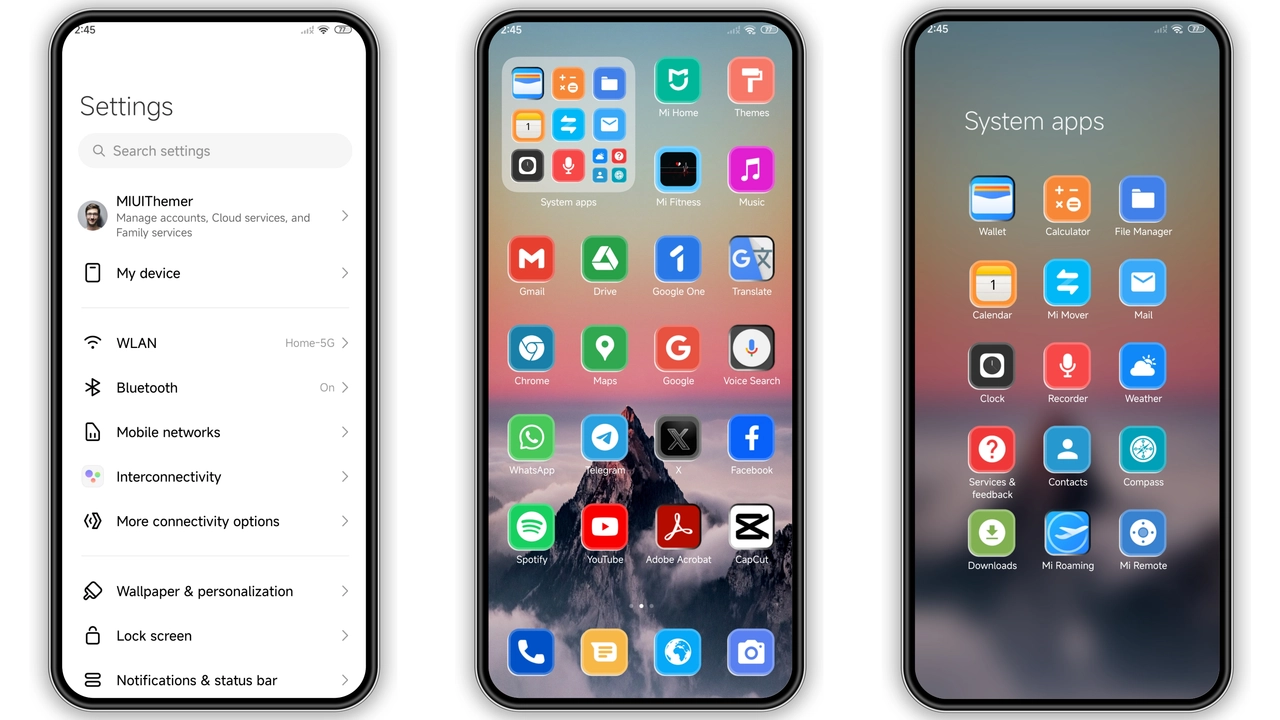
Soft clouds hover over jagged peaks. Icons adopt muted slate tones. Wallpaper shows sunrise behind a ridge. Lock screen animates gentle drift. AOD displays subtle gradient. UI elements gain extra depth. Colors stay cool, never harsh. Overall vibe: serene, outdoorsy, low‑key.
Suggested Read: Archive: Covalent V2 Dark Mode Theme – MTZ File Details
Ideal Users: Landscape Lovers
Fans of nature photography gravitate here. Minimalists appreciate restrained palette. Gamers seeking calm between sessions find focus. Users who switch themes often enjoy the light footprint. Device owners on Xiaomi, Redmi, POCO lines report smooth performance.
Installation Flow on Stock ROM
Open Theme Store app. Tap “Import”. Locate the MTZ file from download folder. Confirm import. Apply theme. Restart device to clear residual caches. No root required. Works on HyperOS Global and MIUI 14 builds. Custom ROM users follow same steps; ensure Theme Store is present.
Pros and Cons
• Pros
• Light size, quick load
• Cohesive visual language
• Compatible across HyperOS and MIUI
• Easy import via Theme Store
• Fresh icons, dynamic lock screen
• Cons
• Limited color variants
• No built‑in dark mode toggle
• AOD animation may drain battery slightly
Overall, Cloudy Mountains delivers a polished Alpine aesthetic without sacrificing performance. Perfect for users who want a calm, nature‑inspired backdrop on their HyperOS devices.
Theme Preview
Download Links
Use the buttons below to open the theme file and the supporting link.
Cloudy Mountains Theme mtz File
Helpful links
More Theme Updates
For more curated HyperOS and MIUI theme updates, visit Hyper OS x MIUI .