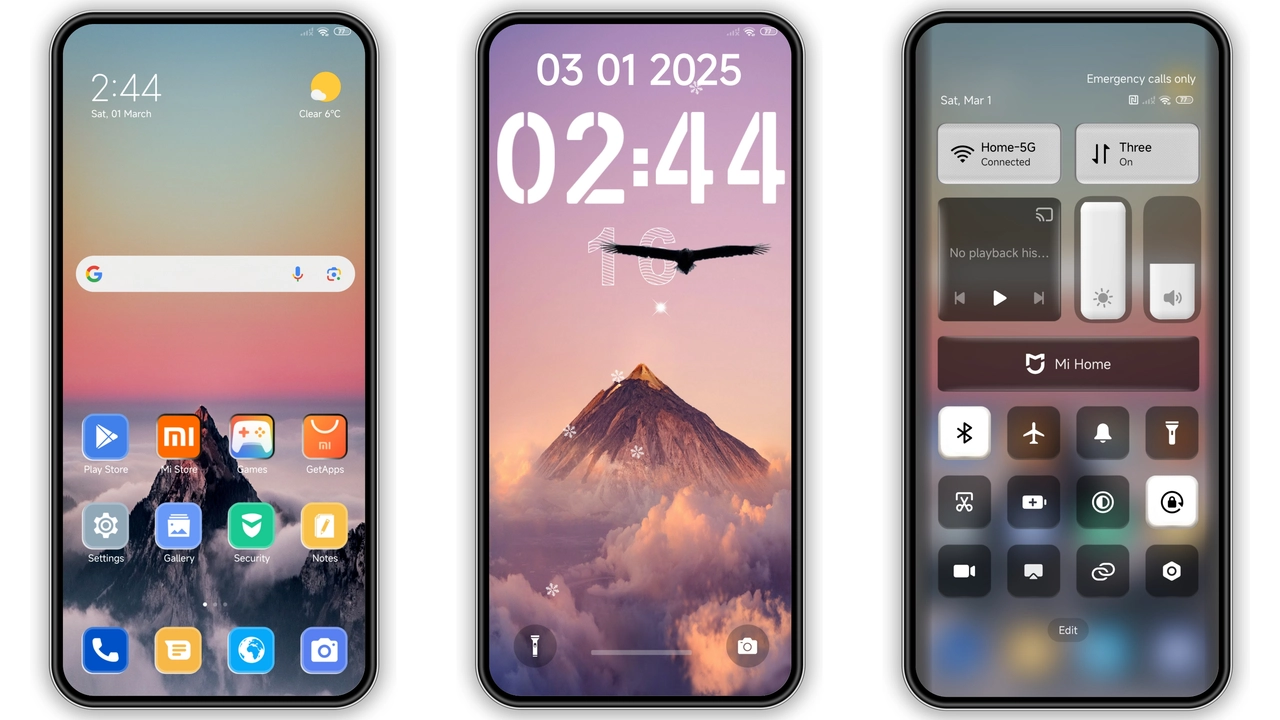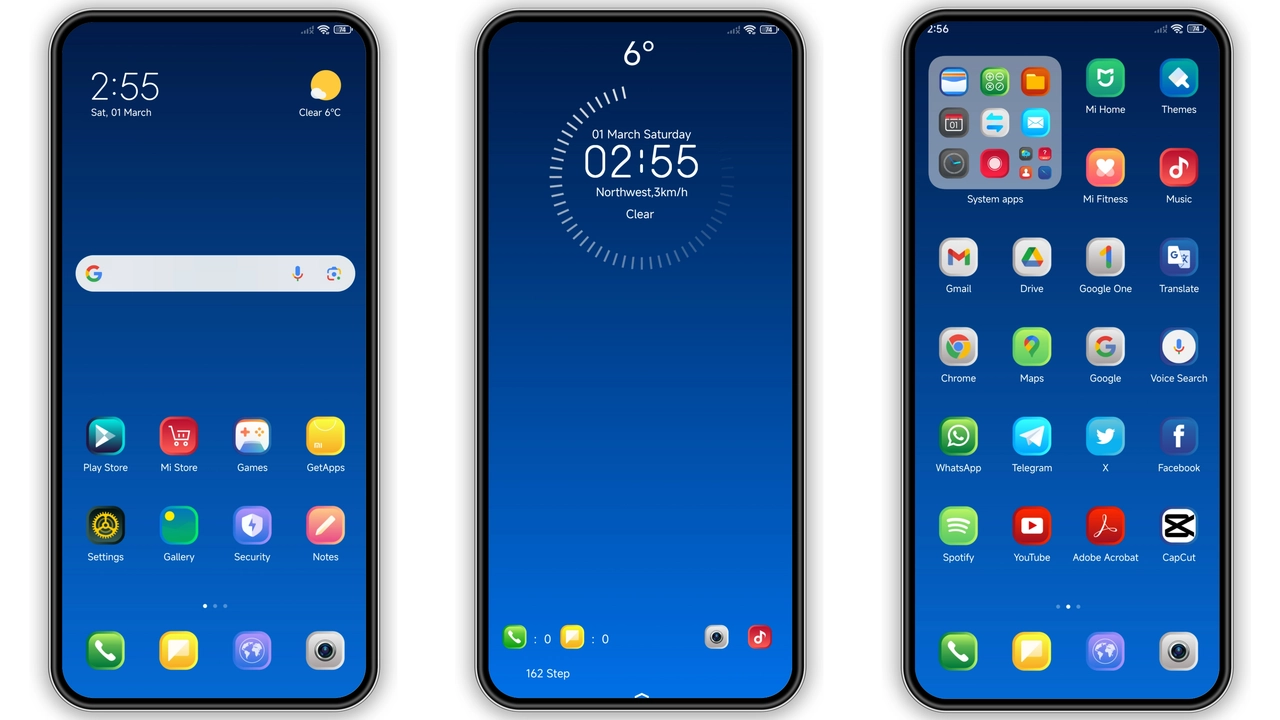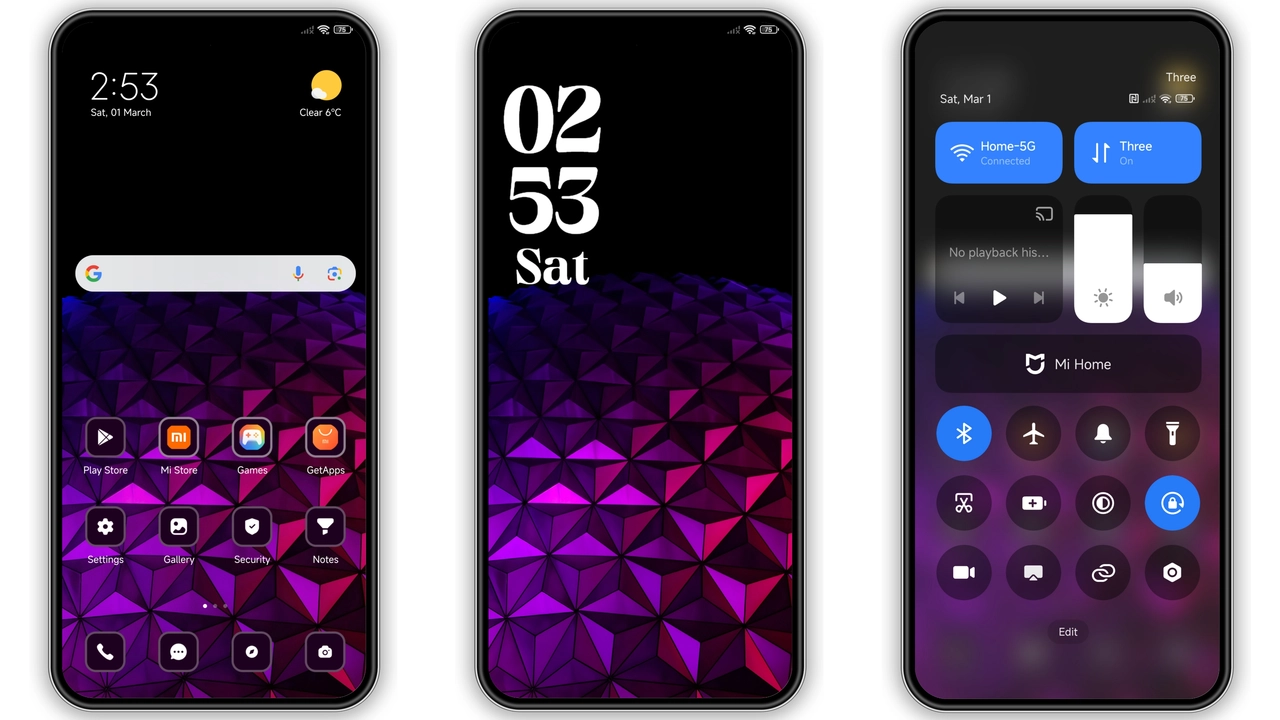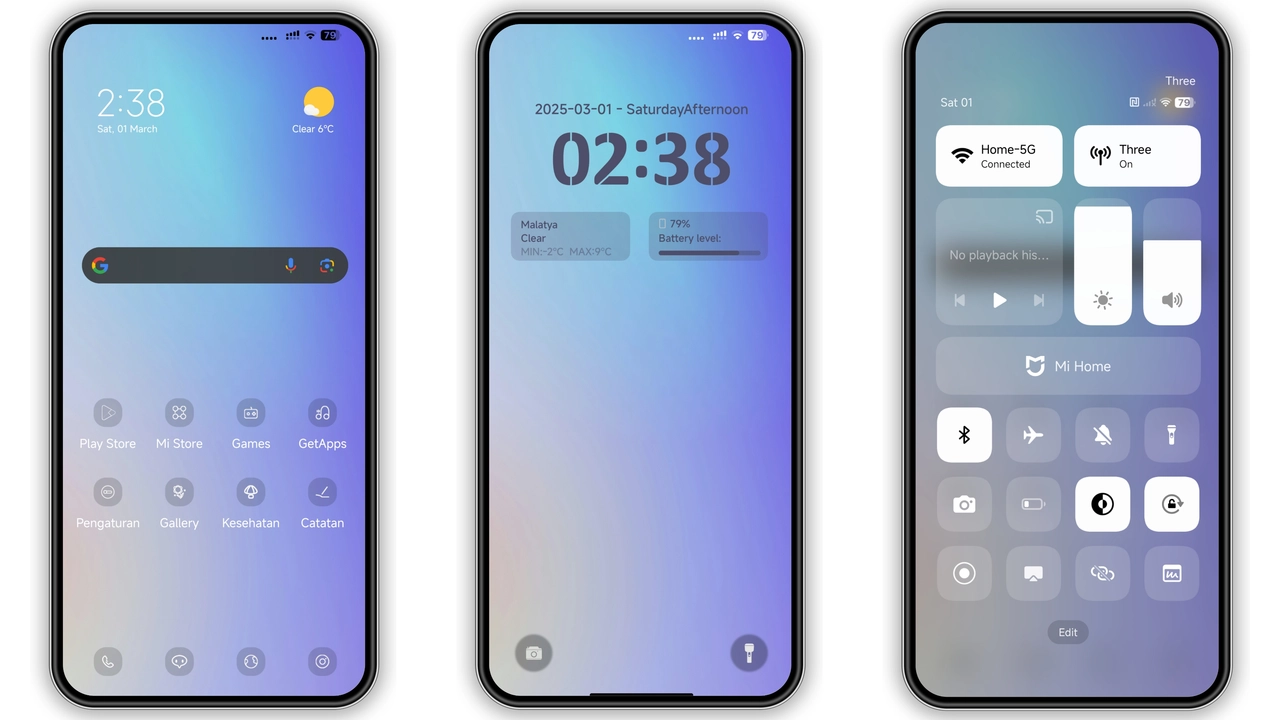
Parameter · Value
Designer · Ryuta SOFT SPOKEN ASLI
Size · 38.41 MB
Format · MTZ
Compatibility · HyperOS, MIUI
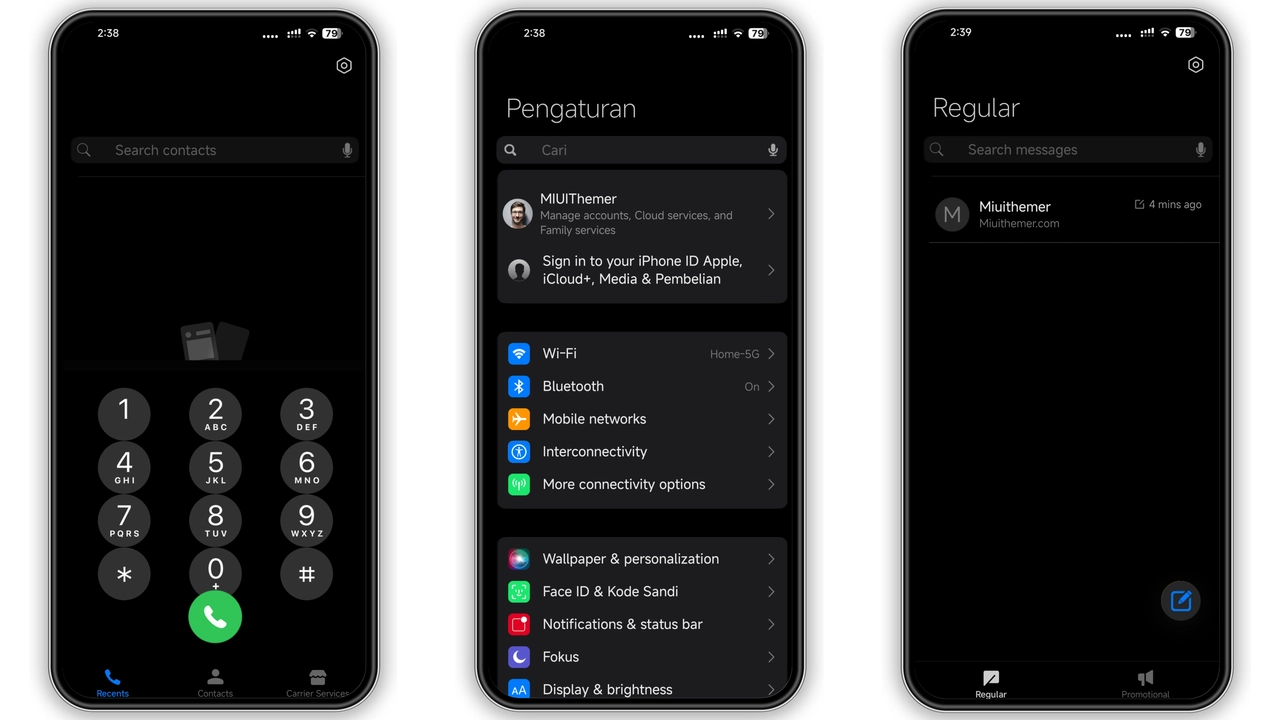
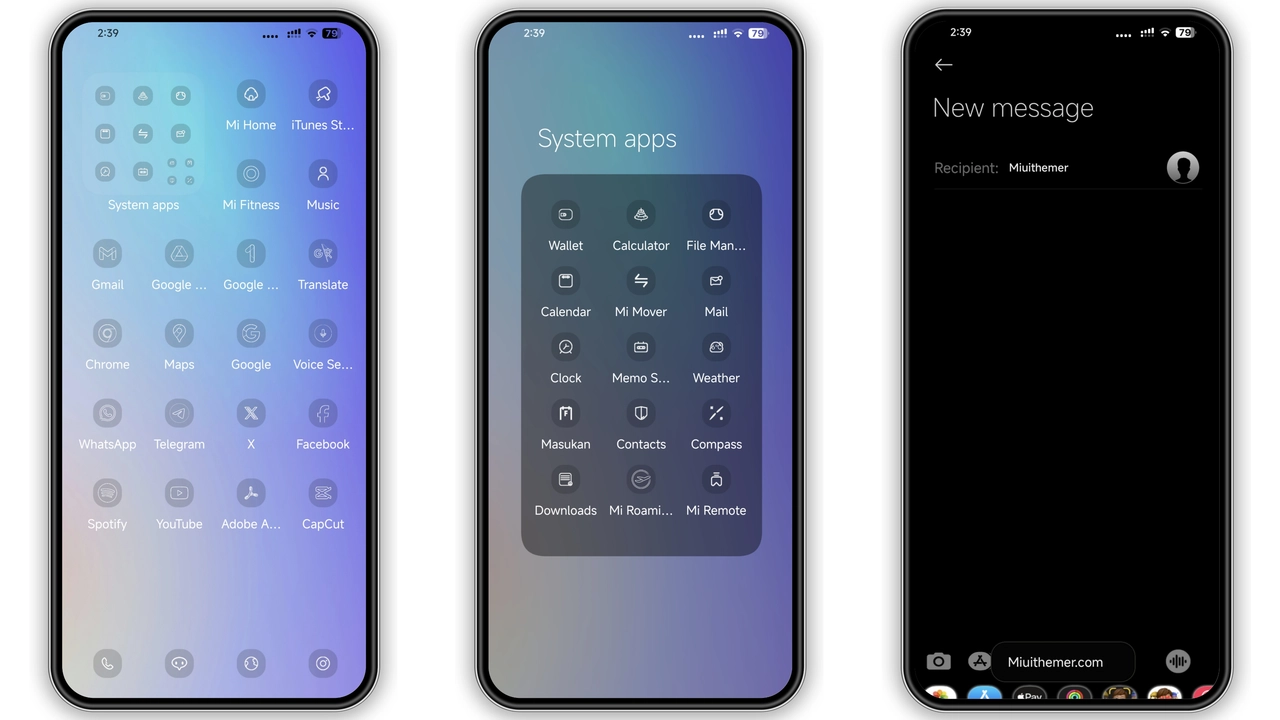
Midnight Purple Aesthetic
Dark purple dominates. Icons adopt sleek gradients. Wallpapers feature subtle nebula textures. Status bar glows with muted lavender. Lock screen shows faint starfield animation. Always‑on display mirrors theme’s color palette. Shadows deepen for contrast. Text remains crisp white. Animations feel fluid, not jarring. Overall vibe balances moody elegance with readability.
Suggested Read: Layered Mountains MTZ Theme – Perfect Fit for Redmi Note & Poco Phones
Target Audience & Use Cases
Fans of dark UI gravitate here. Users seeking iOS‑inspired minimalism appreciate the clean lines. Purple enthusiasts find the hue refreshing. Power users who customize multiple devices enjoy a unified look. Anyone tired of stock orange tones will switch. Developers who need low‑distraction backgrounds benefit. Streamers appreciate the subtle glow for on‑screen overlays.
Compatibility & Device Reach
Theme lists HyperOS and MIUI as supported platforms. Works on Xiaomi flagship models. Redmi mid‑range devices handle the assets without lag. POCO phones receive full feature set. Older devices may experience slower wallpaper transitions. Ensure device runs the official theme store app. No root required for standard install. Custom ROMs that accept MTZ files also compatible.
Installation Walkthrough & Download Tips
Open the download page in a stable browser. Tap the “awoqkop Theme mtz File” button. File saves as .mtz in the Downloads folder. Launch the Theme Store app. Navigate to the three‑dot menu, select “Import”. Browse to the downloaded .mtz file, confirm import. Wait for processing, then apply the theme. Restart device for status bar elements to settle. Verify lock screen displays correctly; reapply if needed.
Pros and Cons
• Pros
• Cohesive dark palette
• High‑resolution icons
• Smooth lock‑screen animation
• Broad HyperOS/MIUI support
• Easy MTZ import process
• Cons
• Purple may not suit all tastes
• Slight performance dip on low‑end models
• No built‑in light‑mode variant
• Limited customization beyond default settings
Theme Preview
Download Links
Use the buttons below to open the theme file and the supporting link.
awoqkop Theme mtz File
Helpful links
More Theme Updates
For more curated HyperOS and MIUI theme updates, visit Hyper OS x MIUI .