Parameter · Value
Designer · Costantino
Size · 30.26 MB
Format · .mtz
Compatibility · HyperOS, MIUI 12‑14
Bold Icons & Vibrant Wallpapers
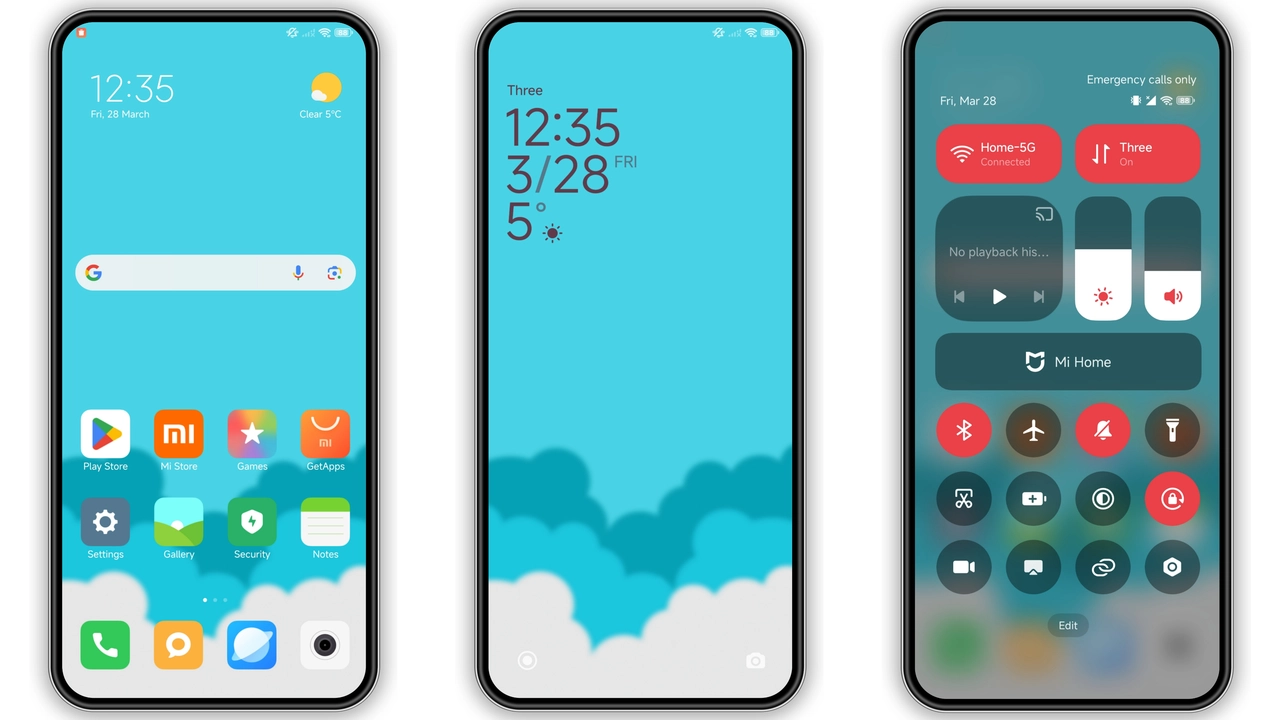
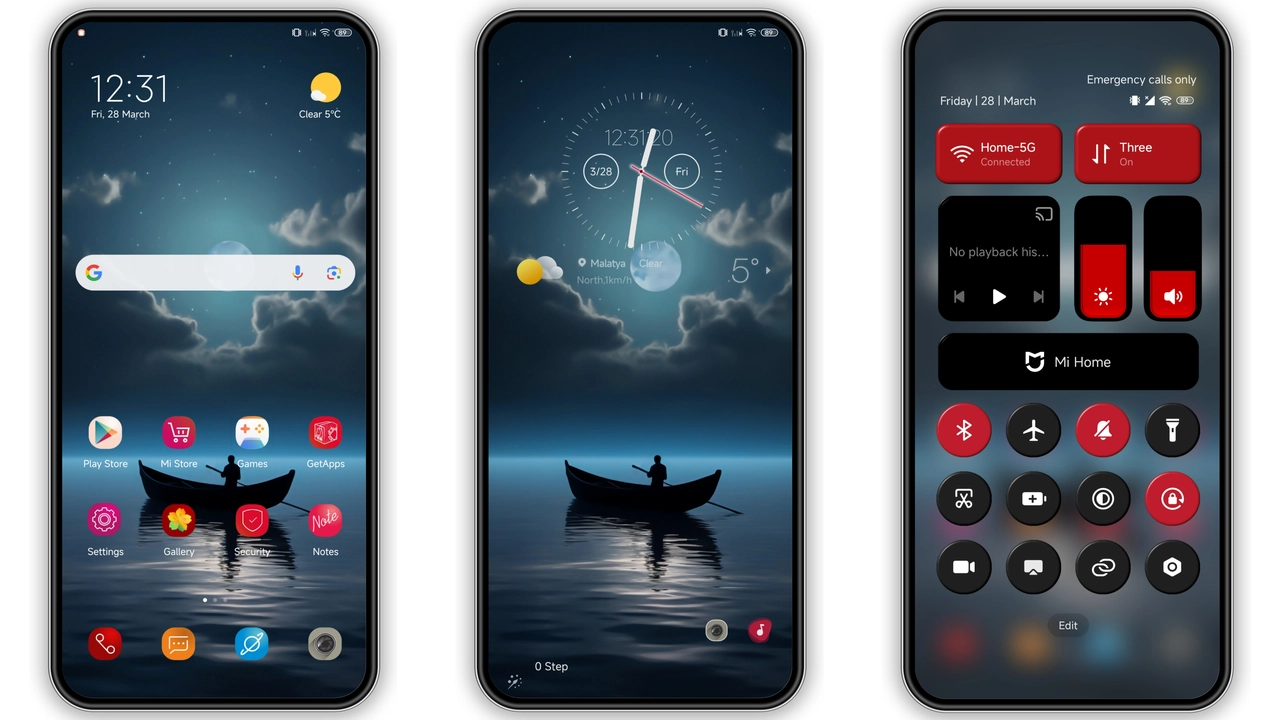
Sphon replaces the stock icon set with a curated collection of high‑contrast, slightly rounded glyphs. The palette leans toward teal‑green accents, but each icon respects the original brand color, so Samsung‑style apps still feel recognizable. Wallpapers follow the same visual language: abstract gradients mixed with subtle geometric patterns. The result is a cohesive look that feels modern without shouting.
Suggested Read: Prism Weave Dream: Tema HyperOS yang Lagi Viral di Xiaomi & Redmi
Dynamic Lock Screen & Always‑On Display
The lock screen is where Sphon shows its personality. A semi‑transparent clock overlays a blurred version of the chosen wallpaper, while notification icons adopt the theme’s accent color. The Always‑On Display (AOD) inherits the same font and color treatment, offering a unified experience even when the phone is idle. The dynamic lock animation—icons sliding in from the sides—adds a touch of polish that many stock ROMs lack.
Who Will Love Sphon? Target Audience
• Minimalist fans who want a clean, uniform UI without heavy custom animations.
• Users who switch between dark and light modes often; Sphon includes both dark and light icon packs that flip automatically.
• Owners of Xiaomi, Redmi, and POCO devices who enjoy tweaking their UI but don’t want to dive into third‑party launchers.
• Italian‑design enthusiasts; the theme’s creator, Costantino, adds subtle Mediterranean flair through color choices.
Installation Steps & Post‑Install Tips
1. Download the Sphon.mtz file from the official link.
2. Open the Theme Store app, tap the three‑dot menu, select Import, and choose the downloaded file.
3. Apply the theme; the store will prompt a quick preview.
4. Restart the device. A reboot clears any leftover cache and ensures icons, widgets, and the lock screen render correctly.
5. If you notice overlapping elements, go to Settings → Display → Font & Theme, re‑apply Sphon, and restart again.
Pros and Cons
Pros
• Cohesive icon set, no mismatched colors.
• Dynamic lock screen adds visual depth.
• Light‑dark mode auto‑switch.
• Small footprint, fast download.
• Works on both MIUI and HyperOS.
Cons
• No custom widget skins; widgets keep stock look.
• AOD animation may slightly affect battery on older models.
• Limited to devices supporting MIUI 12‑14.
Overall, Sphon delivers a polished, unified aesthetic that feels fresh on any supported Xiaomi, Redmi, or POCO phone. Its modest size, straightforward installation, and automatic dark‑light handling make it a solid choice for users who want a noticeable UI lift without sacrificing performance.
Theme Preview

Download Links
Use the buttons below to open the theme file and the supporting link.
Sphon Theme mtz File
Helpful links
More Theme Updates
For more curated HyperOS and MIUI theme updates, visit Hyper OS x MIUI .