Parameter · Value
Designer · agit77
Size · 24.55 MB
Format · .mtz
Compatibility · HyperOS / MIUI
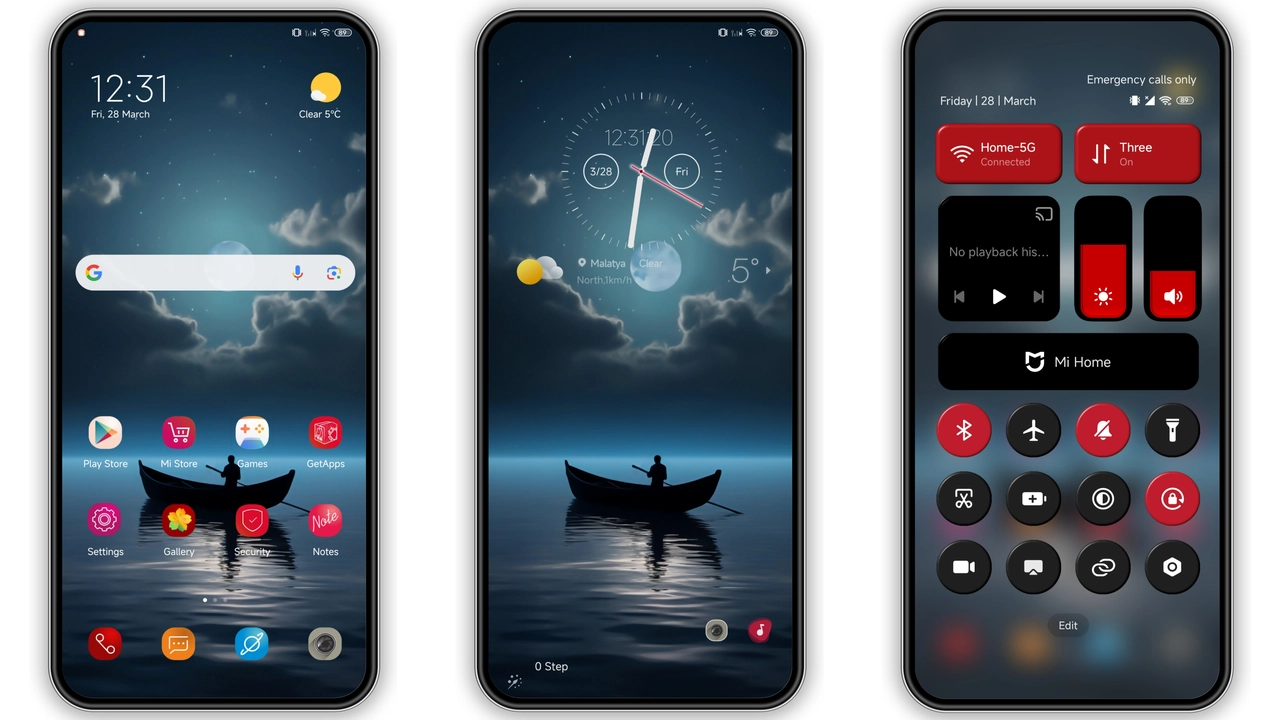
Striking Red‑Black Visual Language
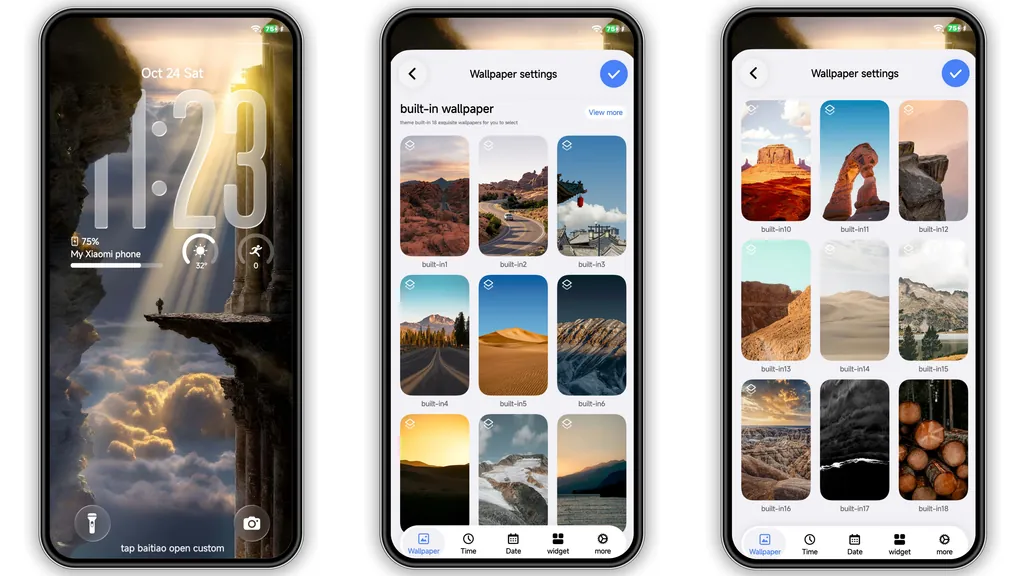
Deep red accents dominate. Black backdrop grounds icons. Wallpapers echo crimson tones. Lock screen animates with subtle pulse. AOD glows red, stays legible. Icons reshaped, sharper corners. Font unchanged, ensures readability. Overall vibe: bold, modern, slightly aggressive.
Suggested Read: Sunset Parrot MTZ Theme – Detailed Archive for HyperOS & MIUI
Ideal Users and Everyday Appeal
Fans of dark mode gravitate here. Users craving color pop choose Jiyan. Redmi owners seeking fresh look benefit. POCO users appreciate battery‑friendly dark base. Minimalists may skip due to vivid hue. Gamers like contrast for HUD visibility. Developers enjoy clean asset packaging.
Installation Flow and What to Expect
Download .mtz file. Open Theme Store app. Tap "Import" at bottom. Select downloaded file. Theme appears in My Themes. Apply. Device restarts UI layer. Lock screen updates instantly. AOD shows new gradient. No reboot required, but optional for stability. Settings remain intact; only visual layers swap.
Pros and Cons
Pros
• Striking color scheme
• Full icon set replacement
• Dynamic lock screen animation
• AOD customization
• Lightweight package
Cons
• Red hue may overwhelm neutral palettes
• No alternative color variants
• Minor icon clipping on older models
• Requires manual import on custom ROMs
Theme Preview


Download Links
Use the buttons below to open the theme file and the supporting link.
Jiyan Theme mtz File
Helpful links
More Theme Updates
For more curated HyperOS and MIUI theme updates, visit Hyper OS x MIUI .