Parameter · Value
Designer · Shakir Shine
Size · 2.05 MB
Format · .mtz
Compatibility · HyperOS / MIUI
Calm Oceanic Palette that Pops
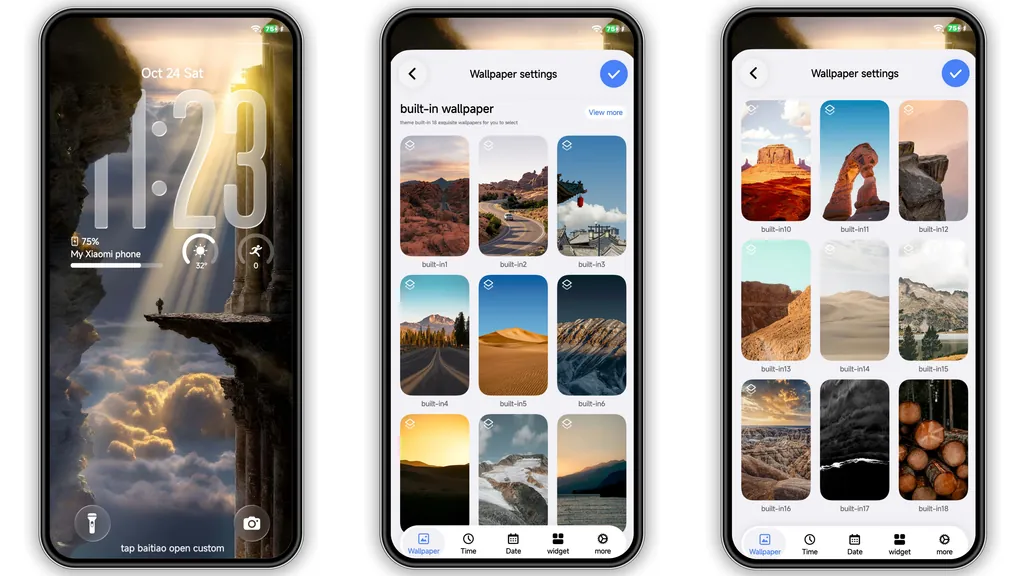
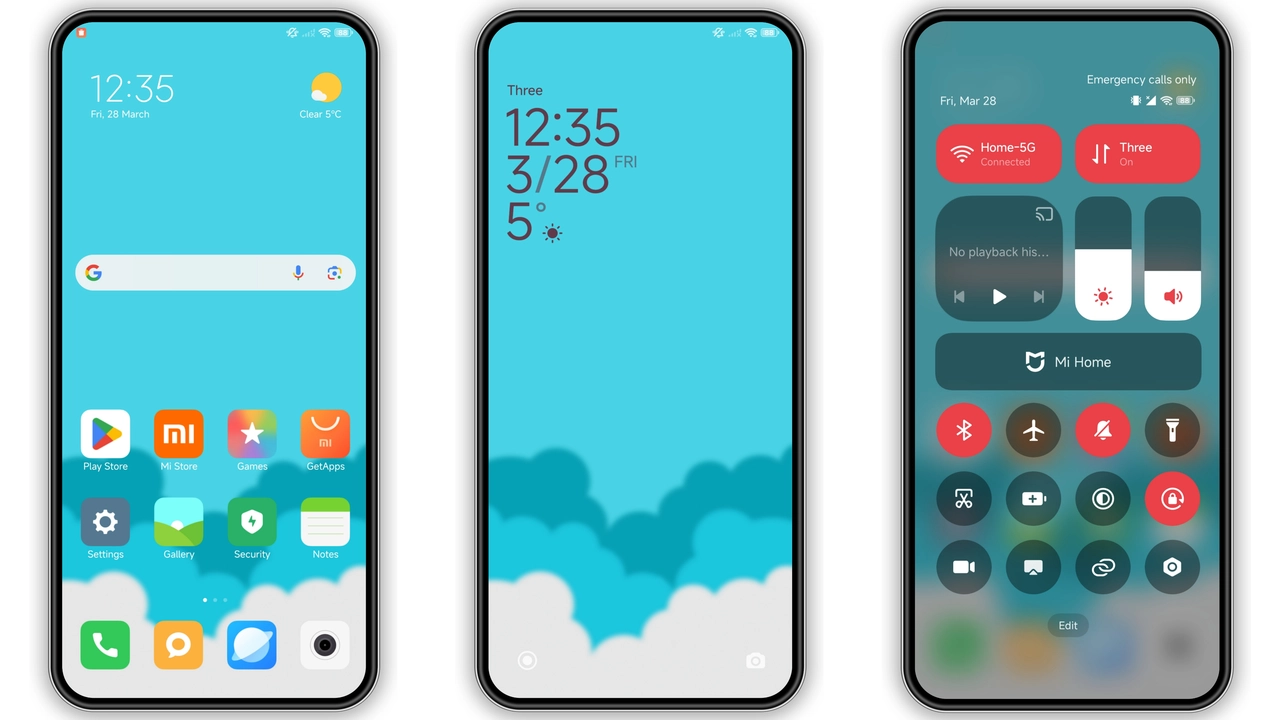
Ocean Blue embraces a deep‑sea hue while sprinkling lighter turquoise accents across the UI. Icons receive a subtle gradient that mimics light filtering through water, giving each app a sense of depth without overwhelming the eye. The wallpaper showcases a serene horizon where navy meets teal, reinforcing the theme’s tranquil vibe. Status bar icons turn white, ensuring readability against the darker background. Lock screen animations glide like gentle waves, and the always‑on display adopts a faint glow that mirrors moonlight on water. The result feels both modern and soothing, perfect for users who want a splash of color without the chaos of neon palettes.
Suggested Read: Light Blue: Tema HyperOS Bersih untuk Redmi, Poco, dan Mi – Review Device‑Specific
Ideal Users & Everyday Scenarios
Fans of minimalist aesthetics who still crave a hint of personality will gravitate toward Ocean Blue. It suits professionals who need a clean workspace yet appreciate a calming backdrop during long work sessions. Students juggling notifications find the high‑contrast status bar helpful for quick glances. Photographers and travel enthusiasts enjoy the theme’s subtle backdrop, allowing their own photos to stand out when set as lock‑screen images. Even night‑owl users benefit from the soft blue tones that reduce eye strain compared to stark black or white themes. In short, anyone who values clarity, elegance, and a touch of oceanic calm will feel at home.
Compatibility Checklist & Install Expectations
The theme declares compatibility with HyperOS and MIUI, covering Xiaomi, Redmi and POCO devices that run the stock Global Stable ROM. It works on HyperOS builds as well as MIUI 11‑14, meaning users on both legacy and newer releases can apply it without extra patches. Because the theme is packaged as an .mtz file, the Theme Store app handles installation automatically. Expect a brief reboot after applying; this clears residual caches and ensures the new status bar and lock‑screen assets render correctly. No root access or custom recovery is required, and the theme does not interfere with system updates.
Pros and Cons
• Pros
• Calm color scheme reduces eye fatigue.
• High contrast status bar improves readability.
• Seamless lock‑screen animation adds polish.
• Small file size, quick download.
• Works on both HyperOS and MIUI without modifications.
• Cons
• Limited customization beyond the default palette.
• No dark‑mode toggle; theme stays blue‑centric.
• Some third‑party launchers may not fully adopt the icon style.
Overall, Ocean Blue delivers a cohesive, ocean‑inspired experience that feels native to HyperOS while offering a fresh visual lift for Xiaomi, Redmi and POCO users.
Theme Preview

Download Links
Use the buttons below to open the theme file and the supporting link.
Ocean Blue Theme mtz File
Helpful links
More Theme Updates
For more curated HyperOS and MIUI theme updates, visit Hyper OS x MIUI .