Parameter · Value
Designer · moscreen
Size · 9.40 MB
Format · MTZ
Compatibility · HyperOS / MIUI
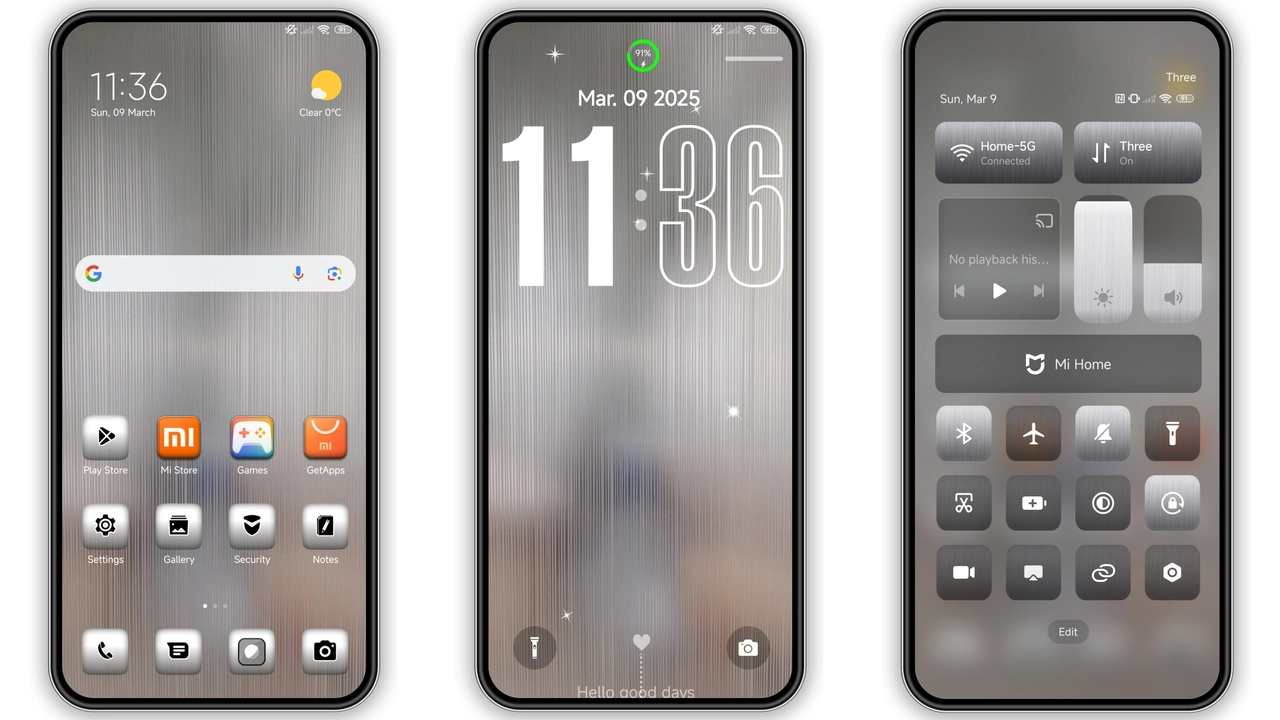
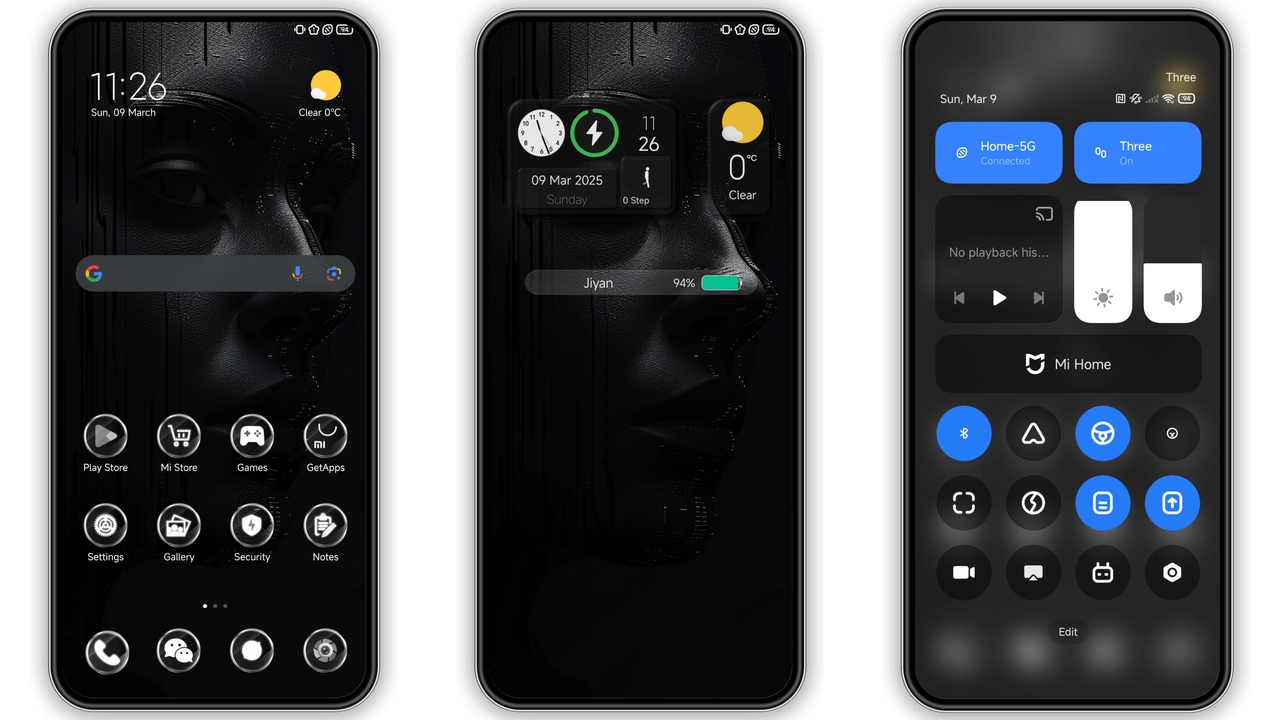
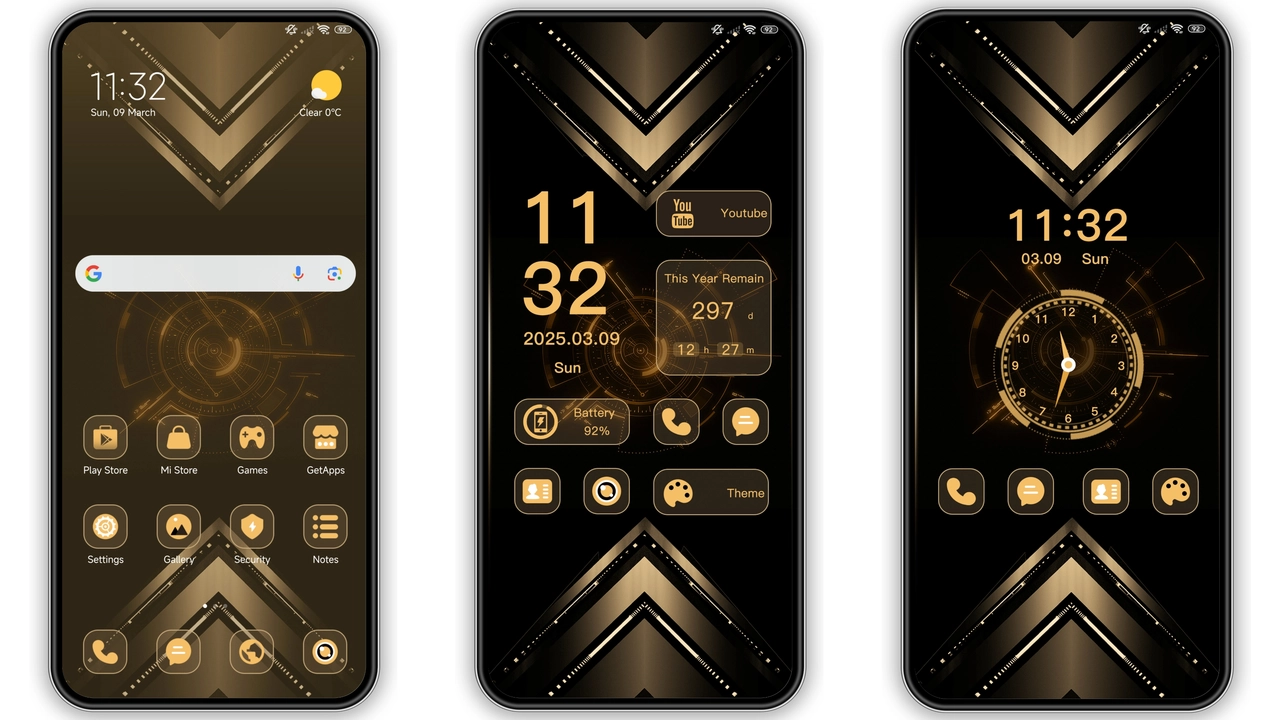
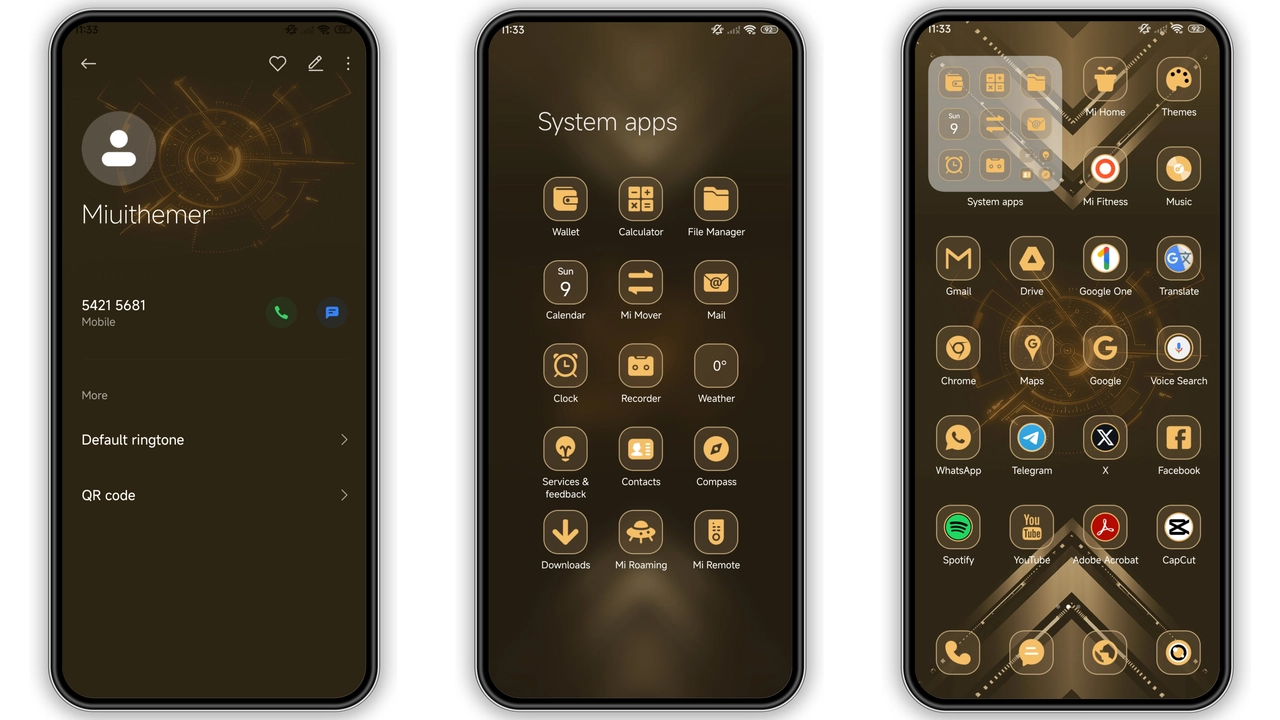
Industrial Metallic Visuals
Sharp metal textures dominate. Dark steel background sets tone. Golden accents highlight key UI spots. Icons re‑styled in brushed aluminum. Status bar adopts muted chrome hue. Lock screen features subtle gradient. Always‑on display mirrors business clock. Animations glide like polished gears. Wallpaper rotates between sleek cityscapes. Color palette stays monochrome with occasional amber.
Suggested Read: FluffV HyperOS Theme – Siap Pakai di Redmi, Poco, Mi
Who Benefits From a Business‑Grade Aesthetic
Professionals seeking focus gravitate here. Users tired of pastel fluff switch now. Developers who love clean code enjoy minimal clutter. Brand enthusiasts appreciate corporate vibe. Minimalists find metal less noisy. Gamers who want neutral backdrop adopt it too. Anyone needing clear readability chooses this theme.
Installation Flow on Stock and Custom ROMs
Download MTZ file from trusted source. Open Theme Store app. Tap “Import” then select file. Confirm install, wait few seconds. Apply theme from My Themes list. Restart device for full effect. On custom ROMs, open Theme Store, import MTZ similarly. Ensure HyperOS version matches file. If import fails, clear Theme Store cache. Re‑try import after cache clear. No root required for stock ROM.
Performance Impact and Battery Considerations
Theme uses static assets, low CPU load. Animations optimized for smooth 60 Hz. No background services run. Battery drain negligible. Memory usage adds ~30 MB RAM. Device storage reduced by 9.40 MB. No network activity after install. Works on mid‑range Snapdragon chips. High‑end devices see no lag.
Pros and Cons
Pros
• Metallic aesthetic feels premium.
• Consistent across lock, home, AOD.
• Light on resources.
• Easy install on stock MIUI.
• Works on POCO and Redmi.
Cons
• Limited color customization.
• No dark‑mode toggle inside theme.
• Golden accents may not suit all tastes.
• Requires HyperOS or MIUI 14+.
• No built‑in widget pack.
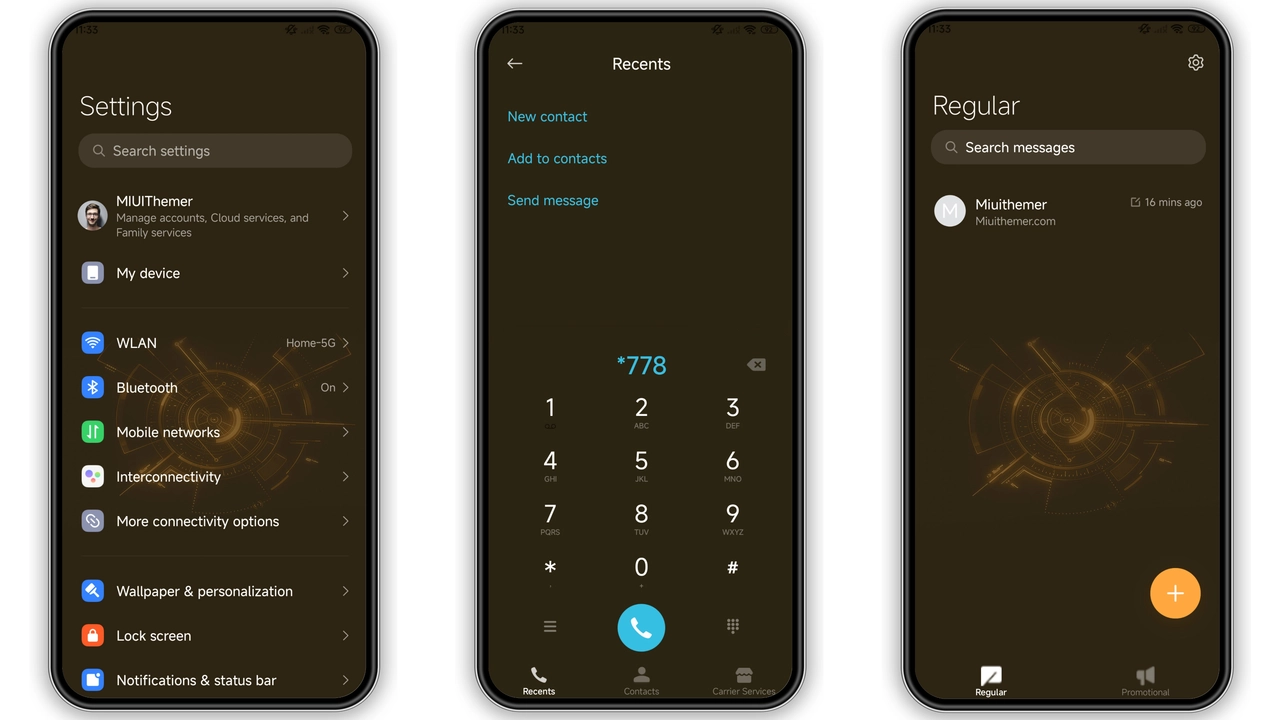
Theme Preview
Download Links
Use the buttons below to open the theme file and the supporting link.
Metal Business Theme mtz File
Helpful links
More Theme Updates
For more curated HyperOS and MIUI theme updates, visit Hyper OS x MIUI .