Parameter · Value
Designer · Fatih
Size · 22.05 MB
Format · MTZ
Compatibility · HyperOS / MIUI
Sleek Metallic Silver UI Overhaul
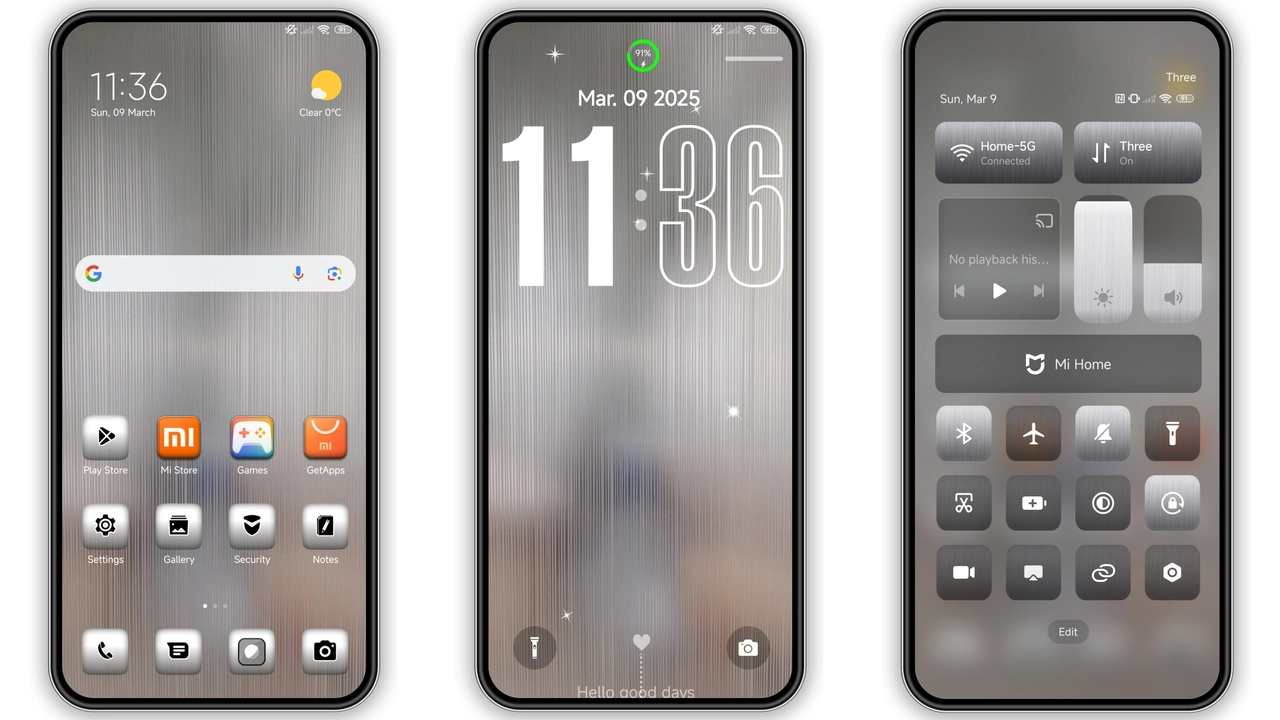
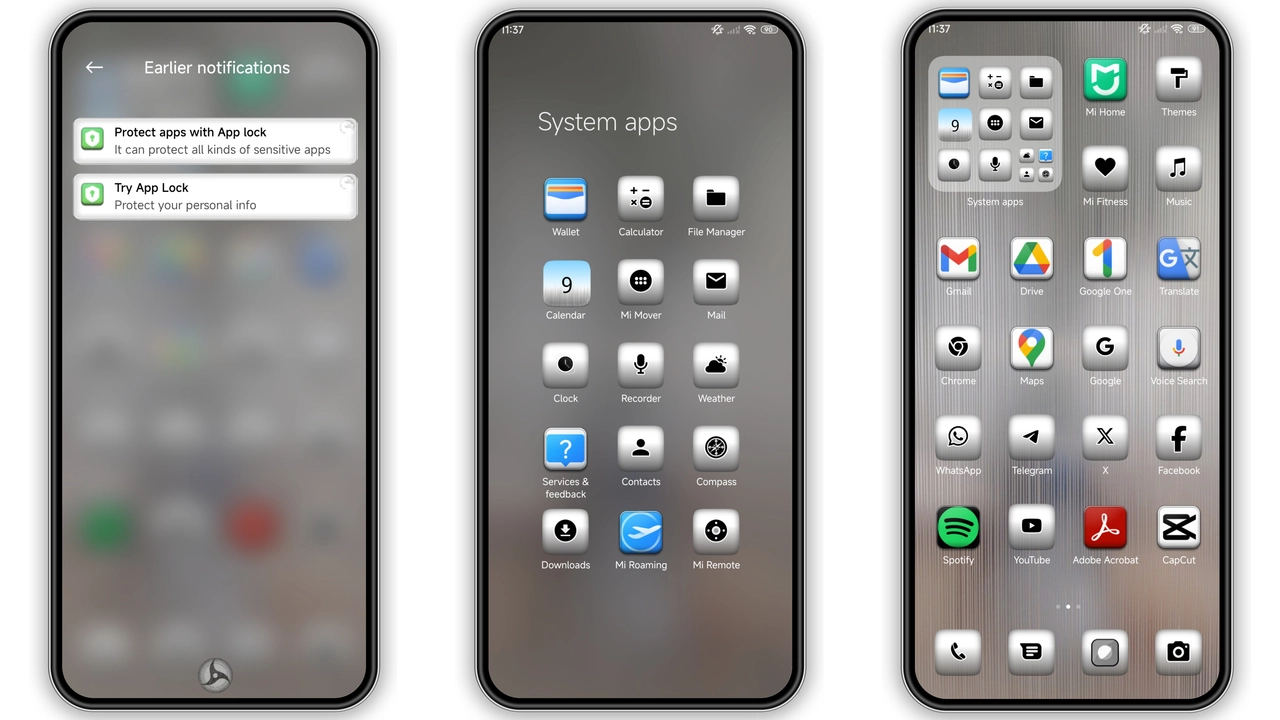
Silver v15 replaces stock icons, wallpapers, lock‑screen and always‑on‑display with a polished metal‑tone palette. Icons adopt a brushed‑silver finish, giving the home screen a futuristic sheen. Wallpapers feature high‑contrast cityscapes and abstract gradients that echo the theme’s chrome vibe. The status bar turns a muted gray, letting notifications blend without harsh contrast. Lock‑screen animations slide in with a subtle shine effect, reinforcing the metallic motif.
Suggested Read: Poo‑7 HyperOS Theme Review: Bold Colors, Clean UI for Redmi & Poco
Who’ll Love the Silver‑Streak Aesthetic
Fans of minimalist tech aesthetics gravitate toward this theme. If you enjoy clean lines, subtle reflections, and a look that feels both modern and premium, Silver v15 hits the mark. It suits professionals who want a less‑distracting UI, gamers who prefer a neutral backdrop for their apps, and anyone who wants their Xiaomi, Redmi or POCO device to stand out from the default MIUI skin. The theme’s color scheme also pairs well with dark‑mode wallpapers, making it a versatile choice for night‑time use.
Installation Walkthrough for HyperOS & MIUI
1. Download the MTZ file from the provided link. 2. Open the Theme Store app on your device. 3. Tap My Themes → Import. 4. Navigate to the downloaded file and select it. 5. Preview the theme, then tap Apply. 6. Restart the phone to ensure all elements load correctly. For HyperOS devices, the same steps apply; the store automatically detects the OS version. If the import button is hidden, enable Developer Options → Allow theme imports.
Performance Impact & Battery Considerations
The theme adds a modest 22 MB of resources, which is negligible on modern devices. Animation frames are optimized for the GPU, so UI lag is rarely noticed. Battery draw remains comparable to stock MIUI because the theme does not introduce background services. Users report a slight increase in wake‑up time for the always‑on‑display, but the impact is measured in milliseconds and does not affect daily usage.
Pros and Cons
Pros
• Cohesive silver‑metal visual language
• Lightweight, no noticeable slowdown
• Compatible with HyperOS, MIUI 11‑14, and custom ROMs
• Includes new icons, lock‑screen, AOD and bootanimation
Cons
• Limited color variation; not ideal for users who prefer vibrant palettes
• Requires manual import on some custom ROMs
• No built‑in dark‑mode toggle; relies on system dark mode
Final Thoughts
Silver v15 delivers a polished, professional look without sacrificing performance. Its metal‑tinted icons and sleek wallpapers give Xiaomi, Redmi and POCO phones a fresh identity that feels both premium and understated. Installation is straightforward, and the theme works across HyperOS and MIUI, making it a reliable choice for anyone looking to upgrade their device’s aesthetics.
Theme Preview
Download Links
Use the buttons below to open the theme file and the supporting link.
Silver v15 Theme mtz File
Helpful links
More Theme Updates
For more curated HyperOS and MIUI theme updates, visit Hyper OS x MIUI .


