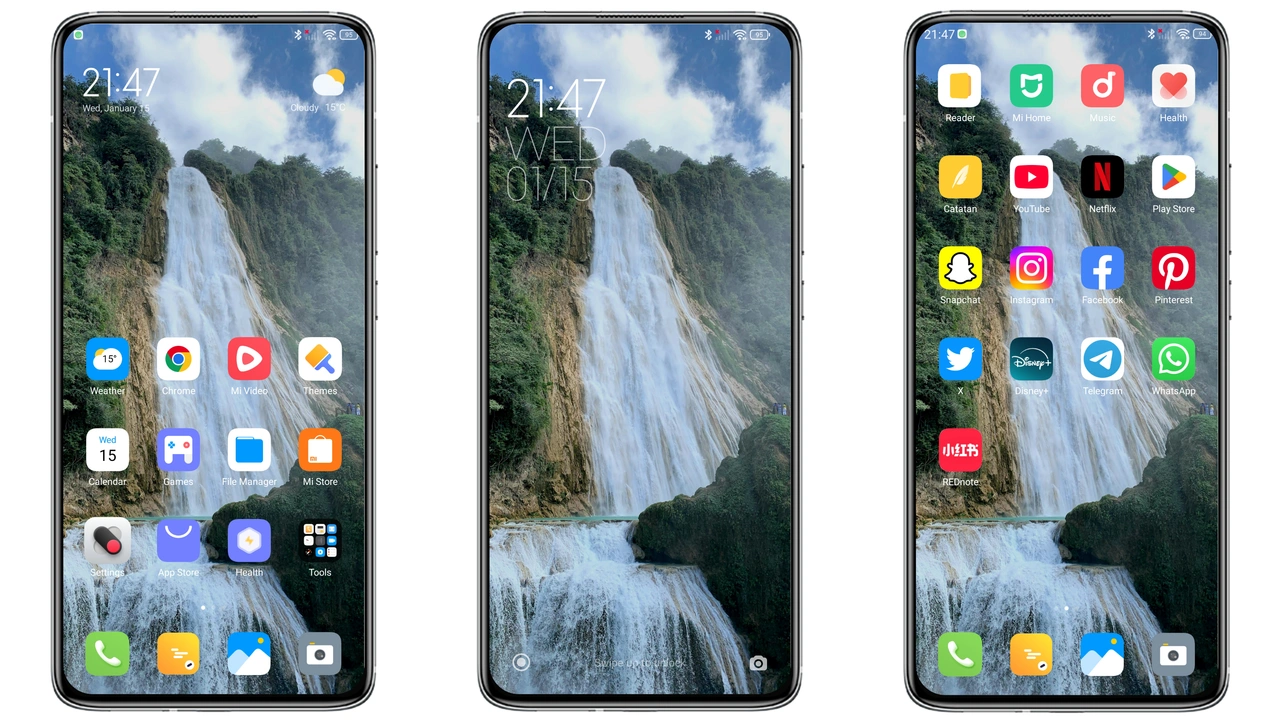
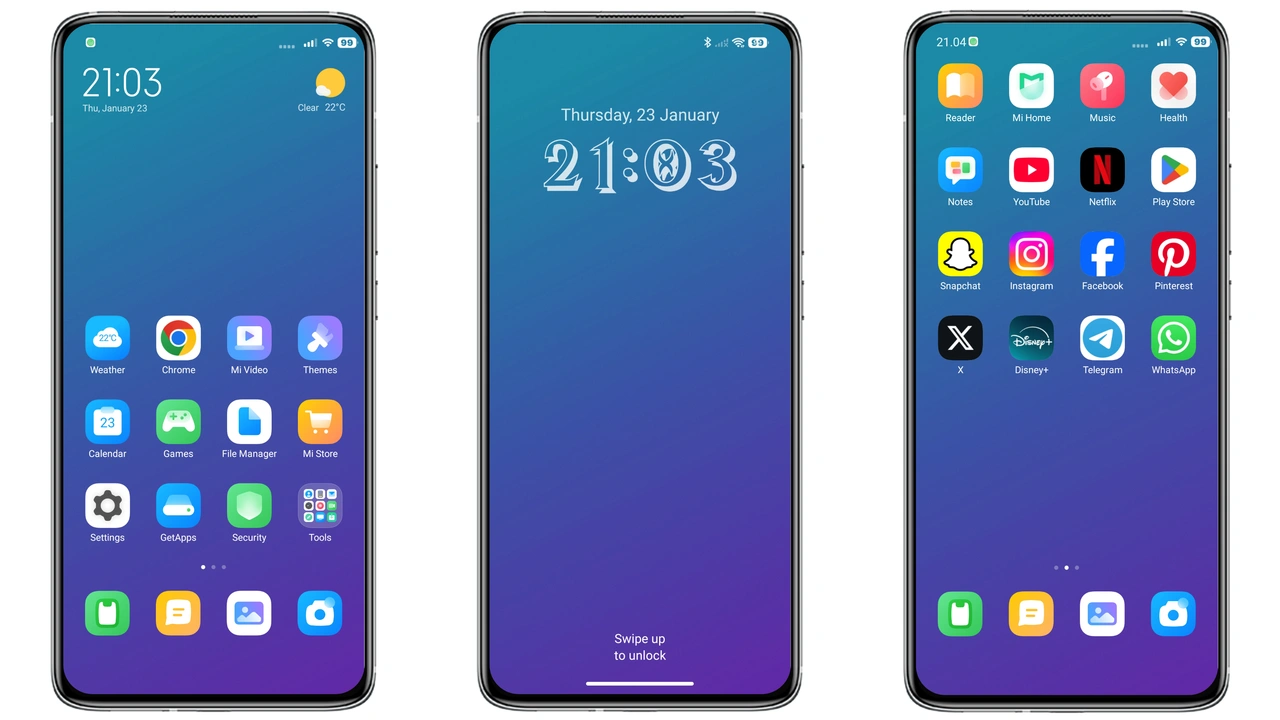
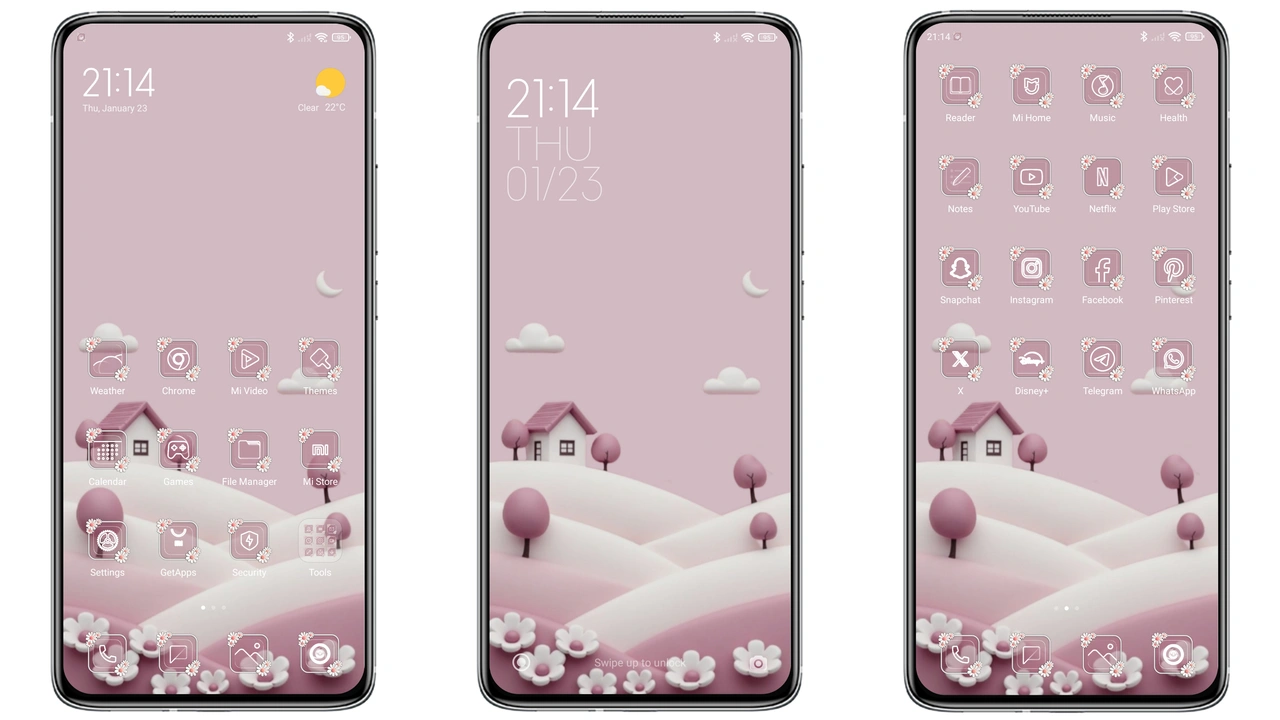
Parameter · Value
Designer · -
Size · Variable
Format · PNG
Compatibility · HyperOS, MIUI
Vibrant Color Palette Meets Minimalist Layout
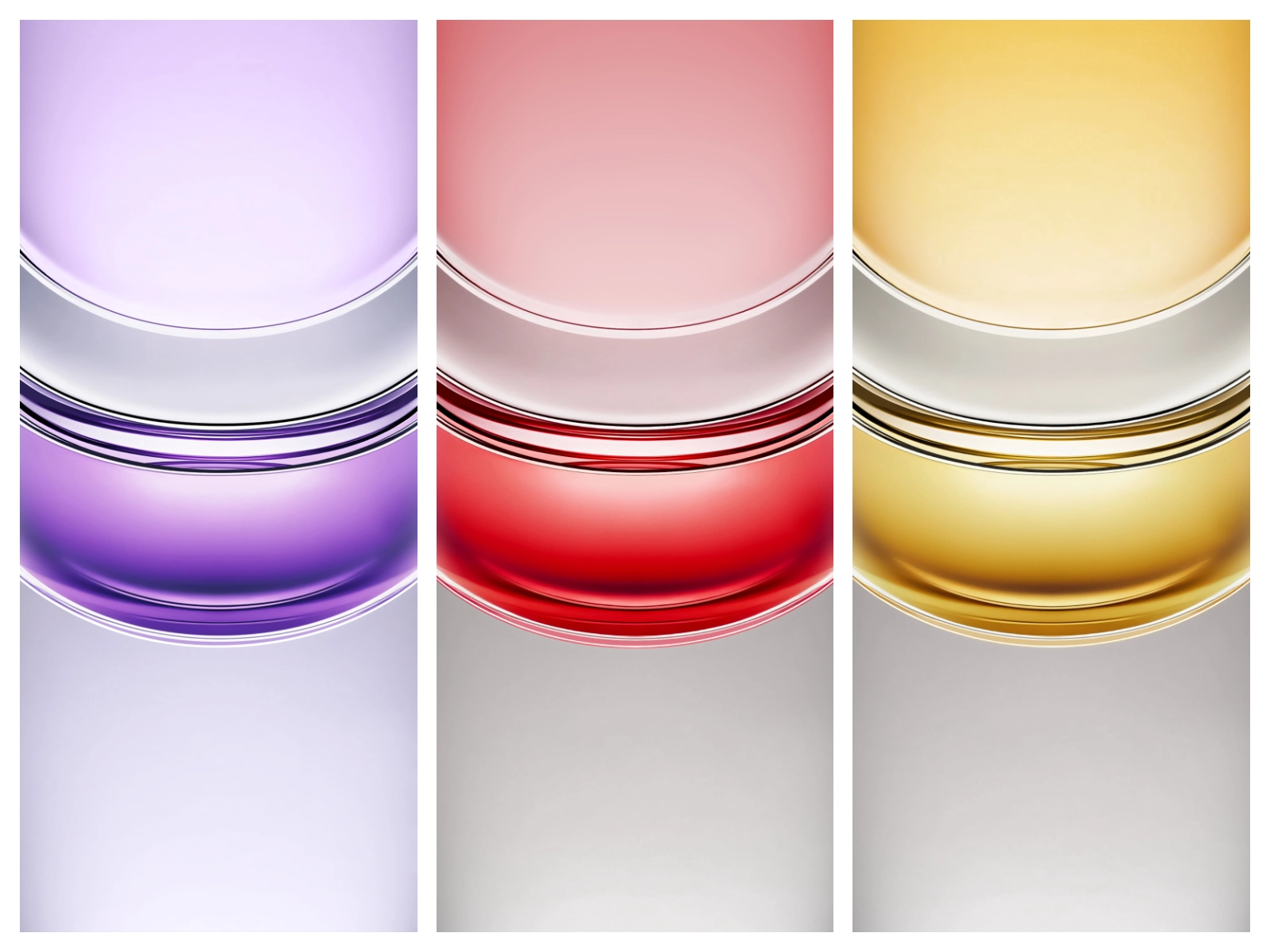
The pack blends bold hues with clean lines. Realme 14x wallpaper leans toward deep teal, subtle gradients, and crisp icon spaces. Realme 14 Pro version adds richer magenta accents, sharper contrast, and a faint geometric overlay. Both sets respect the HyperOS icon grid, ensuring icons sit without clipping. The design avoids heavy textures, keeping battery impact low. Users notice smoother transitions between home screens. The aesthetic feels modern without chasing trends. It works well on both dark and light mode, thanks to balanced luminance.
Suggested Read: Super Liquid Rice Crackers Theme Transforms Redmi UI with Fluid Neon Flair
Ideal Users: Photo‑Enthusiasts & Minimalist Fans
Photographers appreciate the subtle backdrop that lets shot previews stand out. Minimalist fans enjoy the uncluttered feel, allowing widgets to breathe. The wallpapers suit users who switch between work and play, because the color scheme stays neutral yet lively. Fans of Realme’s hardware will recognize brand cues hidden in the pattern. Early adopters of HyperOS find the theme matches the OS’s fluid animations. Users who love customizing their UI without overhauling every element will gravitate toward this pack.
Installation Flow on HyperOS & MIUI
Open Settings → Wallpaper → Choose New → Gallery. Locate the downloaded PNG folder. Tap desired image → Apply to Home screen and Lock screen. On MIUI, go to Themes → My Themes → Local Themes. Select the file, then set as wallpaper. The process takes seconds. No reboot required. Ensure the file resides in the Pictures/Wallpapers directory for quick access. If the image appears stretched, check display resolution settings; the pack includes 1080p and 1440p variants. Adjust scaling in Wallpaper settings if needed.
Pros and Cons
• Pros
• High‑resolution images, crisp on all displays
• Minimal battery impact, lightweight PNGs
• Consistent look across HyperOS and MIUI
• Easy install, no extra apps needed
• Cons
• No animated variants, static only
• Limited to Realme 14x/14 Pro models, may not fit other screens perfectly
• No built‑in dark‑mode toggle, manual selection required
Theme Preview
Download Links
Use the buttons below to open the theme file and the supporting link.
Download Realme 14x Stock Wallpaper
Download Realme 14 Pro Stock Wallpaper
Helpful links
More Theme Updates
For more curated HyperOS and MIUI theme updates, visit Hyper OS x MIUI .