Parameter · Value
Designer · DANBR
Size · 3.89 MB
Format · MTZ
Compatibility · HyperOS / MIUI
Fresh Coffee‑Inspired Dark Palette
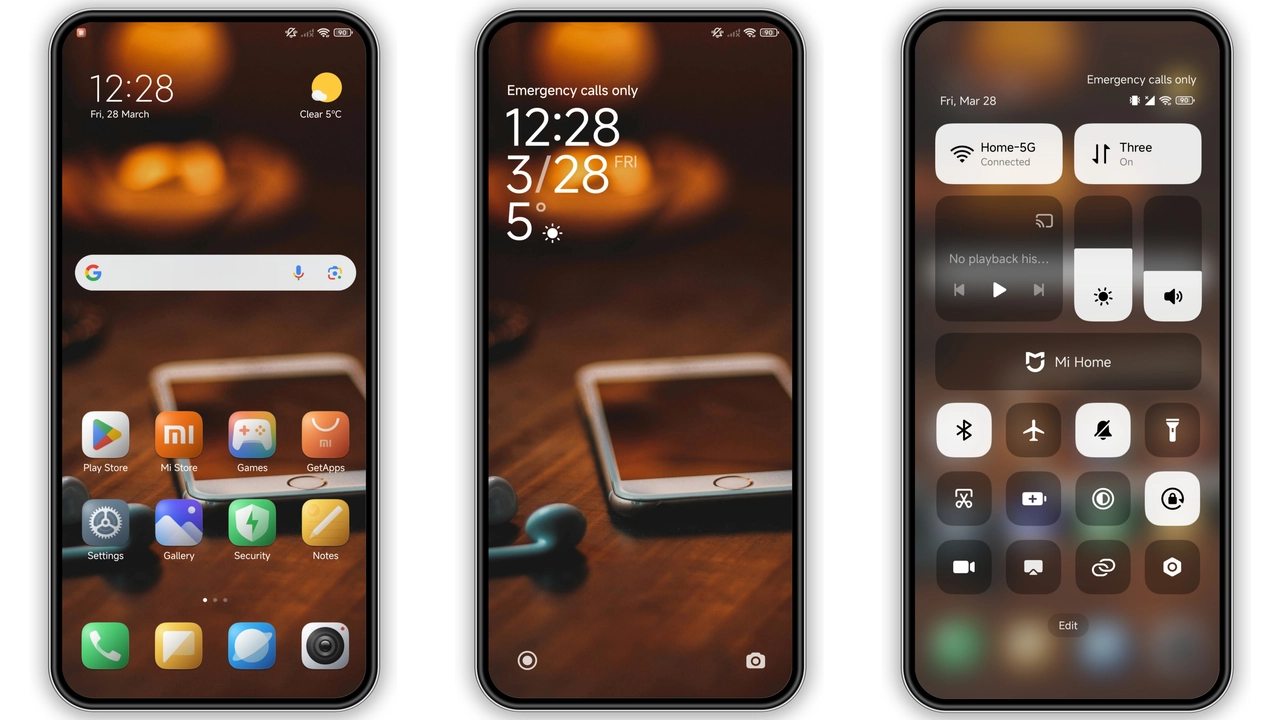
The theme opens with a deep charcoal backdrop. Subtle coffee‑brown accents punctuate status bar, lock screen, and quick settings. Contrast stays readable; battery and signal icons remain crisp. Wallpapers rotate between muted espresso tones and light latte gradients, giving a calm yet energized feel. The palette works well in both bright daylight and dim night, thanks to balanced gamma.
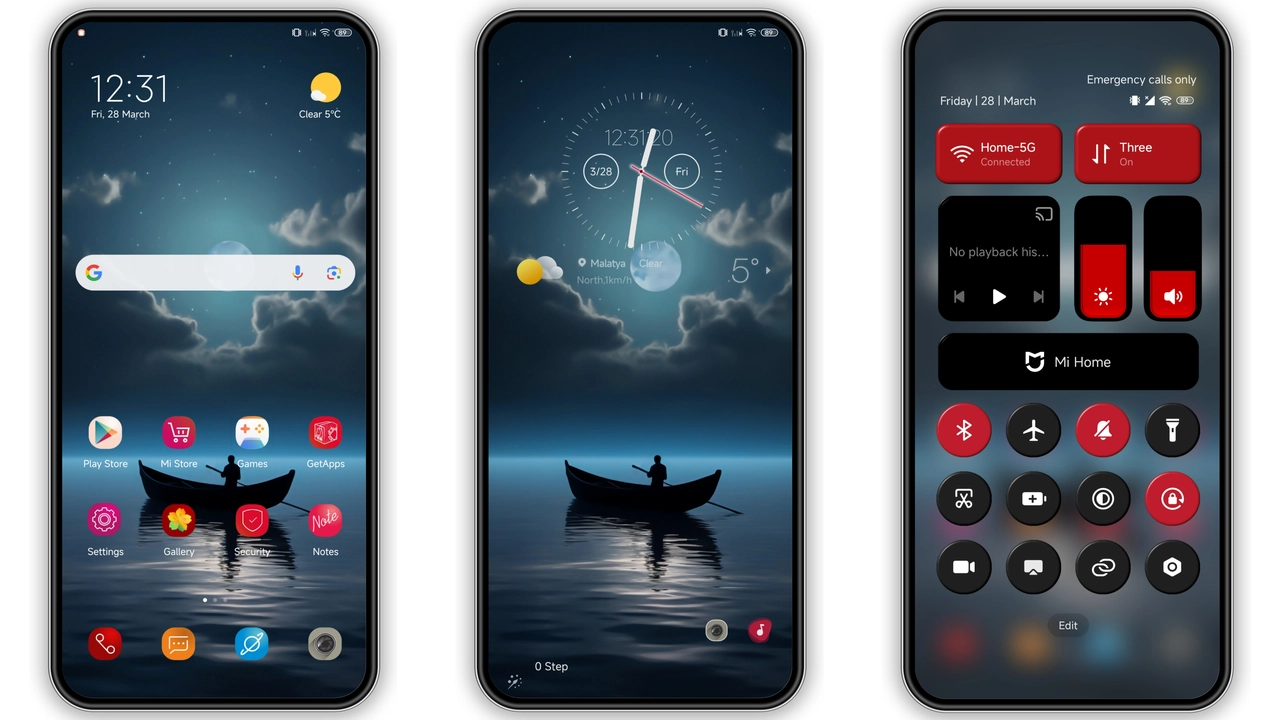
Suggested Read: Encounter Beautiful vs Moonlit Serenity: Which Theme Wins on HyperOS & MIUI
Icon Set that Echoes Minimalist Life
All app icons receive a uniform flat treatment. Rounded corners, thin outlines, and a muted hue palette create visual harmony. System icons—camera, messages, settings—share the same stroke weight, preventing visual clutter. The design leans toward minimalism without stripping personality; each icon retains a hint of its original brand color, just softened. This approach suits users who prefer a tidy home screen yet dislike sterile monochrome looks.
Seamless Fit for HyperOS & MIUI Devices
Compatibility covers the entire HyperOS line and MIUI 14‑based ROMs. Tested on Xiaomi, Redmi, and POCO models ranging from entry‑level to flagship. No extra patches required; the MTZ file installs directly via the Theme Store app. The theme respects device‑specific UI quirks—navigation bar spacing, notch handling, and foldable screen adjustments—so no misaligned elements appear. Users on custom ROMs (Xiaomi EU, MIUIRoom) also report smooth operation, provided the ROM retains the official theme framework.
Installation Walkthrough Without Hassle
1. Open Theme Store app.
2. Tap Import at the bottom of the Themes screen.
3. Locate the downloaded DAN_V9.mtz file.
4. Confirm import; the theme appears in My Themes.
5. Apply and restart for full effect.
If the official store link fails, switch to Firefox or the native Xiaomi browser; Chrome may block the redirect. After applying, a quick reboot clears any residual overlays. No additional permissions or root access needed.
Who Will Love This Theme?
• Coffee‑culture fans who enjoy warm, earthy tones.
• Minimalist enthusiasts seeking a cohesive icon set.
• Power users on HyperOS who want a fresh look without sacrificing performance.
• Custom ROM hobbyists needing a theme that respects non‑stock UI tweaks.
The theme is not ideal for users craving bright, high‑contrast neon schemes or heavy animation packs. Its subtlety may feel too muted for gamers who prefer aggressive visual cues.
Pros and Cons
Pros
• Cohesive coffee‑toned palette.
• Uniform flat icon design.
• Full compatibility with HyperOS and MIUI.
• Light file size; fast download.
• Simple one‑step installation.
Cons
• Dark scheme may not suit daylight‑only users.
• Limited animation; static feel.
• No built‑in dark‑mode toggle; requires system‑wide setting.
• Minor UI glitches on heavily customized ROMs (rare).
Overall, DAN_V9 delivers a polished, low‑overhead aesthetic that blends well with modern Xiaomi devices. Its design philosophy—quiet elegance, subtle warmth—makes daily interaction feel smoother. For anyone looking to replace stock visuals with something refined yet unobtrusive, this theme stands out as a reliable choice.
Theme Preview

Download Links
Use the buttons below to open the theme file and the supporting link.
DAN_V9 Theme mtz File
Helpful links
More Theme Updates
For more curated HyperOS and MIUI theme updates, visit Hyper OS x MIUI .