Parameter · Value
Designer · VK
Size · 96.69 MB
Format · MTZ
Compatibility · HyperOS (2.0‑4.0), MIUI
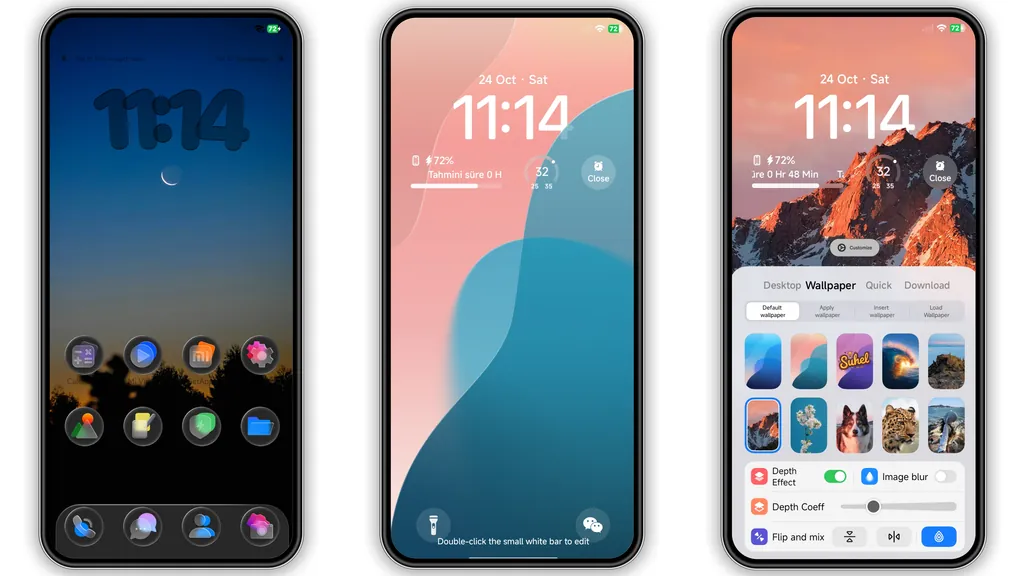
Midnight Black Canvas with Neon Blue Highlights
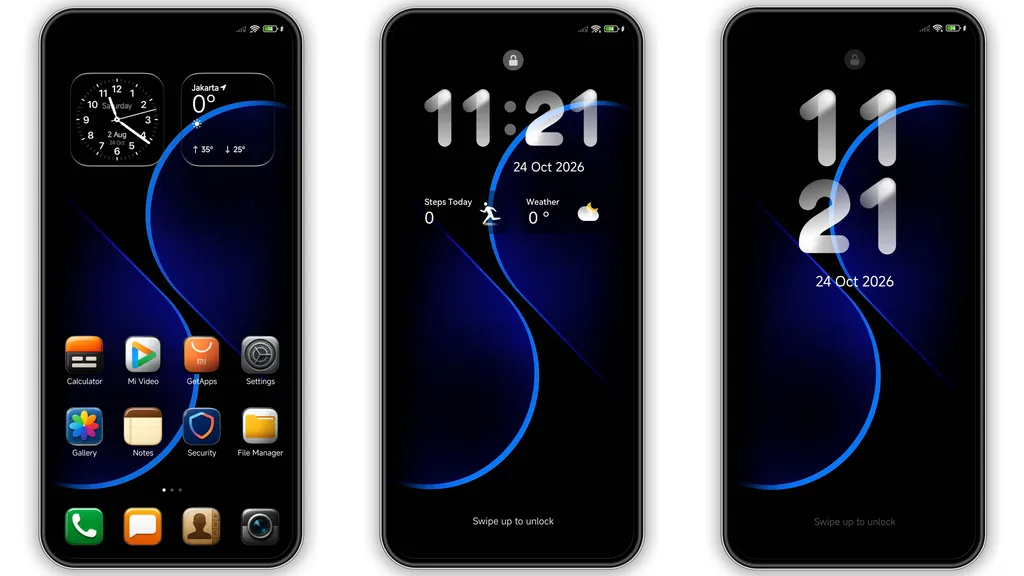
Deep black wallpaper anchors the UI. Blue curves pulse across lock screen. Ambient glow draws eye without glare. Contrast stays soft on OLED panels. Dark mode reduces battery drain. Visual hierarchy stays clear. Text remains legible on dark backdrop. Icons adopt subtle cyan tint. Widgets inherit matching hue. Overall vibe feels futuristic yet calm.
Suggested Read: HyperOS MTZ Theme for Redmi Note – Bold Look, Quick Setup
Refined Icons and Light‑Optimized Widgets
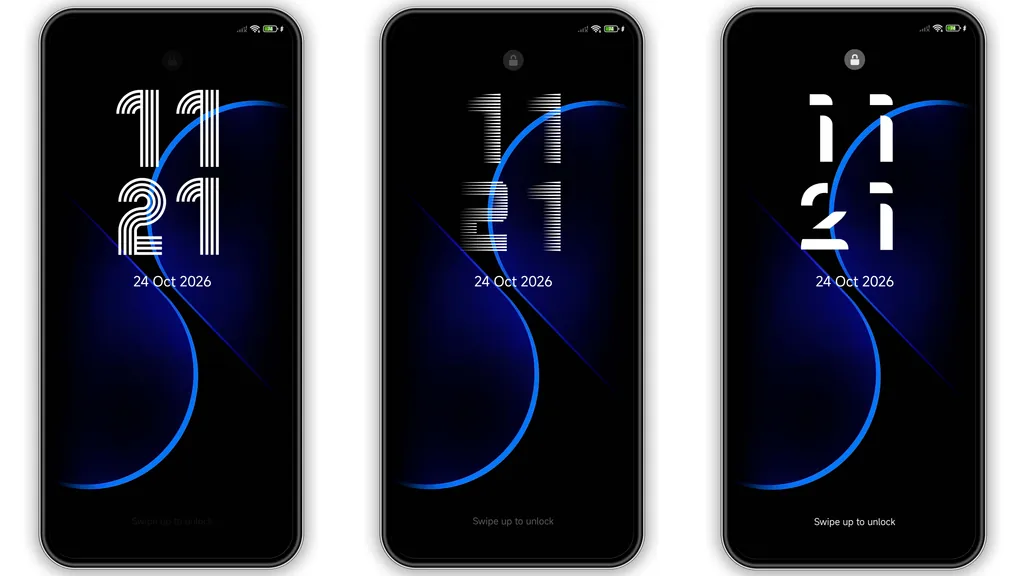
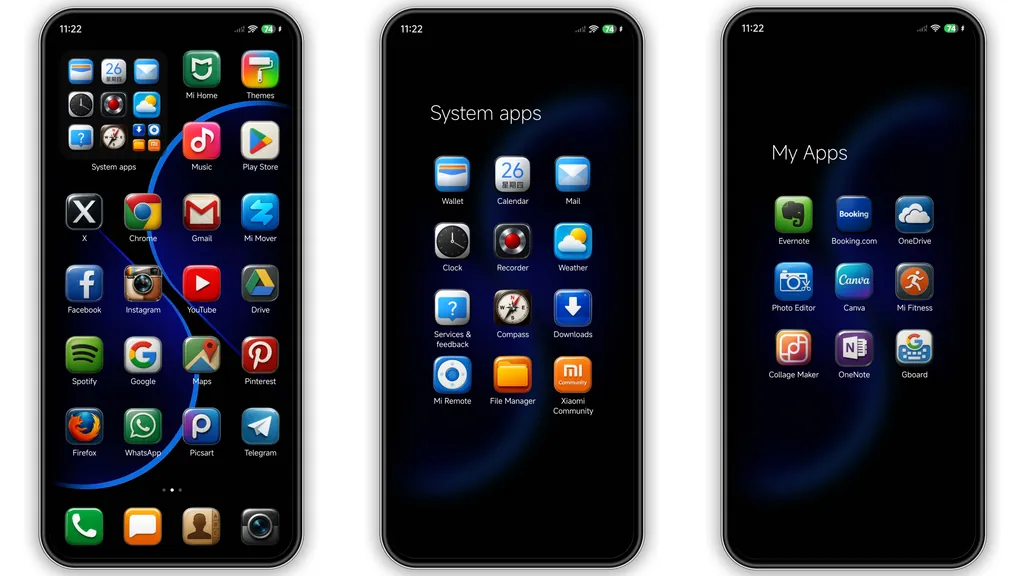
Icons replace stock set with flat geometry. Rounded corners soften edges. Light‑optimized assets keep colors bright. Clock widgets showcase sleek digital readout. Weather widget displays temperature in crisp font. Folder borders turn translucent. Animations stay minimal to preserve speed. No heavy shadows to tax GPU. Consistency spans home, lock, and always‑on display.
Who Will Love This Dark Minimalist Look
Fans of dark aesthetics gravitate here. Users seeking low‑key elegance find comfort. Minimalists appreciate uncluttered layout. Gamers who favor neon accents notice appeal. Professionals who work at night avoid eye strain. Device owners with OLED screens see deeper blacks. Anyone wanting a fresh look without drastic overhaul fits.
Installation Steps and Download Tips
Download MTZ file from trusted source. Verify file size matches 96.69 MB. Open Theme Store app. Tap “Import” at bottom of theme list. Locate downloaded MTZ file. Confirm import prompt. Apply theme from My Themes section. Restart device for full effect. Check lock screen for curve rendering. Ensure widgets appear correctly. If overlap occurs, clear cache in Settings > Apps > Theme Store.
Pros and Cons
Pros
• Striking black‑blue contrast.
• Lightweight file size.
• Consistent design across UI.
• Optimized for OLED power saving.
• Easy import via Theme Store.
Cons
• Limited color palette may not suit all tastes.
• No alternative icon packs included.
• Requires manual restart for perfect rendering.
• Compatibility limited to HyperOS and MIUI builds.
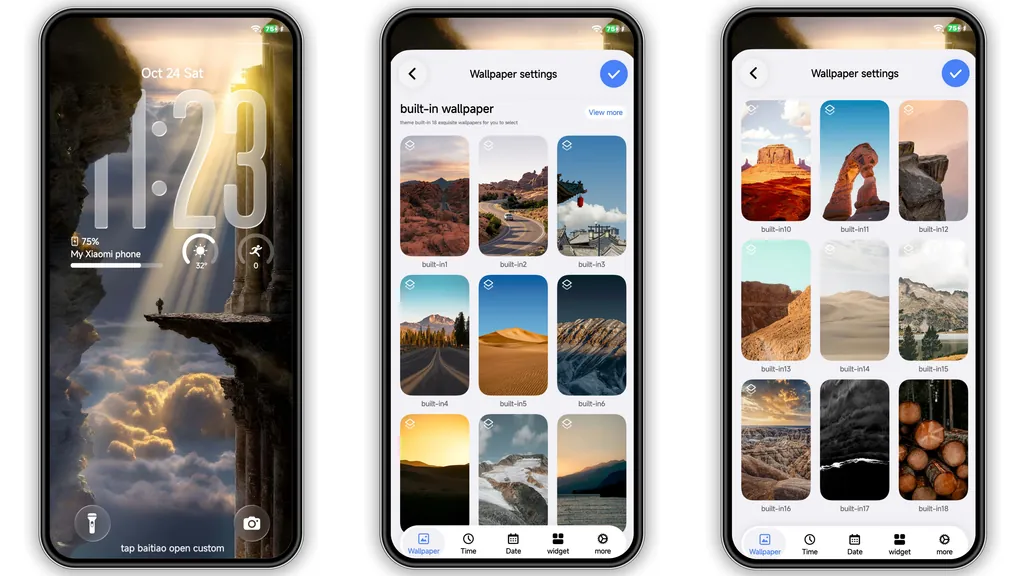
Theme Preview
Download Links
Use the buttons below to open the theme file and the supporting link.
TOP UI VK Theme mtz File
Helpful links
More Theme Updates
For more curated HyperOS and MIUI theme updates, visit Hyper OS x MIUI .