Parameter · Value
Designer · suhel
Size · 21.14 MB
Format · MTZ (theme package)
Compatibility | HyperOS | HyperOS 2.0 | HyperOS 3.0 | MIUI
Playful Sunrise Palette
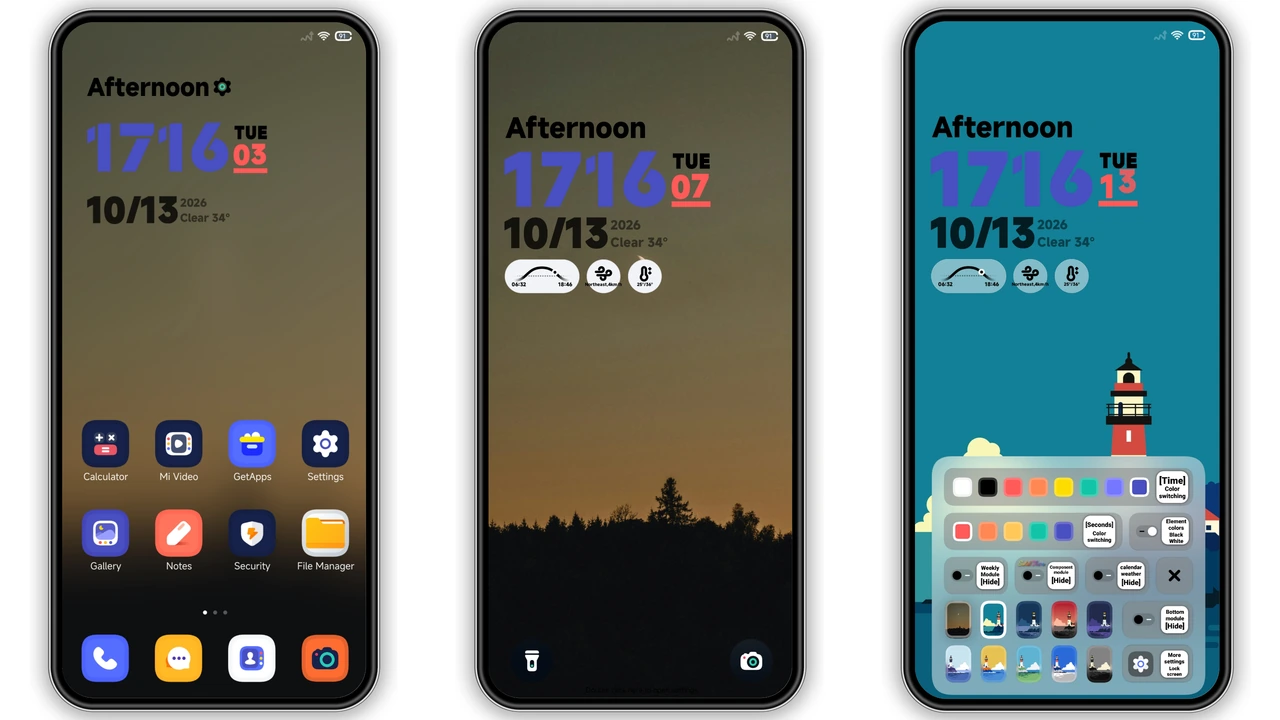
ss24 greets you with warm sunrise wallpapers, calm forest hues, and a cute lighthouse scene. Colors stay soft yet vivid, making every swipe feel like a fresh morning. The palette leans toward pastel oranges, gentle teal, and muted greens, avoiding harsh contrast. Result: eyes rest easy, battery stays calm.
Suggested Read: Putih Biru 3.0.3 – Tema HyperOS untuk Redmi, Poco, Mi
Rounded Icon Revamp
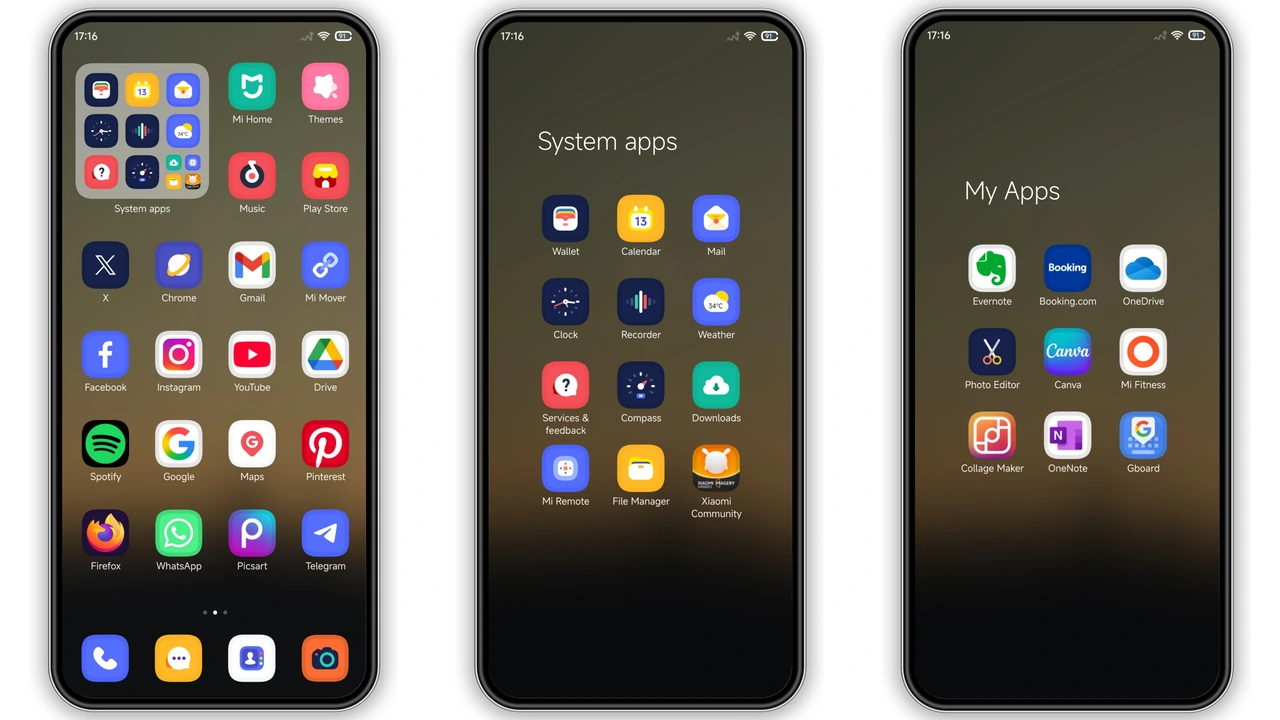
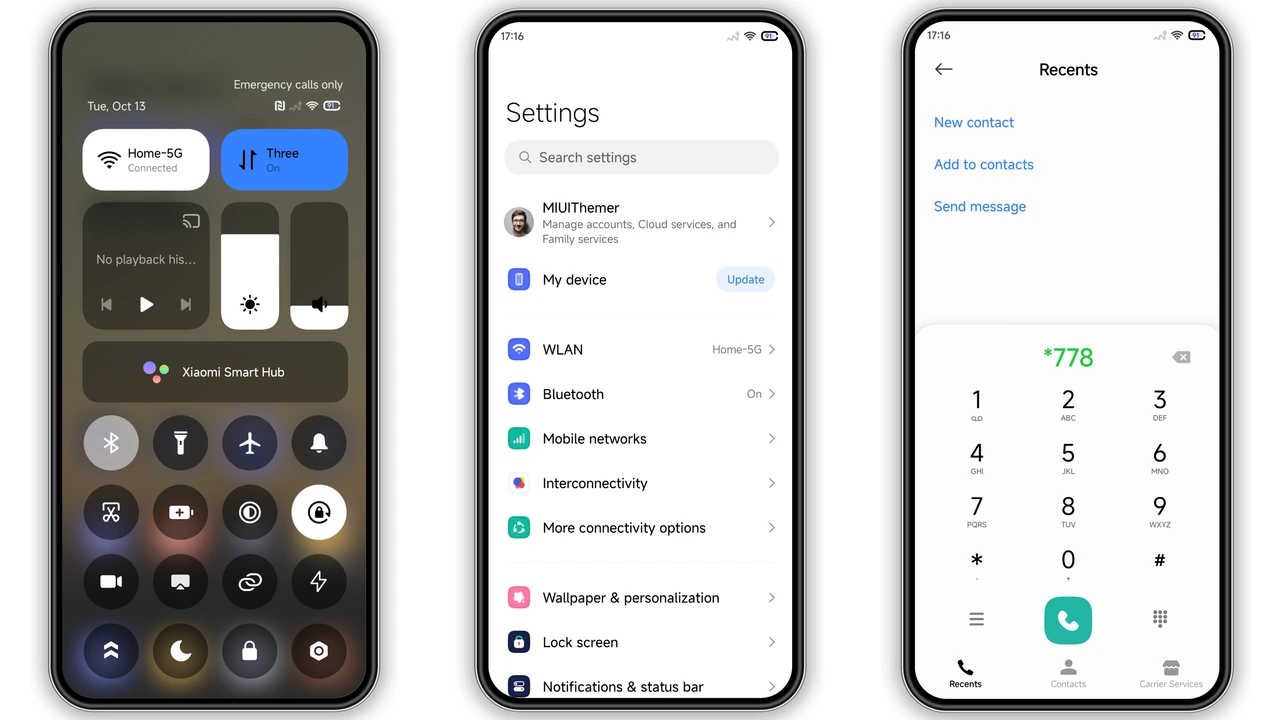
All system icons receive a fresh, rounded treatment. Corners soften, shadows lift, giving a modern yet approachable look. New icons follow a consistent line weight, ensuring visual harmony across apps. Users who love minimalism yet crave a touch of personality will appreciate this balance.
Dynamic Lock Screen Experience
Lock screen transforms with animated sunrise or wind widgets that react to time of day. Clock colors shift subtly, matching the background tone. The lock screen remains functional—notifications stay clear, fingerprint sensor unchanged—while adding a lively visual cue.
Installation Walkthrough
1. Open the Theme Store app on your HyperOS device.
2. Tap Import at the bottom of the Themes page.
3. Locate the downloaded ss24.mtz file (found in your Downloads folder).
4. Confirm import, then Apply.
5. Restart the device to ensure all elements render correctly.
No root required. Works on stock HyperOS, HyperOS 2.0, HyperOS 3.0, and MIUI‑based ROMs. If the official store link fails, use a standard file manager to import the MTZ file directly.
Who Will Love ss24?
• Casual users seeking a fresh look without heavy customization.
• Fans of pastel aesthetics who enjoy subtle color shifts.
• Device owners of Xiaomi, Redmi, POCO who want a theme that respects system performance.
• Minimalists who appreciate rounded icons and clean control‑center layouts.
Pros and Cons
Pros
• Bright, cohesive color scheme.
• Rounded icons improve readability.
• Dynamic lock screen adds personality.
• Low resource footprint.
• Seamless compatibility across HyperOS versions.
Cons
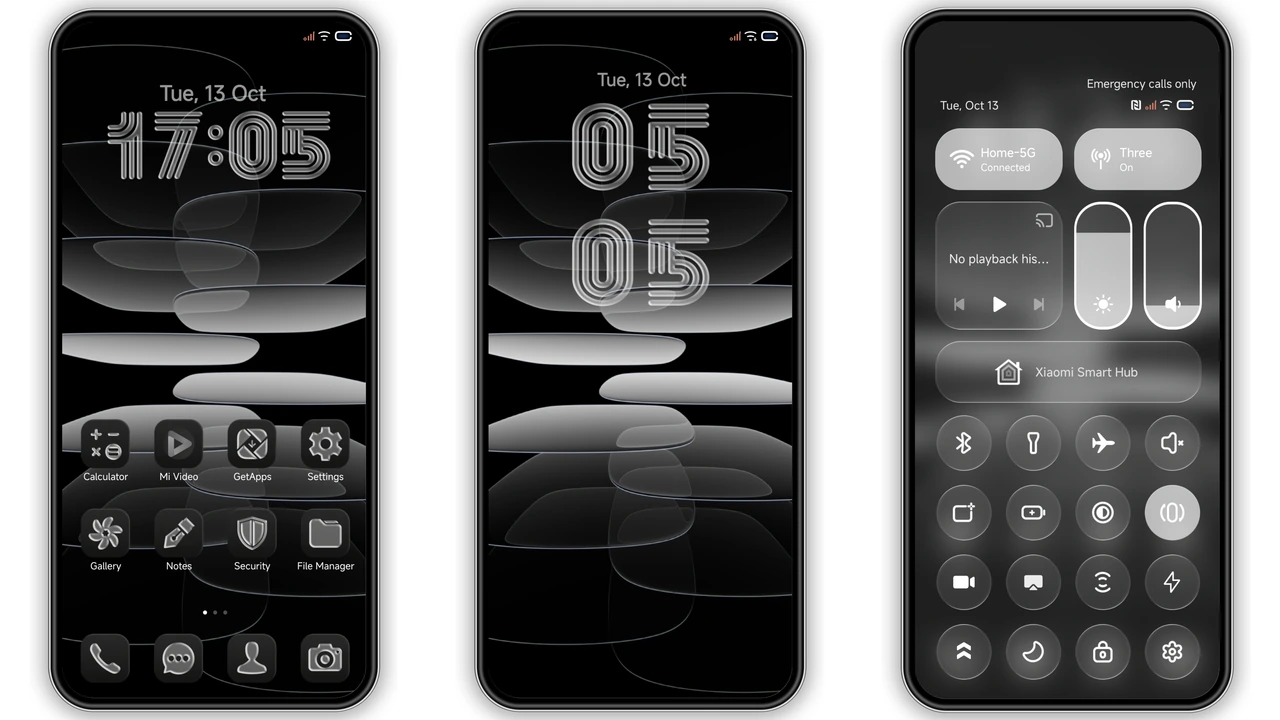
• Limited dark‑mode variations.
• No built‑in font changes.
• AOD style optional, not auto‑enabled.
• Slightly fewer wallpapers than premium packs.
Overall, ss24 delivers a cheerful, polished look that feels native to HyperOS while offering enough flair to stand out from stock themes. Perfect for anyone wanting a quick visual refresh without diving into deep customizations.
Theme Preview
Download Links
Use the buttons below to open the theme file and the supporting link.
ss24 Theme mtz File
Helpful links
More Theme Updates
For more curated HyperOS and MIUI theme updates, visit Hyper OS x MIUI .

