Parameter · Value
Designer · oxfury
Size · 64.56 MB
Format · MTZ
Compatibility · HyperOS 2.0 / 3.0, MIUI 14, Xiaomi/Redmi/POCO
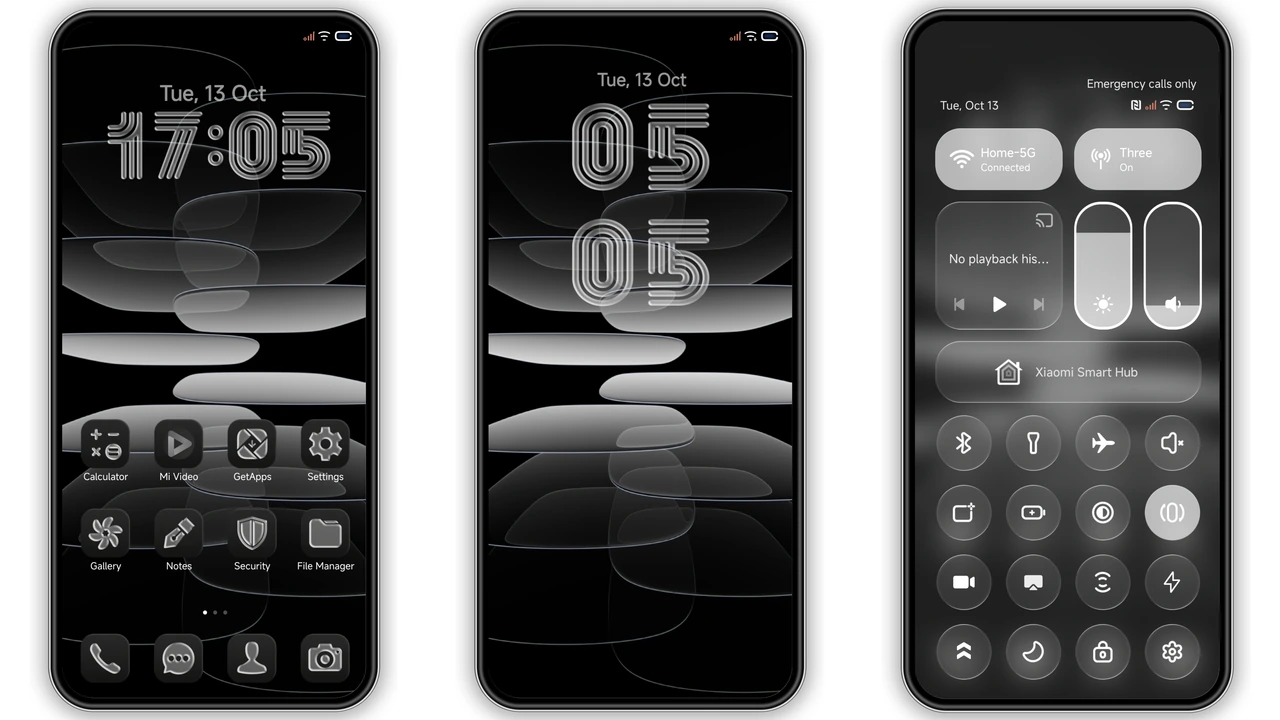
Floating Glass Layers Over a Deep Dark Wallpaper
OX G3 builds its visual identity on a high‑contrast black canvas. The wallpaper is a deep, almost‑black gradient that lets the layered glass elements float as if they were suspended in air. Each glass pane is subtly frosted, catching just enough ambient light to hint at depth without breaking the overall darkness. This approach gives the UI a premium feel—think matte black phone cases paired with brushed‑metal accents. The result is a theme that feels both modern and timeless, suitable for night‑time scrolling or a professional‑look daytime display.
Suggested Read: Sleek Dual‑Mode MTZ Theme for Redmi Note & Poco – A Practical Review
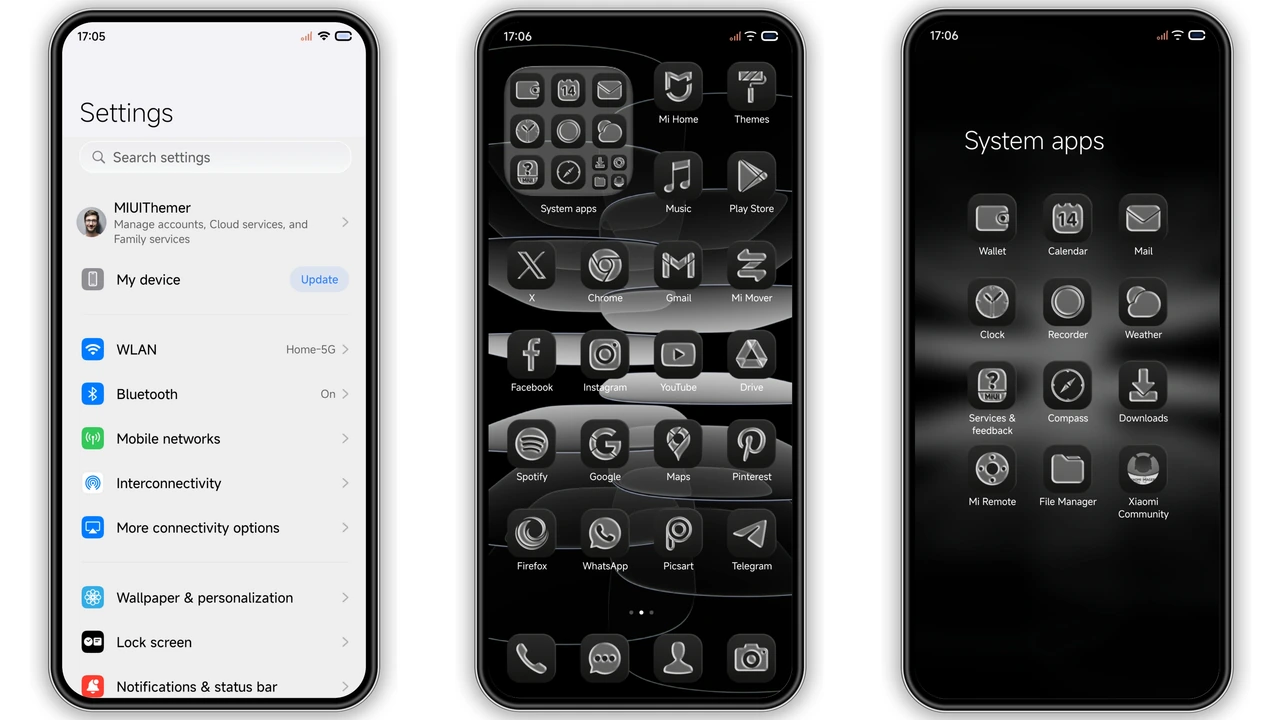
Monochrome Line Icons & Frosted Dock Details
All icons adopt a thin, monochrome line style. The line weight is consistent across system apps, third‑party shortcuts, and the custom icon pack bundled with the theme. This uniformity reduces visual clutter and reinforces the minimalist vibe. The dock receives a frosted glass background that mirrors the home‑screen panes, creating a seamless transition between app rows. Even the status bar adopts a semi‑transparent glass overlay, letting the dark wallpaper peek through while keeping icons legible. The lock screen follows the same language: a simple outline clock sits atop the glass, and notification icons retain the line‑art aesthetic.
Who Will Love This Theme?
• Dark‑mode enthusiasts who find pure black too stark. OX G3 softens the darkness with glass textures while preserving contrast.
• Minimalist users who dislike busy icon packs. The line icons strip away unnecessary details, leaving only essential shapes.
• Xiaomi/Redmi/POCO owners on HyperOS or MIUI 14 who want a cohesive look without jumping to a custom ROM.
• Professional users who need a distraction‑free interface for work, reading, or coding on a mobile device.
• Fans of premium design who appreciate subtle material‑like effects without heavy animations that drain battery.
Installation Steps & Practical Download Tips
1. Download the MTZ file from the official theme store link. The file size is 64.56 MB, so a stable Wi‑Fi connection is recommended.
2. Open the Theme Store app (pre‑installed on HyperOS and MIUI). Navigate to Themes → Import.
3. Select the downloaded MTZ and confirm import. The app will validate compatibility before proceeding.
4. Apply the theme from the My Themes section. A quick reboot ensures all UI elements refresh correctly.
5. Optional fine‑tuning: after applying, you can tweak the accent color in Settings → Display → Accent to match the black glass tone if desired.
Practical notes
• The theme works on HyperOS 2.0 and 3.0, as well as MIUI 14. Devices running older MIUI versions may experience missing assets.
• Some third‑party launchers ignore the dock background; the effect is most noticeable on the native launcher.
• If you encounter a blank lock screen after applying, a single reboot usually resolves the issue.
• The theme does not modify system fonts; you can pair it with any font you prefer.
Pros and Cons
Pros
• Consistent glass aesthetic across all screens.
• Lightweight MTZ file; no performance hit.
• Monochrome line icons improve readability.
• Compatible with both HyperOS and MIUI 14.
• No intrusive animations; battery‑friendly.
Cons
• Limited customization; color palette fixed to black/white.
• Dock glass may appear slightly opaque on low‑end panels.
• Some third‑party apps retain their original icons, breaking visual uniformity.
• No built‑in dark‑mode toggle; you must switch OS theme manually.
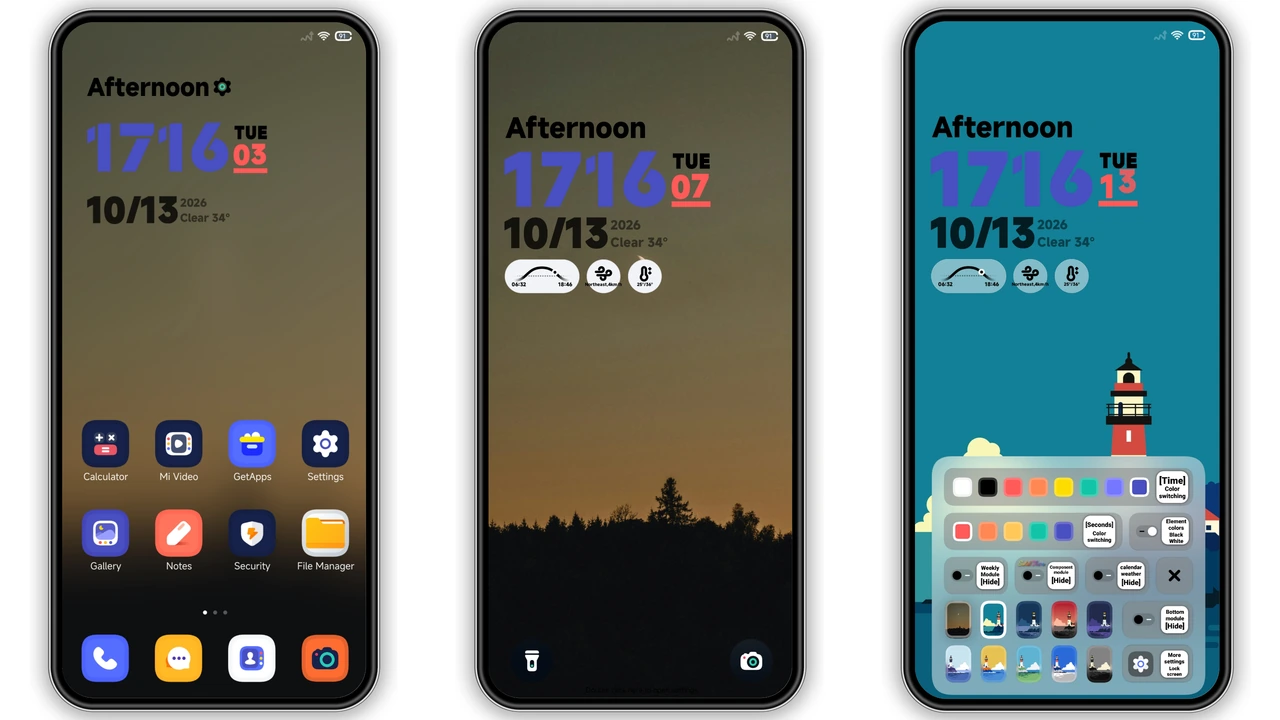
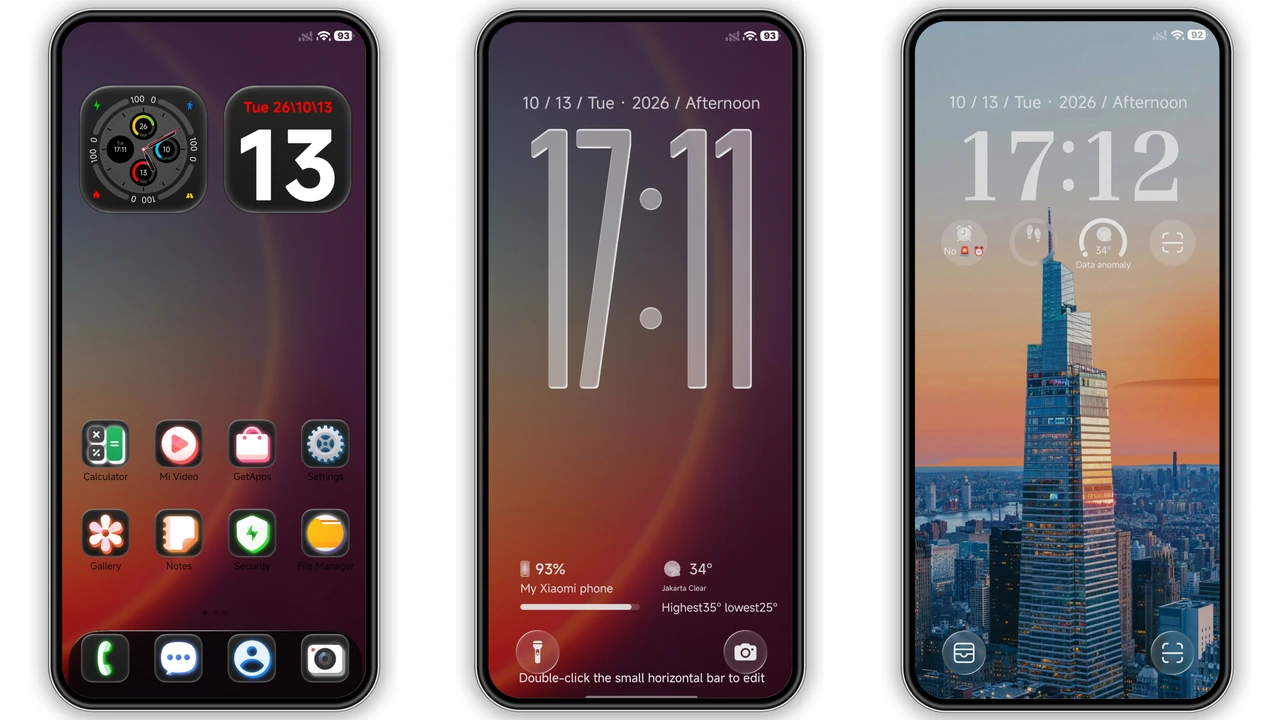
Theme Preview
Download Links
Use the buttons below to open the theme file and the supporting link.
OX G3 Theme mtz File
Helpful links
More Theme Updates
For more curated HyperOS and MIUI theme updates, visit Hyper OS x MIUI .

