Parameter · Value
Designer · MATTIRO
Size · 4.57 MB
Format · MTZ
Compatibility · HyperOS / MIUI (Xiaomi, Redmi, POCO)
Midnight Silhouette: Visual Language and Iconography
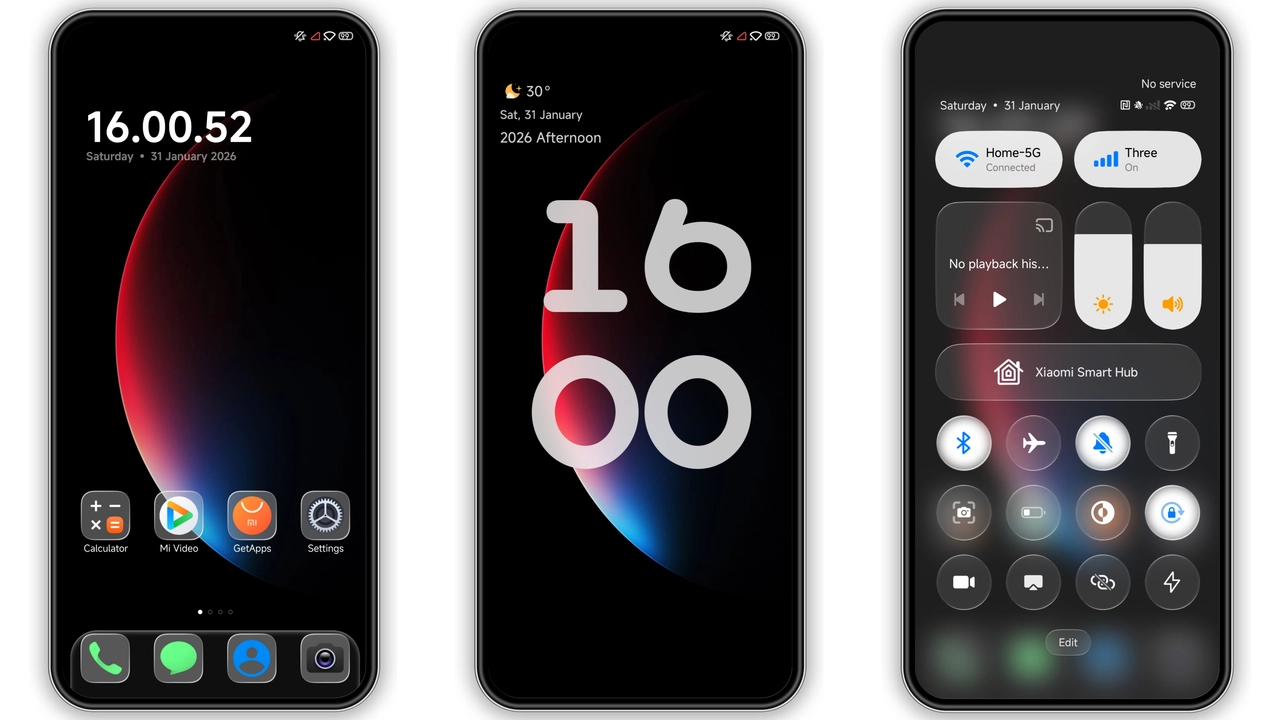
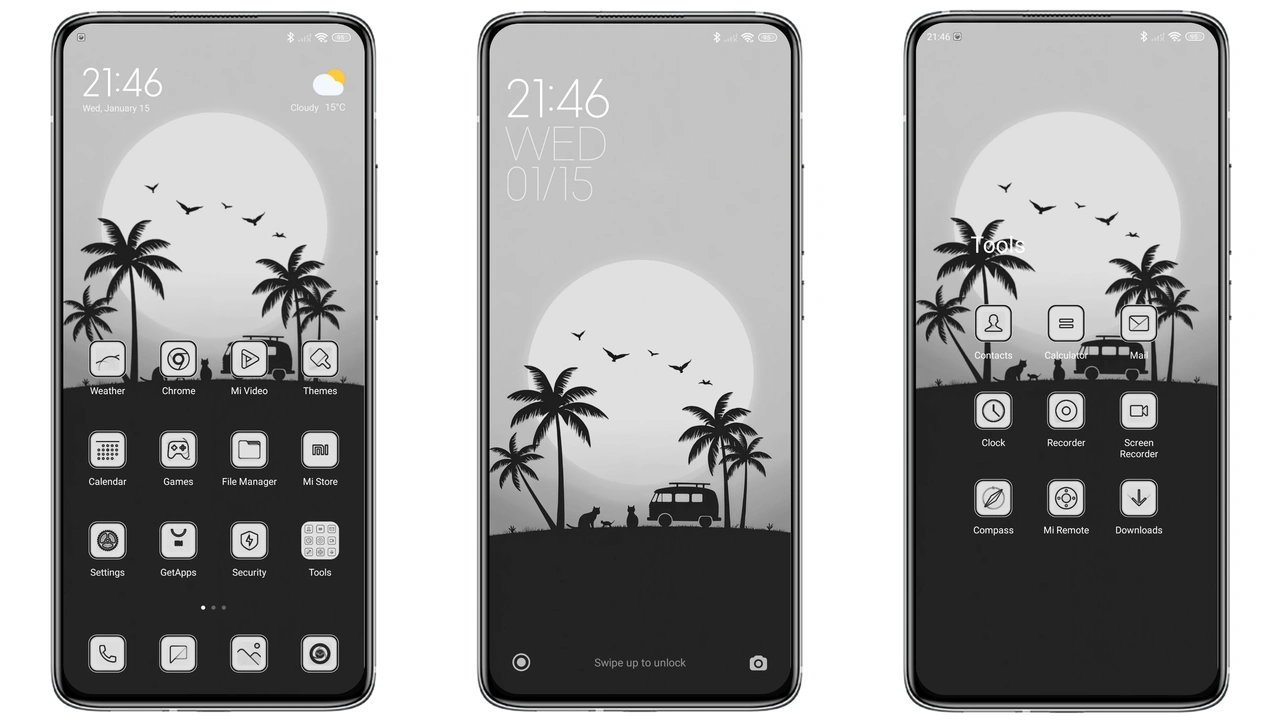
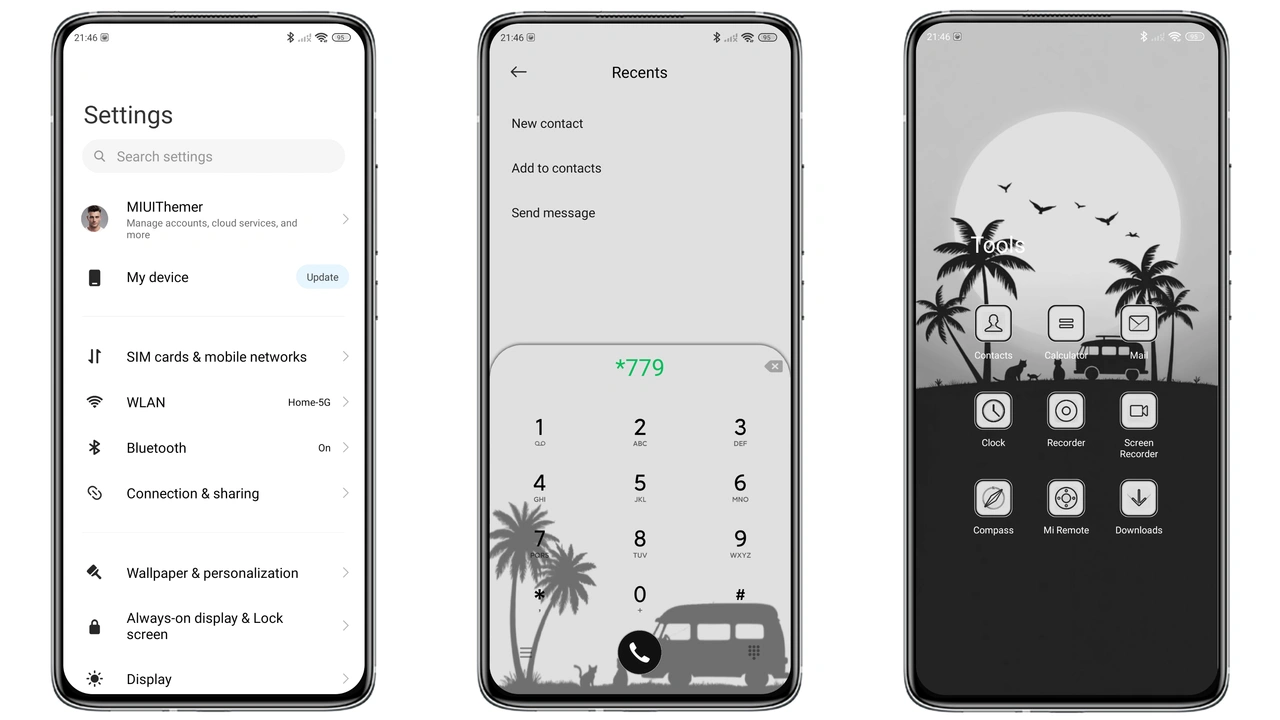
The Silhouette theme embraces pure darkness punctuated by subtle sunset gradients. System UI adopts a matte black canvas; icons are reduced to solid silhouettes that echo the horizon line at dusk. Status bar icons lose their usual chrome shine, becoming flat white shapes that pop against the deep background. Lock screen features a faint orange‑purple bleed that mimics a setting sun, yet never overwhelms the clock. The Always‑On Display follows the same palette, offering a low‑power, eye‑friendly glance. Wallpapers are curated from abstract skyline silhouettes, each cropped to fit the notch and punch‑hole variations across Xiaomi, Redmi and POCO models.
Suggested Read: Hoshyper HyperOS Theme Review: Dark Business Look for Xiaomi & Redmi
Who Will Love This Dark Sunset Aesthetic
Minimalist purists gravitate toward this theme. Users who dislike cluttered UI and crave a uniform dark experience will find it refreshing. Fans of “black‑on‑black” aesthetics—gamers, developers, night‑owl readers—gain a consistent backdrop that reduces glare. The sunset accent adds a touch of warmth without breaking the monochrome vibe, appealing to those who want a hint of personality. If you already use a dark mode on apps, the transition feels seamless. Conversely, users who rely heavily on colorful icon packs or vivid widgets may feel the theme is too restrained.
Compatibility Checklist and Device Coverage
The theme targets HyperOS and MIUI builds that ship on Xiaomi, Redmi and POCO devices. It works on both Global and Chinese firmware, provided the system supports MTZ theme installation. Phones with a notch, punch‑hole, or waterfall display receive correctly aligned status‑bar icons; the theme’s layout files include adaptive margins for the latest screen cutouts. Older devices running MIUI 11‑13 still accept the MTZ file, though some newer lock‑screen animations may revert to the stock look. No root access is required; the Theme Store app handles the import.
Installation Walkthrough and Practical Tips
1. Download the MTZ file from the official theme page. The file size is modest, so a cellular connection suffices.
2. Open the Theme Store app, tap Themes, scroll to the bottom and select Import.
3. Navigate to the downloaded MTZ, confirm the import, and wait for the package to register.
4. Apply the theme from the My Themes section. The system will prompt a brief UI refresh.
5. Restart the device. A restart clears any residual overlays and ensures the lock‑screen gradient renders correctly.
Practical notes:
• After applying, check the notification shade; some third‑party apps may retain their original icon style. A quick toggle of Icon Pack → Default forces consistency.
• If the lock‑screen gradient appears washed out, switch the device’s Display > Color temperature to “Cool” and re‑apply the theme.
• The theme does not modify system fonts; you may pair it with a minimalist font like Roboto Condensed for a fully cohesive look.
Pros and Cons
• Pros
• Uniform dark palette reduces eye strain.
• Sunset accent adds subtle personality.
• Lightweight (4.57 MB) loads instantly.
• Full compatibility with HyperOS, MIUI, POCO.
• No root required; install via Theme Store.
• Cons
• Limited color customization; not for those who love vibrant icons.
• Some third‑party apps retain original colors, requiring manual adjustment.
• Lock‑screen animation may revert on older MIUI versions.
Theme Preview
Download Links
Use the buttons below to open the theme file and the supporting link.
silhoutte Theme mtz File
Helpful links
More Theme Updates
For more curated HyperOS and MIUI theme updates, visit Hyper OS x MIUI .