Parameter · Value
Designer · Mimori Touka
Size · 15.50 MB
Format · MTZ
Compatibility · HyperOS / MIUI
Sharp Dark Aesthetic with Neon Edges
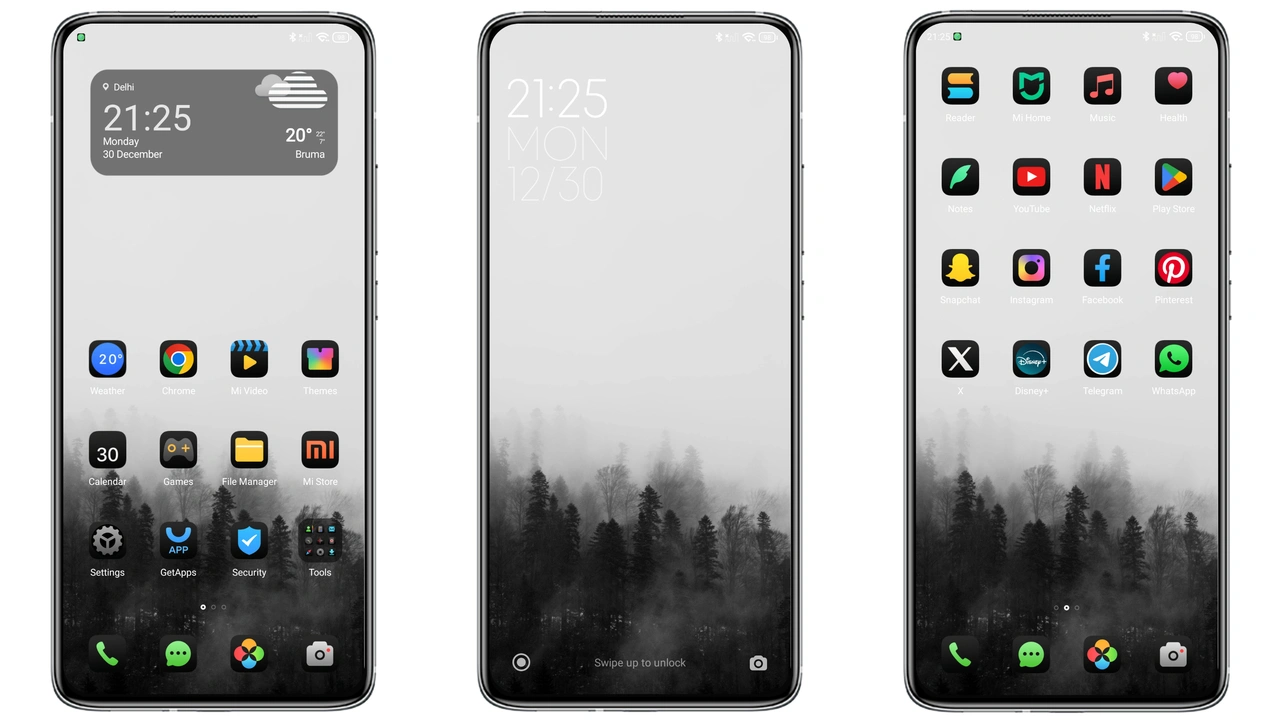
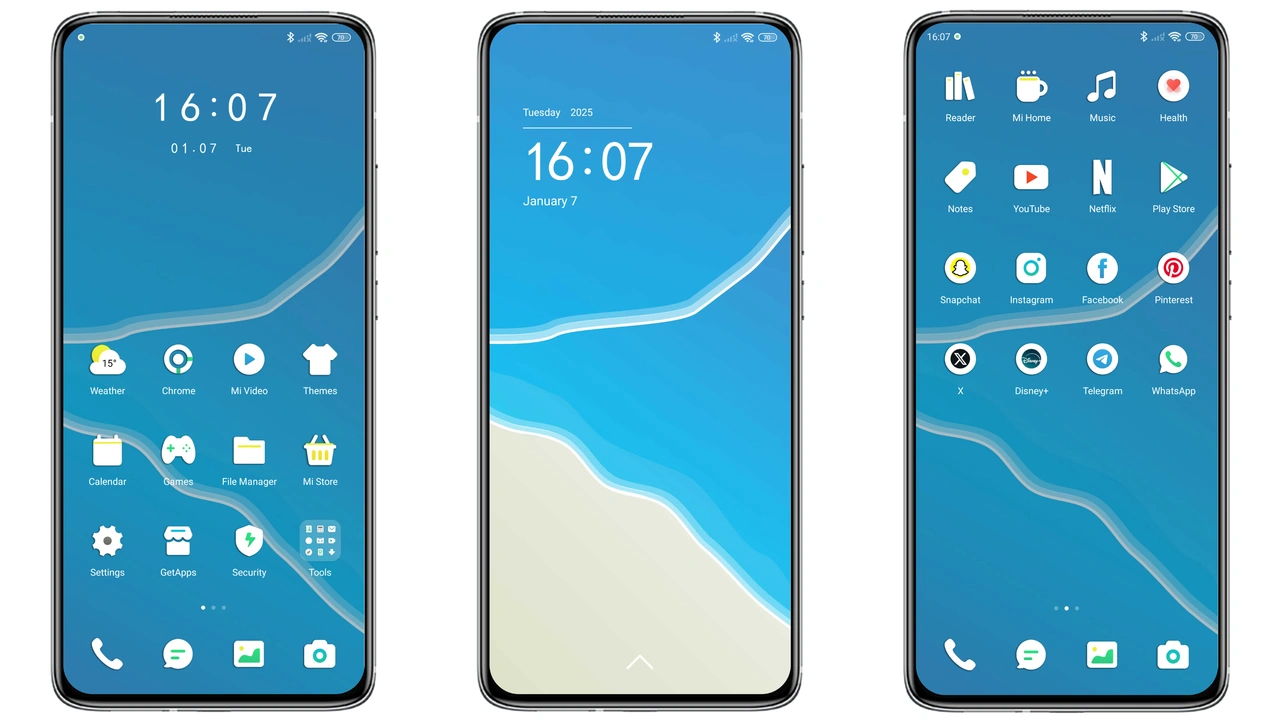
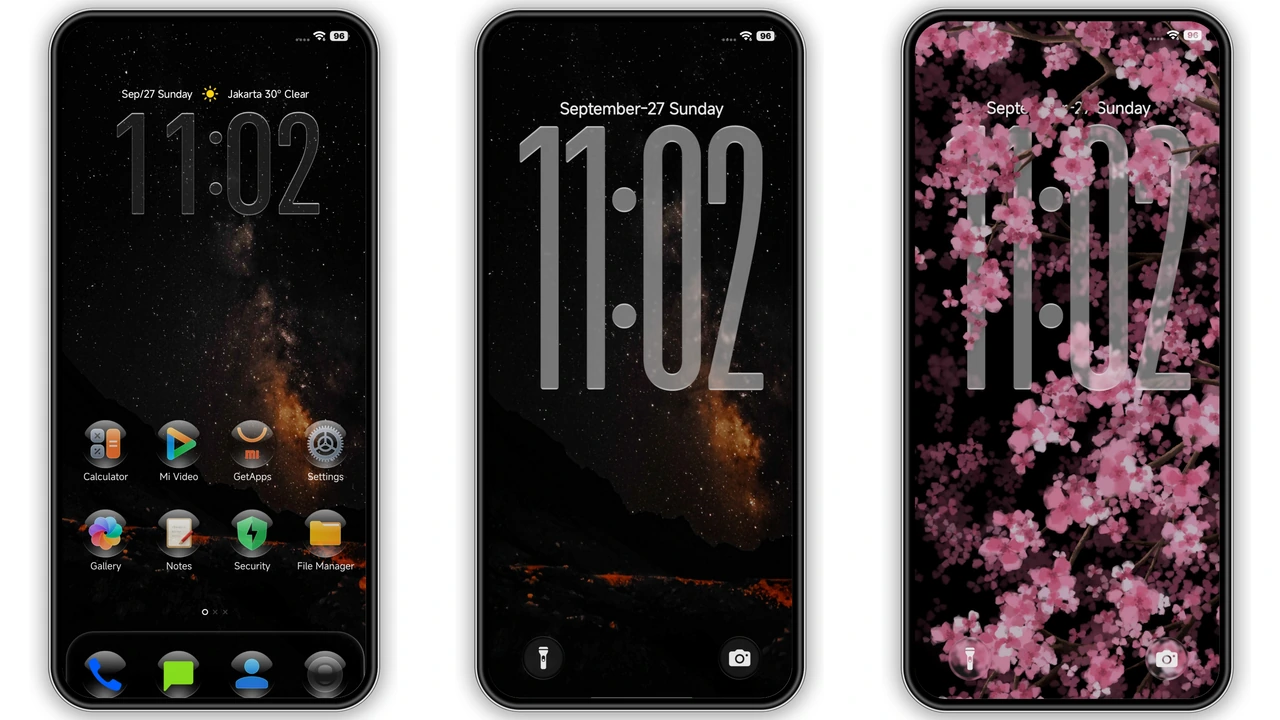
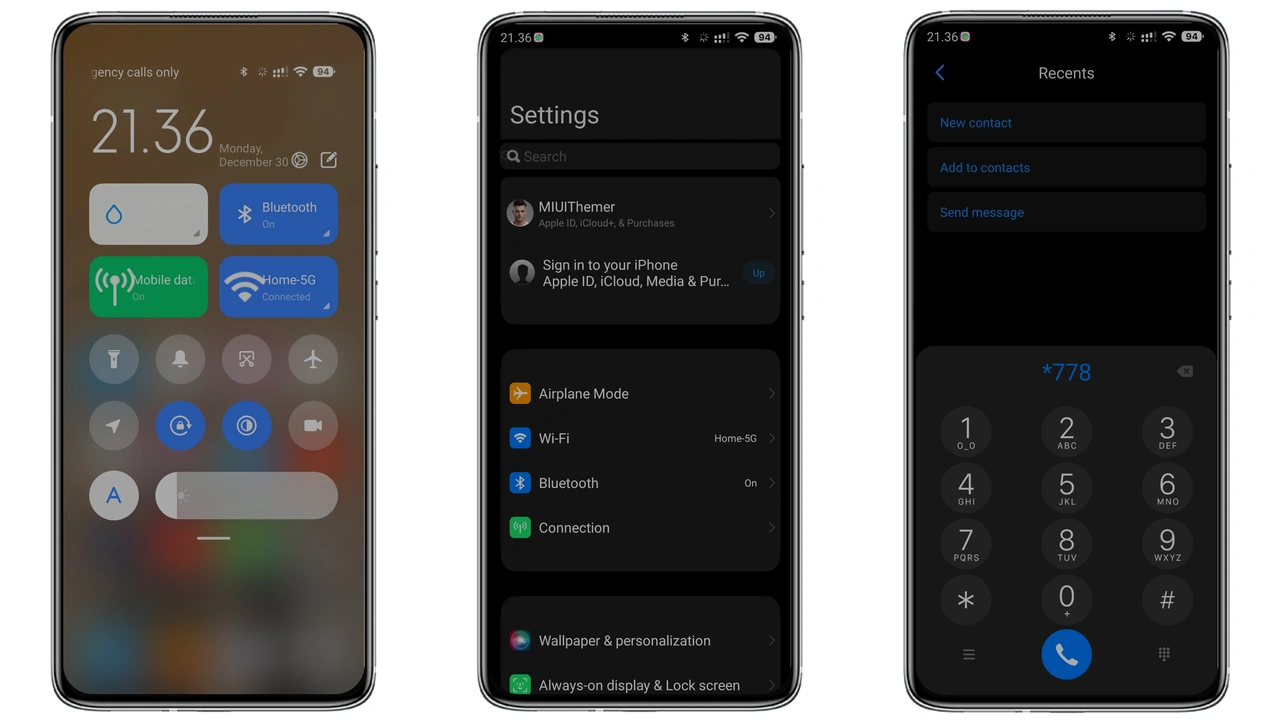
Dark base dominates the palette. Neon accents trace icon outlines. Status bar glows subtly. Lock screen features a gradient that fades into black. Wallpapers showcase high‑contrast cityscapes. Icons adopt a flat, geometric style. Shadows are minimal but purposeful. Overall vibe feels futuristic yet restrained. Color scheme stays within deep blues and purples. Font weight remains regular for readability. Animations are smooth, not flashy. The theme balances boldness with elegance.
Suggested Read: OX GR1 HyperOS Theme – A Detailed Archive for Xiaomi & Redmi Fans
Who Benefits from This Look
Power users seeking visual cohesion will appreciate it. Minimalists who dislike clutter gravitate here. Night‑owl readers find reduced eye strain. Gamers who favor dark UI enjoy the immersion. Users of Xiaomi, Redmi, and POCO devices get a unified experience. Designers looking for inspiration can study the icon set. Those switching from stock MIUI find a fresh perspective. Community members who share themes love the share‑ready design.
Compatibility and Device Reach
Works on HyperOS devices out of the box. MIUI 14 and later receive full support. Custom ROMs based on HyperOS or MIUI accept the MTZ file. Xiaomi, Redmi, POCO models with Global or Chinese firmware are covered. No regional restrictions apply. Theme size stays under 16 MB, safe for most storage limits. No root required for installation. Battery impact remains negligible after testing.
Step‑by‑Step Installation Guide
Download the MTZ file from the official theme store. Locate the file in the Downloads folder. Open the Themes app on the device. Tap the three‑dot menu in the top right corner. Select “Import” and browse to the MTZ file. Confirm import and wait for processing. After import, preview the theme in the app. Tap “Apply” to set it as active. Restart the phone to finalize changes. Verify icons, wallpapers, and lock screen appear correctly. If any element is missing, re‑import the file.
Pros and Cons
Pros
• Striking dark aesthetic.
• Consistent icons across system.
• Low battery draw.
• Easy import via Themes app.
• Compatible with stock and custom ROMs.
Cons
• Limited light‑mode variant.
• No animated icons.
• Requires manual restart for full effect.
• Slightly larger than ultra‑light themes.
Theme Preview
Download Links
Use the buttons below to open the theme file and the supporting link.
Sharp Theme mtz File
Helpful links
More Theme Updates
For more curated HyperOS and MIUI theme updates, visit Hyper OS x MIUI .