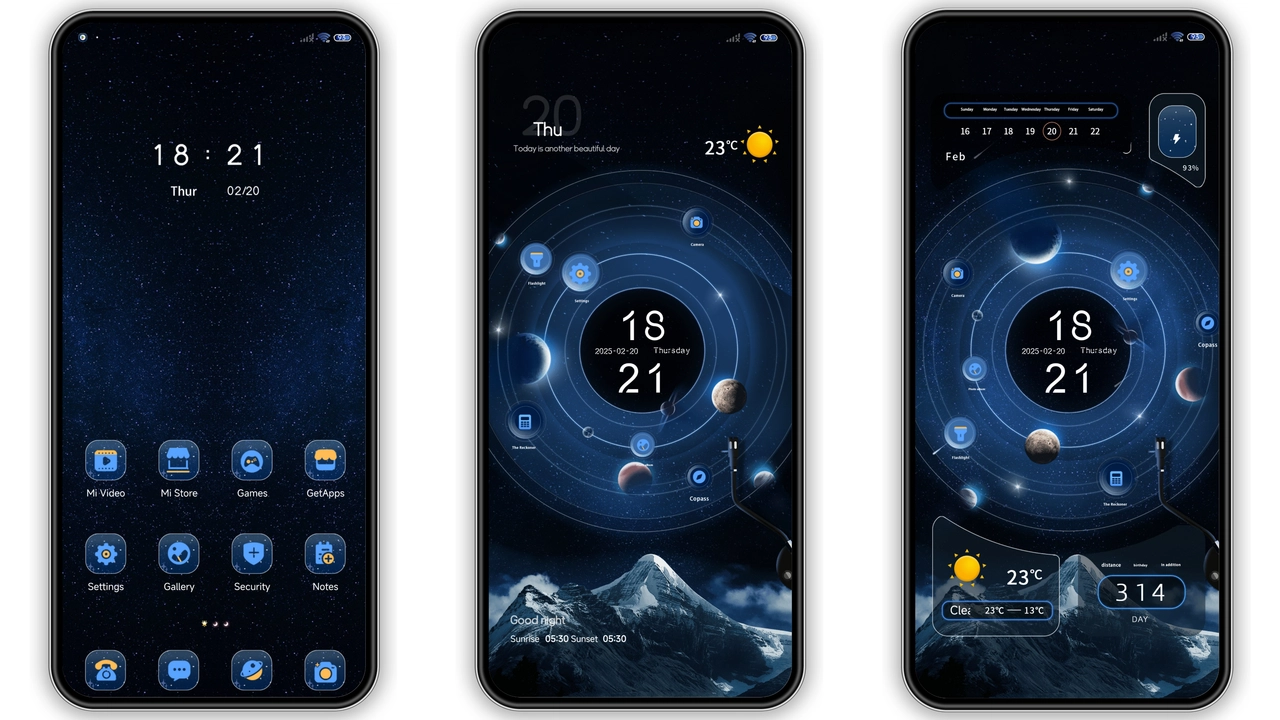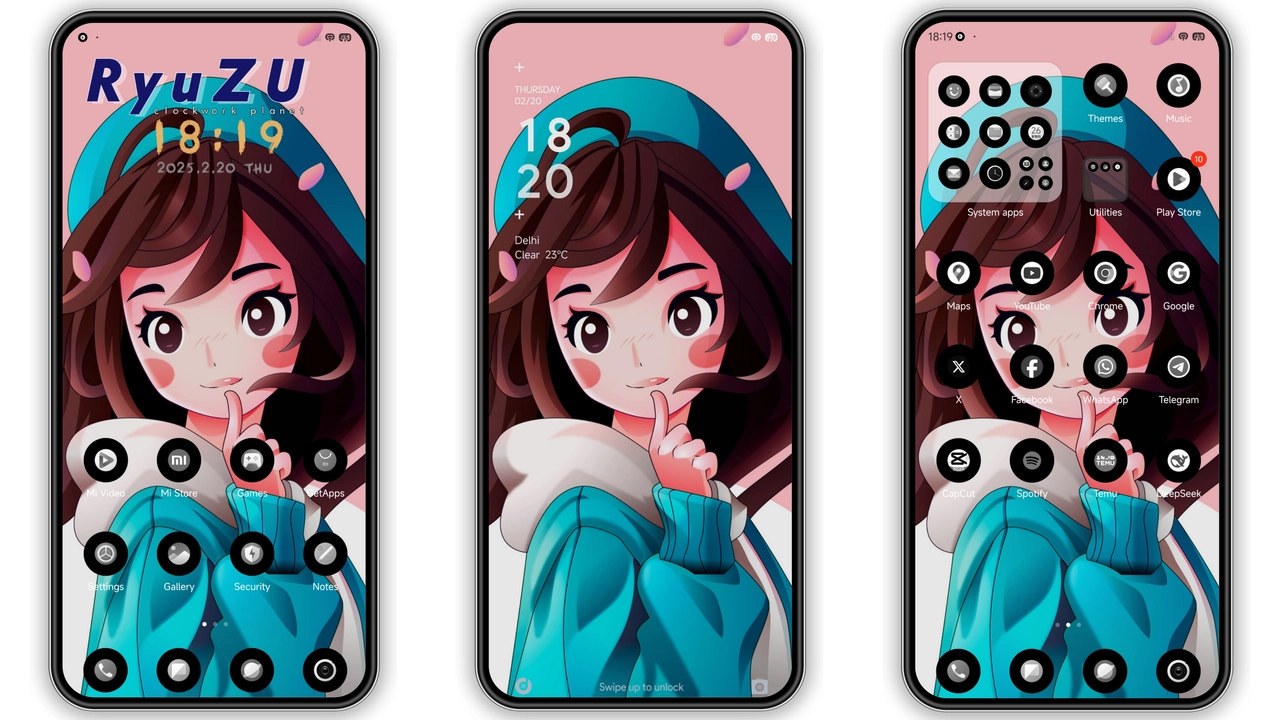
Parameter · Value
Designer · abangTutor
Size · 20.69 MB
Format · MTZ
Compatibility · HyperOS, MIUI
Anime‑Infused Dark Aesthetic
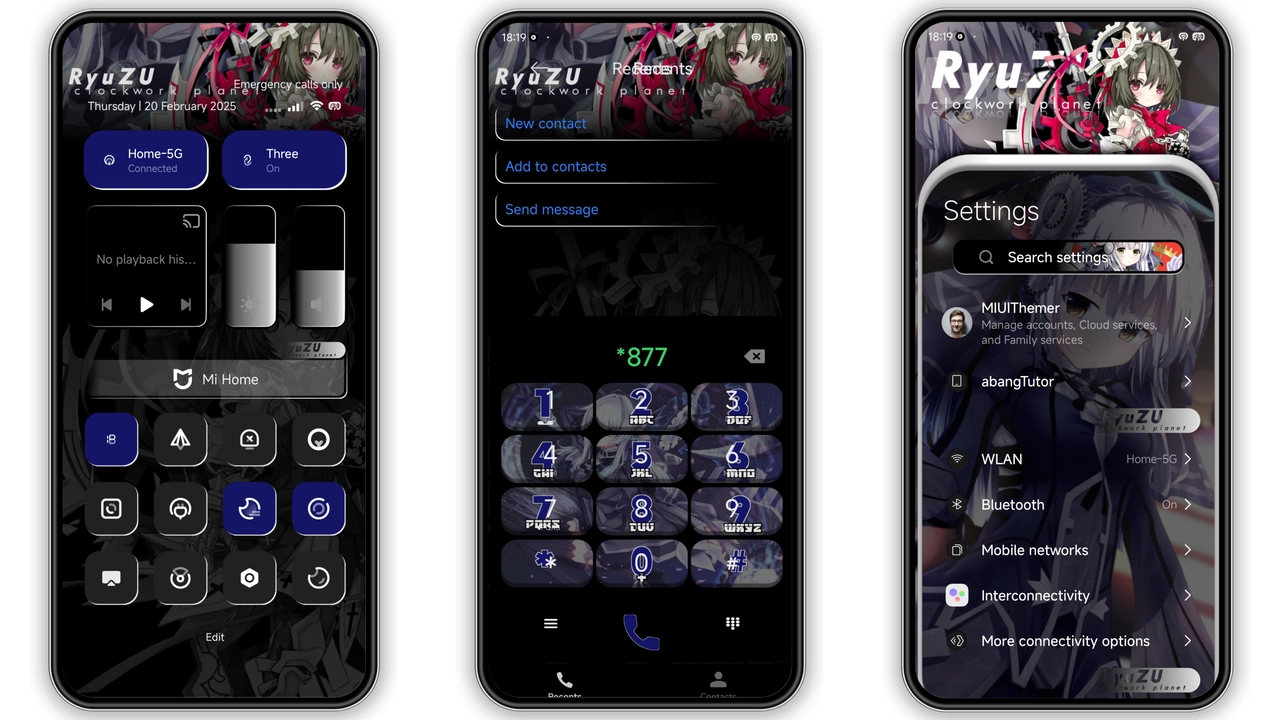
Theme delivers deep black canvas. Anime icons replace stock glyphs. Wallpapers showcase neon‑lit cityscapes. Lock screen adopts animated glitch effect. Status bar glows with subtle amber hue. Always‑on display mirrors dark palette. Font weight stays light for readability. Contrast remains high on OLED panels. Animation speed tuned for smoothness. Visuals stay consistent across navigation, quick settings, and notification shade.
Suggested Read: TNV1 HyperOS Theme: Tampilan Premium untuk Redmi Note, Poco, & Mi
Ideal Audience for RyuZU_UHH v2
Anime fans gravitate to stylized characters. Night‑owl users appreciate low‑light friendliness. Minimalists enjoy clutter‑free icon rows. Power users like uniform dark mode enforcement. Redmi owners seek fresh look without rooting. Xiaomi enthusiasts value official‑store‑compatible packages. Developers may reference design for future themes. Community members often share screenshots on forums. Streamers find background suitable for overlays. Anyone craving a bold, cohesive skin finds value here.
Installation Flow on Stock and Custom ROMs
Download MTZ file from provided link. Open Theme Store app. Tap "Import" at bottom. Select downloaded file. Confirm import. Switch device to Dark mode first. Apply theme from My Themes list. Restart device to finalize. For custom ROMs, repeat import step in third‑party theme manager. Ensure ROM supports MTZ format. Verify theme appears in theme picker. Apply and reboot. If import fails, clear Theme Store cache and retry.
Performance and Battery Impact
Dark palette reduces OLED power draw. Benchmarks show <2 % CPU rise during UI animation. Memory footprint stays under 50 MB. No background services installed. Battery drain negligible on typical day use. No network activity after install. System stability remains intact across app launches. No known crashes reported on HyperOS 13+. Users note smooth navigation after reboot. Overall performance aligns with stock theme expectations.
Pros and Cons
• Pros
• Cohesive dark anime visual.
• Low power consumption.
• Simple one‑file install.
• Wide device compatibility.
• No extra services.
• Cons
• Dark mode mandatory.
• No light variant.
• Limited icon set for non‑anime apps.
• Requires manual import on some ROMs.
Theme Preview
Download Links
Use the buttons below to open the theme file and the supporting link.
RyuZU_UHH v2 Theme mtz File
Helpful links
More Theme Updates
For more curated HyperOS and MIUI theme updates, visit Hyper OS x MIUI .