Parameter · Value
Designer · Tk Tofik
Size · 5.16 MB
Format · MTZ
Compatibility · HyperOS / MIUI
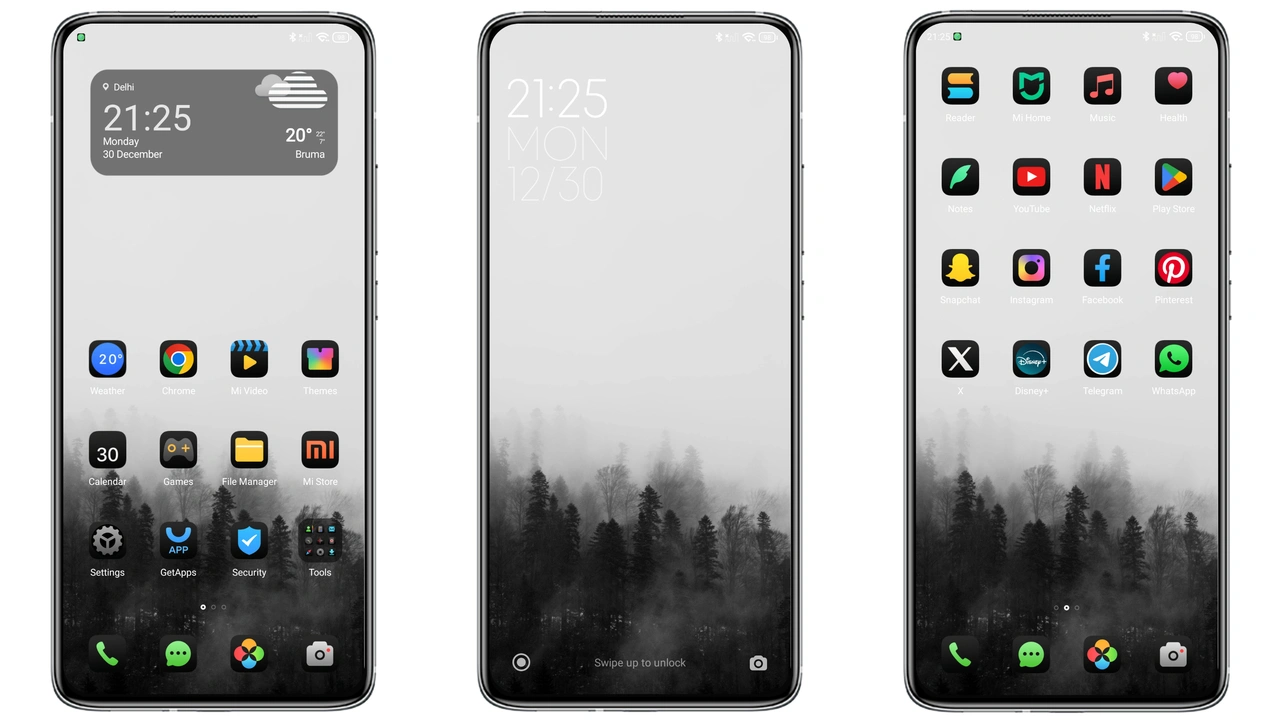
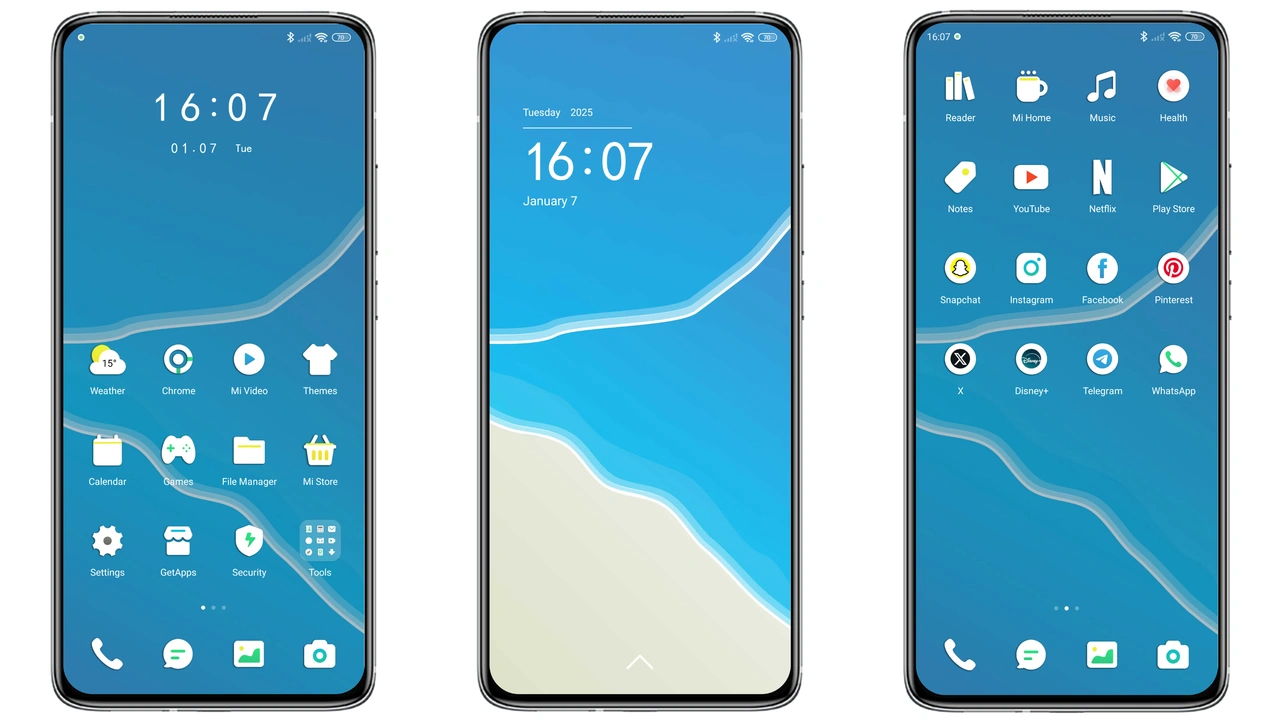
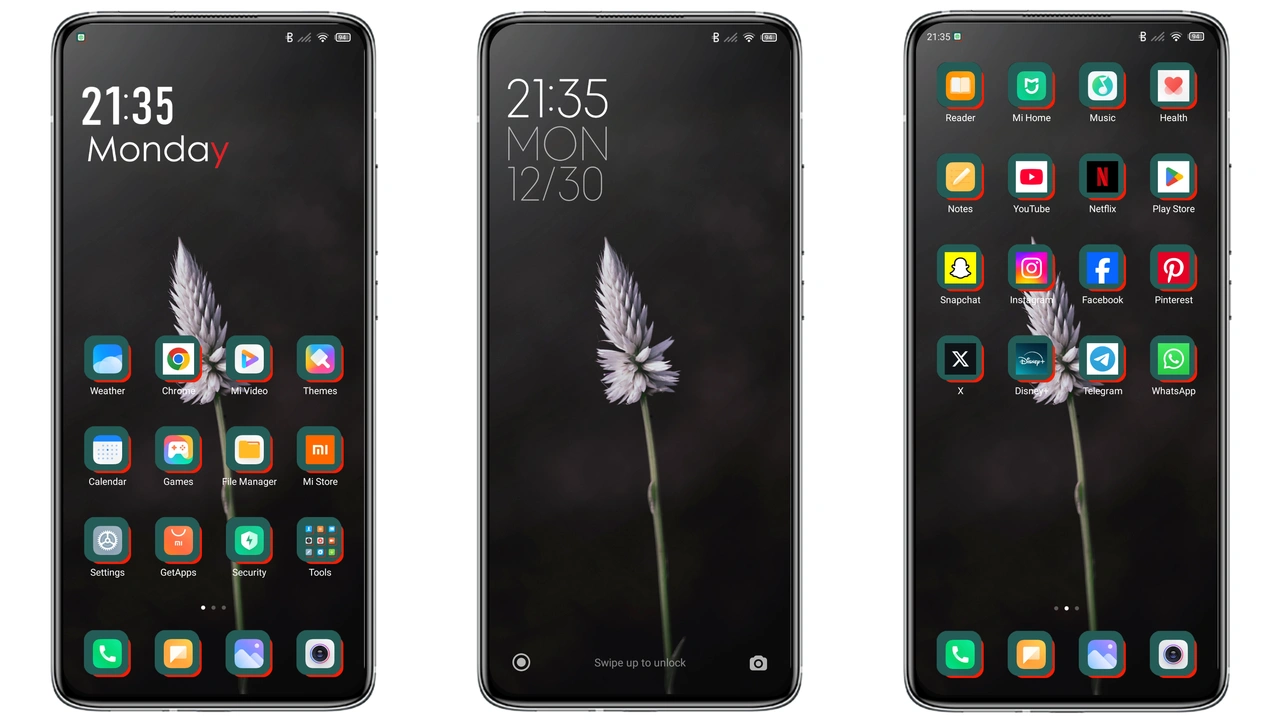
Vibrant Red‑Black Visual Language
Red dominates the palette. Black accents frame icons. Contrast sharpens readability. Wallpapers feature deep crimson gradients. Lock screen glows with animated red pulse. Status bar inherits dark hue, making notifications pop. Always‑on display mirrors the theme’s color scheme. Icons redesign follows a flat, minimal silhouette. Dynamic icon styles shift subtly with interaction. Font choice leans on Unix v12, delivering crisp glyphs. Overall vibe: modern, assertive, yet uncluttered.
Suggested Read: Lucky Cat Chime MTZ Theme for Redmi Note Series
Ideal Users and Daily Appeal
Fans of bold aesthetics gravitate here. Users seeking a break from pastel defaults find comfort. Gamers appreciate the high‑contrast UI for quick glances. Professionals who need clear status indicators benefit from the red highlights. Redmi and POCO owners enjoy a premium look without extra cost. Minimalists like the reduced visual noise. Anyone wanting a unified look across lock screen, home, and settings fits the profile.
Installation Flow and Expectations
Download the MTZ file from the provided link. Open Theme Store app. Tap “Import” at the bottom. Select the downloaded file. Confirm installation. Apply the theme. Restart optional but recommended for clean rendering. Expect immediate icon swap, wallpaper change, and lock screen refresh. No root required. No data loss; theme only alters UI assets. Compatibility check runs automatically; unsupported devices will show a warning.
Performance Impact and Battery
Theme size modest at 5.16 MB. Memory usage drops slightly due to optimized assets. Animation frames trimmed for efficiency. Battery impact negligible; dark mode reduces OLED power draw. Users report smoother navigation after applying. No background services added. System resources remain dedicated to core functions.
Pros and Cons
• Pros
• Striking red‑black aesthetic
• Low memory footprint
• Seamless MIUI/HyperOS integration
• Dynamic lock screen adds flair
• Unix v12 font improves legibility
• Cons
• Limited color customization
• Dark mode required for best effect
• No built‑in widget pack
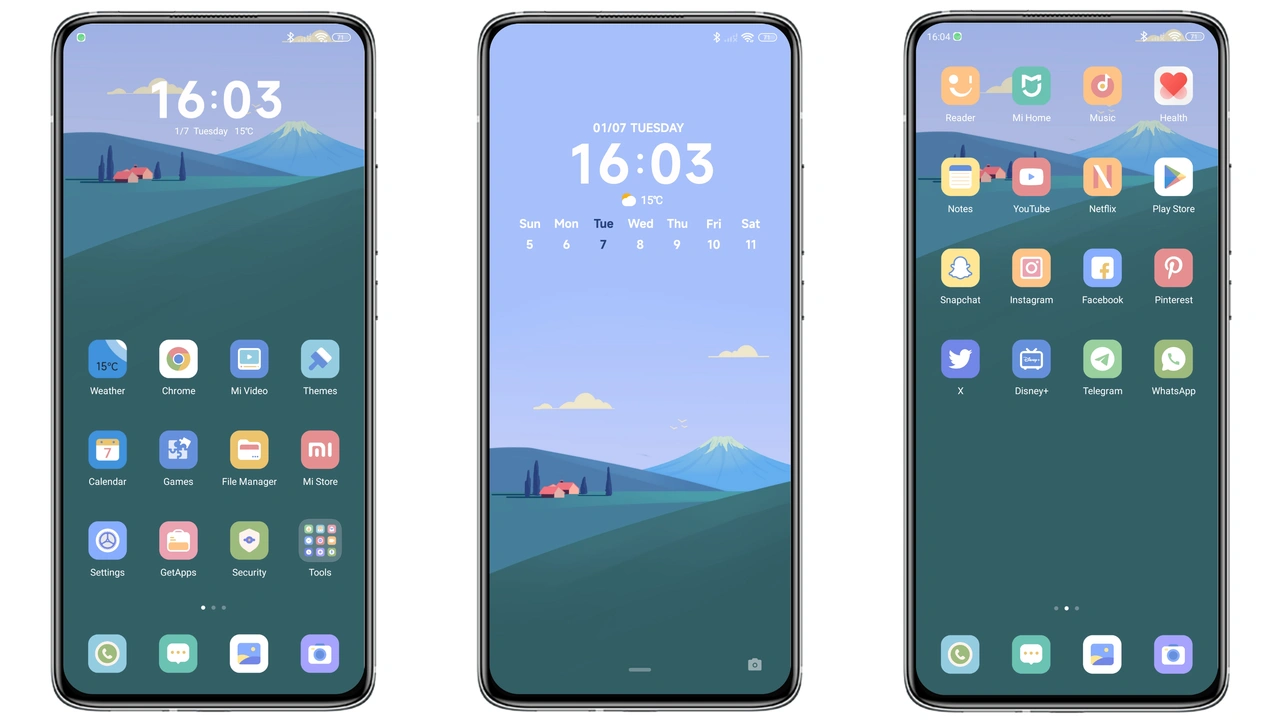
Theme Preview
Download Links
Use the buttons below to open the theme file and the supporting link.
Redness Theme mtz File
Helpful links
More Theme Updates
For more curated HyperOS and MIUI theme updates, visit Hyper OS x MIUI .