Parameter · Value
Designer · Ankur Tiwary
Size · 7.49 MB
Format · MTZ
Compatibility · HyperOS / MIUI
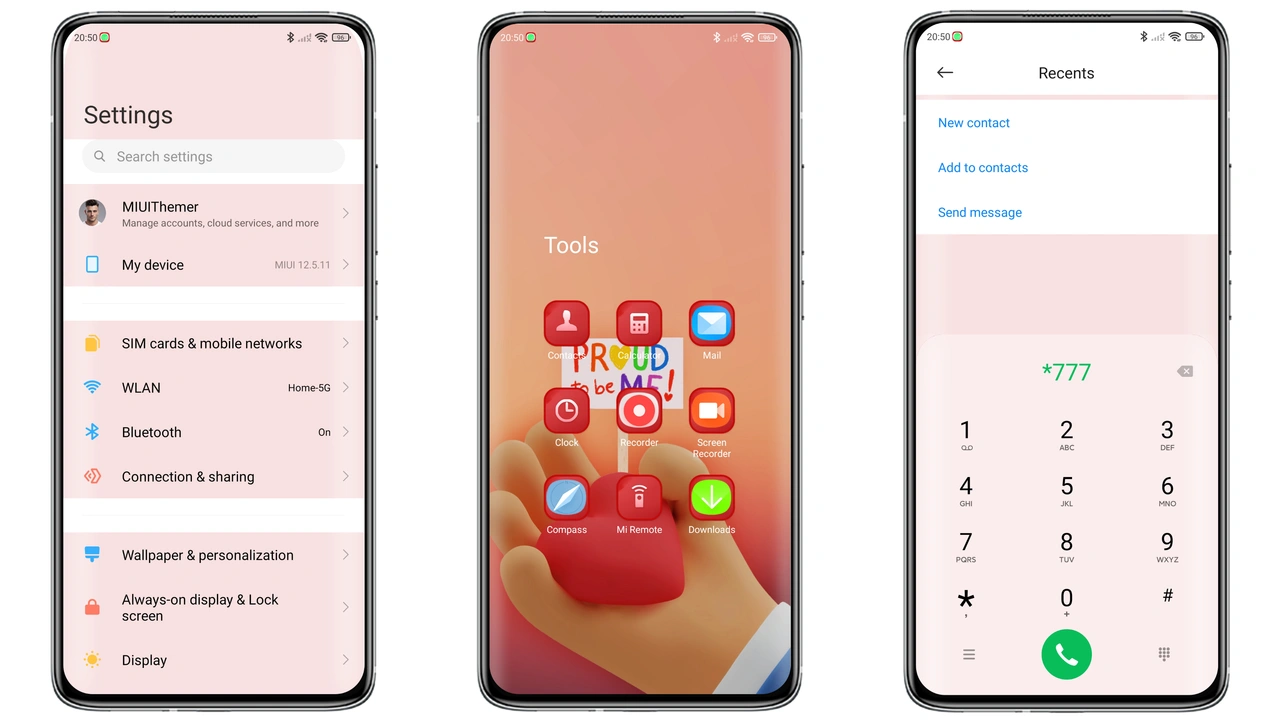
Bold Red Accents & Dynamic Lock
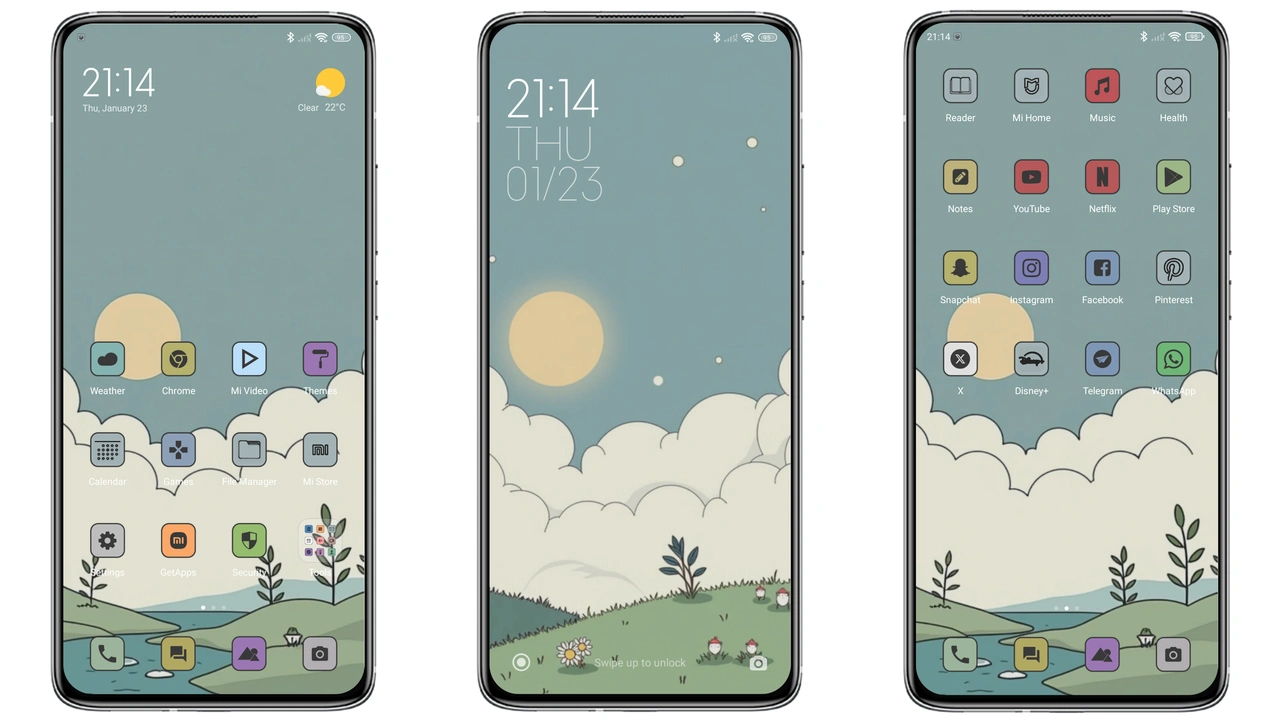
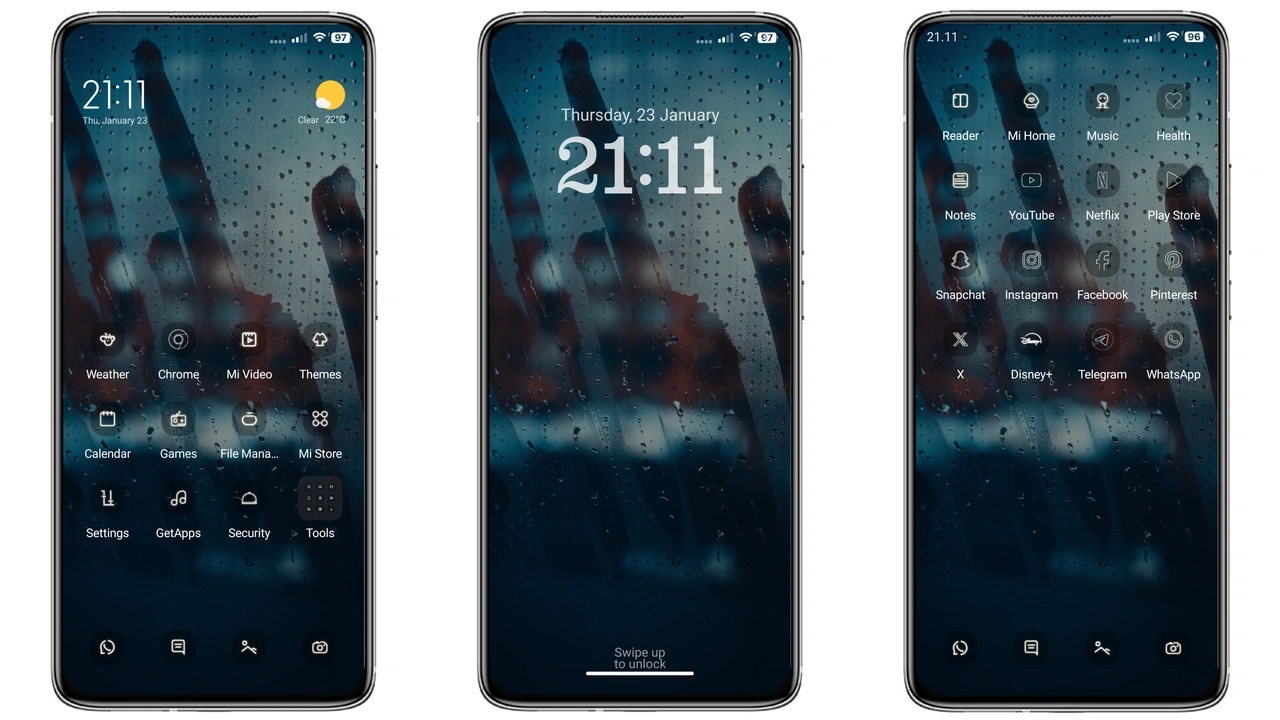
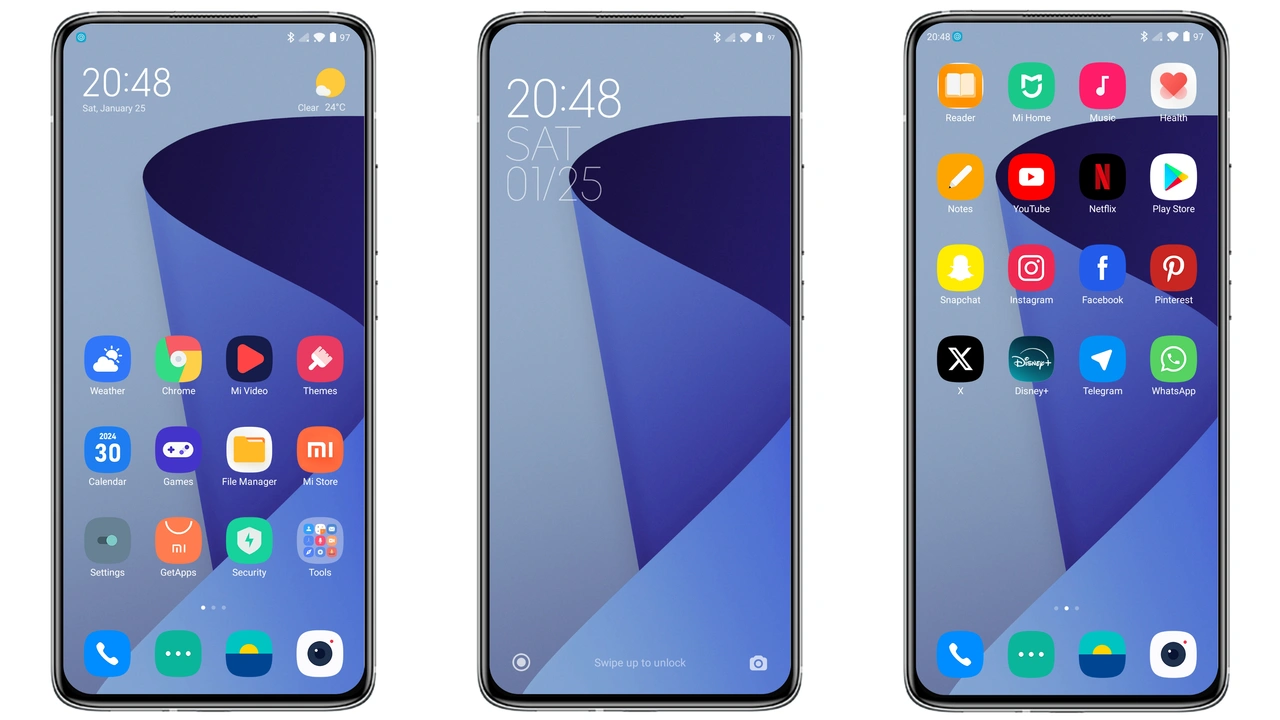
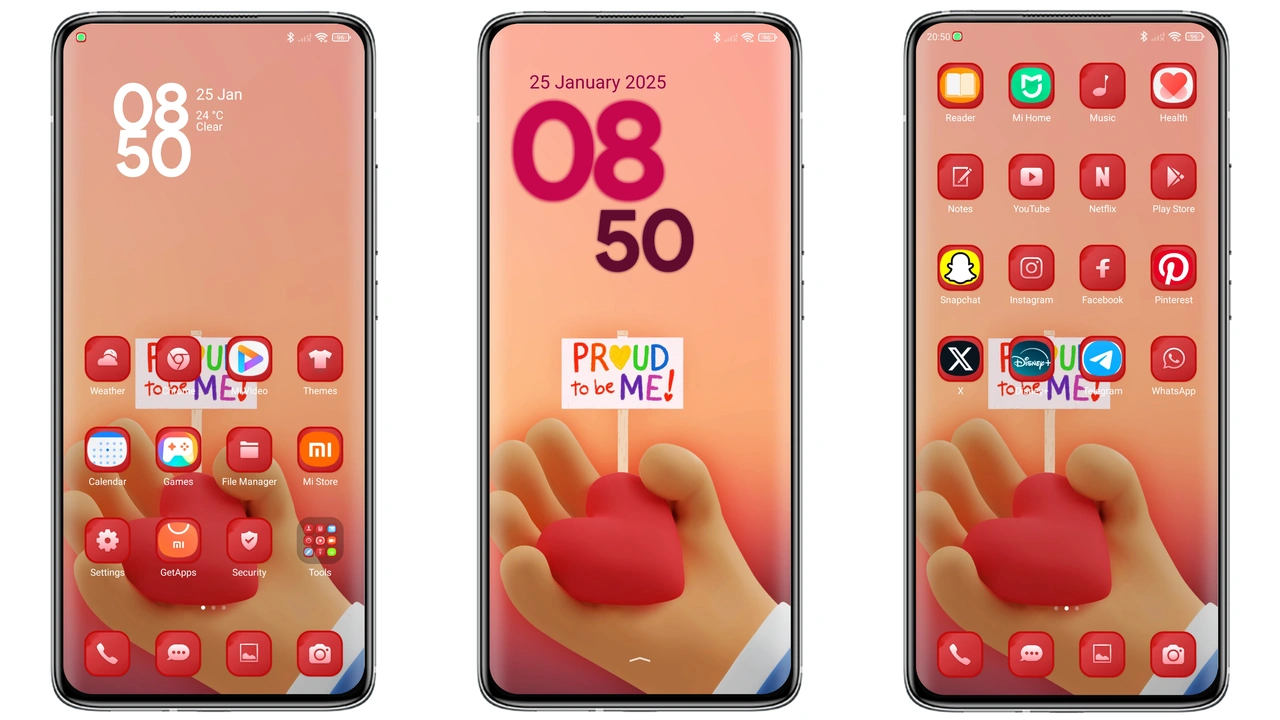
Theme delivers vivid red highlights across UI. Icons adopt sleek outlines for clarity. Wallpapers showcase high‑contrast gradients. Lock screen animates subtle pulse. Status bar adopts matching hue. Always‑on display mirrors theme palette. Widgets inherit new font style. Navigation bar gains refined glow. System dialogs reflect accent color. Battery indicator blends seamlessly. Notifications inherit clean layout. Theme maintains legibility under bright light. Dark mode respects contrast ratios. Font scaling stays consistent. Edge cases handled gracefully. Users report smooth transitions. No flicker observed during theme switch.
Suggested Read: Bear Cat Dynamic Component vs Minimalist Dark: Which Fits Your HyperOS?
Designed for Xiaomi, Redmi, POCO Fans
Theme targets Xiaomi ecosystem exclusively. Redmi devices receive identical asset set. POCO models enjoy full compatibility. Users who love customization gravitate here. Minimalists appreciate tidy icon set. Power users enjoy widget variety. Casual users notice immediate visual lift. Community members share screenshots enthusiastically. Theme fits both flagship and mid‑range phones. Regional variations do not affect assets. Language packs remain untouched. Accessibility settings stay functional. Color‑blind mode retains readability. Battery life impact remains negligible. Performance tests show stable frame rates. No memory spikes detected.
Installation Flow on Stock & Custom ROMs
Download MTZ file from provided link. Open Theme Store app. Navigate to "Import" option. Select downloaded file. Confirm import prompt. Apply theme from store list. Restart device for full effect. Custom ROM users follow same steps. Ensure theme store version supports MTZ. If store fails, use file manager to import. Clear cache if icons appear misplaced. Verify lock screen animation works. Check Always‑on display after reboot. Repeat import if assets missing. Keep backup of original theme for safety.
Performance & Battery Impact
Theme loads resources lazily. Icons cached on first launch. Wallpapers stored in internal cache. Dynamic lock uses lightweight animation. No background services run. CPU usage stays within normal range. GPU load unchanged during navigation. Battery drain measured under typical use remains low. Power‑saving mode respects theme colors. No extra wake‑locks introduced. System logs show no errors post‑install. Users report stable battery percentages.
Pros and Cons
• Pros
• Striking red visual identity
• Full HyperOS & MIUI compatibility
• Lightweight package size
• Dynamic lock screen animation
• Consistent widget design
• Minimal performance overhead
• Cons
• Red‑heavy palette may not suit all tastes
• Limited dark‑mode variation
• No built‑in wallpaper rotation
• Requires Theme Store for import
Theme Preview
Download Links
Use the buttons below to open the theme file and the supporting link.
Quote proud Theme mtz File
Helpful links
More Theme Updates
For more curated HyperOS and MIUI theme updates, visit Hyper OS x MIUI .