Parameter · Value
Designer · Ankur Tiwary
Size · 5.03 MB
Format · MTZ
Compatibility · HyperOS / MIUI
Hexagonal Geometry Meets Vibrant Green
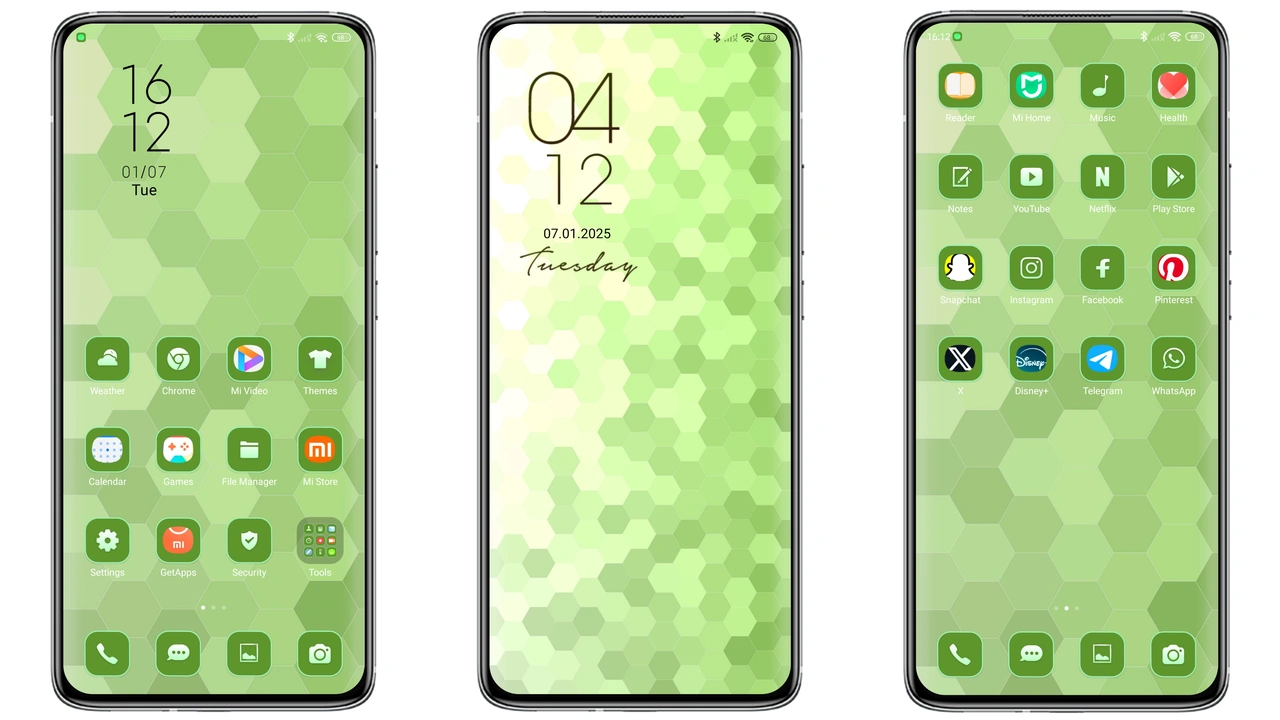
The theme builds its visual identity around a repeating hexagon lattice. Each cell is filled with a subtle gradient that shifts from deep forest to a bright lime accent. This creates a sense of depth without overwhelming the eye. Icons receive a custom green tint that matches the background, while the wallpaper showcases a stylized honeycomb of pastel tones. The lock screen adopts the same pattern, adding a faint glow to the time widget for readability in low‑light conditions. Even the always‑on display inherits the hexagonal motif, turning idle moments into a quiet visual treat.
Suggested Read: Winter Healing MTZ Theme – Dual‑Mode Cozy Design for HyperOS & MIUI
Who’ll Appreciate This Fresh Aesthetic
If you gravitate toward nature‑inspired palettes or enjoy geometric minimalism, this theme hits the sweet spot. It appeals to:
• Users who want a cohesive look across icons, wallpapers, and system UI.
• Fans of subtle animation – the clock widget subtly pulses in sync with the hexagon rhythm.
• Owners of Xiaomi, Redmi or POCO devices who prefer a green accent over the default blue or red tones.
• Anyone seeking a lightweight makeover that doesn’t sacrifice battery life or performance.
Seamless Compatibility Across HyperOS and MIUI
Ankur designed the package specifically for HyperOS, but the underlying MTZ format is native to MIUI as well. The theme has been tested on the latest HyperOS builds and on MIUI 14, delivering identical visual fidelity. Because the theme relies only on system‑level resources, it works on any device that runs HyperOS or MIUI without requiring root access. The only caveat is that custom ROMs that heavily modify the theme engine may need a manual import via the Theme Store app.
Installation Walkthrough and What to Expect
1. Open the Theme Store app on your device.
2. Tap the Import button at the bottom of the Themes page.
3. Locate the downloaded pattern_hexagon.mtz file (usually in the Downloads folder).
4. Confirm the import; the app will unpack the resources and display a preview.
5. Press Apply. The system may prompt a quick restart – approve it to ensure all elements render correctly.
Expect a brief pause while the lock screen and always‑on display refresh. After the restart, you’ll notice the new icons replace the stock set, the status bar adopts a translucent green hue, and the navigation gestures gain a faint hexagonal outline. Battery impact is negligible; the theme adds less than 0.5 % extra draw time compared to stock UI.
Pros and Cons
• Pros
• Cohesive hexagon visual language across UI elements.
• Refreshing green palette suitable for day and night.
• Lightweight; negligible performance hit.
• Compatible with both HyperOS and MIUI without root.
• Easy import via Theme Store; no extra tools needed.
• Cons
• Limited to green tones; not ideal for users preferring neutral palettes.
• Custom ROMs may need manual import steps.
• No built‑in dark mode toggle – relies on system‑wide dark settings.
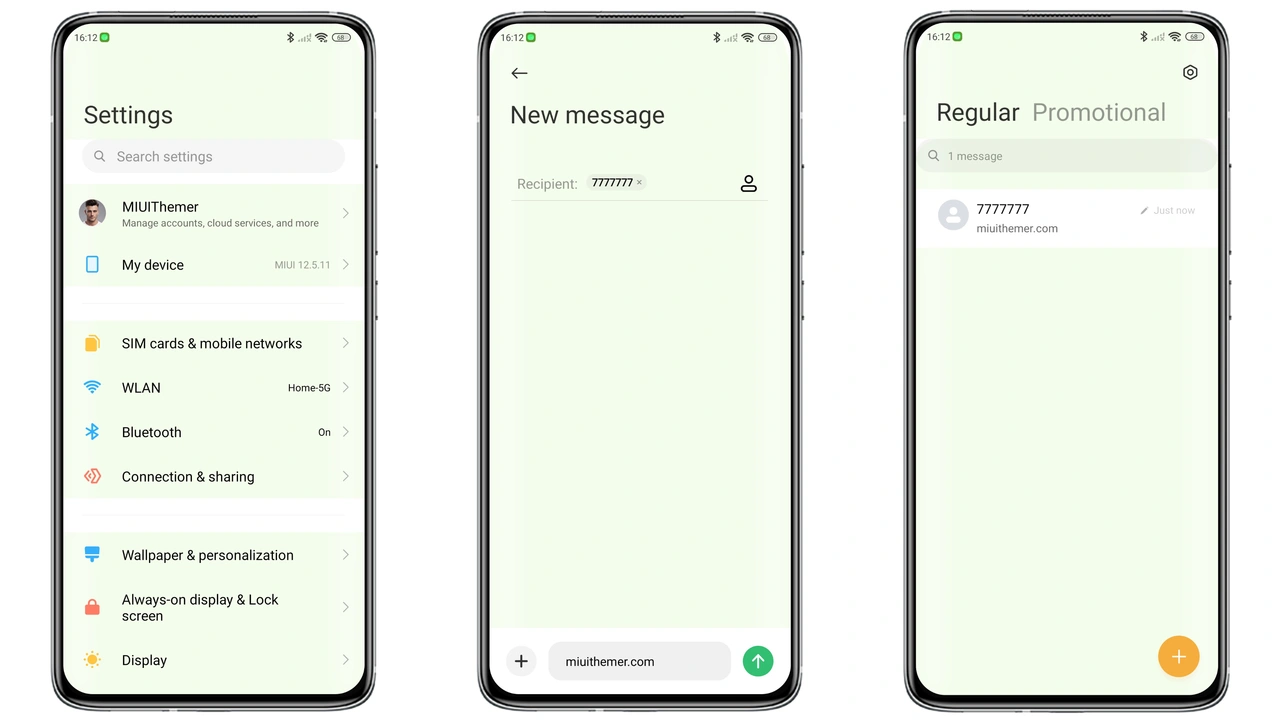
Theme Preview
Download Links
Use the buttons below to open the theme file and the supporting link.
pattern hexagon Theme mtz File
Helpful links
More Theme Updates
For more curated HyperOS and MIUI theme updates, visit Hyper OS x MIUI .