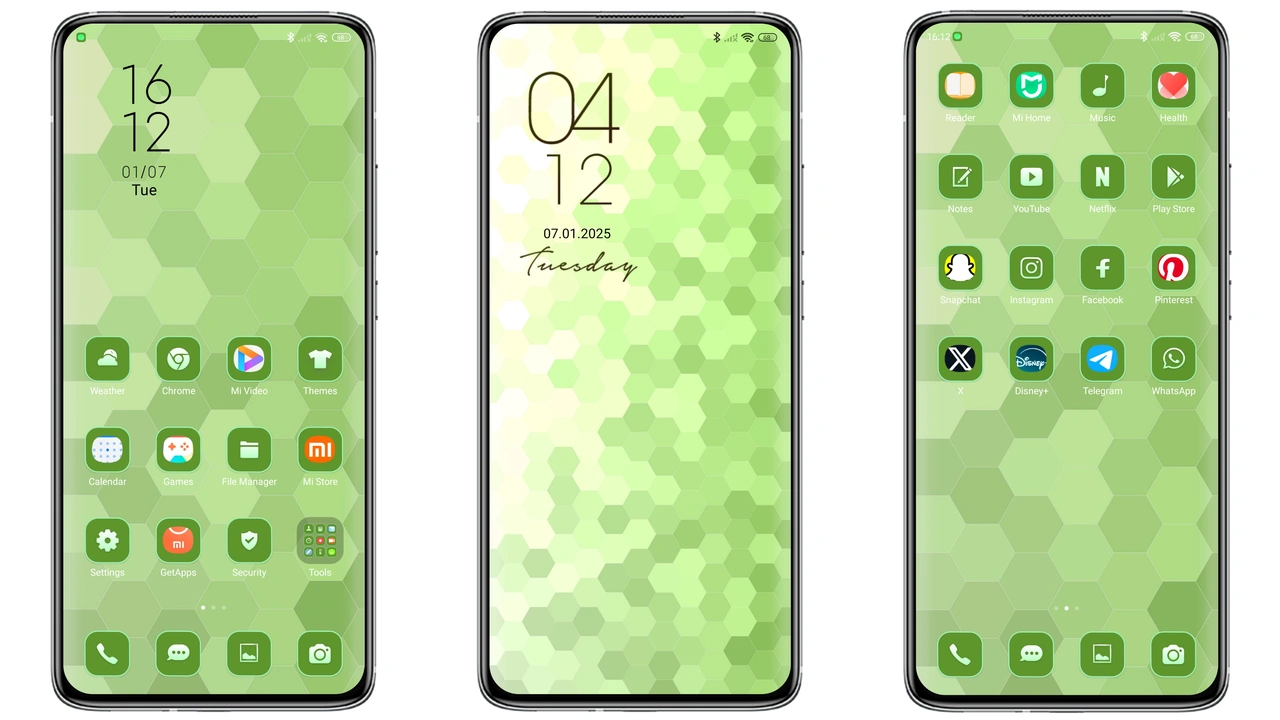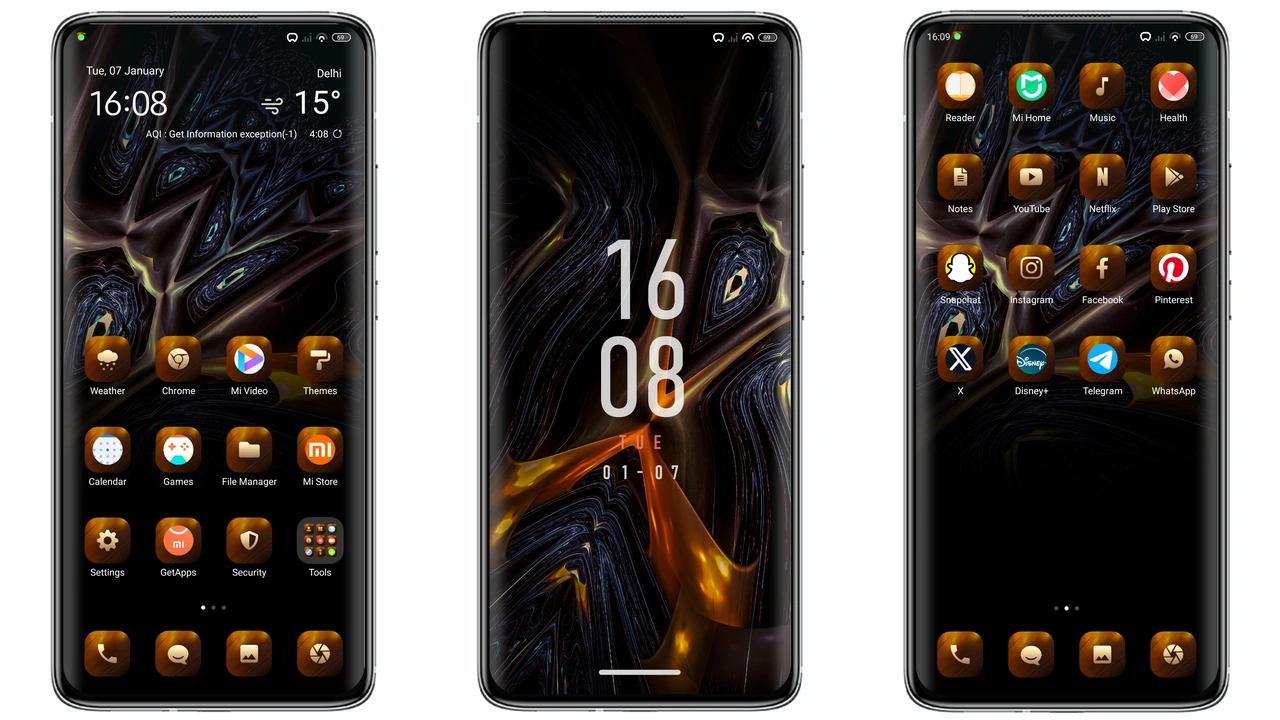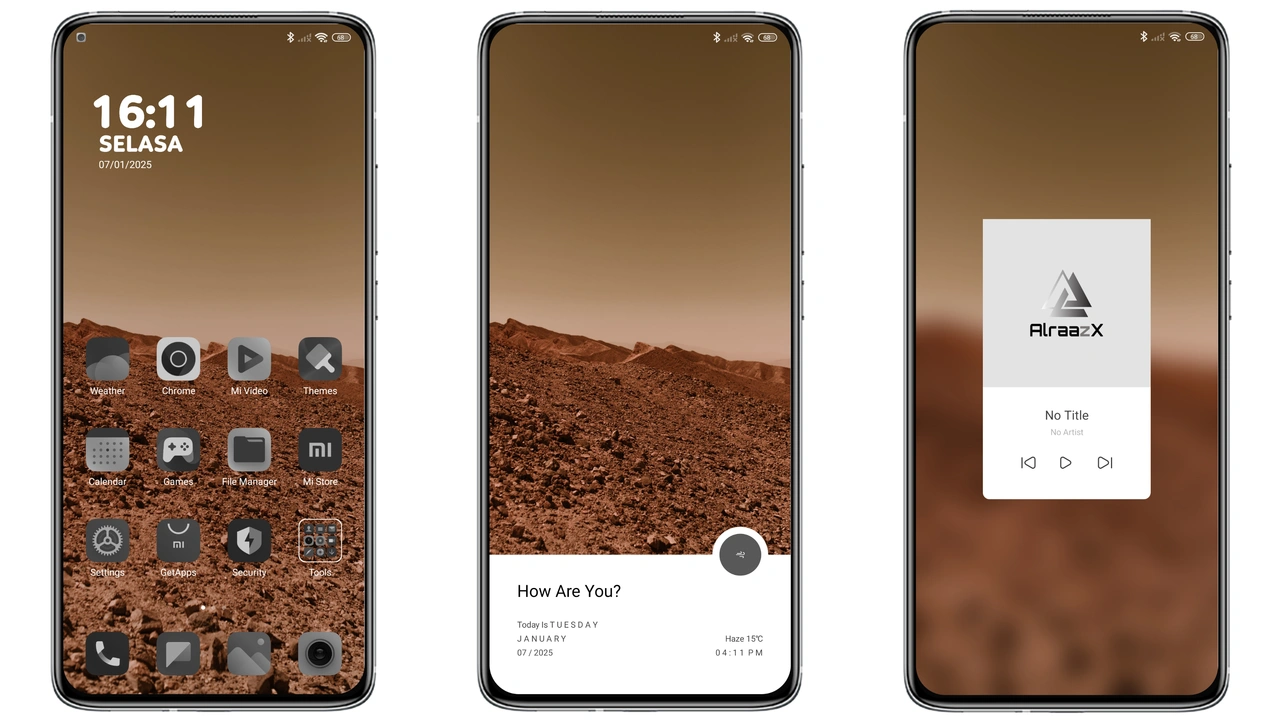
Parameter · Value
Designer · Alraazx
Size · 39.97 MB
Format · MTZ
Compatibility · HyperOS, MIUI 12‑14
Midnight Silhouette UI Overhaul
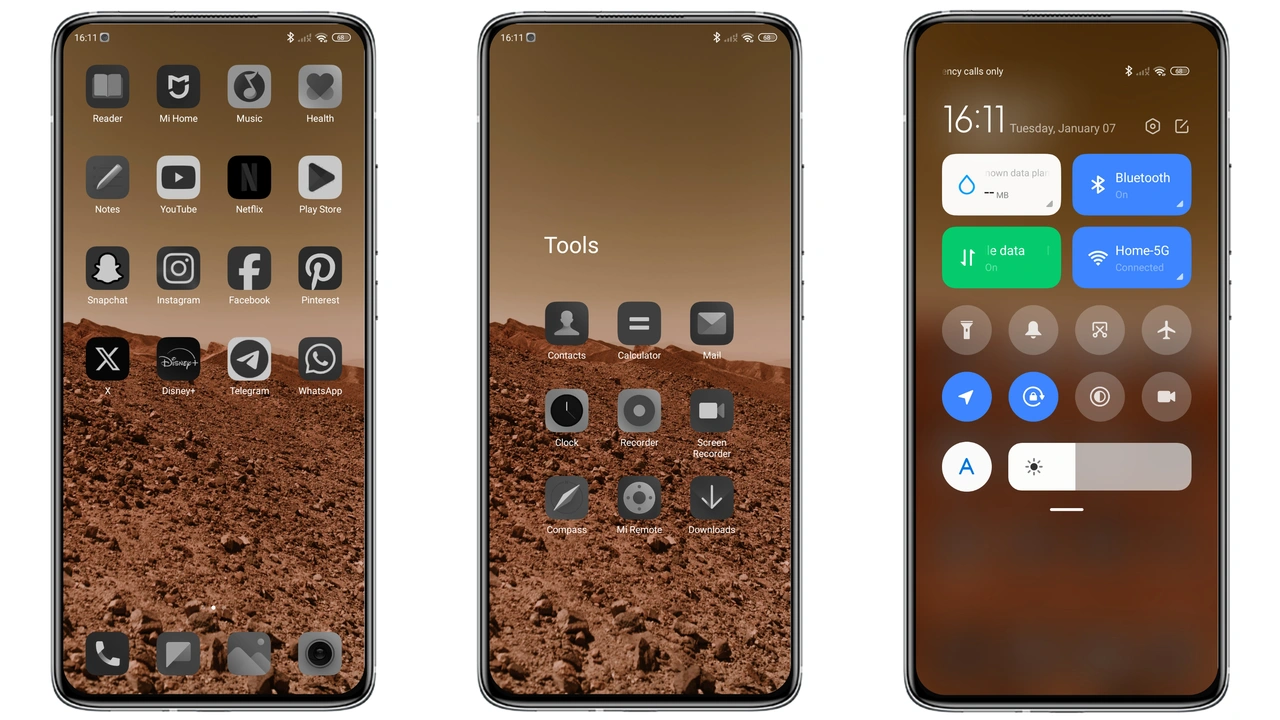
Dark mode only. Core palette pure black. Icons recolored with subtle gray outlines. Wallpapers chosen for contrast; neon accents appear only on lock screen. Status bar merges into background; battery icon glows faintly. Always‑on display inherits theme colors; text remains legible. Animation speed unchanged; focus stays on visual weight.
Suggested Read: Download Magic 8 RSR Porsche Design Wallpapers
Who Thrives on Pure Dark Aesthetics
Night‑owl users love it. Minimalists appreciate lack of color noise. Power users enjoy reduced OLED burn‑in risk. Fans of MIUI 14‑12 who want a fresh look without third‑party launchers will adopt quickly. Not for those who need bright daytime palettes.
Installation Flow on Stock and Custom ROMs
1. Download MTZ file from official theme store. 2. Open Theme Store app. 3. Tap "Import" at bottom of theme list. 4. Select downloaded file. 5. Apply theme. 6. Restart device to clear residual assets. On custom ROMs (Xiaomi EU, MIUIRoom, etc.) steps identical; ensure Theme Store app is present. If missing, install from Xiaomi app market.
Pros and Cons
Pros
• True black UI reduces power draw on OLED.
• Consistent design across lock screen, status bar, notifications.
• Small file size; quick download.
• Compatible with MIUI 12‑14 and HyperOS.
• Includes WhatsApp module and MI boot animation tweak.
Cons
• Dark mode only; no light variant.
• Requires DPI 392‑400 for optimal scaling.
• Font size locked to smallest setting for best fit.
• Some third‑party apps may not inherit icon style.
• No built‑in wallpaper pack beyond default images.
Theme Preview
Download Links
Use the buttons below to open the theme file and the supporting link.
Ngntd Theme mtz File
Helpful links
More Theme Updates
For more curated HyperOS and MIUI theme updates, visit Hyper OS x MIUI .