Parameter · Value
Designer · Md New world
Size · 9.57 MB
Format · .mtz
Compatibility · HyperOS / MIUI (Xiaomi, Redmi, POCO)
Vivid Color Palette Meets Minimalist Icons
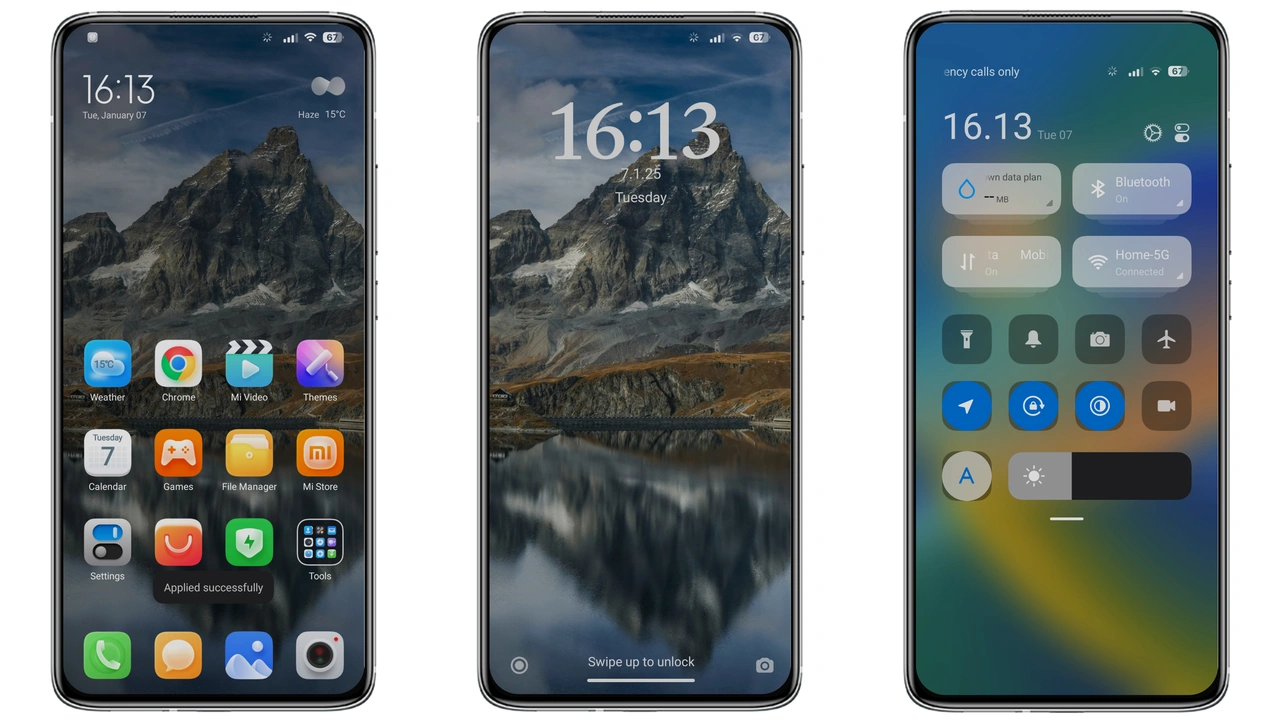
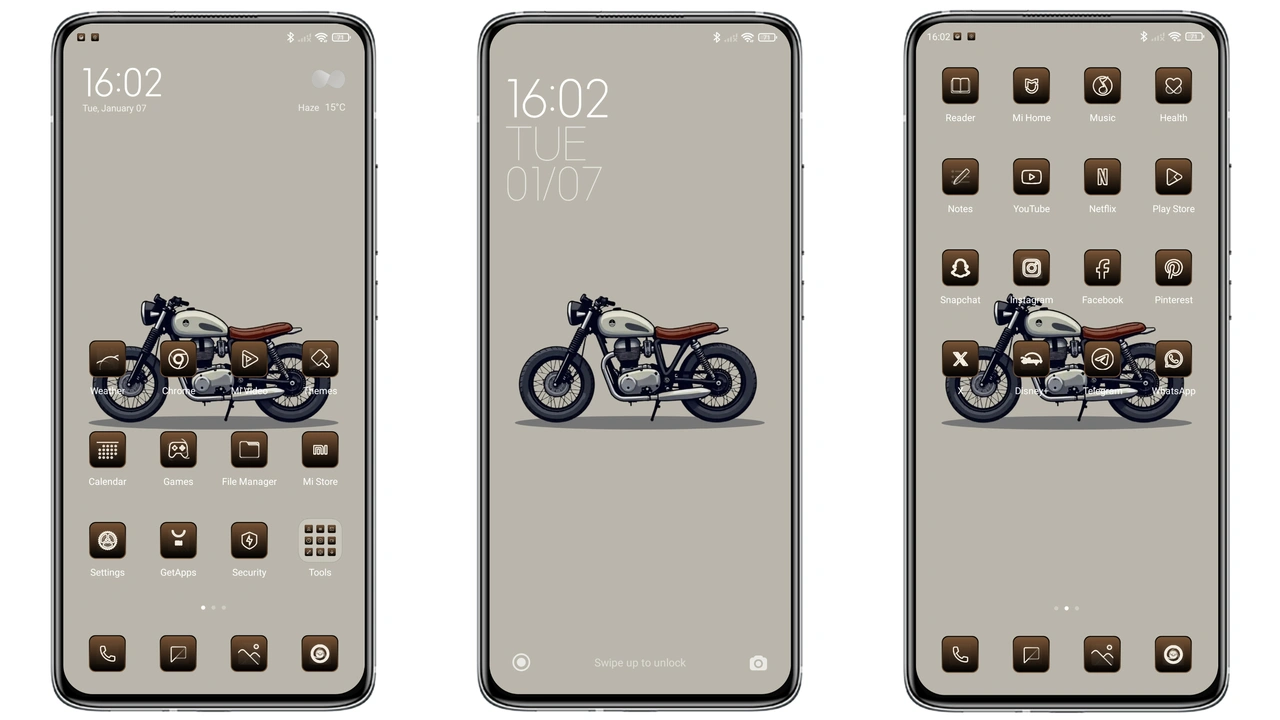
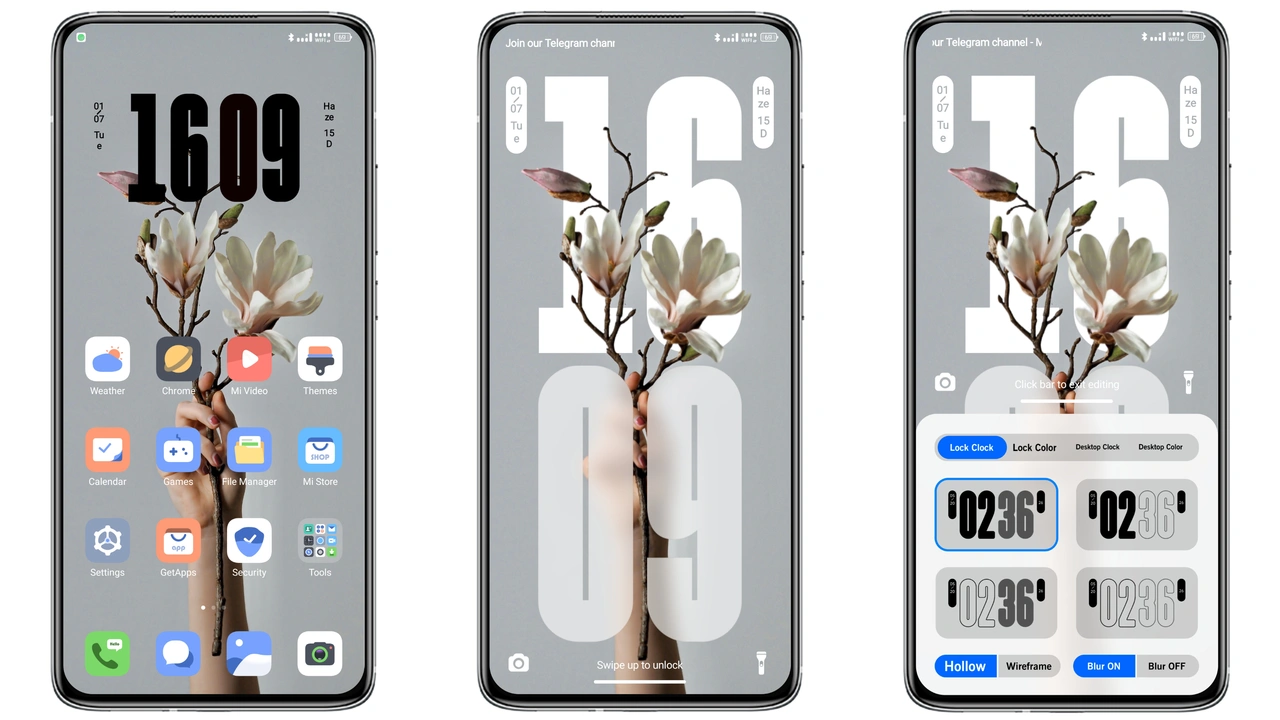
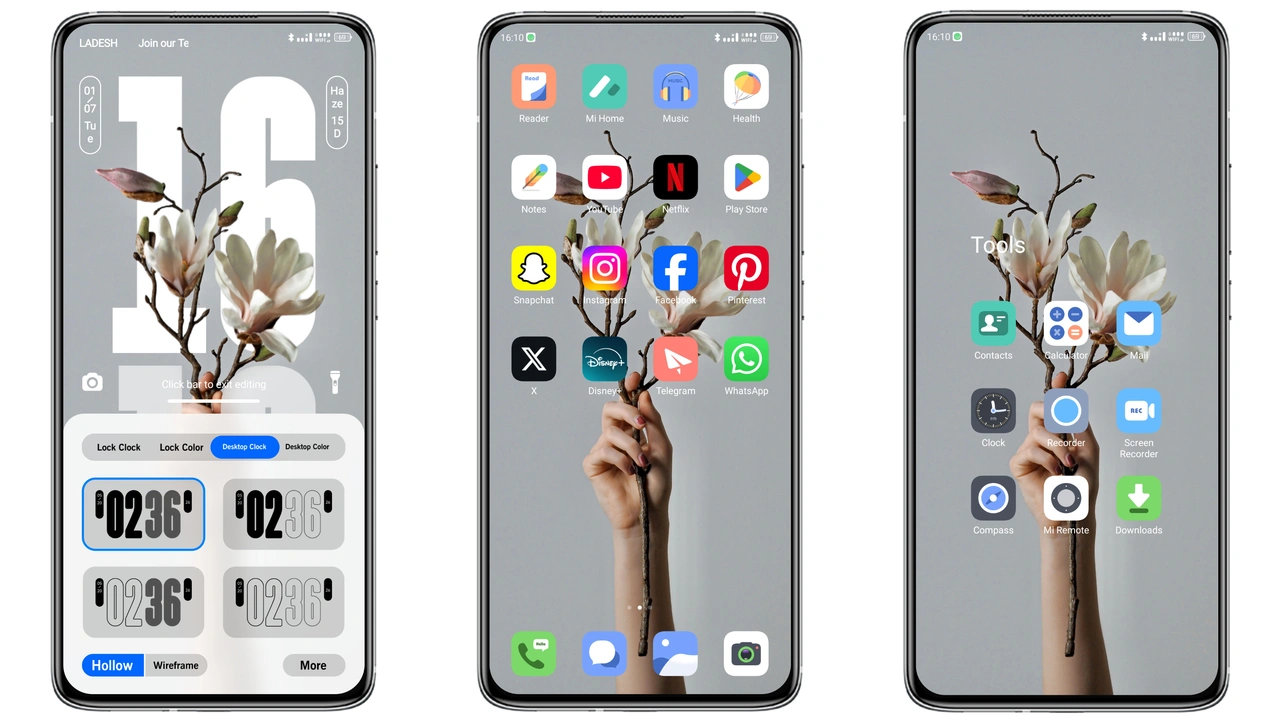
The theme opens with a bold, saturated palette that feels both modern and playful. Primary hues hover around electric teal and sunrise orange, while secondary shades stay muted to let icons breathe. Icons themselves are reshaped into flat, low‑depth silhouettes, giving a clean look without sacrificing recognizability. Wallpapers follow the same visual language—abstract gradients paired with subtle texture, ensuring the home screen never feels cluttered. The result is a phone that looks lively yet remains easy on the eyes during long scrolling sessions.
Suggested Read: anime space HyperOS Theme for Xiaomi and Redmi Phones
Dynamic Lock Screen & Always‑On Display Details
Lock screen receives a full makeover: animated clock hands glide over a semi‑transparent backdrop, while notification bubbles adopt the theme’s accent colors. The Always‑On Display (AOD) mirrors this approach, showing time and date in the same typeface used for icons, with a gentle pulse effect that draws attention without draining battery. Users report that the dynamic elements stay smooth on both flagship and mid‑range devices, thanks to the theme’s optimized assets that avoid heavyweight animations.
Who Will Love This Theme and Why
Fans of vibrant, energetic aesthetics will gravitate toward New World BD. It suits users who enjoy standing out in a sea of stock MIUI skins, especially those who switch between Xiaomi, Redmi and POCO devices. The theme also appeals to minimal‑design lovers because, despite its bright colors, the icon set stays flat and unobtrusive. Power users who frequently customize status‑bar widgets find the new status bar icons intuitive, while casual users appreciate the ready‑made harmony between wallpapers, lock screen and system UI.
Installation Walkthrough and Performance Tips
1. Download the .mtz file from the provided link.
2. Open the Theme Store app, tap Import, and select the downloaded file.
3. Apply the theme; a quick reboot ensures all elements load correctly.
4. After reboot, verify that the lock screen animation runs smoothly; if you notice lag, clear the Theme Store cache in Settings → Apps.
The theme’s 9.57 MB size means it installs quickly even on slower connections. Because assets are compressed, battery impact remains negligible. Users on custom ROMs should follow the same import steps; the theme works on HyperOS‑based custom builds as long as the MIUI version supports .mtz files.
Pros and Cons
• Pros
• Eye‑catching color scheme that stays cohesive.
• Lightweight assets, minimal battery drain.
• Seamless lock‑screen and AOD integration.
• Compatible across HyperOS, MIUI, and major Xiaomi‑branded phones.
• Cons
• Not a dark‑mode‑first theme; bright palette may be harsh in low‑light.
• Limited widget styling; only system UI is themed.
• Some users report minor icon misalignment on older POCO models.
Theme Preview
Download Links
Use the buttons below to open the theme file and the supporting link.
New world bd Theme mtz File
Helpful links
More Theme Updates
For more curated HyperOS and MIUI theme updates, visit Hyper OS x MIUI .