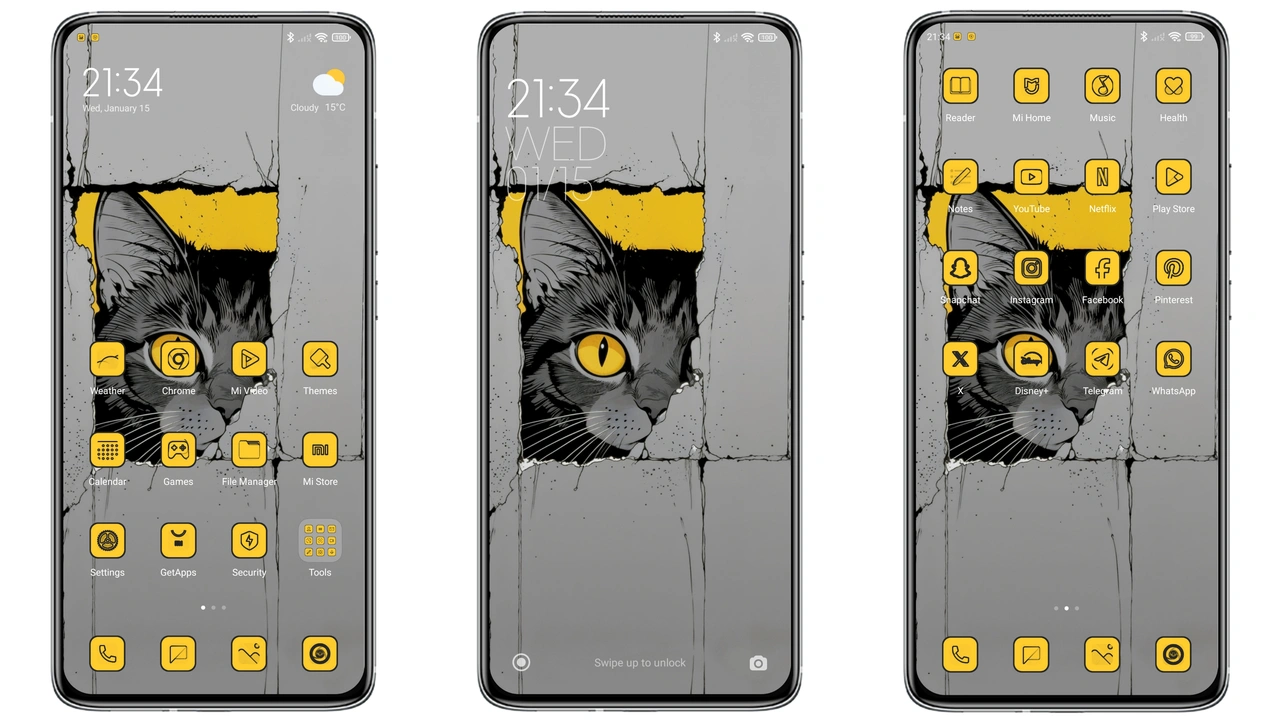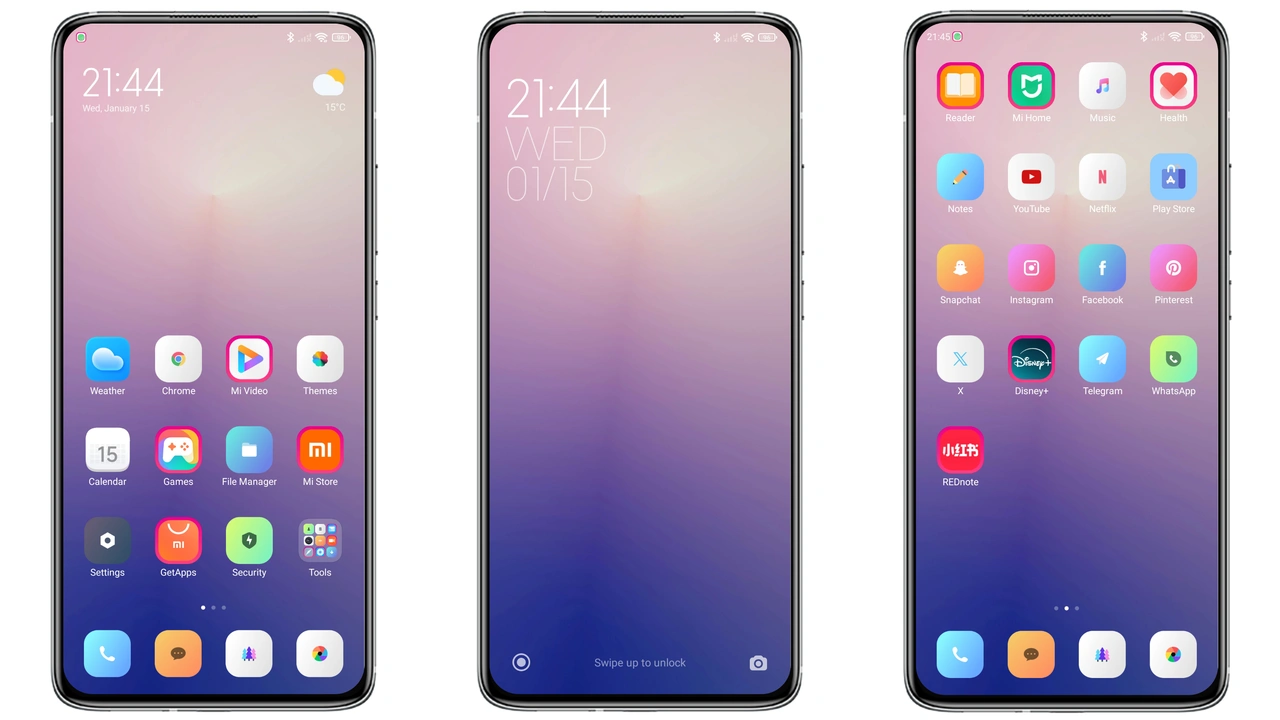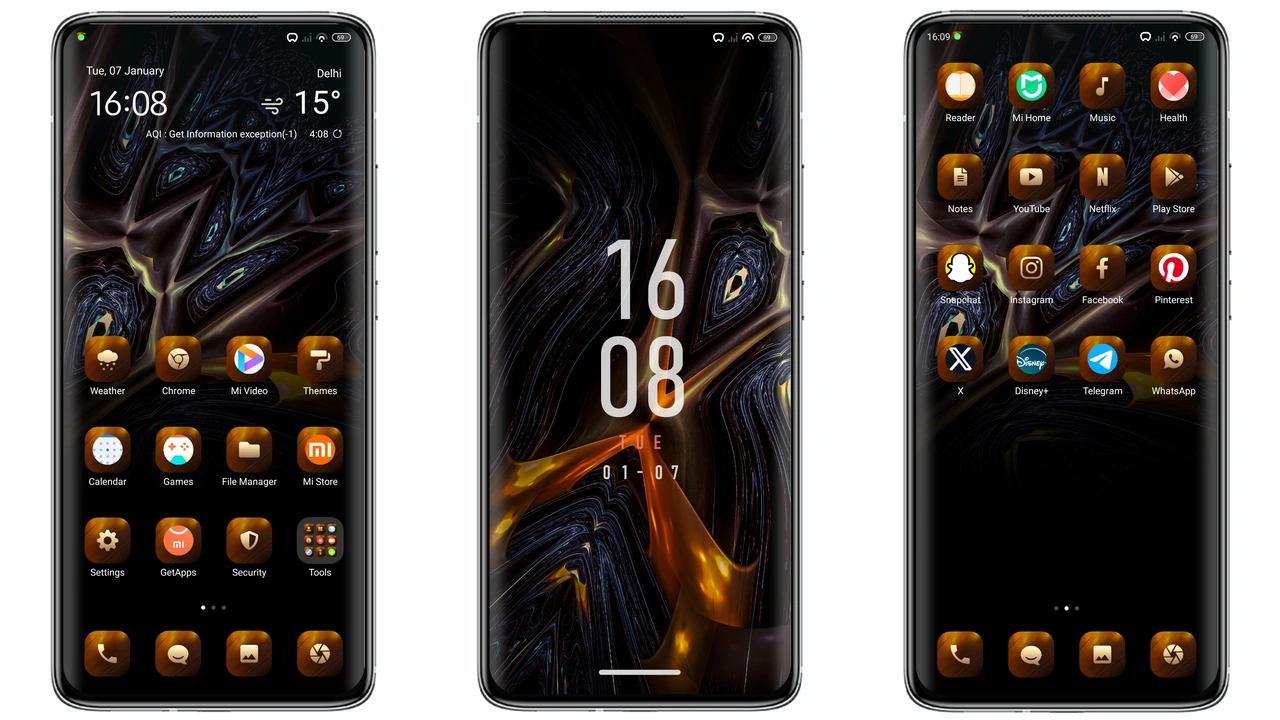
Parameter · Value
Designer · Shivam Tiwari
Size · 17.97 MB
Format · .mtz
Compatibility · HyperOS, MIUI 12‑14
Midnight Brown Palette that Mutes the Noise
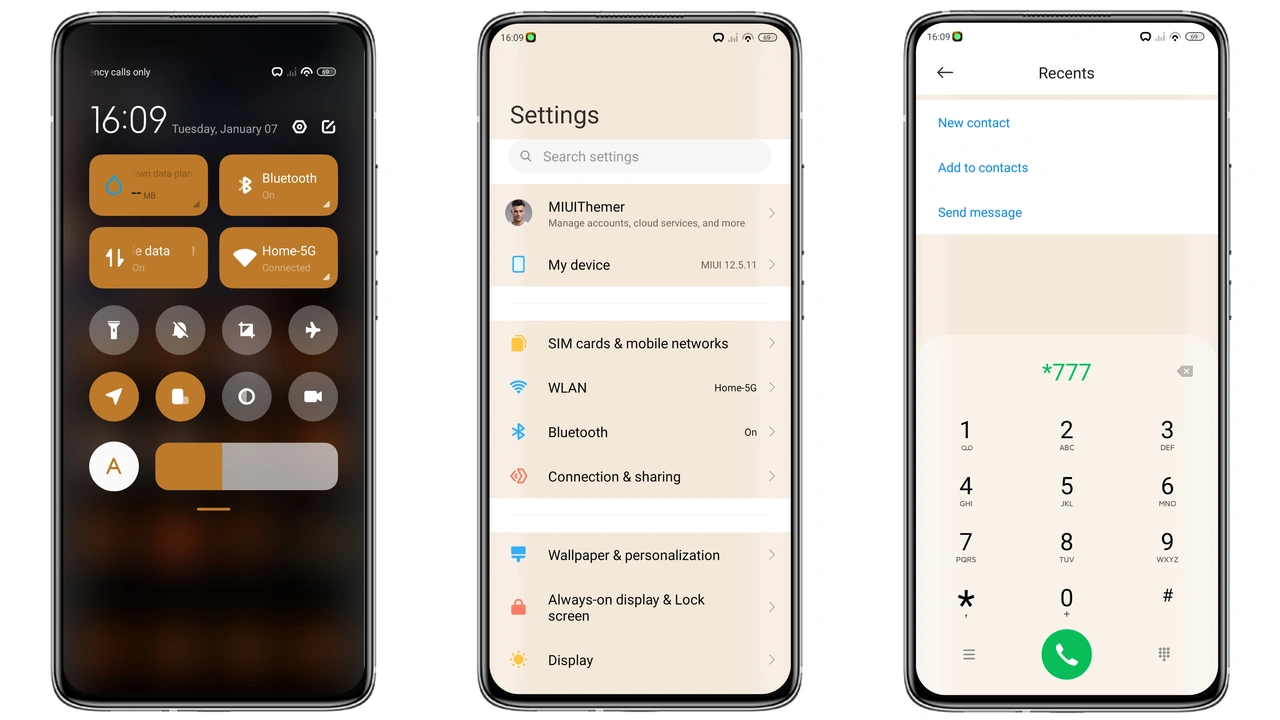
Mystic drapes the UI in a deep, muted brown that feels both sophisticated and easy on the eyes. The base color replaces the typical glossy white of stock MIUI with a velvety charcoal‑brown, allowing content to stand out without harsh contrast. Shadows are softened, text remains crisp, and the overall ambience leans toward a night‑time lounge vibe. This palette works especially well in low‑light environments, reducing eye strain while still delivering a premium feel.
Suggested Read: Poo‑Glass HyperOS Theme Review: Sleek Black Glass Look for Xiaomi & Redmi
Reimagined Icons & Wallpapers for a Fresh Feel
All system icons receive a custom overhaul. Rounded corners stay, but the glyphs adopt a subtle gradient that mirrors the theme’s brown spectrum. App shortcuts gain a faint inner glow, making them pop against the darker backdrop. Wallpapers are curated to complement the palette: abstract landscapes, misty forests, and minimalist geometric patterns dominate. Each wallpaper is sized for full‑screen display on Xiaomi, Redmi, and POCO screens, ensuring no stretching or pixelation.
Dynamic Lock Screen & Always‑On Display Upgrade
Mystic’s lock screen isn’t just a static image. It features a dynamic overlay that shifts subtly as you swipe, revealing a faint texture that echoes the theme’s brown tones. Notification icons adopt the same gradient style as the home screen, creating visual continuity. The Always‑On Display (AOD) receives a sleek redesign: time and date appear in a thin, white serif font, while the background stays a translucent brown, making the clock readable yet unobtrusive.
Installation Flow & What to Expect
The theme ships as a single .mtz file, 17.97 MB in size. Compatibility spans HyperOS and MIUI versions 12 through 14, covering most recent Xiaomi, Redmi, and POCO models. To install, open the Theme Store app, tap the three‑dot menu, select “Import,” and point to the downloaded .mtz file. After import, apply the theme and reboot the device for a clean transition. First‑time users may notice a brief flicker as the system swaps assets; this is normal and disappears after the reboot. The theme respects system fonts and does not alter language packs, so multilingual users retain their settings.
Who Should Try Mystic?
Fans of dark themes who find pure black too stark will appreciate the warm brown undertones. Users seeking a cohesive look across lock screen, icons, and AOD will find Mystic’s attention to detail satisfying. The theme also appeals to those who enjoy a minimalist aesthetic without sacrificing visual flair. If you prefer bright, colorful skins, Mystic may feel too subdued.
Pros and Cons
• Pros
• Cohesive dark‑brown aesthetic
• Custom icons and wallpapers
• Dynamic lock screen and refined AOD
• Wide compatibility (HyperOS, MIUI 12‑14)
• Lightweight, under 20 MB
• Cons
• Warm brown may not suit fans of pure black
• No built‑in light‑mode variant
• Requires reboot for full effect
• Limited to Xiaomi, Redmi, POCO devices
Mystic delivers a polished, mature look that transforms the everyday MIUI experience. Its balanced color scheme, thoughtful icon set, and smooth lock‑screen animation make it a solid choice for anyone looking to refresh their HyperOS or MIUI device without sacrificing performance.
Theme Preview
Download Links
Use the buttons below to open the theme file and the supporting link.
Mystic Theme mtz File
Helpful links
More Theme Updates
For more curated HyperOS and MIUI theme updates, visit Hyper OS x MIUI .