Parameter · Value
Designer · agit77
Size · 9.86 MB
Format · MTZ
Compatibility · HyperOS / MIUI
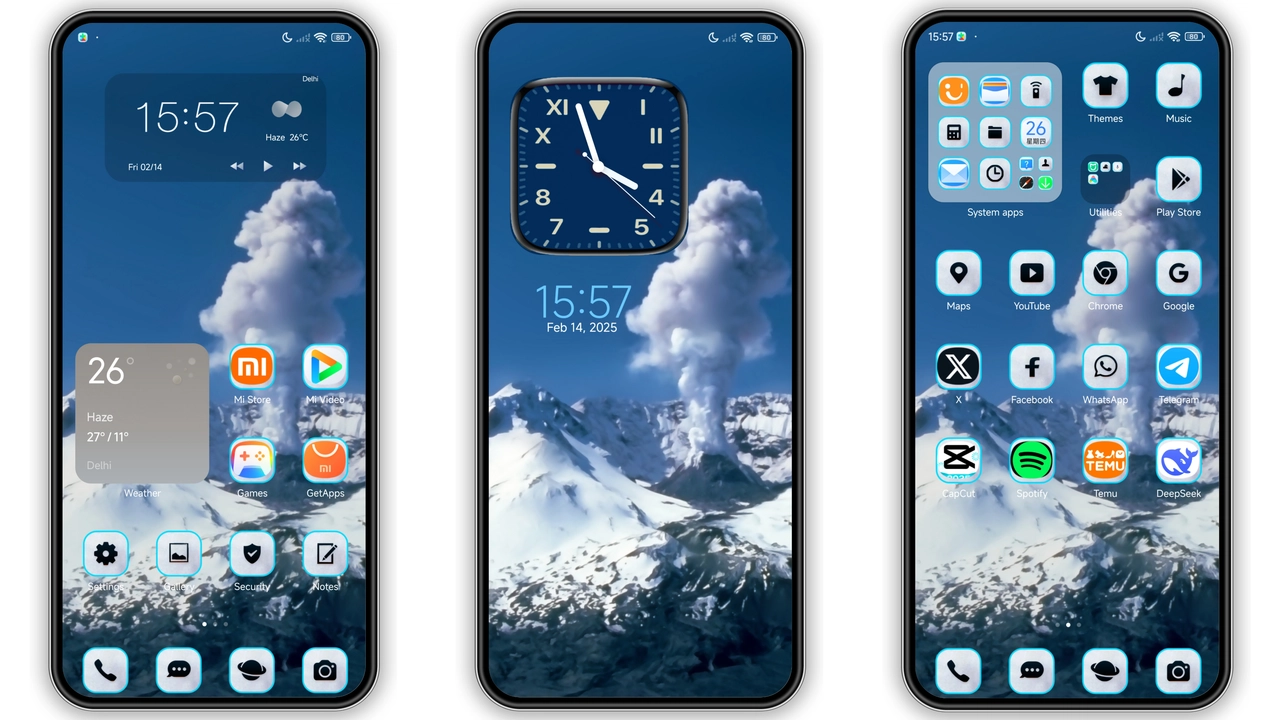
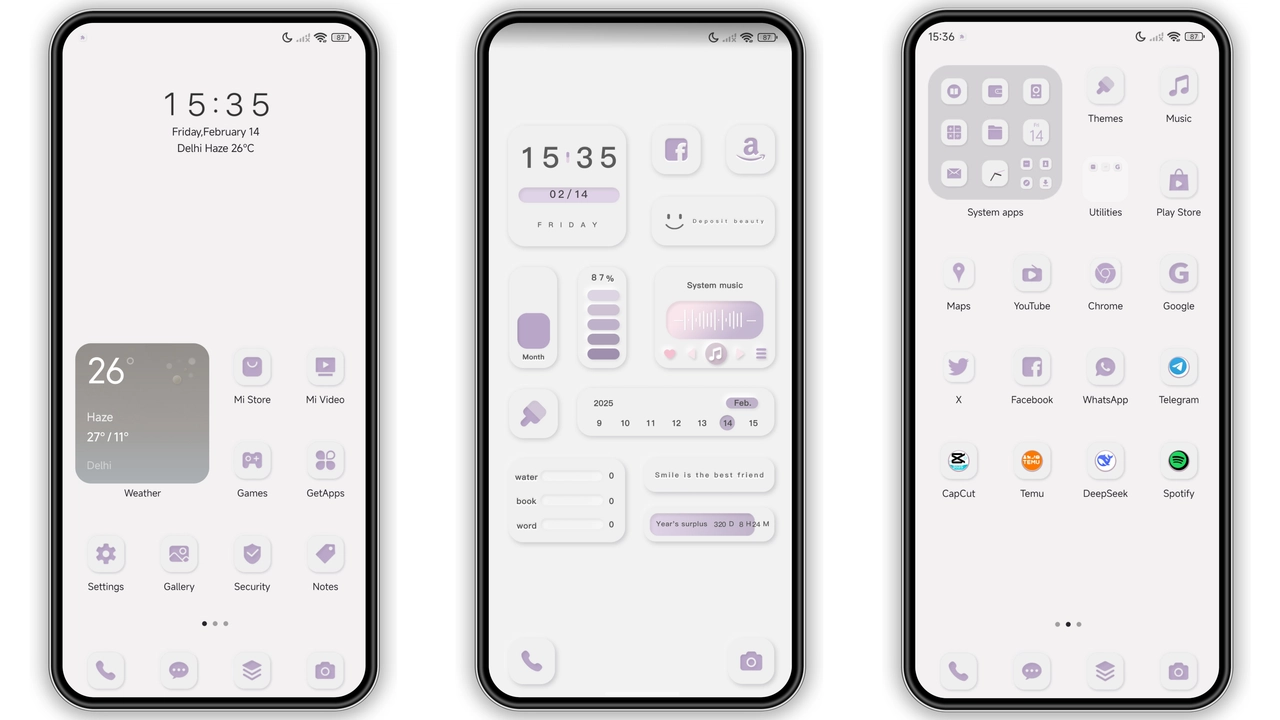
Jiyan BR lands with a punch of color and a clean visual language that feels both modern and familiar. The theme targets Xiaomi, Redmi and POCO handsets running HyperOS or MIUI, offering a full‑system makeover without sacrificing performance.
Electric Blue Accents Meet Fresh Green Hues
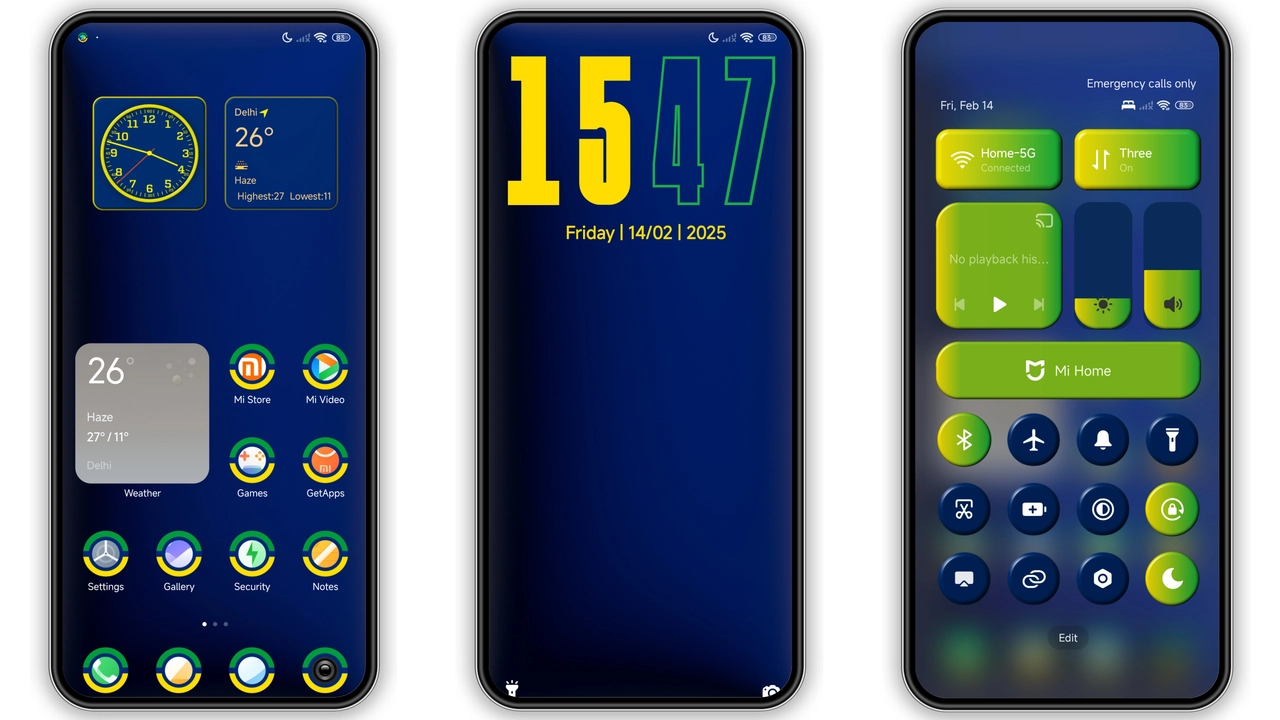
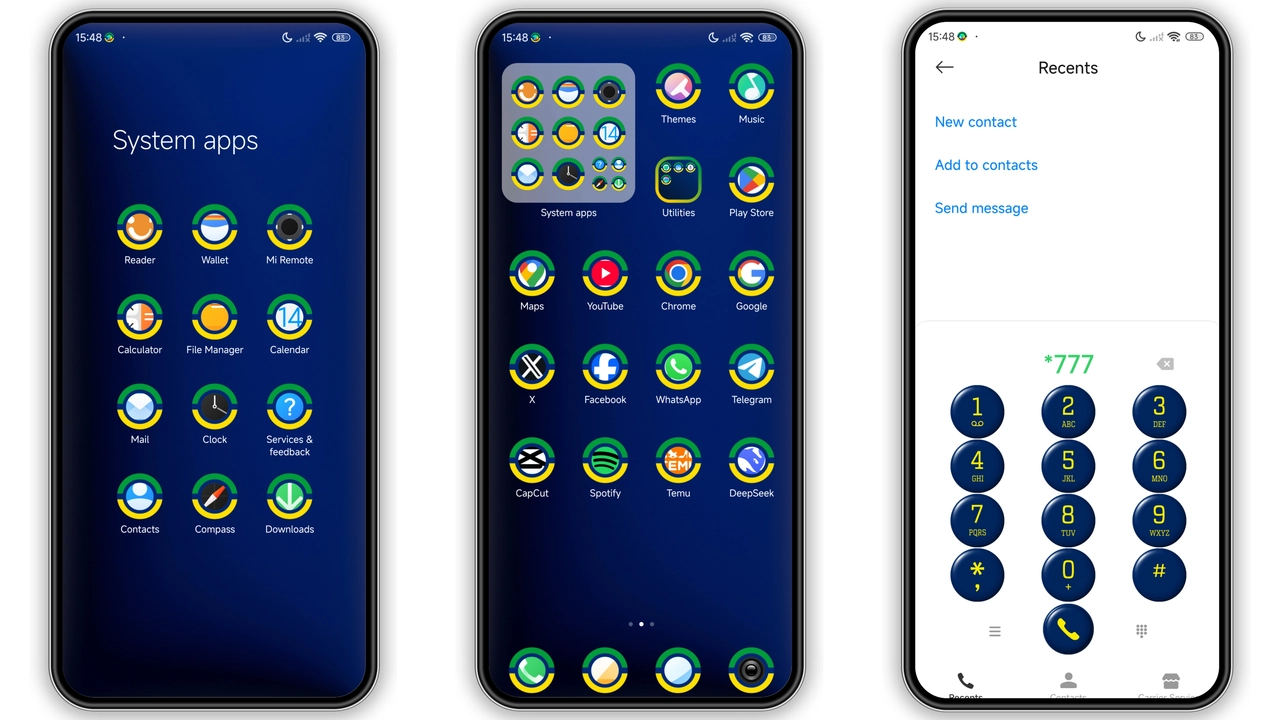
The palette revolves around three dominant shades: a deep electric blue, a sunny yellow, and a crisp green. The blue dominates the status bar and quick‑settings icons, delivering a calm yet assertive vibe. Yellow splashes appear in notification badges and toggle switches, adding contrast that catches the eye without overwhelming. Green surfaces in app folders and the lock‑screen clock, giving a subtle nod to nature and balance.
Every hue is applied consistently across system UI, creating a cohesive look that feels intentional rather than patched together. The result is a theme that can brighten a bland home screen while remaining easy on the eyes during long sessions.
Suggested Read: Archive Entry: HyperF1 HyperOS Theme – Blue Minimalist for Xiaomi & Redmi
Icon Pack Redesign and Wallpaper Refresh
Agit77 rebuilt the core icon set from the ground up. Rounded corners, subtle gradients, and uniform stroke widths give the icons a premium feel. Popular apps such as Messages, Browser, and Gallery receive bespoke treatments that echo the theme’s color scheme. Lesser‑used apps retain a neutral silhouette, ensuring the visual hierarchy stays clear.
The wallpaper collection includes three high‑resolution images that match the theme’s colors. Each wallpaper blends abstract geometry with soft light flares, reinforcing the blue‑green‑yellow motif. The wallpapers automatically adapt to the lock screen, preserving visual continuity.
Lock Screen & Always‑On Display Overhaul
The lock screen receives a full redesign. The clock adopts a minimalist sans‑serif typeface, rendered in the theme’s green hue. Notification cards inherit the blue background, while the swipe‑up arrow glows yellow, creating a clear visual cue. The lock‑screen wallpaper aligns with the home‑screen selection, preventing jarring transitions.
Always‑On Display (AOD) follows the same aesthetic. Time, date, and battery indicator appear in green against a semi‑transparent blue overlay. The AOD respects dark‑mode preferences, dimming the background while keeping the accent colors vivid.
Installation Steps and What to Expect
1. Download the MTZ file from the provided link. 2. Open the Theme Store app on your device. 3. Tap Import at the bottom of the Themes page. 4. Locate the downloaded MTZ and confirm import. 5. Apply the Jiyan BR theme from the My Themes section.
The process takes under a minute on most devices. After applying, a quick reboot is recommended to clear any lingering cache and ensure all elements render correctly. Users report no performance dips; the theme’s assets are optimized for fast loading.
Pros and Cons
• Pros
• Vibrant yet balanced color scheme.
• Consistent icon redesign across core apps.
• Dynamic lock‑screen and AOD integration.
• Lightweight package (under 10 MB).
• Full compatibility with HyperOS and MIUI.
• Cons
• Limited third‑party icon support; some niche apps retain default icons.
• No dark‑mode variant; colors stay constant in night mode.
• Requires manual import; not directly available in the official store.
Overall, Jiyan BR delivers a polished, energetic look that suits users who enjoy color without sacrificing readability. Its seamless integration with HyperOS and MIUI makes it a safe choice for daily use, while the fresh visual language keeps the experience feeling new after weeks of use.
Theme Preview
Download Links
Use the buttons below to open the theme file and the supporting link.
Jiyan BR Theme mtz File
Helpful links
More Theme Updates
For more curated HyperOS and MIUI theme updates, visit Hyper OS x MIUI .