Parameter · Value
Designer · Suraj
Size · 5.03 MB
Format · MTZ
Compatibility · HyperOS / MIUI
Vibrant Purple Palette & Dynamic Icons
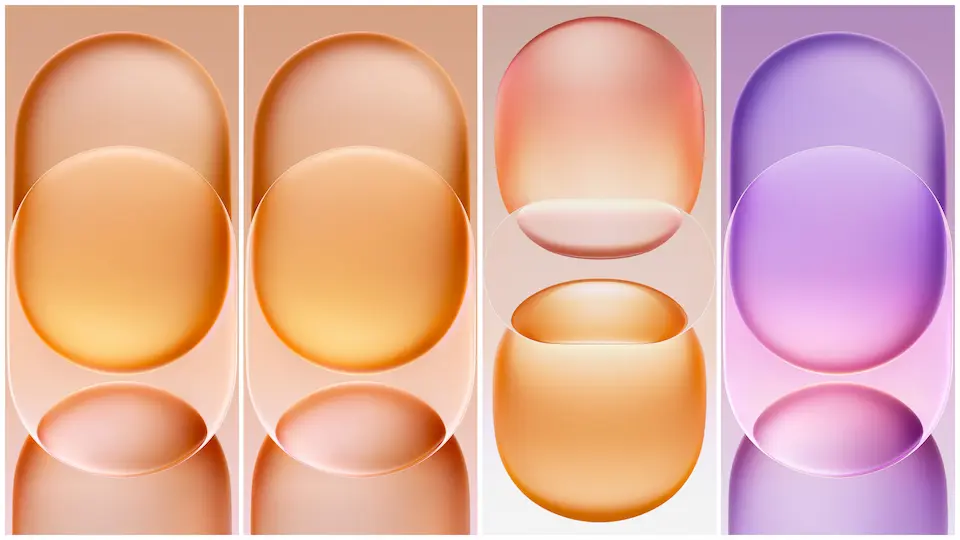
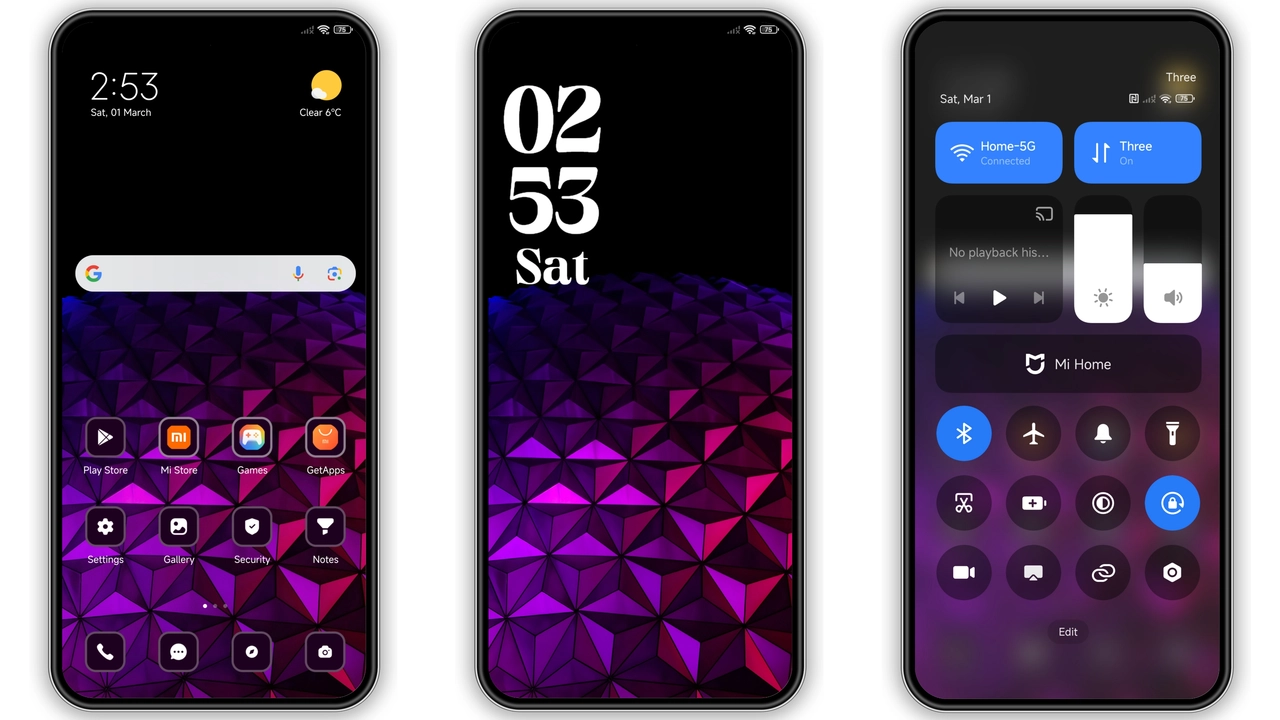
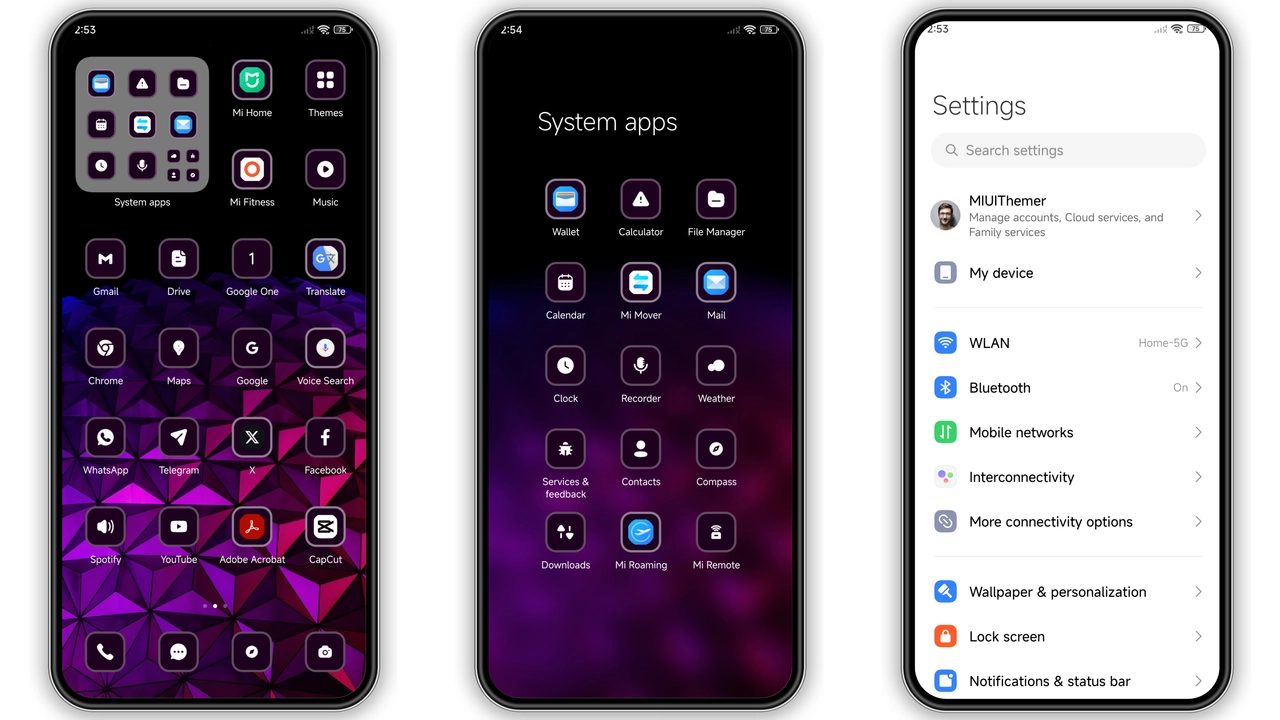
Suraj’s Illustration theme swaps the default grayscale for a saturated violet spectrum. Icons receive a subtle gradient that shifts from lavender at the top to a richer plum at the bottom, giving each app a sense of depth. Wallpapers echo this hue, featuring abstract line art and soft‑glow cityscapes that stay lively without overwhelming the home screen. The color choices stay consistent across the notification shade, quick settings, and system dialogs, so the visual language feels unified rather than patched together.
Suggested Read: Poo‑Max3 vs Standard Dark Theme: Which Fits Your Minimalist Taste
Lock Screen & Always‑On Display Overhaul
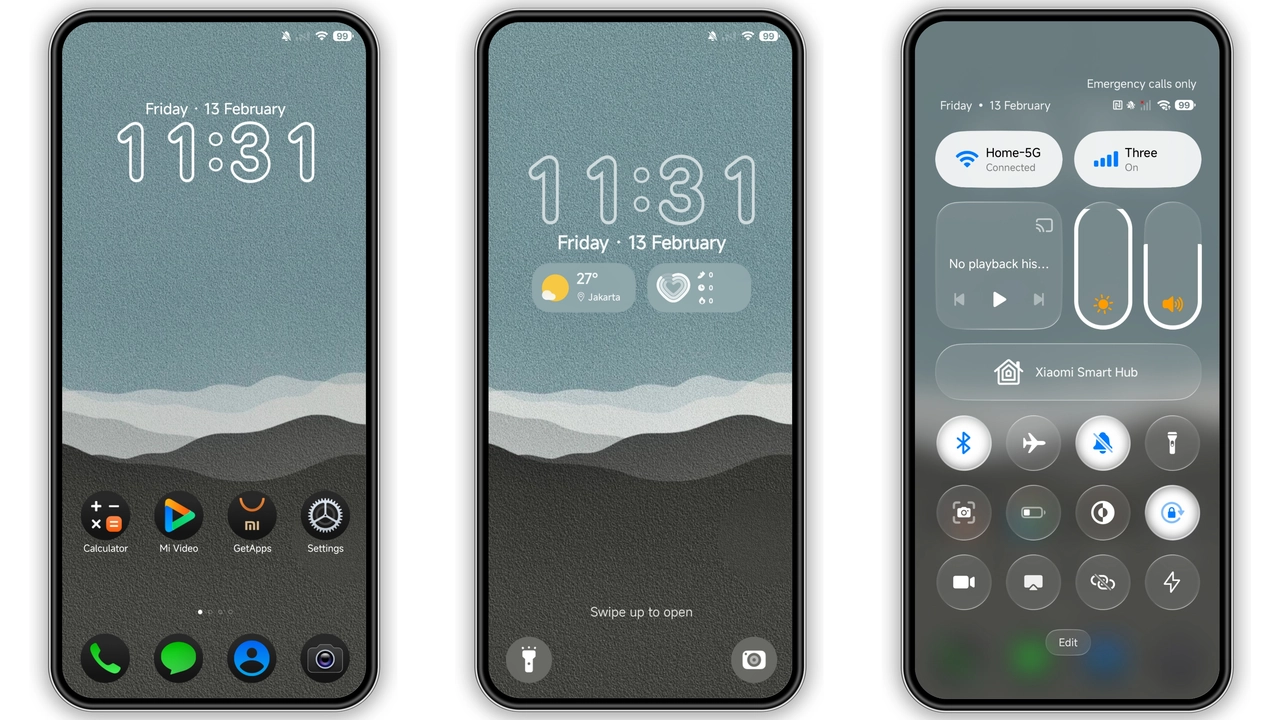
The lock screen receives a full‑width digital clock that adopts the theme’s purple accent. Weekday names appear in a clean sans‑serif, while the date slides in with a faint neon outline. The Always‑On Display mirrors this layout, showing time and battery status in the same style, but dimmed to preserve battery life. The lock screen background blends a faint bokeh effect with the theme’s signature illustration, making the unlock gesture feel like a small visual reward.
Who’ll Love This Theme?
Fans of bold color statements will gravitate toward this package. If you enjoy a cohesive aesthetic that ties icons, wallpapers, and UI chrome together, the Illustration theme hits the mark. It also suits users who want a fresh look without sacrificing readability—purple is dark enough for legibility on both light and dark system modes. Conversely, minimalists who prefer muted tones may find the saturation excessive. The theme shines on Xiaomi, Redmi, and POCO devices that run HyperOS or MIUI, especially on models with AMOLED panels where the violet gradients pop.
Installing & What to Expect
1. Download the MTZ file from the provided link.
2. Open the Theme Store app on your device.
3. Tap Import at the bottom of the Themes screen.
4. Locate the downloaded MTZ file and confirm import.
5. Apply the theme; the system will prompt a short restart to finalize assets.
Expect a brief pause while the system caches new icons and wallpapers. After reboot, verify that the lock screen, status bar, and quick settings reflect the purple scheme. If any element appears out of place, a second reboot usually resolves residual caching issues. The theme’s size (5 MB) means download time is negligible on most networks.
Pros and Cons
• Pros
• Cohesive purple palette across UI.
• Dynamic lock screen with weekday clock.
• Works on both HyperOS and MIUI without extra patches.
• Lightweight package; quick download and install.
• AMOLED‑friendly gradients enhance visual depth.
• Cons
• Saturation may be too bold for low‑light environments.
• Limited customization beyond the provided assets.
• Some third‑party launchers may not fully adopt the icon set.
• No dark‑mode variant; relies on the same palette for both modes.
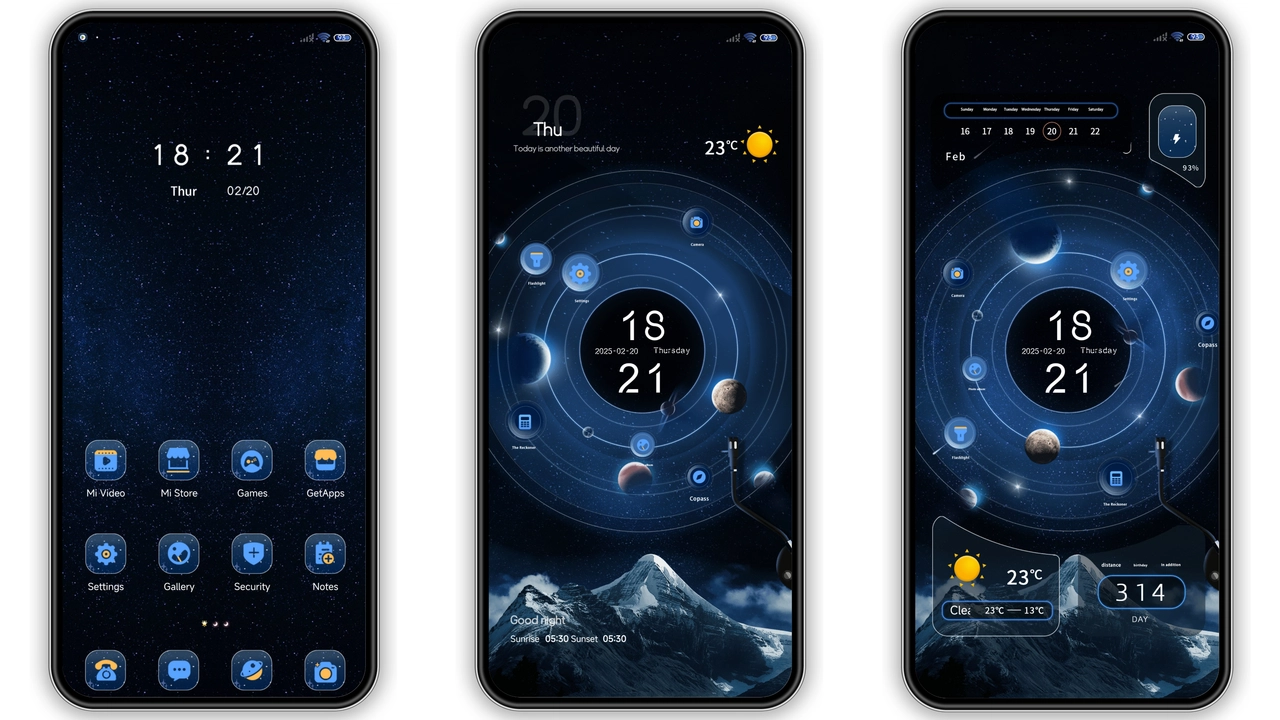
Theme Preview
Download Links
Use the buttons below to open the theme file and the supporting link.
Illustration Theme mtz File
Helpful links
More Theme Updates
For more curated HyperOS and MIUI theme updates, visit Hyper OS x MIUI .