Parameter · Value
Designer · BoZinsky
Size · 17.67 MB
Format · .mtz
Compatibility · HyperOS / MIUI
Electric Cyan Aesthetic Meets Dark Mode
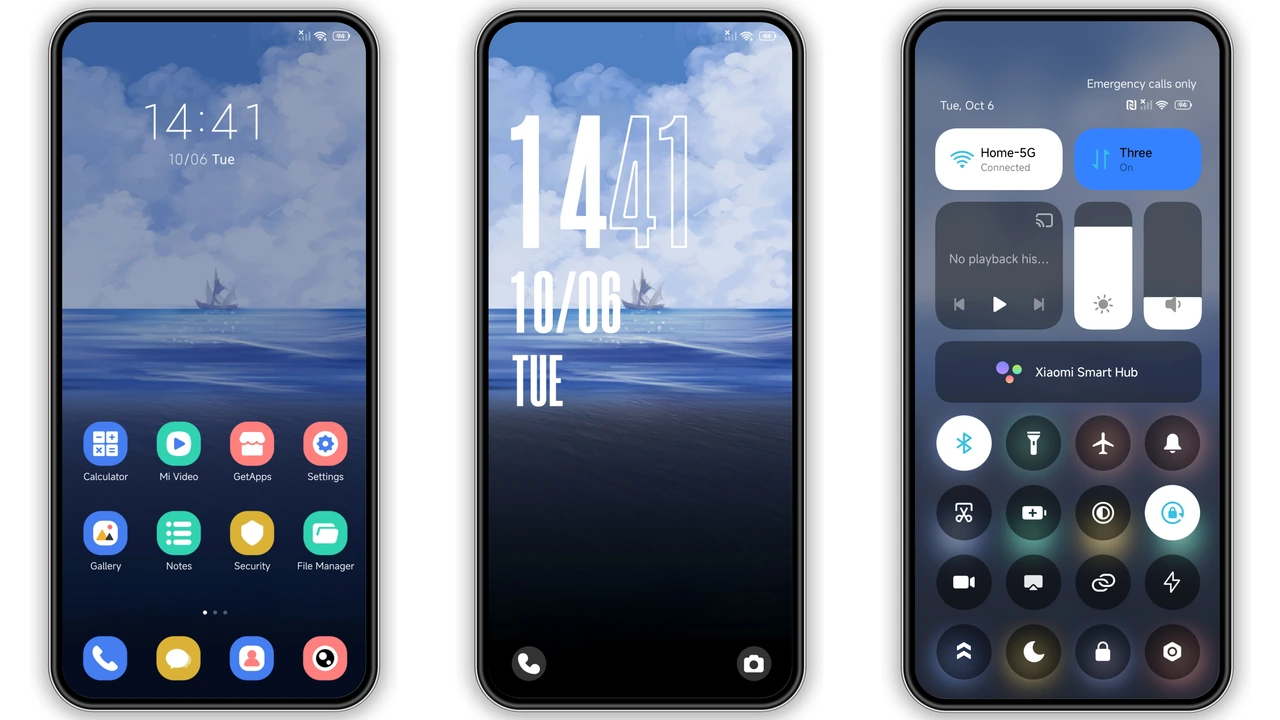
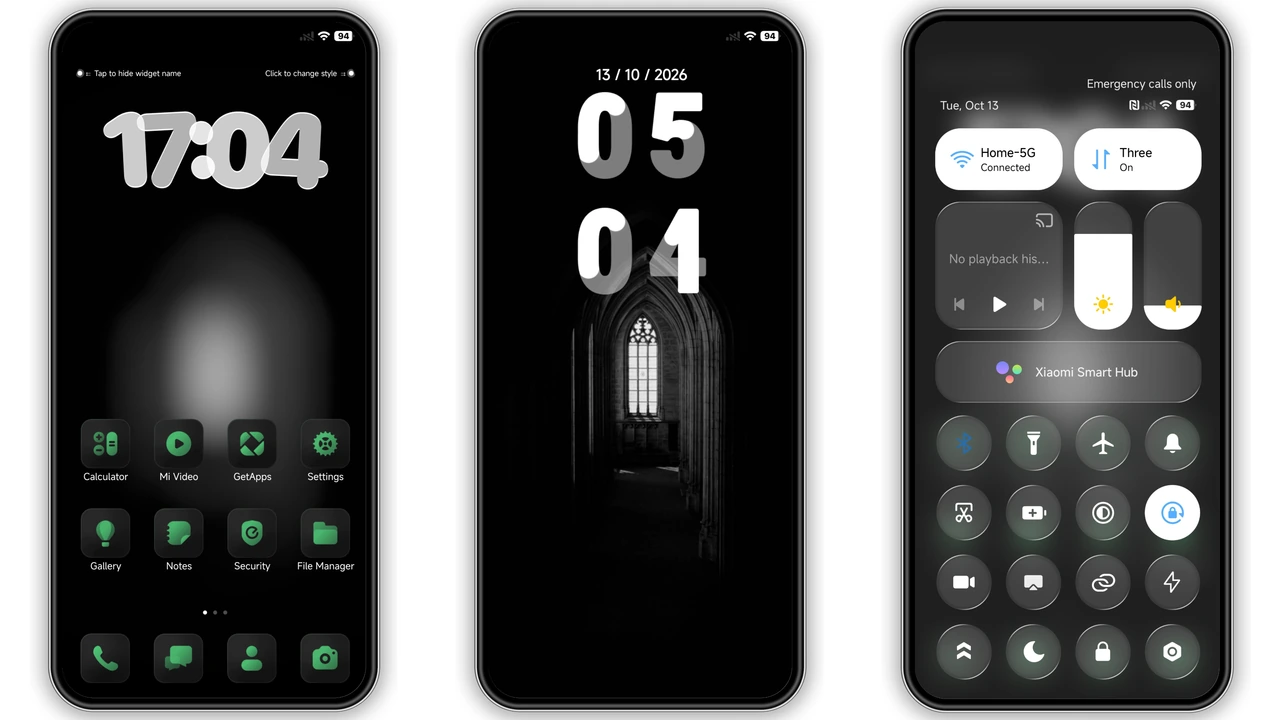
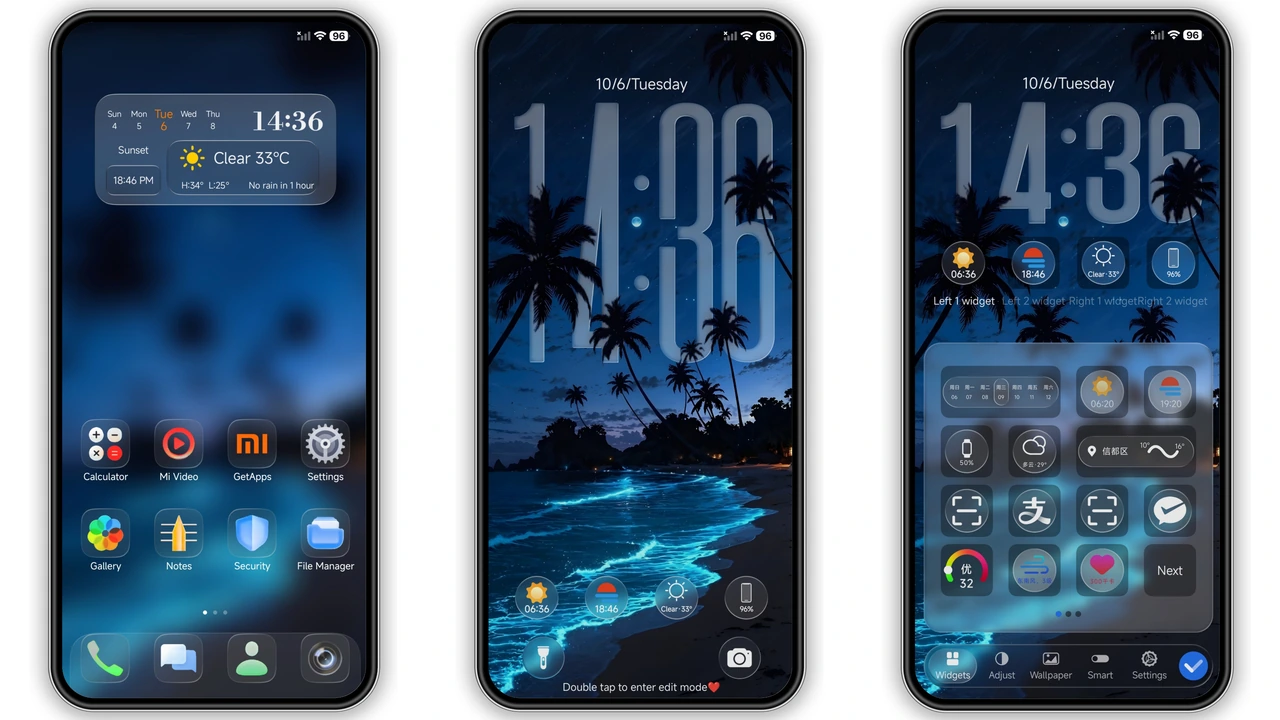
Hyper CYANO II throws a punch of neon cyan against a deep‑gray backdrop. Icons receive a fresh coat of cyan‑tinted gradients, while the wallpaper showcases a sleek, abstract wave that feels both futuristic and calming. The lock screen animates a subtle pulse, turning the unlock gesture into a tiny light show. Dark mode isn’t an afterthought; every element—status bar, notification shade, always‑on display—adapts to keep contrast high and eyes comfortable.
Suggested Read: Trending Sea‑Inspired MTZ Theme for HyperOS & MIUI – Fresh Look
Who’ll Love This High‑Contrast Palette
Fans of cyber‑punk visuals, gamers who gravitate toward neon accents, and power users who want a clear visual hierarchy will feel at home. The theme also suits minimalists who appreciate a single accent color guiding the eye. If you enjoy customizing MIUI or HyperOS and want a theme that stands out without overwhelming, this is a solid pick. Users who prefer pastel or earth tones may find the cyan too aggressive, but the theme offers both light and dark variants to suit different lighting conditions.
Installation Walkthrough on Stock and Custom ROMs
1. Download the .mtz file from the official theme store link.
2. Open the Theme Store app, tap Themes, then scroll to the bottom and select Import.
3. Locate the downloaded file and confirm import.
4. Apply the theme; the system will prompt a quick restart to finalize assets.
For custom ROMs (MIUI 11‑14, HyperOS‑based builds), the same steps work. Ensure the theme store app is installed; if not, side‑load the APK from a trusted source. After applying, a single reboot clears residual caches and guarantees the lock screen animation runs smoothly.
Pros and Cons
• Pros
• Vibrant cyan accent creates strong visual hierarchy.
• Fully supports both light and dark modes.
• Dynamic lock screen adds a subtle wow factor.
• Small file size, quick download.
• Works on stock HyperOS, MIUI, and common custom ROMs.
• Cons
• Cyan may be too bold for users preferring muted palettes.
• Limited icon pack variations; only one style provided.
• Some users report minor lag on low‑end devices during lock‑screen animation.
Theme Preview


Download Links
Use the buttons below to open the theme file and the supporting link.
Hyper CYANO II Theme mtz File
Helpful links
More Theme Updates
For more curated HyperOS and MIUI theme updates, visit Hyper OS x MIUI .