Theme details
- Designer
- Alimun (Homologous)
- Size
- 10.63 MB
- Compatibility
- HyperOS, HyperOS 2.0, HyperOS 3.0, MIUI 14
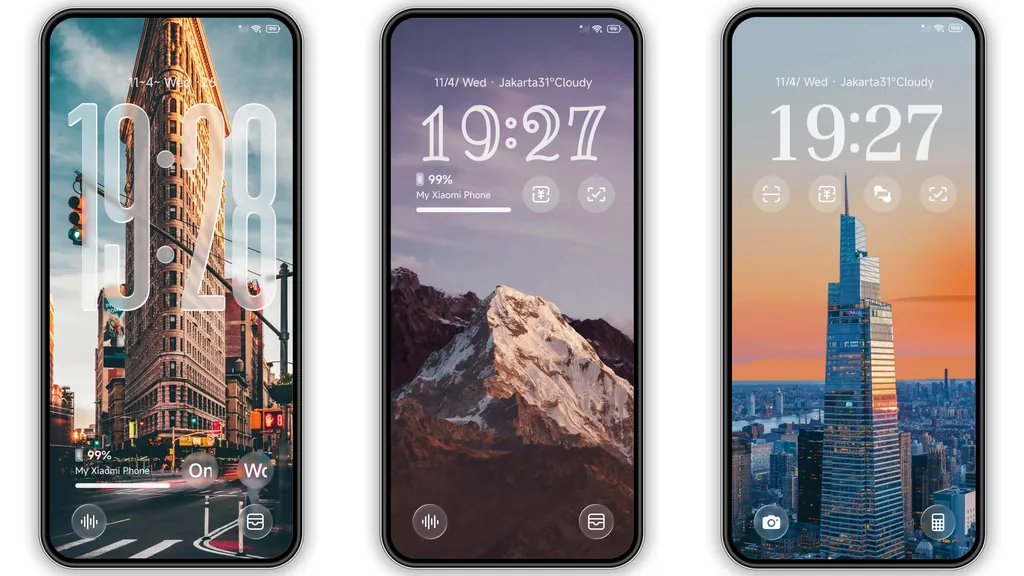
Stock Xiaomi interfaces get the job done, yet anyone who spends real time customizing HyperOS knows how fast default icons and busy lockscreens start feeling stale. Homologous takes the opposite route. Built by designer Alimun around the dry, understated tagline "Probably Nothing," this free theme strips away visual clutter in favor of a balanced, distraction-free setup across Xiaomi, Redmi, and POCO phones. Instead of chasing flashy animations or loud gradients, it pairs a calm beach sunset wallpaper with clean white lockscreen typography and a cohesive dark iOS-style icon pack.
Format · MTZ & Official Theme Store
Calm Sunset Wallpaper and Minimal Lockscreen Typography
The lockscreen sets the tone the moment you wake the display. Homologous opens with a serene beach sunset wallpaper that avoids the sterile, flat black look common to many minimalist dark themes. Warm dusk tones along the horizon give your screen depth, while crisp, minimal white lockscreen typography keeps the clock and date legible without dominating the frame.
For anyone chasing a dynamic lockscreen feel without battery-draining widgets, this restraint pays off. Incoming notifications sit cleanly against the darker upper portion of the image, and the bundled Always-on Display carries that same quiet elegance into standby mode. When your phone rests on a desk, the AOD keeps essential glanceable details sharp and unobtrusive rather than turning your OLED panel into a bright billboard.
Suggested Read: Green Lotus MTZ Theme vs Neon Pulse: Which Fits Your HyperOS?
Sleek Dark iOS-Style Icons That Tame App Clutter
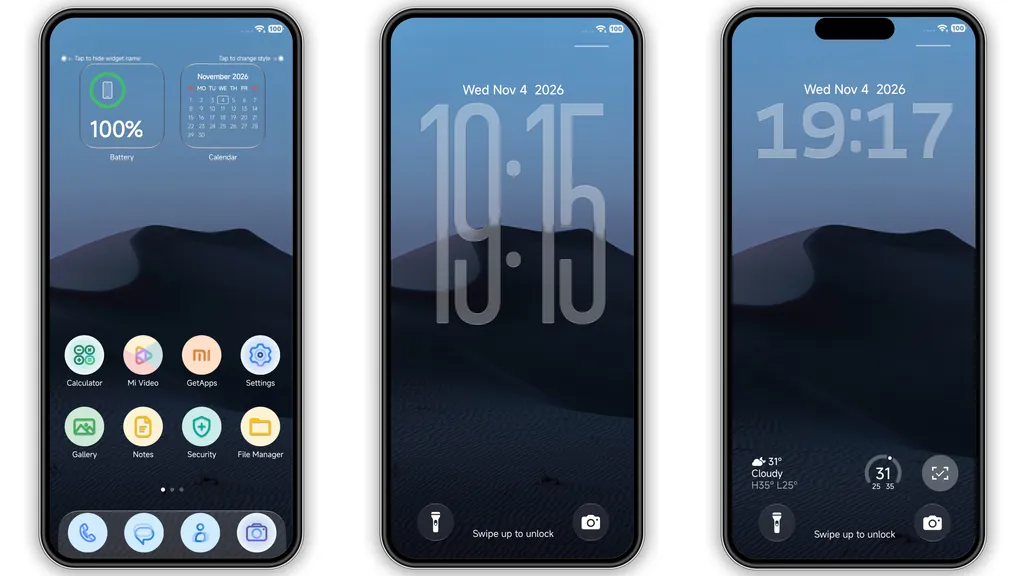
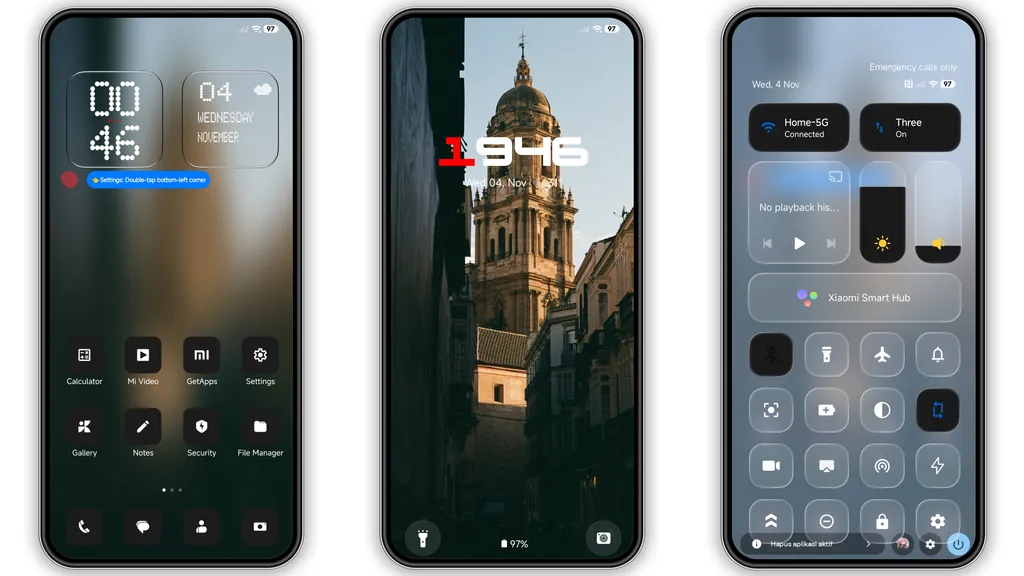
An uneven app grid ruins even the best wallpaper, especially on Android where third-party icons vary wildly in shape and color saturation. Homologous solves that immediately with a dark iOS-style icon pack built around uniform squircle geometry and muted, high-contrast glyphs. System utilities, social apps, and daily tools blend into a single visual language so your home screen stops looking like a patchwork of mismatched logos.
If you lean toward a minimalist dark theme or recently switched from an iPhone, this icon styling hits a practical sweet spot. Dark icon backings absorb visual noise against the sunset backdrop, letting you spot apps by silhouette and muscle memory rather than bright color flashes. It works equally well whether you run a bare two-row dock or pack several folders onto your primary home page.
Clean Status Bar Tweaks and Everyday Performance
Heavy themes packed with custom lockscreen engines and layered animations often introduce micro-stutter on budget Redmi or POCO hardware. Weighing in at just 10.63 MB, Homologous stays noticeably light on system resources. Aside from the wallpaper, icons, and AOD, its primary UI touch lands on a refreshed status bar featuring sharper, cleaner signal, Wi-Fi, and battery indicators.
Because the theme avoids rewriting every settings submenu or forcing aggressive transparency layers over native HyperOS menus, daily navigation stays predictable and responsive. This makes it an easy daily driver for enthusiasts who want refined aesthetics without breaking dark mode contrast inside third-party apps or dealing with unreadable text overlays.
Compatibility, Installation, and Practical Download Notes
Homologous runs smoothly across modern Xiaomi software generations, supporting HyperOS, HyperOS 2.0, and HyperOS 3.0 alongside MIUI 14 builds. How you install it depends strictly on whether your phone runs an official Global ROM or a community custom ROM.
On Stock Global ROMs, Xiaomi restricts direct third-party .mtz file imports inside the default Themes app, so you need the Official Theme Store route. Opening official store links on mobile browsers sometimes triggers a Chinese web preview instead of jumping straight into the app. If that happens in Chrome or the built-in Xiaomi Browser, open the link in Firefox, tap the three-dot menu in the corner, and select Open in app. That forces the native Theme Store to load the listing so you can download and apply it cleanly.
On Custom ROMs like Xiaomi.eu or MIUIRoom—covering older MIUI 11 through MIUI 14 releases as well as custom HyperOS ports—manual sideloading works out of the box. Download the 10.63 MB .mtz package, open the Themes app, head into your local Themes tab, scroll to the bottom, and tap Import to select the file from your storage.
Whichever route you use, give your device a quick reboot right after applying the theme. Restarting clears cached icon masks and resolves minor status bar alignment quirks that occasionally appear immediately after a theme swap.
Pros and Cons
Pros
- Cohesive dark iOS-style icon pack eliminates home screen visual clutter
- Crisp white lockscreen typography pairs naturally with the sunset wallpaper
- Lightweight 10.63 MB footprint preserves smooth animations across Redmi, POCO, and Xiaomi phones
- Includes a stylish Always-on Display and refreshed status bar icons
- Broad compatibility spanning MIUI 14 through HyperOS 3.0, plus custom ROM MTZ support
- Completely free to download and use
Cons
- Minimalist scope leaves deeper system menus largely untouched
- Stock Global ROM users cannot import the MTZ file directly without custom ROM support
- Official Theme Store web redirects sometimes require switching browsers to open properly
Download Links
Use the buttons below to open the theme file and the supporting link.
Homologous Theme mtz File
Helpful links
More Theme Updates
For more curated HyperOS and MIUI theme updates, visit Hyper OS x MIUI .


