Parameter · Value
Designer · sumi7t
Size · 6.12 MB
Format · MTZ
Compatibility · HyperOS / MIUI
Vivid Gradient Palette That Pops
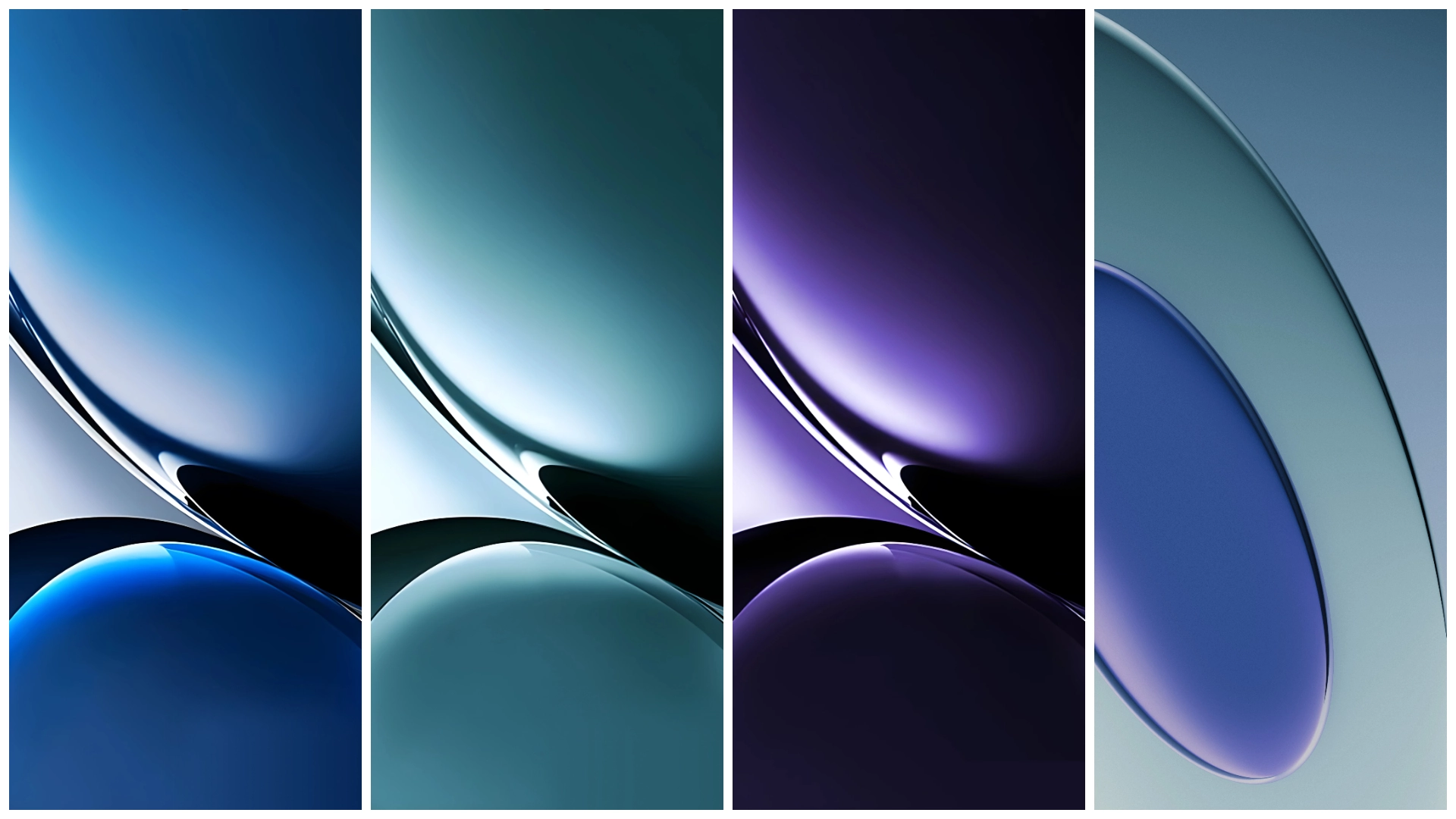
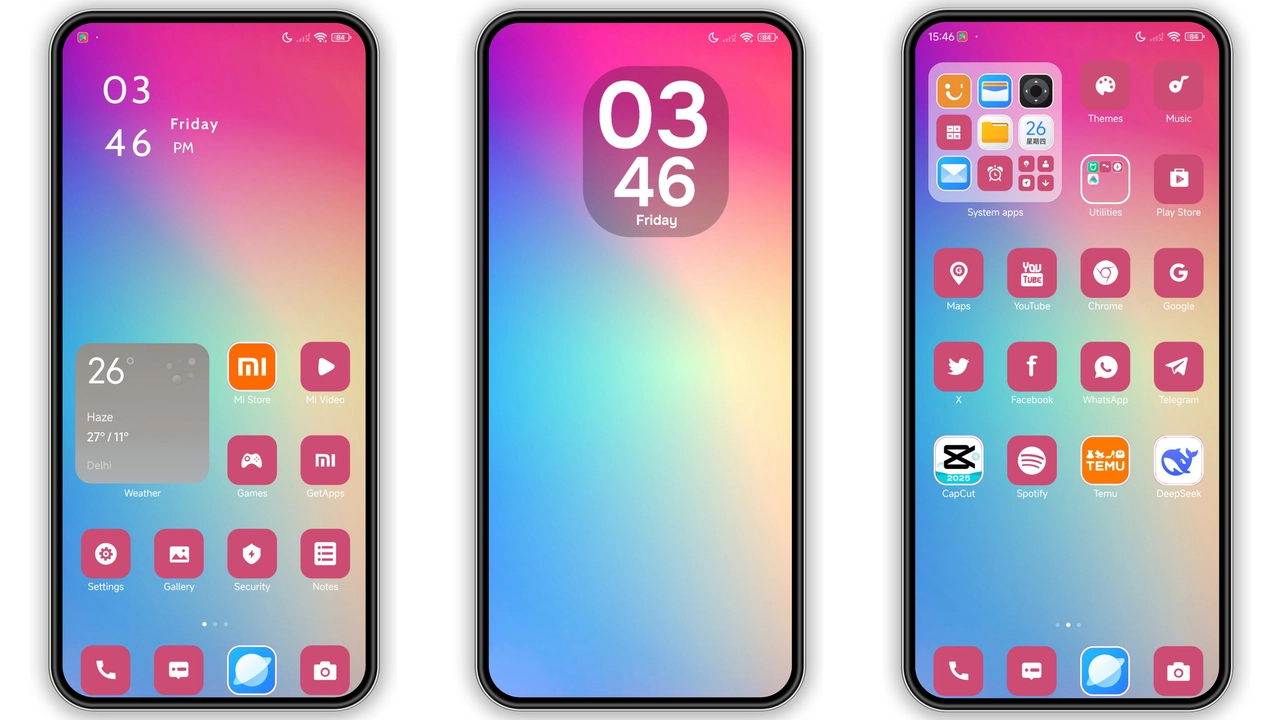
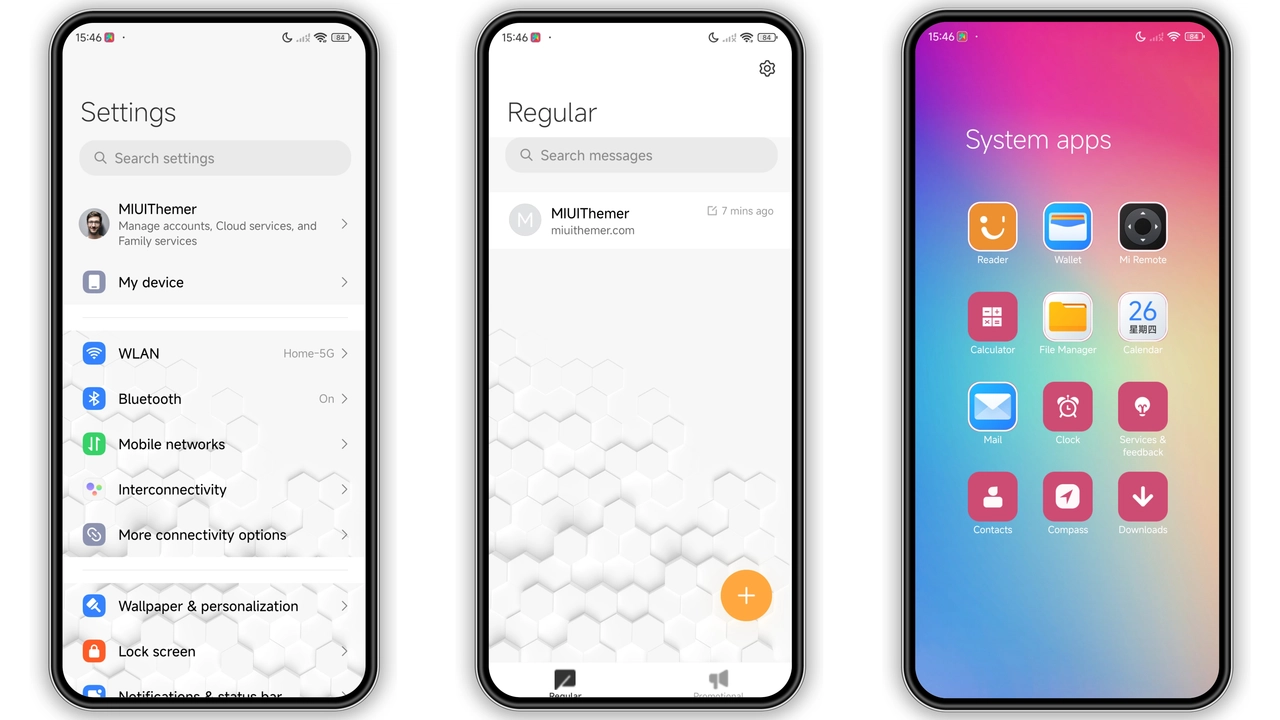
The theme leans into a three‑tone gradient—pink, blue, and purple—that sweeps across the lock screen, status bar, and app drawer. Icons receive a subtle overlay that matches the gradient, creating a unified look without sacrificing recognizability. Wallpapers are high‑definition, featuring abstract color blends that echo the theme’s name. The Always‑On Display inherits the gradient, turning the clock into a low‑key centerpiece. Text contrast stays crisp; white and light‑gray labels sit atop the darker gradient zones, ensuring readability even in bright sunlight.
Suggested Read: Frost Peak Star vs Morandi Star: Dark Mountain Theme Showdown
Tailored for Xiaomi, Redmi, POCO Power Users
Designed for the entire Xiaomi family, the theme works on flagship, mid‑range, and budget devices alike. Whether you run a HyperOS Global Stable ROM or a custom MIUI build, the theme respects the native UI hierarchy. The 65+ vector icons cover dialer, contacts, messaging, and control‑center widgets, so you won’t encounter missing graphics. Users who love personalization but dislike fragmented UI will appreciate the seamless integration: lock screen, home screen, quick settings, and notification shade all share the same visual language.
Installation Walkthrough Without Hassle
1. Open the Theme Store app on your device.
2. Tap the three‑dot menu, choose Import, and locate the downloaded Gradient.mtz file.
3. Confirm import; the store will validate the package.
4. Apply the theme and reboot if prompted.
If you prefer a browser‑based install, visit the official theme page, hit the Download button, and save the MTZ file. Then follow steps 1‑4 above. The process takes under two minutes on most devices. No root access required; the theme respects the system’s sandbox.
Performance Impact and Battery Considerations
Because the theme relies on native MIUI rendering pipelines, it adds negligible CPU overhead. The gradient AOD uses the same hardware‑accelerated compositor as stock MIUI, so battery drain remains comparable to the default lock screen. Users have reported stable frame rates in the app drawer and no noticeable lag in animations. The theme’s size—just over six megabytes—means it occupies minimal storage, leaving ample room for apps and media.
Pros and Cons
• Pros
• Striking gradient aesthetic that feels fresh on any device.
• Complete icon set covers core apps, eliminating placeholder graphics.
• Low performance impact; battery life stays on par with stock UI.
• Simple import process; works on both HyperOS and MIUI ROMs.
• Cons
• Color palette may be too bold for users preferring muted tones.
• No built‑in dark‑mode variant; users must switch manually.
• Limited customization beyond the supplied icons and wallpapers.
Overall, the Gradient HyperOS theme offers a cohesive, eye‑catching makeover for Xiaomi, Redmi, and POCO phones without sacrificing performance or stability. Its straightforward installation and broad compatibility make it a solid choice for anyone looking to break away from the stock look.
Theme Preview
Download Links
Use the buttons below to open the theme file and the supporting link.
Gradient Theme mtz File
Helpful links
More Theme Updates
For more curated HyperOS and MIUI theme updates, visit Hyper OS x MIUI .