Parameter · Value
Designer · -
Size · Variable (HD, QHD)
Format · PNG
Compatibility · HyperOS / MIUI
Book‑Style Foldable Aesthetic
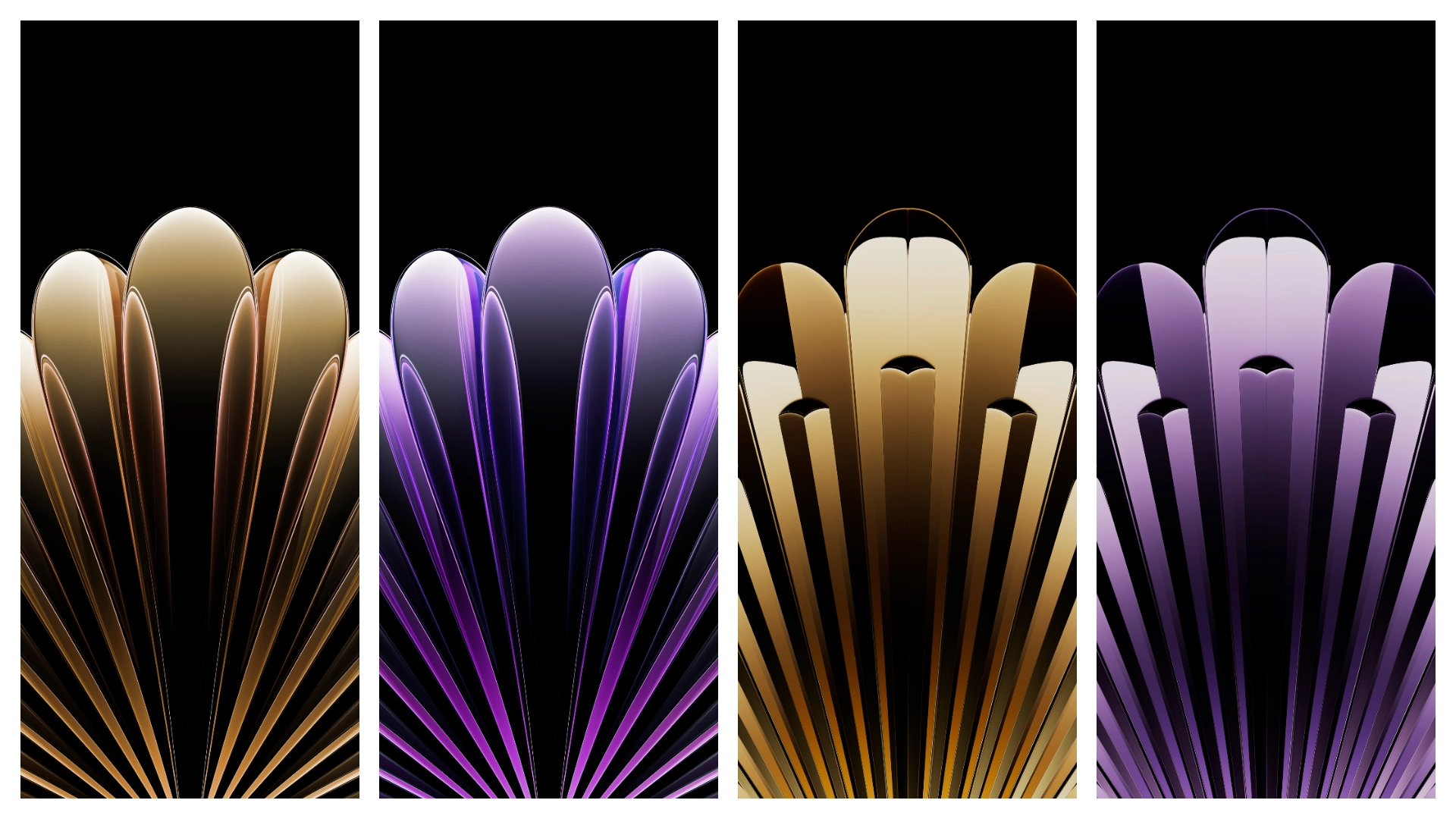
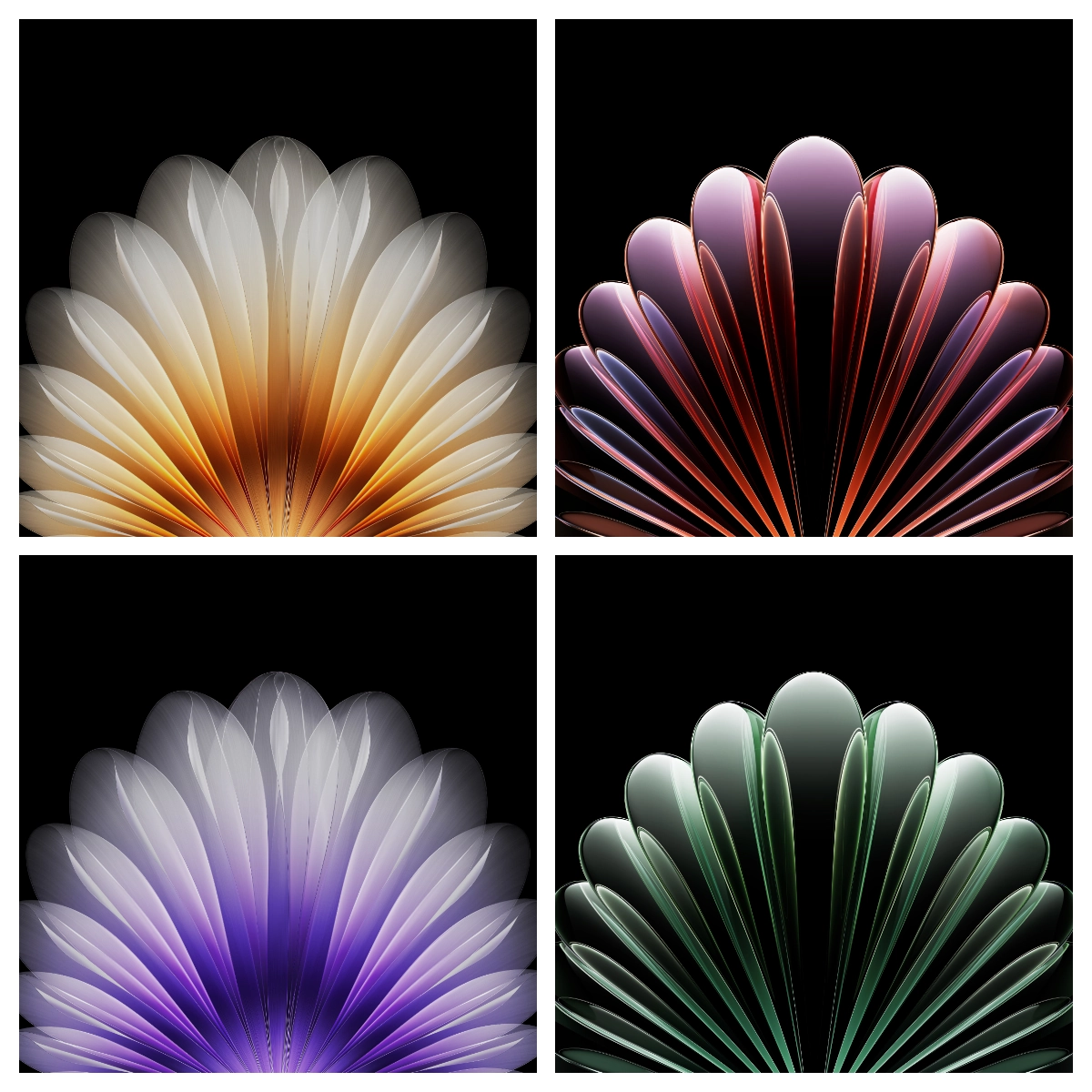
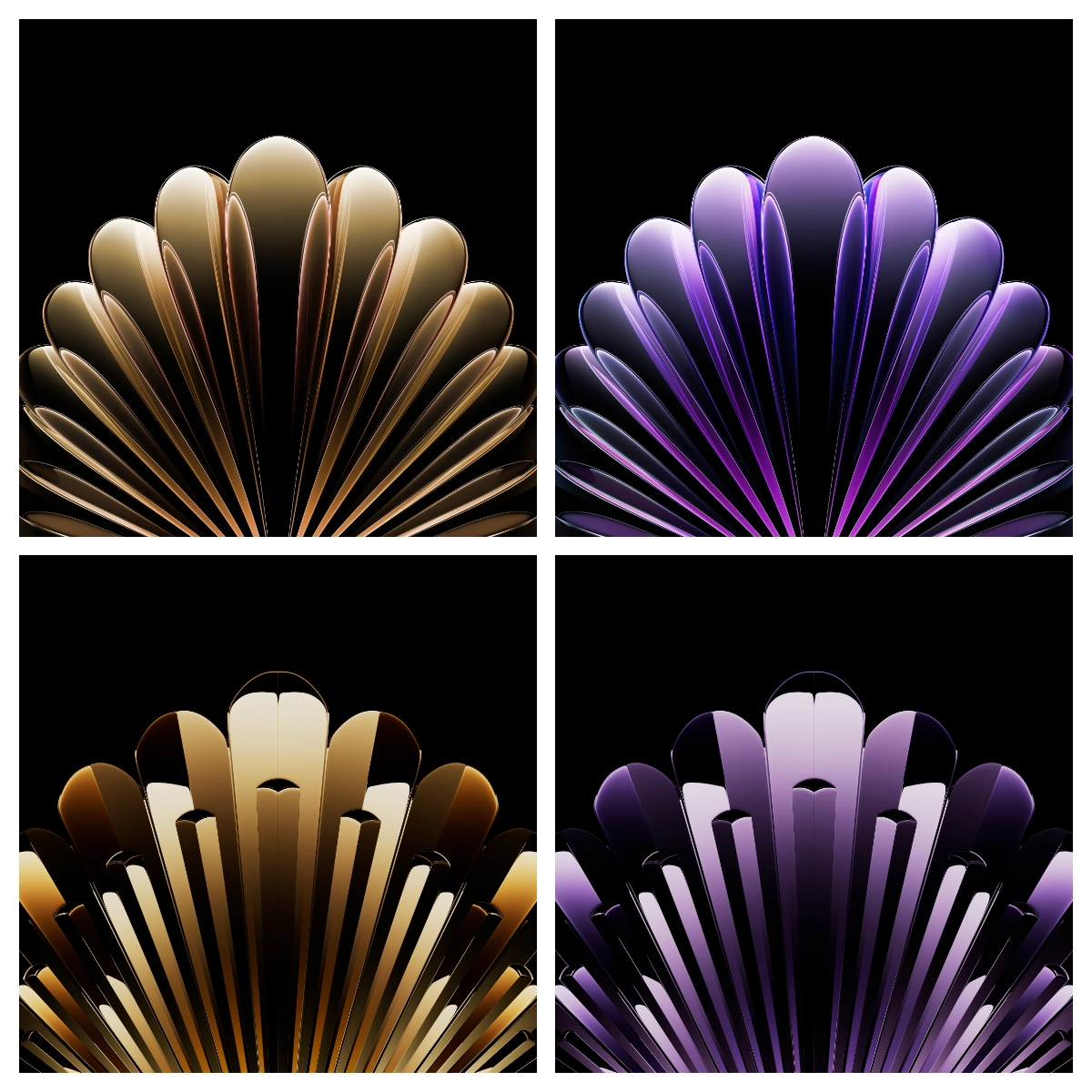
The Find N5 series leans into a minimalist, book‑like visual language. Each wallpaper captures the sleek spine of a bound volume, using muted greys, soft gradients, and occasional metallic accents. The design respects the thin bezels and near‑seamless hinge, ensuring the image aligns perfectly whether the device is unfolded or folded. High‑resolution PNG files preserve fine details, from subtle texture grain to delicate light flares, so the display never looks pixelated. The palette stays neutral enough to complement any icon set while still offering enough contrast for readability.
Suggested Read: Archive Spotlight: “烟花下的祝福” MTZ Theme for HyperOS & MIUI
Ideal Users & Use Cases
If you love a clean, professional backdrop that doesn’t distract from apps, this pack hits the mark. Power users who switch between work and media on a foldable will appreciate the consistent look across both screen states. Creatives who need a neutral canvas for screenshots or presentations also benefit. The theme isn’t flashy; it’s meant for those who prefer understated elegance over neon or anime‑style art. It works well on both Xiaomi/Redmi devices running HyperOS and on MIUI‑based phones that support custom wallpapers.
Compatibility & Installation Tips
HyperOS and MIUI share a common wallpaper engine, so the same PNG files load without conversion. Ensure the device is set to “Allow custom wallpapers” in the display settings. When applying, choose the option to set the wallpaper for both the home screen and lock screen; the theme includes versions optimized for each orientation. On foldable devices, select the “Full‑screen” mode to let the image span the entire unfolded area without stretching. If the system prompts for scaling, keep the default “Fit to screen” to preserve aspect ratio.
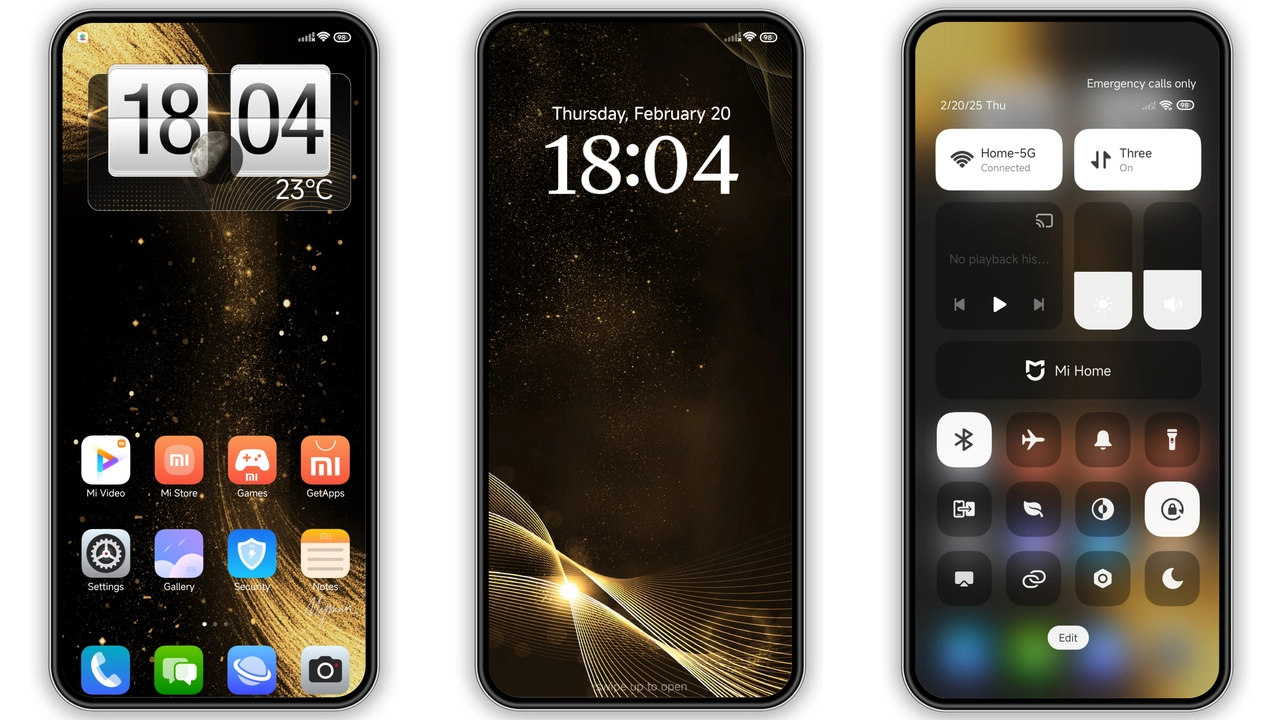
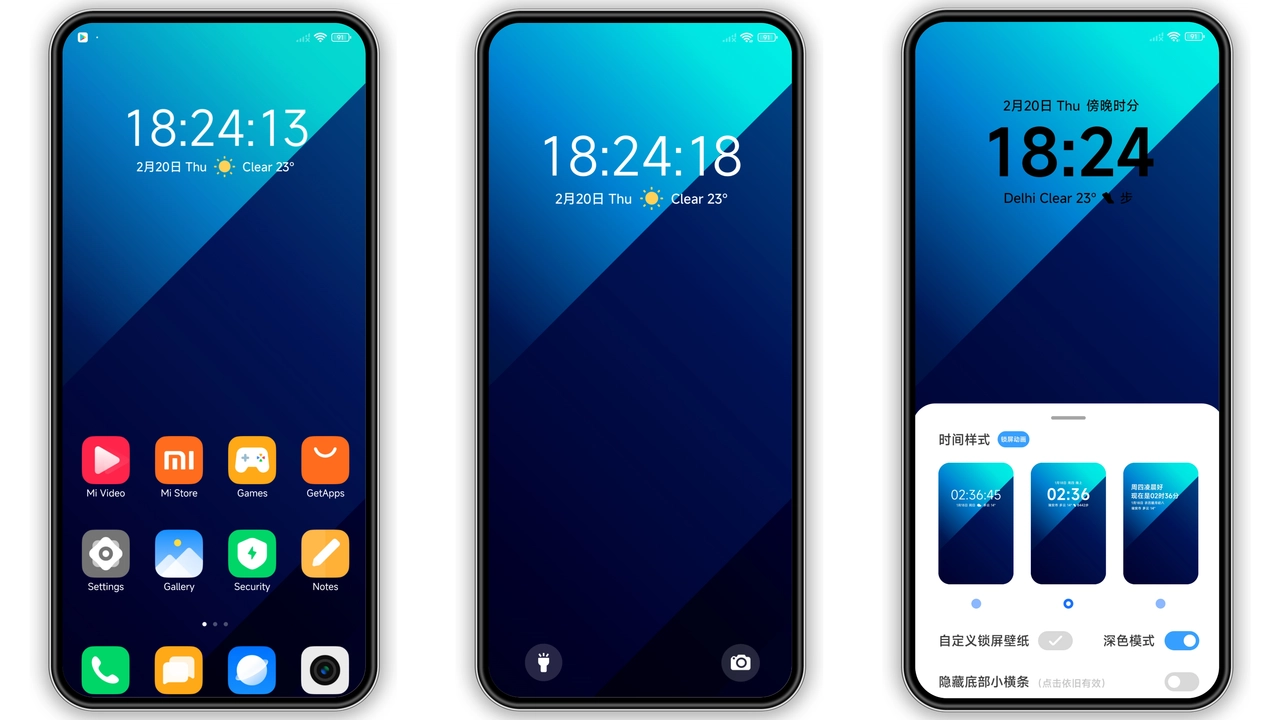
Theme Preview
Download Links
Use the buttons below to open the theme file and the supporting link.
Download Oppo Find N5 Stock Wallpaper
Helpful links
More Theme Updates
For more curated HyperOS and MIUI theme updates, visit Hyper OS x MIUI .