Theme details
- Designer
- Huawei / Ported for MIUI
- Size
- ~48 MB
- Compatibility
- HyperOS Global, HyperOS China, MIUI 14, MIUI 13
Format · High-Resolution JPG / PNG
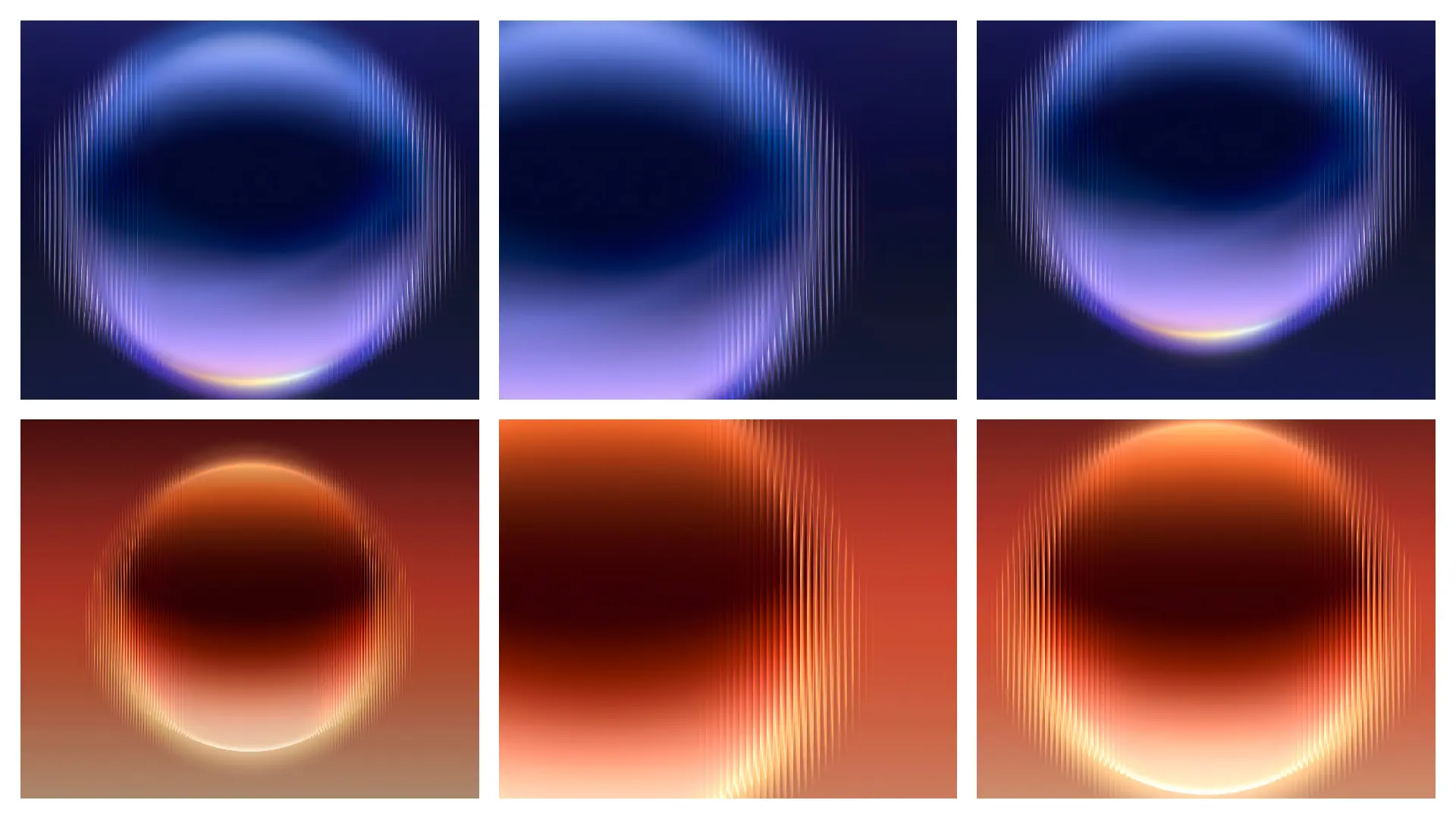
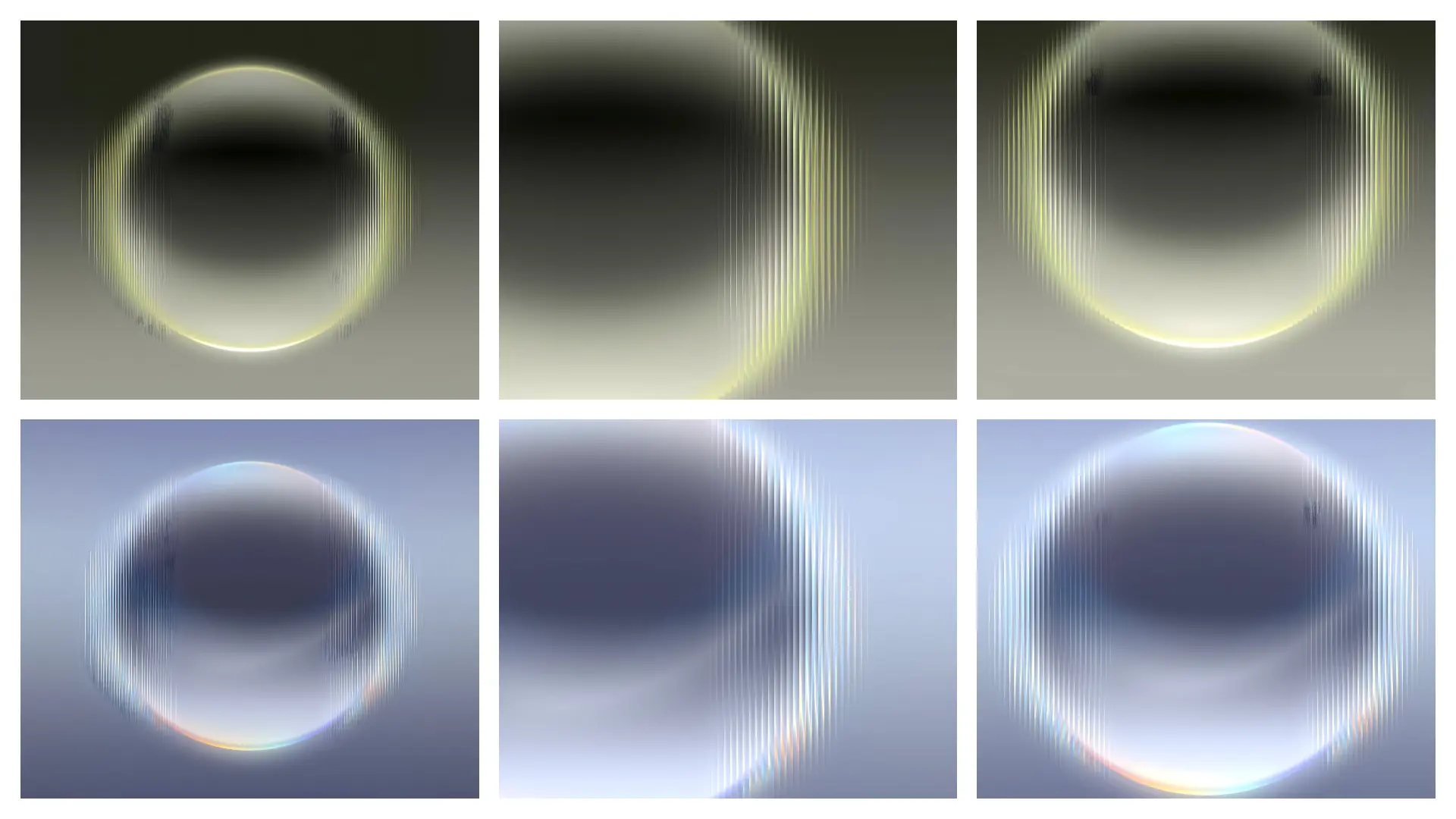
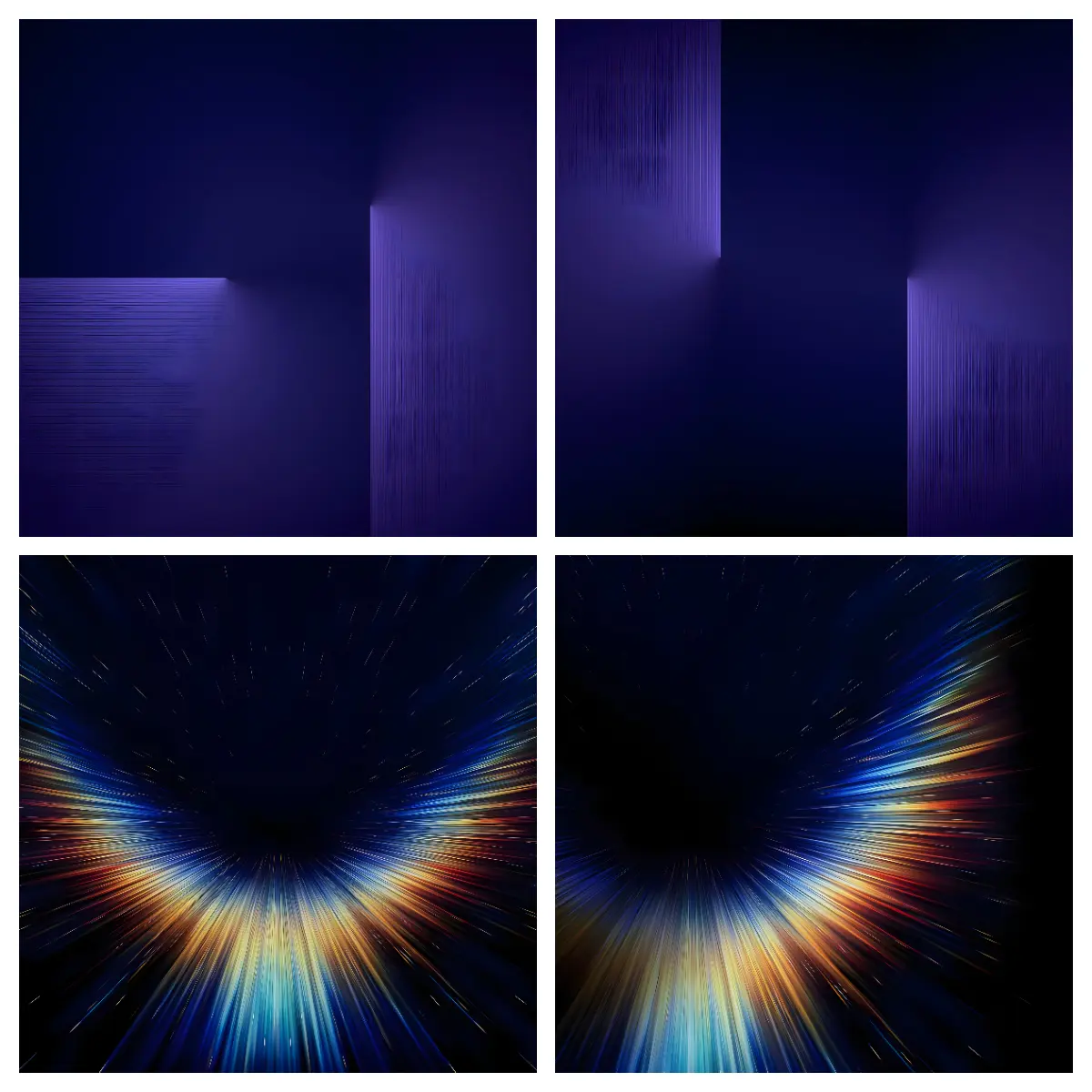
Personalizing a smartphone home screen starts with a striking visual backdrop. The release of the Huawei Pura X Max introduced a distinct aesthetic balance between luxury material design and structural abstraction. Foldable displays demand versatility from visual assets because they stretch across unique aspect ratios without losing clarity or balance. For users running HyperOS or MIUI on standard candy-bar devices, foldables, or tablets, adapting these official backgrounds breathes fresh life into daily phone interactions.
These high-resolution backdrops offer an immediate upgrade over generic stock backgrounds. Rather than relying on heavy third-party system overhauls that drain battery life or break system notifications, swapping to high-fidelity wallpaper sets provides a clean, refined interface touchpoint.
Geometric Elegance and Fluid Visual Language
The visual palette designed for the Pura X Max centers around fluid refraction, high-contrast mineral textures, and architectural minimalism. The artwork uses subdued lighting angles, deep blacks, and soft metallic gradients that complement AMOLED panels exceptionally well. On Xiaomi, Redmi, and POCO displays, deep black tones maximize panel efficiency while making foreground elements stand out cleanly.
The compositions rely on organic curves and sculpted patterns rather than aggressive graphic noise. This visual philosophy prevents the screen from feeling cluttered. Whether placing bright widgets, flat monochrome icon packs, or translucent system cards on top, the underlying graphic assets frame rather than obscure your daily productivity tools.
Suggested Read: GlassyM HyperOS Theme: Trending Transparent Icon Pack Setup
Dynamic Lockscreen Integration on HyperOS Global
HyperOS introduces sophisticated lockscreen typography and depth-effect styling. These backgrounds integrate seamlessly into the native HyperOS dynamic lockscreen system. The clear separation between soft focal subjects and deep ambient background gradients allows the system depth engine to separate foreground clock elements smoothly.
Applying these backdrops to your lockscreen layout yields several distinct advantages:
- Depth Effect Compatibility: The natural contrast between the curved design focal points and upper margins ensures digital clock digits sit cleanly behind or alongside graphic elements.
- Widget Readability: Generous negative space in the lower half provides ideal contrast for battery indicators, weather tiles, and quick shortcuts.
- Always-On Display Continuity: Dark peripheral areas merge smoothly with system AOD transitions, preventing sudden bright flashes when waking the screen.
- Color Engine Adaptation: The dynamic Monet palette engine in HyperOS picks up subtle neutral accents directly from these backdrops, tinting notification shades and volume panels consistently.
Clean Control Center Setup and Home Screen Balance
A common issue with vibrant wallpapers is interference with user interface elements. Overly detailed photos create visual clutter behind the frosted glass blur of the HyperOS Control Center and app folders. These stock foldable backgrounds eliminate that friction.
The soft-focus gradients and muted color palettes maintain contrast through Gaussian blur effects. When pulling down the Control Center setup or notification panel, the blurred backdrop produces an elegant, frosted aesthetic reminiscent of premium flagship interfaces. On the home screen, app icons retain high legibility regardless of whether you run default squircle icons, an iOS style layout, or minimalist outline packs.
Users who prioritize quick glanceability will appreciate how primary app shortcuts remain legible without requiring drop shadows or high-contrast icon backgrounds.
Installation Guide and Ideal User Profiles
These wallpapers suit users who prefer an understated, high-end look without installing unstable custom launchers or patching third-party .mtz themes. Mobile photography enthusiasts, business professionals, and minimalists looking for a distraction-free digital workplace will find the aesthetic fitting.
Applying the collection is straightforward:
- Download the full-resolution archive onto your device storage.
- Extract the image files using the native HyperOS File Manager.
- Open the Gallery app, select your preferred background, and tap More > Set as wallpaper.
- Choose Apply to Lock screen, Home screen, or Both depending on your setup layout.
- Customize your lockscreen clock font and accent colors within the HyperOS Lockscreen Editor to match the subtle metallic tones.
Because these are raw image assets, they do not hook into system services, cause battery drain, or conflict with future OS system updates.
Pros and Cons
- Pros:
- Full resolution ensures sharp rendering on FHD+ and 2K screens.
- Deep contrast levels optimize power draw on AMOLED displays.
- Complements both light and dark system interface styles naturally.
- Zero performance impact or theme engine compatibility conflicts.
- Cons:
- Does not include bundled custom app icons or system UI accents.
- Requires manual configuration in the lockscreen editor to achieve ideal clock alignment.
- Wide aspect ratio versions require selective cropping on standard 20:9 displays.
Download Links
Use the buttons below to open the theme file and the supporting link.
Download Huawei Pura X Max Stock Wallpaper
Helpful links
More Theme Updates
For more curated HyperOS and MIUI theme updates, visit Hyper OS x MIUI .


