Parameter · Value
Designer · Mazyoku
Size · 35.19 MB
Format · MTZ
Compatibility · HyperOS / MIUI
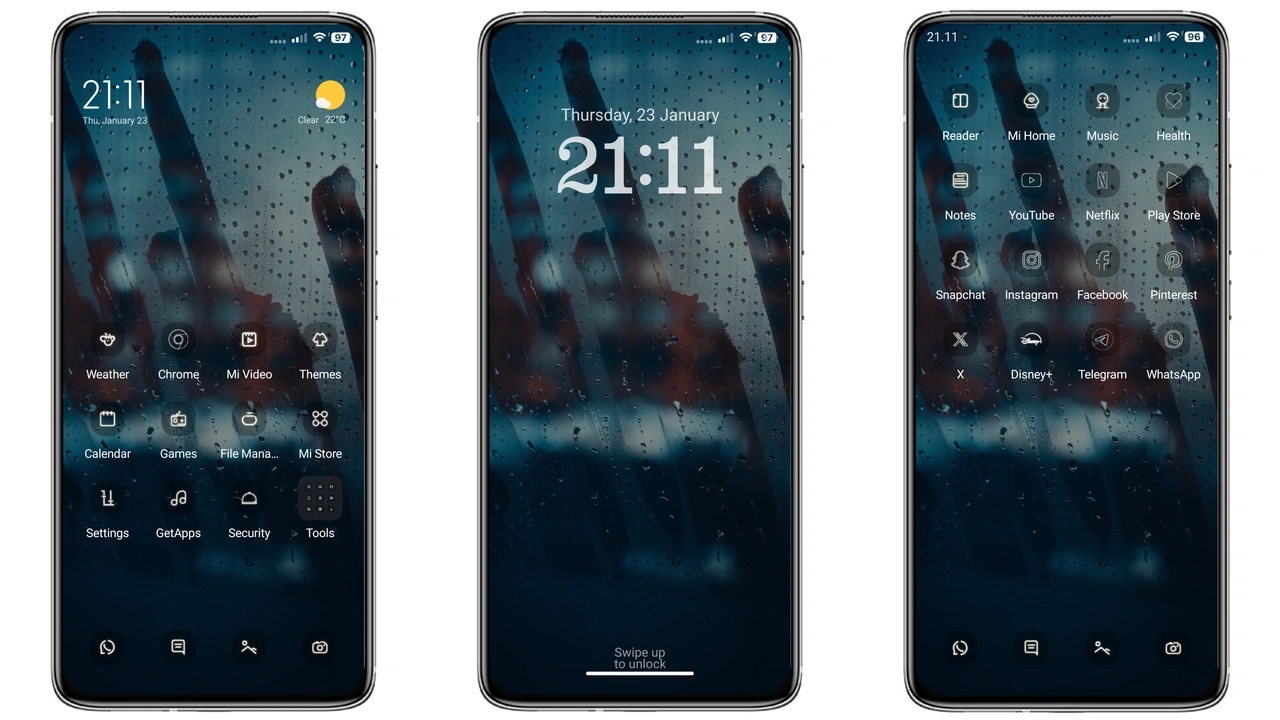
Moody Rain‑Soaked UI Elements
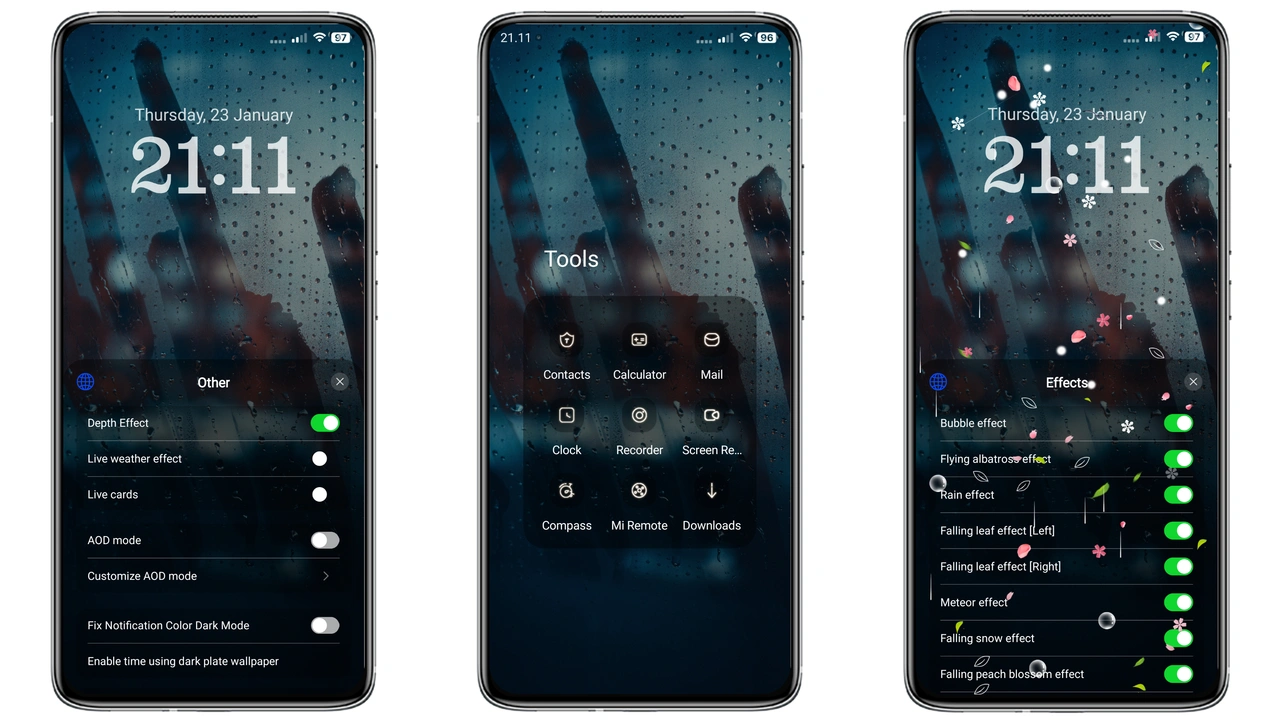
Rain drops cascade across lock screen. Dark palette anchors icons. Dynamic wallpaper shifts with time. Status bar glows faint amber. AOD mirrors rain pattern. Icons adopt subtle gradient. Fonts stay native, ensuring readability. Overall vibe: brooding, immersive, calm.
Suggested Read: Grey Building V15: A Device‑Specific HyperOS Theme for Redmi, POCO & Mi Phones
Who Thrives Under Dripping Dark Aesthetic
Night‑owls gravitate to this theme. Minimalist fans appreciate clean lines. Users craving fresh visual break find it appealing. Gamers who stream at night enjoy reduced glare. Developers who customize ROMs like distinct looks adopt it quickly.
Installation Flow on Stock and Custom ROMs
Stock HyperOS: open Theme Store app. Tap three‑dot menu. Choose “Open in app”. Locate Crying Rain. Press download. Apply. Restart optional. Custom ROM: launch Theme Store. Navigate to “Import”. Browse to downloaded MTZ file. Confirm import. Activate theme. Reboot for full effect. Both paths require sufficient storage. Ensure 35 MB free space before download.
Pros and Cons
• Pros
• Dark, rain‑themed visuals create immersive mood.
• Dynamic lock screen adds subtle motion.
• Compatible with HyperOS and MIUI across Xiaomi, Redmi, POCO.
• Small file size, quick install.
• Cons
• Requires password, adds extra step.
• Limited icon pack variety; relies on default icons.
• AOD effect may consume extra battery on older devices.
• No built‑in light mode alternative.
Theme Preview
Download Links
Use the buttons below to open the theme file and the supporting link.
Crying Rain Theme mtz File
Helpful links
More Theme Updates
For more curated HyperOS and MIUI theme updates, visit Hyper OS x MIUI .