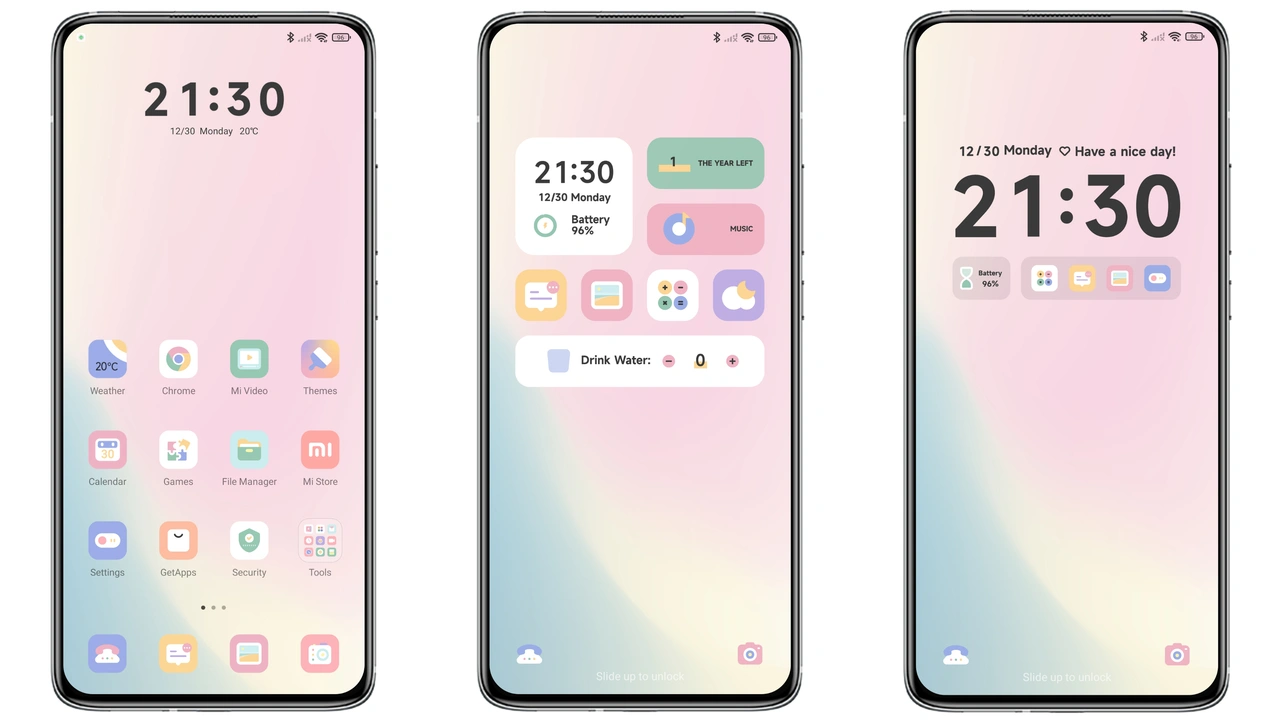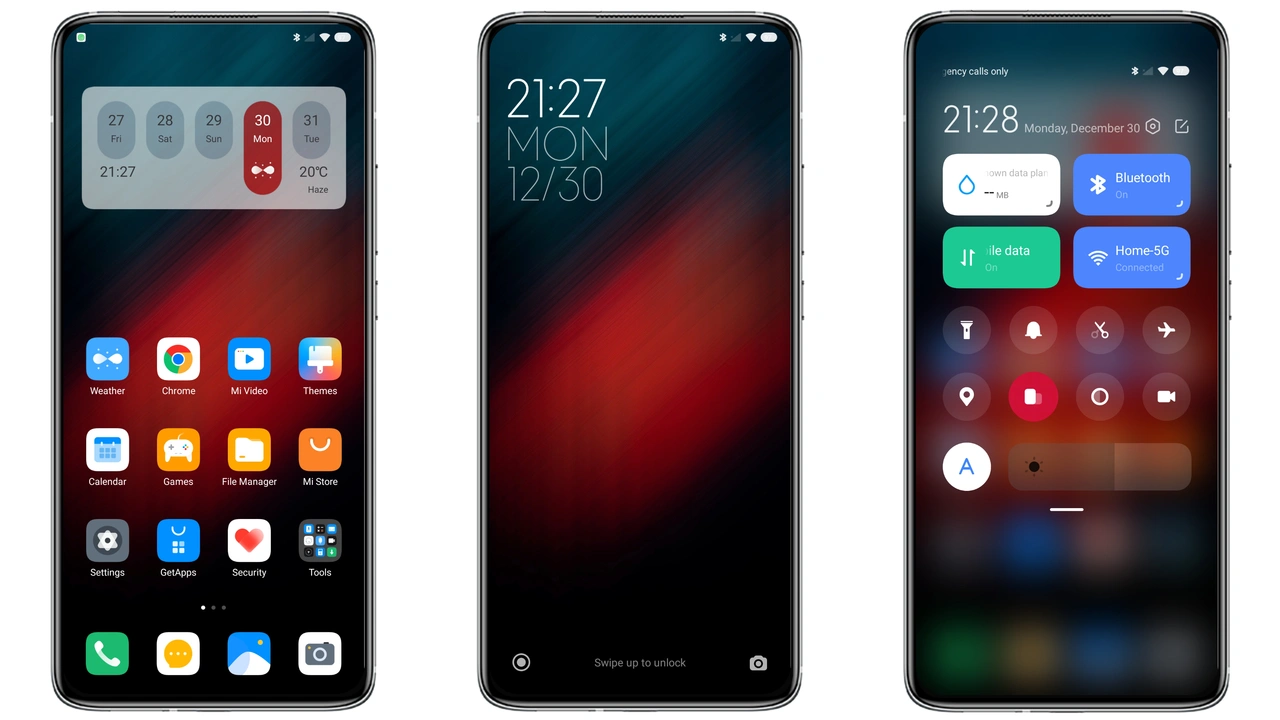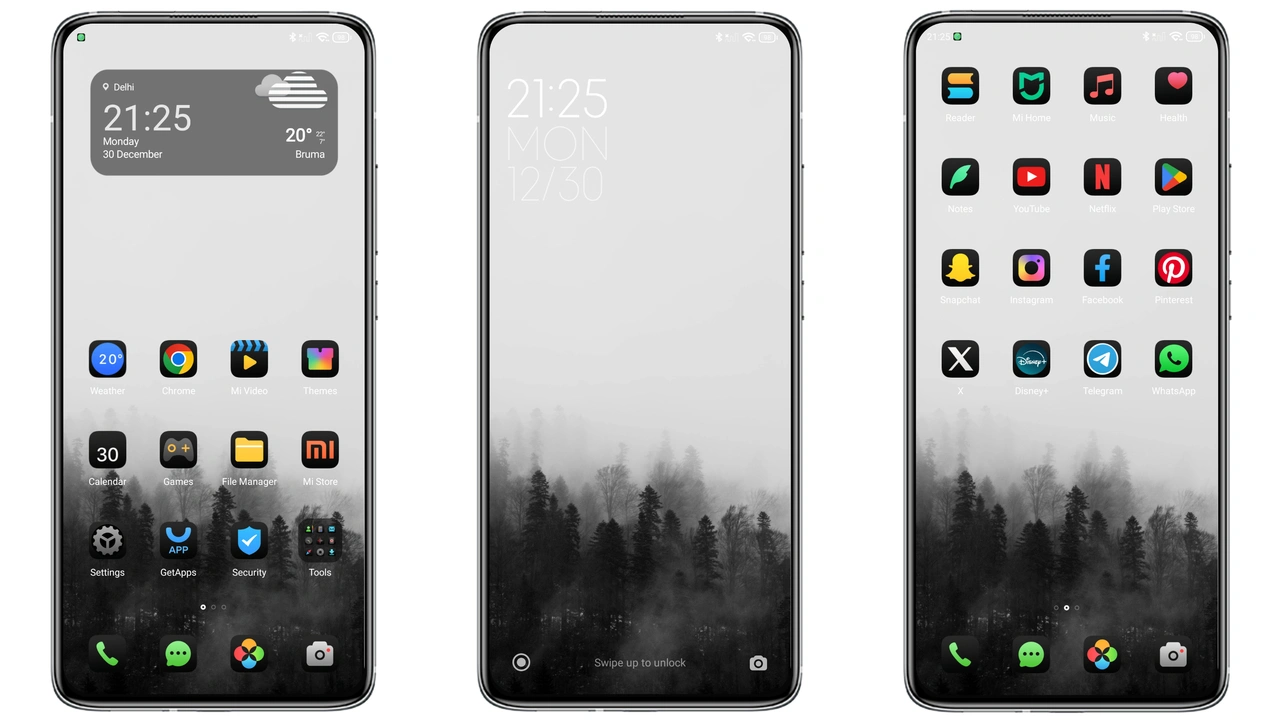
Parameter · Value
Designer · Bnet
Size · 10.29 MB
Format · MTZ
Compatibility · HyperOS / MIUI
Midnight Minimalist UI Overhaul
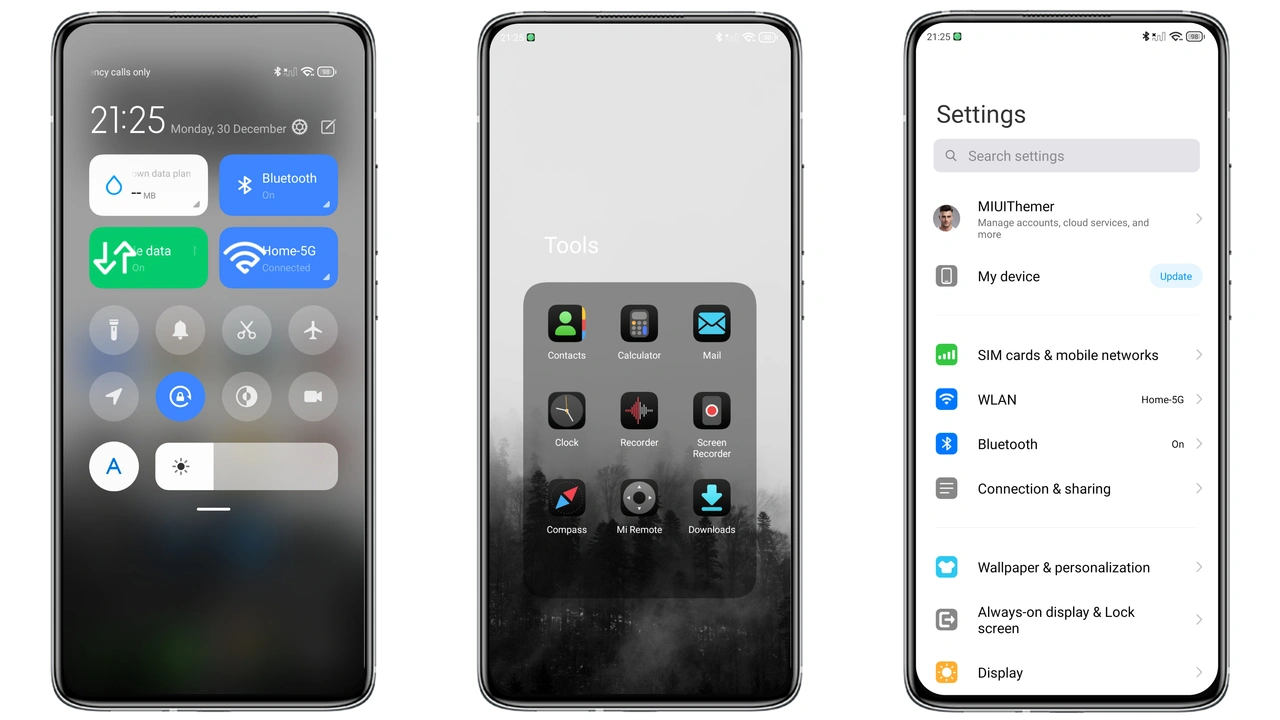
Dark backdrop dominates every screen. Icons reshaped to flat geometry. Wallpapers feature subtle gradients, avoiding harsh contrast. Status bar adopts thin white text, improving legibility on low‑light. Lock screen shows a muted clock, no clutter. Always‑on display mirrors the theme’s muted palette, conserving power. Animations trimmed to essential fades, reducing visual noise.
Suggested Read: Trending: “Girl Returns” MTZ Theme Shines on HyperOS
Ideal Audience for This Theme
Fans of black‑on‑black aesthetics gravitate here. Users craving a distraction‑free interface find comfort. Minimalists appreciate the lack of decorative widgets. Battery‑conscious owners notice lower draw thanks to reduced bright pixels. Developers who test UI consistency on HyperOS benefit from a clean baseline. POCO owners seeking a fresh look without third‑party launchers also fit.
Installation Walkthrough & Expectations
Place the MTZ file in internal storage. Open Theme Store app, navigate to Import at bottom. Select the file, confirm import. Theme appears in My Themes list. Tap Apply. Device restarts automatically; this clears residual overlays. Expect a brief pause as icons regenerate. No root required. Works on global stable ROMs and major custom ROMs that retain Theme Store functionality. If import fails, clear Theme Store cache and retry.
Performance & Battery Impact
Dark colors reduce OLED pixel activity, extending battery life by a few percent per day. UI rendering stays smooth; no heavy animations added. Memory footprint unchanged; theme assets load from internal storage, not RAM. Users report no lag in app launch times. System UI CPU usage remains within normal range. No extra services installed.
Pros and Cons
Pros
• Consistent dark palette across UI
• Minimalist icons reduce visual clutter
• Low battery impact on OLED screens
• Simple install, no root needed
• Compatible with HyperOS and MIUI 14
Cons
• Limited color variety; not for bright‑theme lovers
• No animated icons, may feel static to some
• Requires Theme Store import; some custom ROMs hide this feature
• Wallpaper selection fixed, no dynamic options
Theme Preview
Download Links
Use the buttons below to open the theme file and the supporting link.
Breaking_V12 Theme mtz File
Helpful links
More Theme Updates
For more curated HyperOS and MIUI theme updates, visit Hyper OS x MIUI .