Parameter · Value
Designer · Maidul Islam
Size · 82.86 MB
Format · MTZ
Compatibility | HyperOS | HyperOS 2.0 | HyperOS 3.0 | MIUI
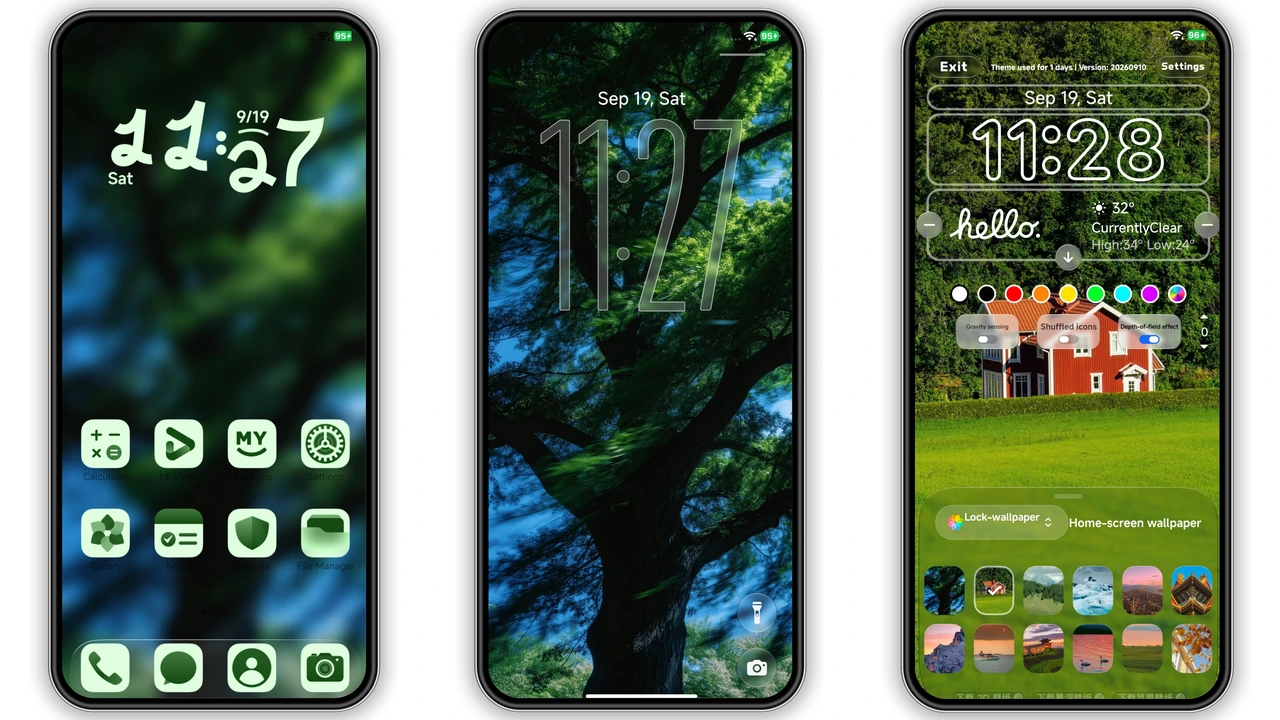
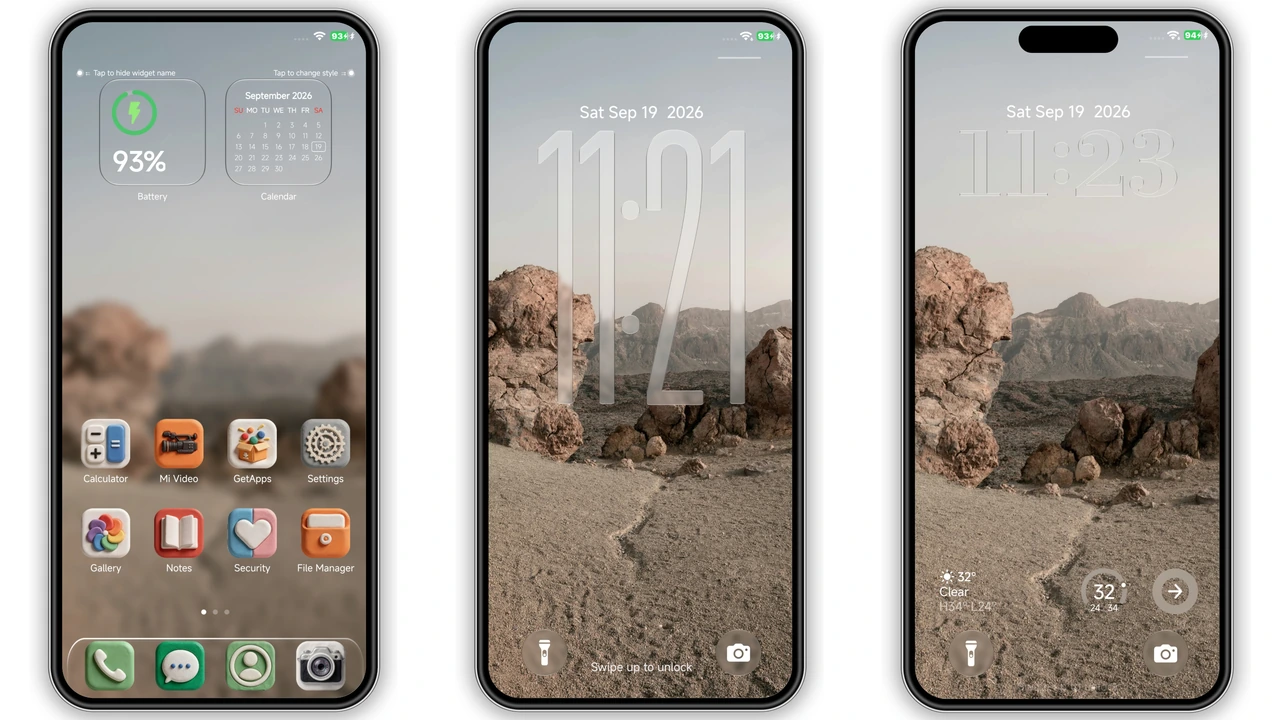
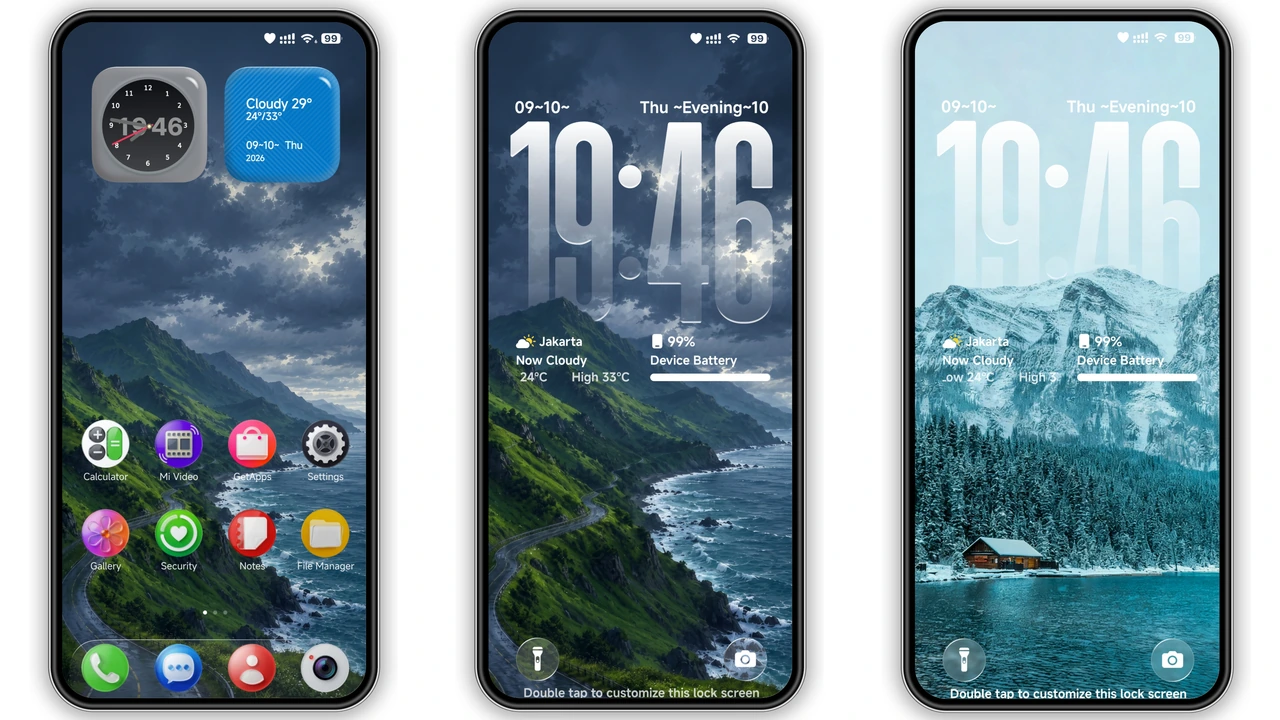
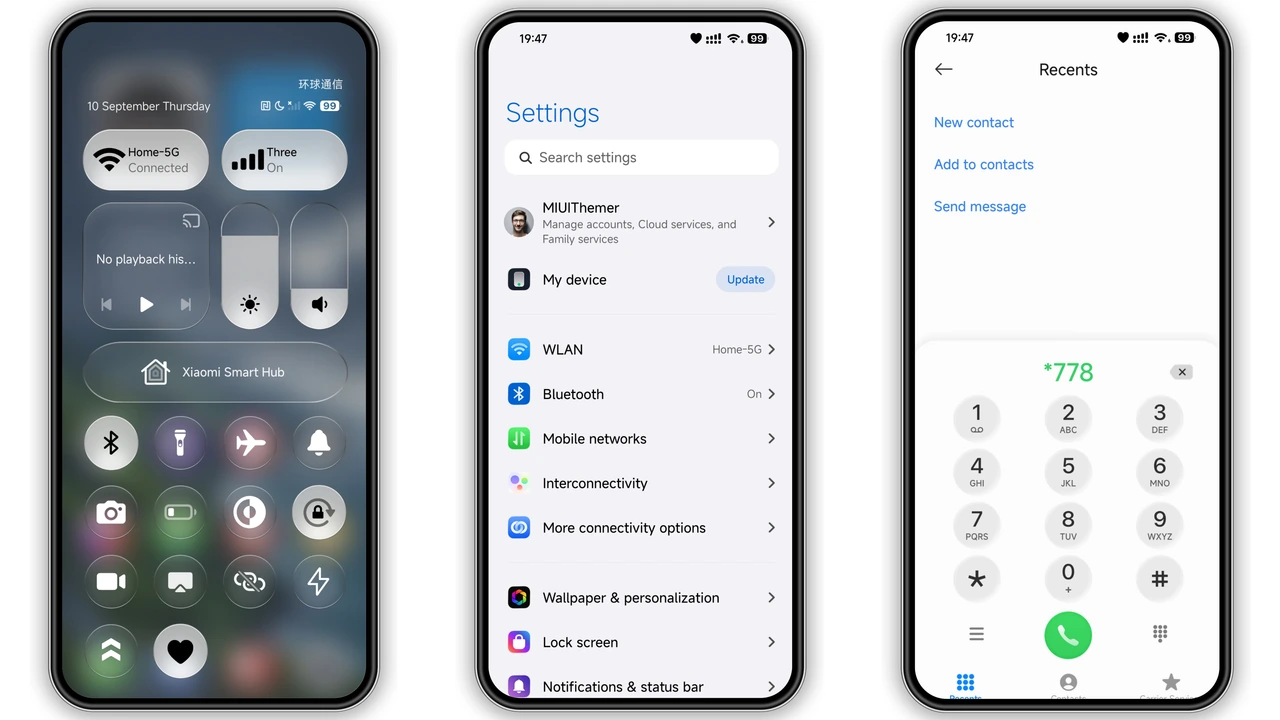
Glossy Spherical Icons with One UI Flair
Spherical icons – high‑gloss finish – One UI influence. Light reflections – tactile feel. Ideal for users chasing premium aesthetic.
Suggested Read: Extraordinary Depth of Field OS Theme – Visual, Komp, Instal & Who’s It For (Untuk Redmi, Poco, Mi)
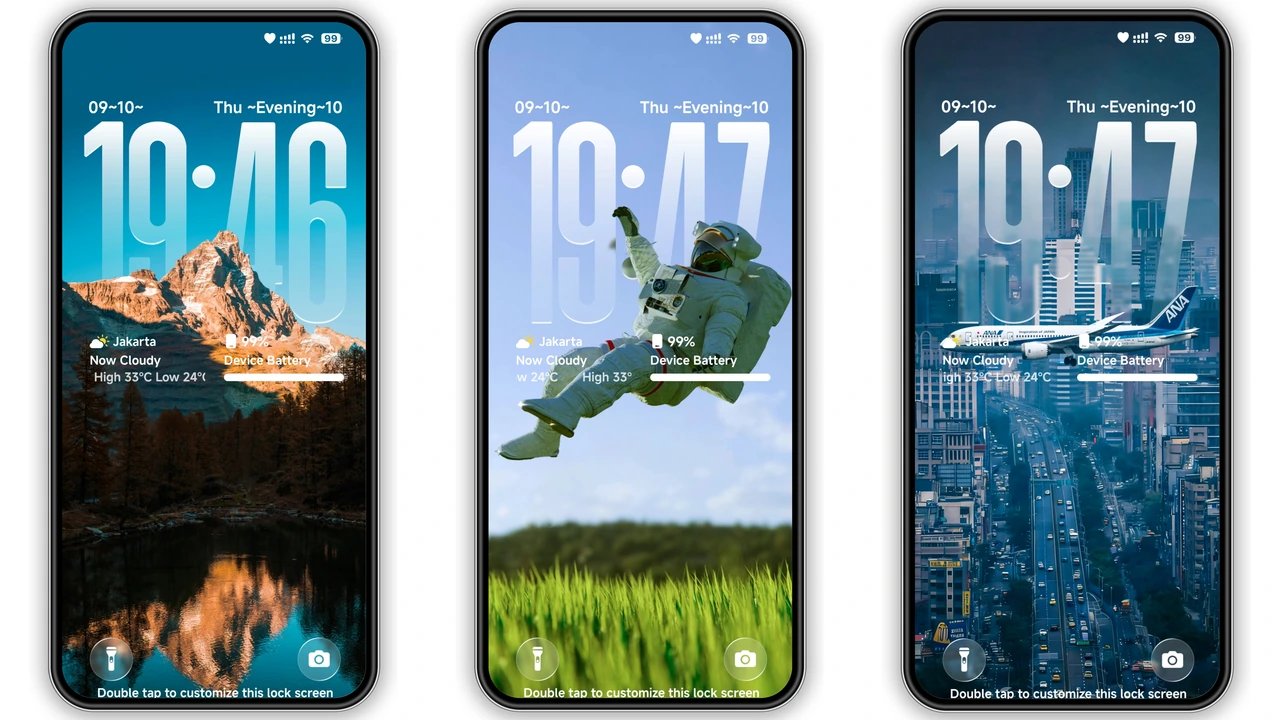
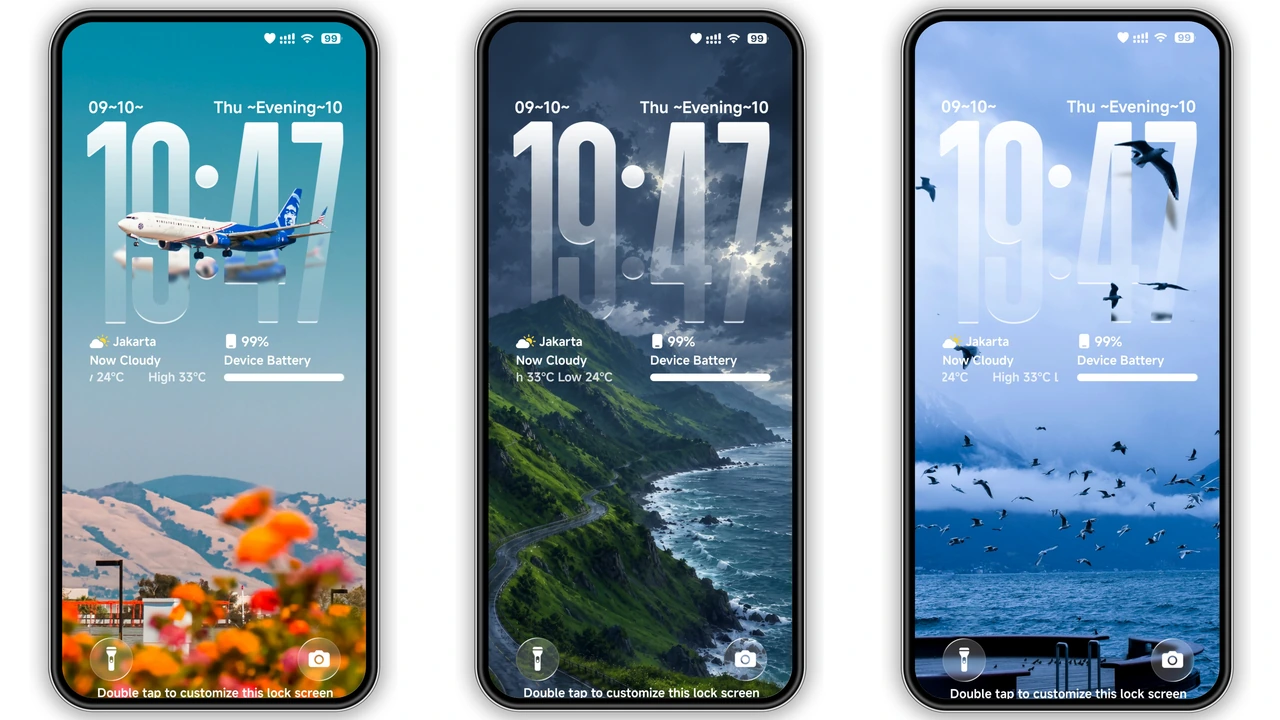
Liquid‑Glass Clock Typography on the Lockscreen
Clock text – liquid‑glass effect – crisp contrast. Typography scales – readability at glance. Fans of modern UI will appreciate.
3D Depth Wallpapers that Add Tactile Space
Wallpapers – layered depth – subtle parallax. Colors – vibrant yet balanced. Perfect for those who want visual depth without performance drain.
Installation Flow & Expected Behavior
Download MTZ file from theme page. Open Theme Store app → Import → Select file → Apply. Restart device – ensures full asset loading. Expect smooth transitions, no crashes on supported HyperOS/MIUI builds.
Pros and Cons
Pros
• Glossy icons – instant premium feel.
• 3D wallpapers – depth without battery hit.
• Liquid‑glass clock – crisp readability.
• Full lockscreen customization – lockscreen becomes centerpiece.
Cons
• Large file – 83 MB download.
• Only HyperOS/MIUI – no legacy MIUI 12 support.
• Custom lockscreen may hide some widgets.
• Requires restart for full effect.
Theme Preview
Download Links
Use the buttons below to open the theme file and the supporting link.
Vibria Theme mtz File
Helpful links
More Theme Updates
For more curated HyperOS and MIUI theme updates, visit Hyper OS x MIUI .