Parameter · Value
Designer · Oxfury
Size · 88.18 MB
Format · MTZ
Compatibility · HyperOS 2.0 / HyperOS 3.0 / MIUI 14
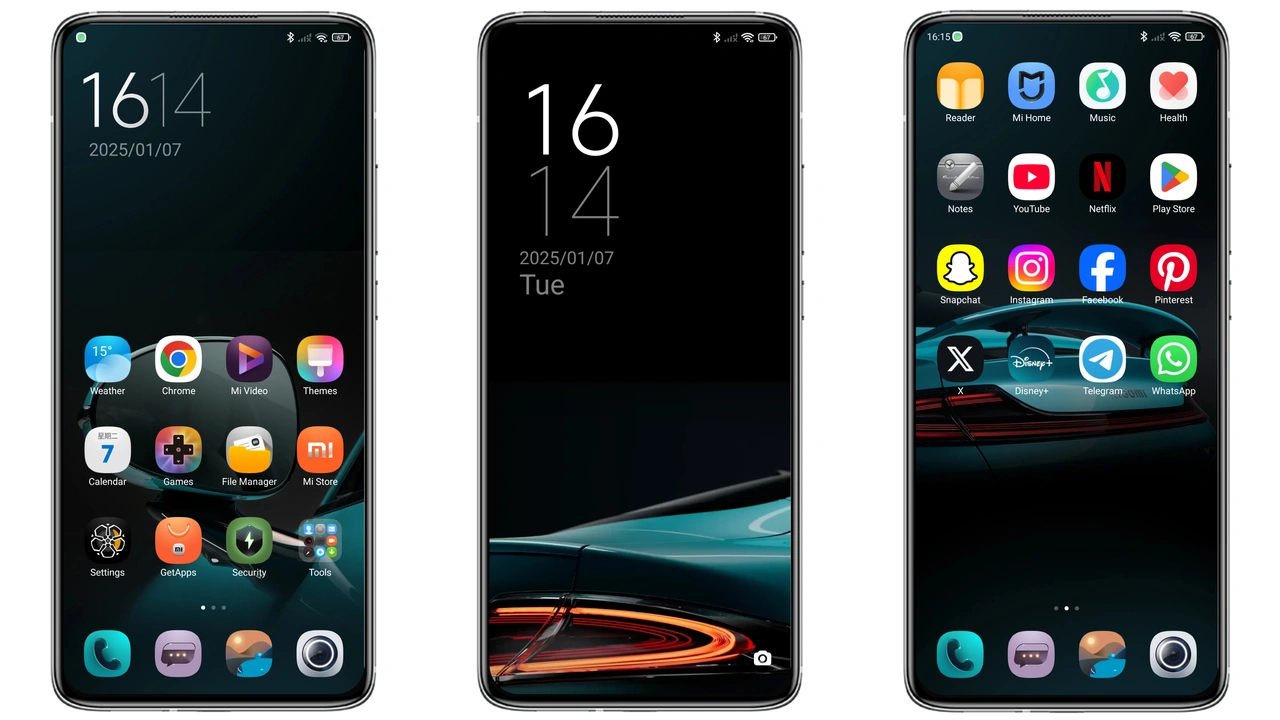
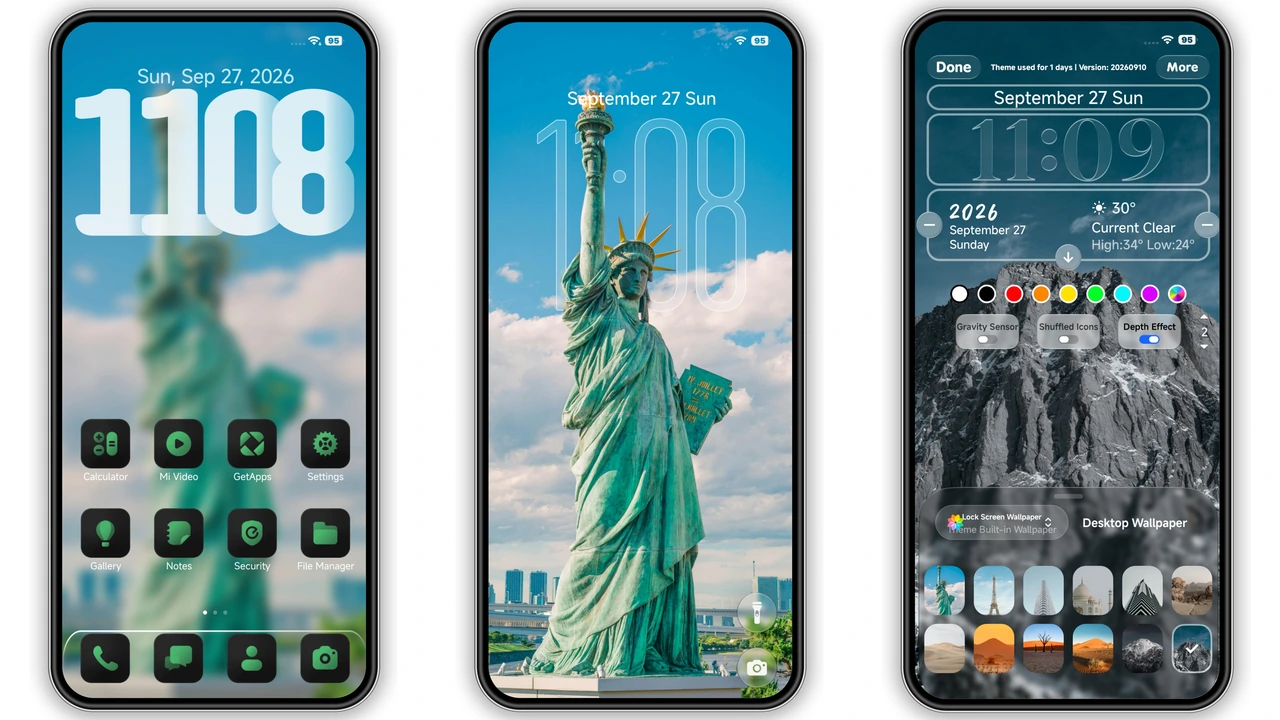
The OX G5 theme, crafted by Oxfury, reimagines the HyperOS interface with a sleek dark‑green motif. Designed for Xiaomi, Redmi and POCO handsets, it blends visual flair with functional tweaks that feel native to the platform.
Midnight Green Aesthetic: Iconography & Color Palette
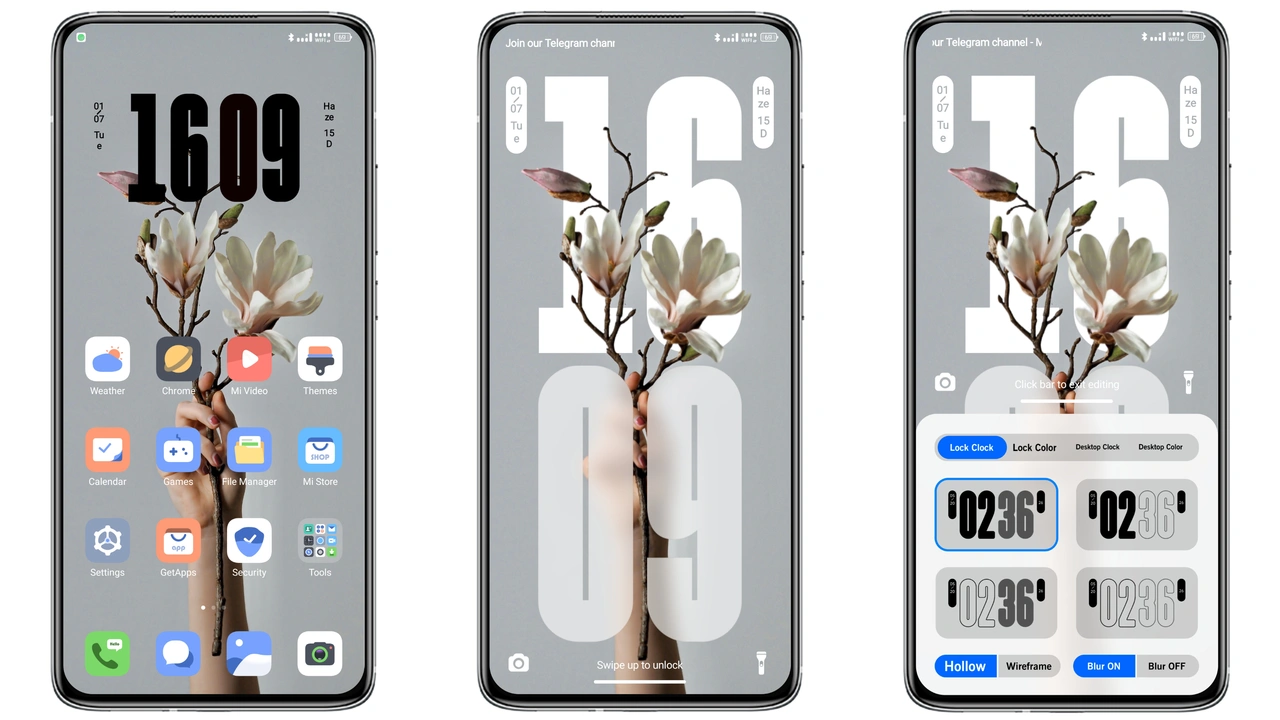
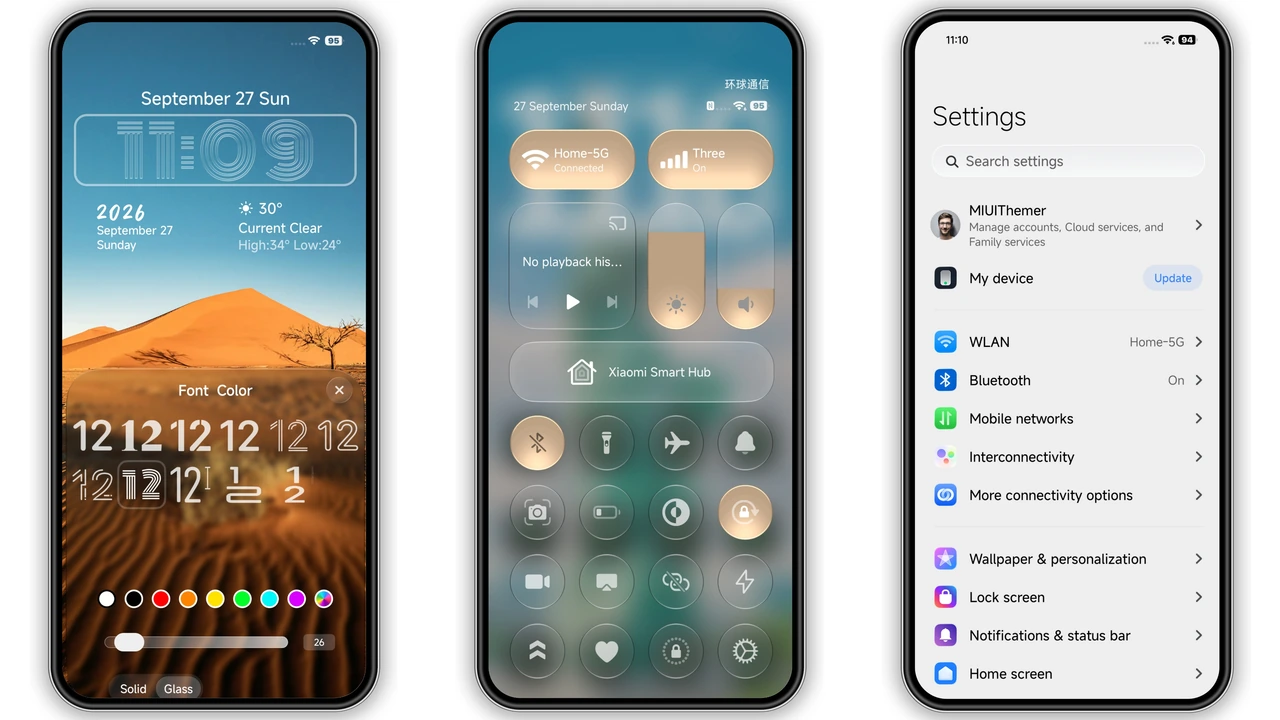
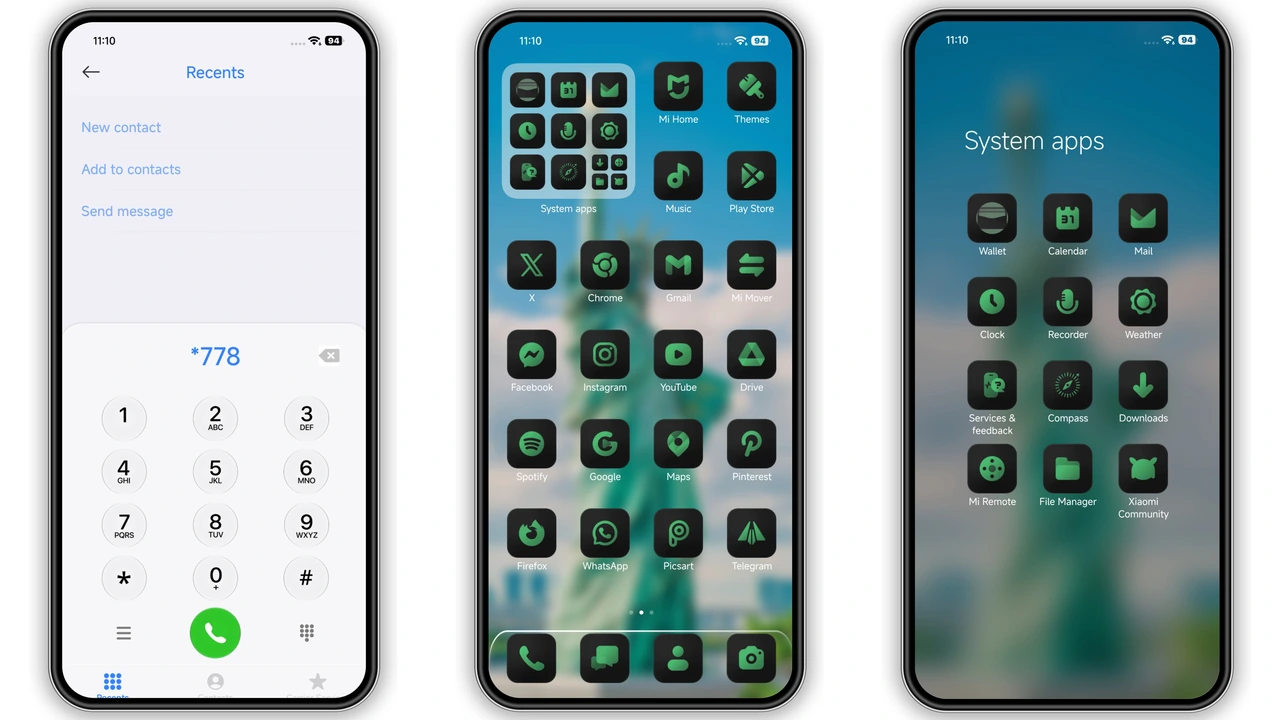
The OX G5 theme embraces a deep forest‑green hue that feels both modern and soothing. Every system icon – from settings to camera – has been recolored with a subtle matte finish. The green isn’t neon; it leans toward an almost‑black undertone that blends seamlessly with dark mode backgrounds. This careful balance prevents eye strain while still giving the UI a distinctive personality. The theme also introduces a new custom clock font that mirrors the angular geometry of Xiaomi’s native type, adding a touch of futurism without sacrificing readability.
Suggested Read: InfinityX V 2.0: Dark Minimal Theme for HyperOS & MIUI
Frosted Glass Controls & Depth Effects
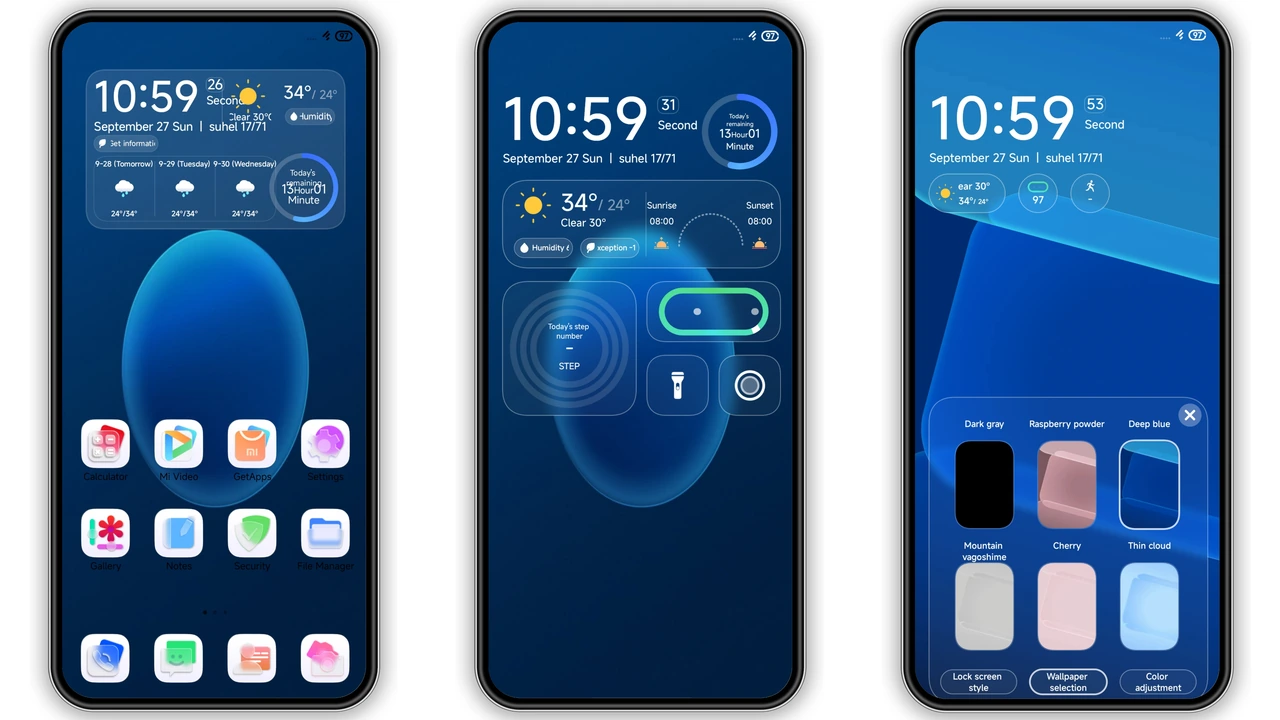
One of the most noticeable upgrades is the frosted‑glass treatment applied to the quick‑settings tiles and the notification shade. The blur effect creates a sense of depth, making icons appear to float above the wallpaper. Combined with the built‑in wallpaper rotation, the UI gains a dynamic feel; each swipe reveals a new layer of translucency. The theme also tweaks the animation curves for opening apps, resulting in smoother, slower transitions that feel premium.
Who’ll Love This Theme: Ideal Users
• Users who prefer dark mode but want a splash of color that isn’t generic black or gray.
• Fans of minimalist design who still appreciate subtle branding touches.
• Owners of Xiaomi, Redmi, or POCO devices running HyperOS 2.0 or later who enjoy a cohesive look across lock screen, home screen, and always‑on display.
• People who like to customize without diving into heavy modding; the theme works out‑of‑the‑box with the official Theme Store.
Installation Steps & What to Expect
1. Open the Theme Store app on your device.
2. Tap “Import” and locate the OX G5 .mtz file you downloaded.
3. Confirm the import; the store will verify compatibility.
4. Apply the theme and let the system restart the UI (a brief black screen is normal).
After the restart, you may notice a short lag as the new icons and wallpapers load. This is expected for an 88 MB package and typically resolves within a minute. If any element appears misaligned, pull down the notification shade and tap “Refresh” – the theme’s resources will re‑cache automatically.
Pros and Cons
Pros
• Cohesive green palette that stands out without being garish.
• Frosted‑glass UI adds depth and a premium feel.
• Fully compatible with HyperOS 2.0, 3.0 and MIUI 14.
• Includes multiple wallpapers and a custom clock font.
Cons
• Large file size may strain limited storage.
• Requires a recent HyperOS version; older MIUI builds are unsupported.
• Some users report a brief UI freeze on first launch after applying.
Overall, OX G5 delivers a polished, high‑contrast experience that elevates the default HyperOS look. Its visual language is consistent, its performance is solid on supported devices, and the installation process is straightforward. If you’re hunting for a dark‑green theme that feels both fresh and familiar, OX G5 is worth a try.
Theme Preview
Download Links
Use the buttons below to open the theme file and the supporting link.
OX G5 Theme mtz File
Helpful links
More Theme Updates
For more curated HyperOS and MIUI theme updates, visit Hyper OS x MIUI .