Parameter · Value
Designer · maidul
Size · 57.25 MB
Format · MTZ
Compatibility · HyperOS 3.0, HyperOS 2.0, HyperOS 1.0, MIUI 14
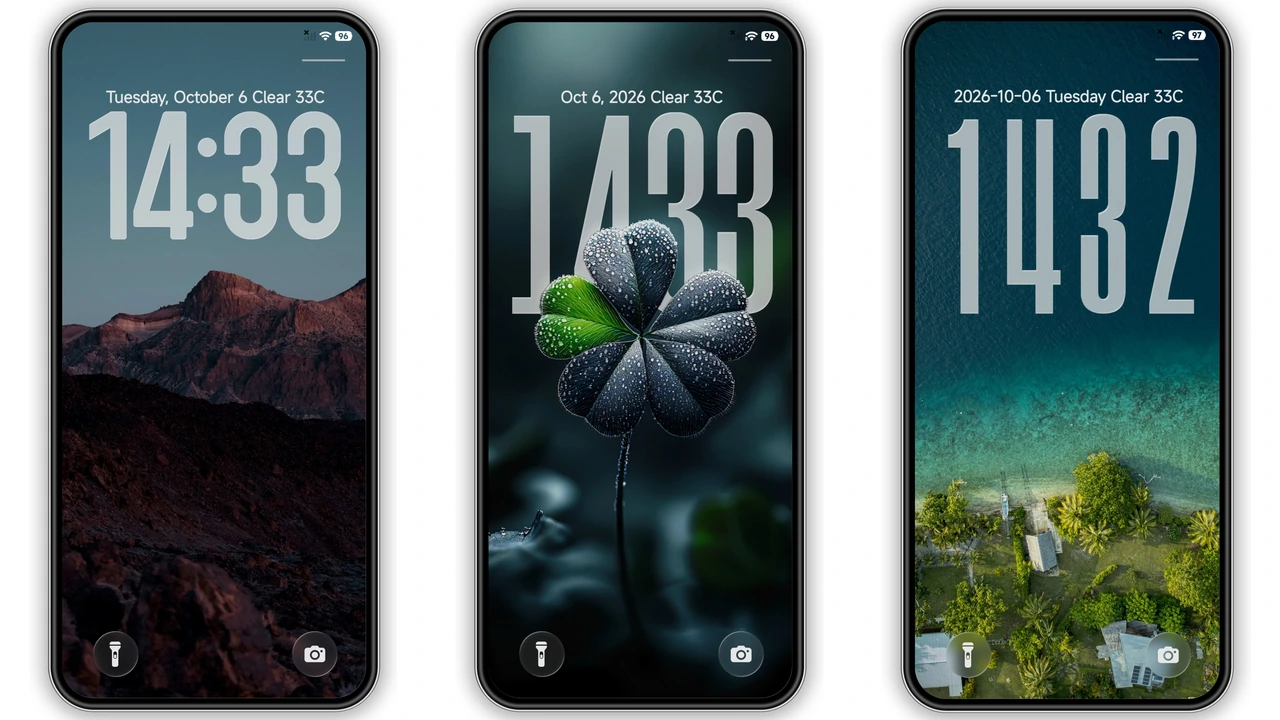
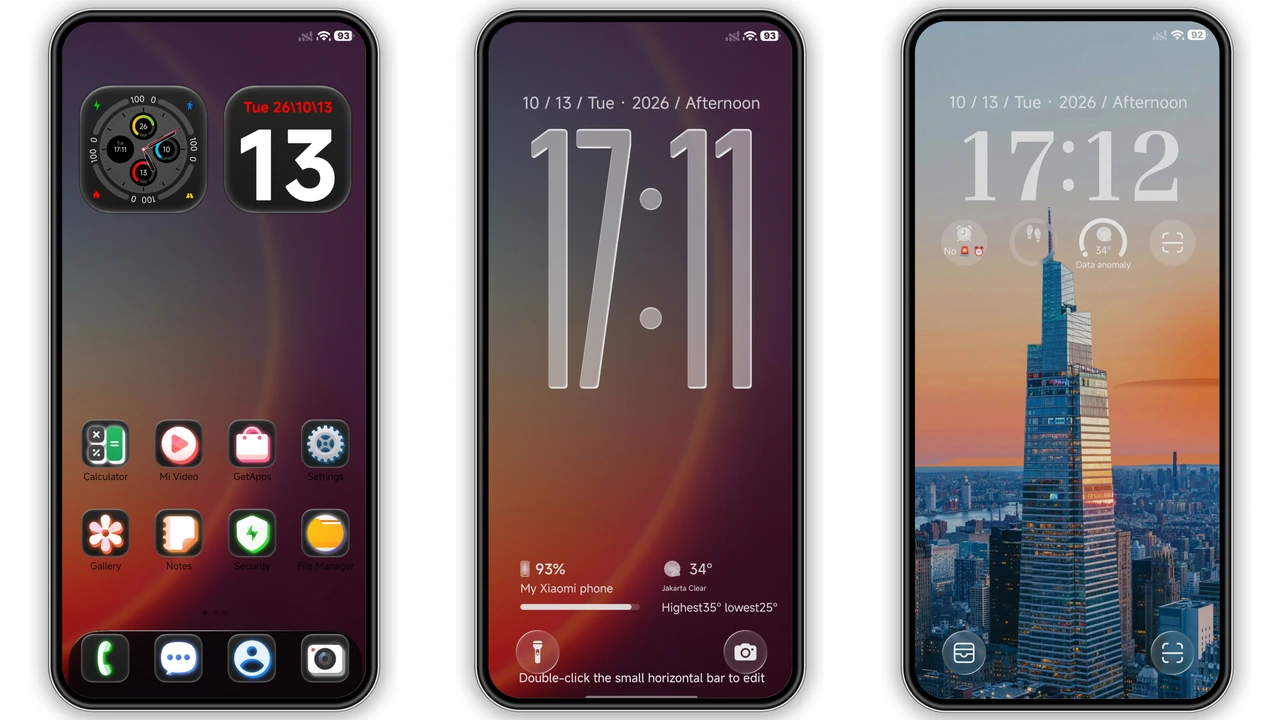
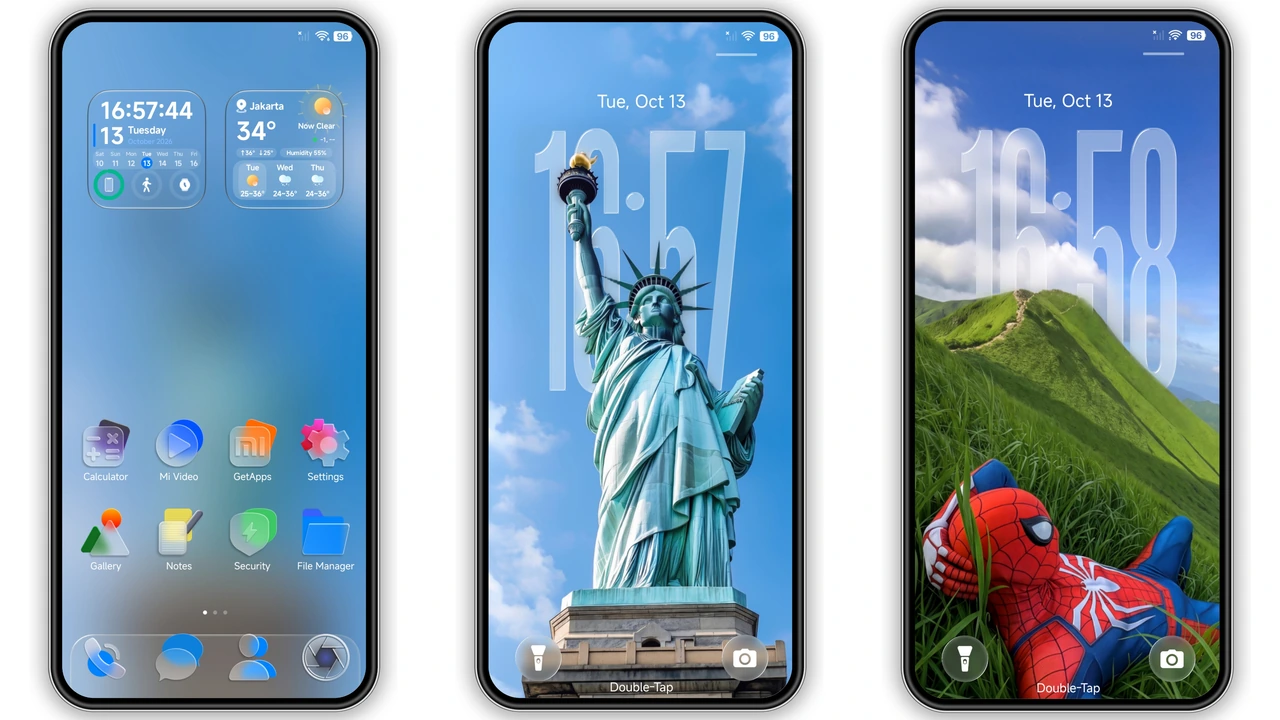
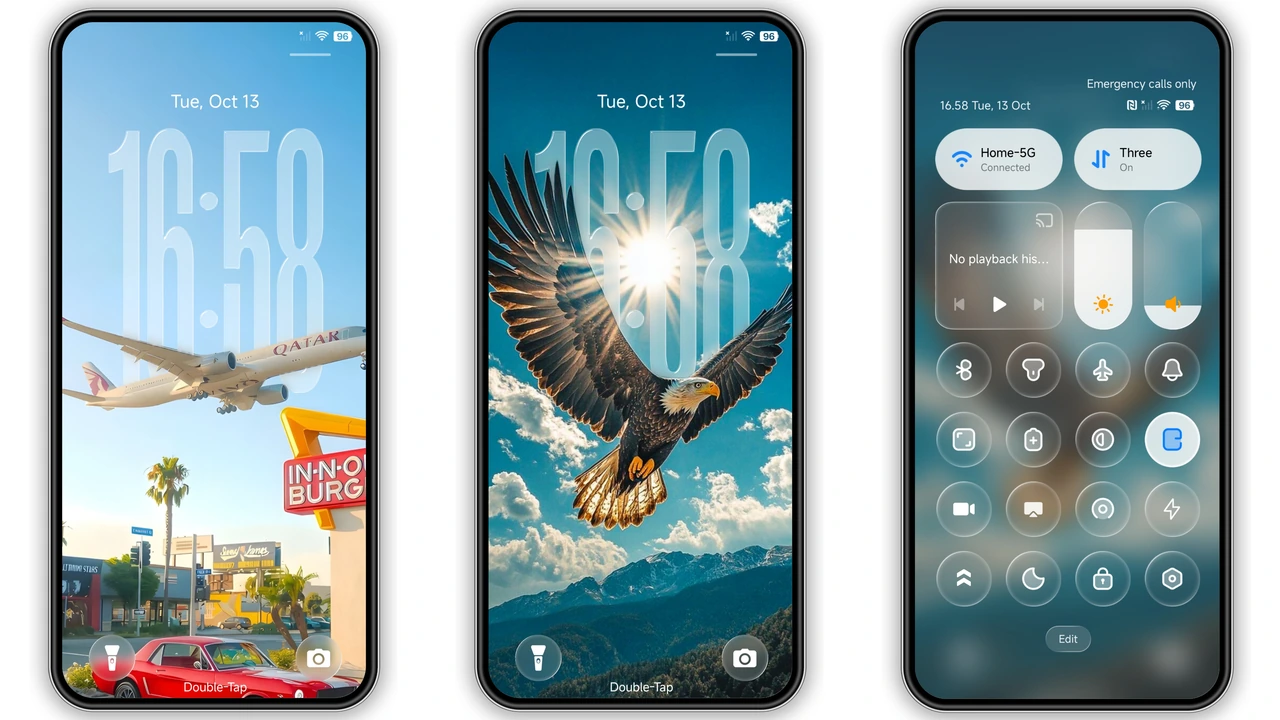
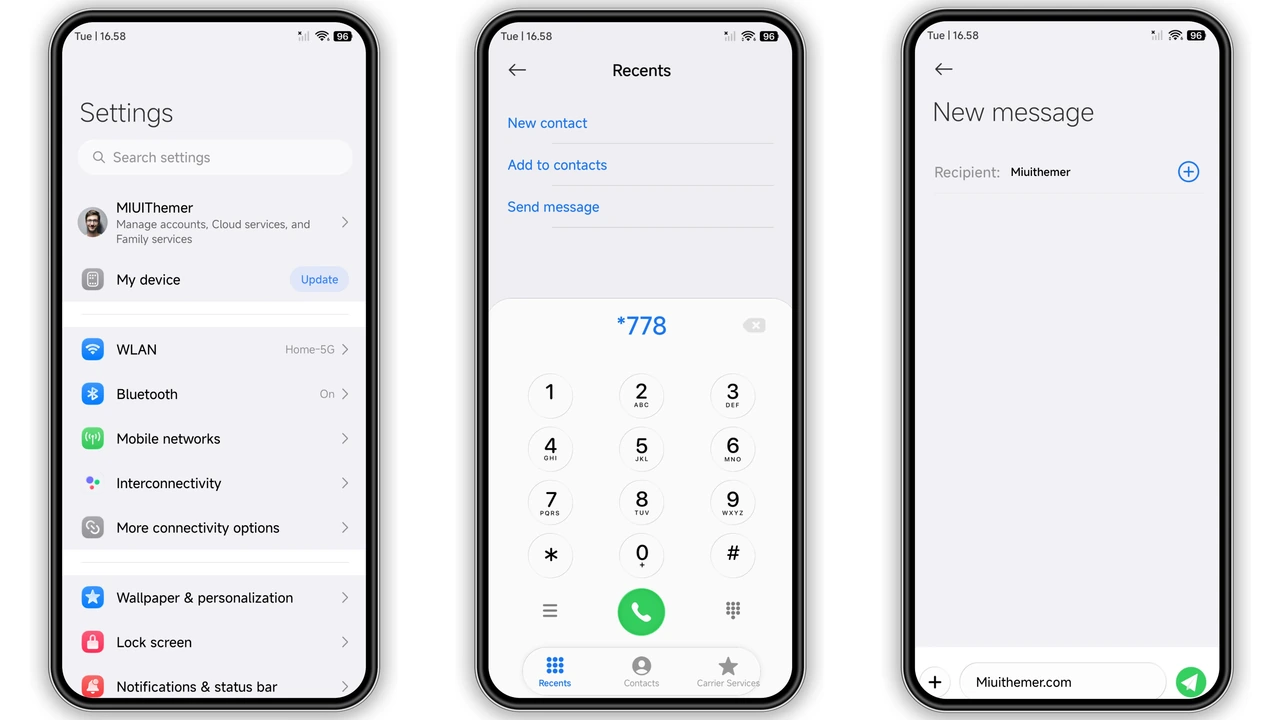
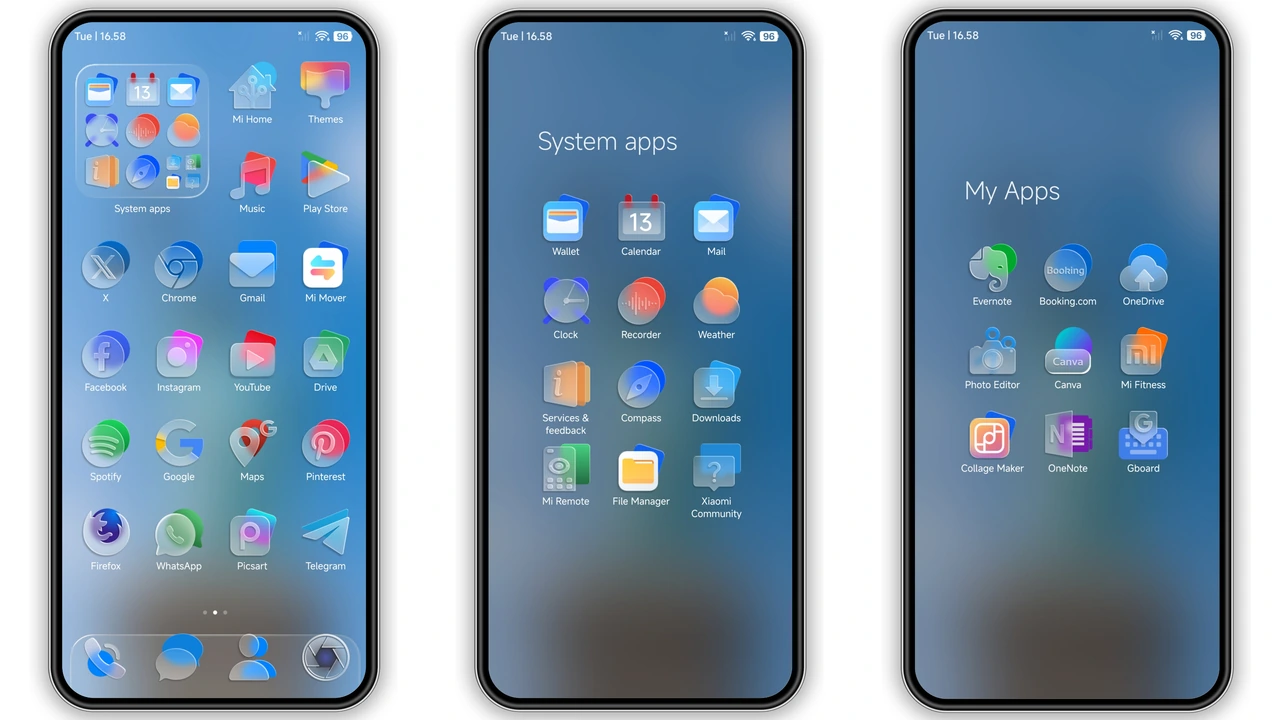
Glass‑Smooth Visual Language
Glass panels dominate. Icons float on frosted backdrop. Clock stretches tall on lock screen. Wallpapers shift between sky, landmark, wildlife. Transparency layers create depth. Light palette stays airy. Shadows stay subtle. Overall feel mirrors modern glass UI.
Suggested Read: Poo-4 HyperOS Theme: Trending di Xiaomi, Redmi, dan Poco
Ideal Users and Daily Feel
Fans of minimal yet premium look gravitate here. Users craving fresh icons enjoy the glassy set. Those who like dynamic lock screen stay engaged. POCO owners appreciate the lightweight feel. Anyone seeking a cohesive, bright aesthetic fits.
Installation Flow and What to Expect
Download MTZ file from the provided link. Open Theme Store app. Tap Import at bottom. Select the MTZ file. Apply theme. Restart device for full rendering. After reboot, all screens adopt glass effect. No lag reported. Battery impact negligible.
Pros and Cons
Pros
• Glassmorphism design feels premium
• Transparent icons reduce visual clutter
• Dynamic lock screen adds flair
• Compatible across HyperOS 1‑3 and MIUI 14
• Light weight, no performance hit
Cons
• Requires Theme Store import, no direct OTA
• Limited dark mode tweaks
• Custom fonts not included
• Only works on Xiaomi, Redmi, POCO devices
Theme Preview
Download Links
Use the buttons below to open the theme file and the supporting link.
LINEA Theme mtz File
Helpful links
More Theme Updates
For more curated HyperOS and MIUI theme updates, visit Hyper OS x MIUI .