Parameter · Value
Designer · agit77
Size · 11.07 MB
Format · MTZ
Compatibility · HyperOS / MIUI
Bursting Color Palette & Icon Redesign
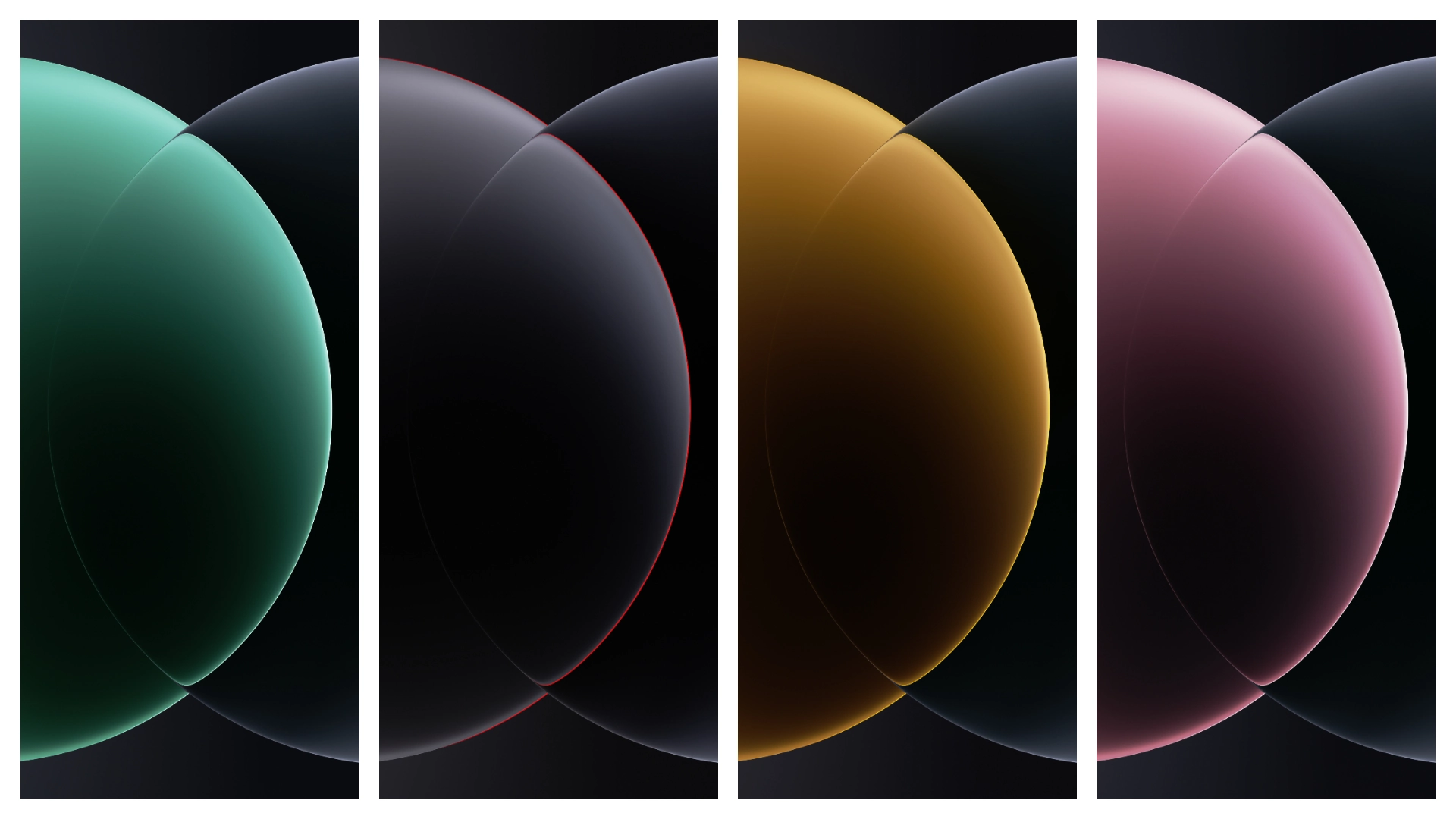
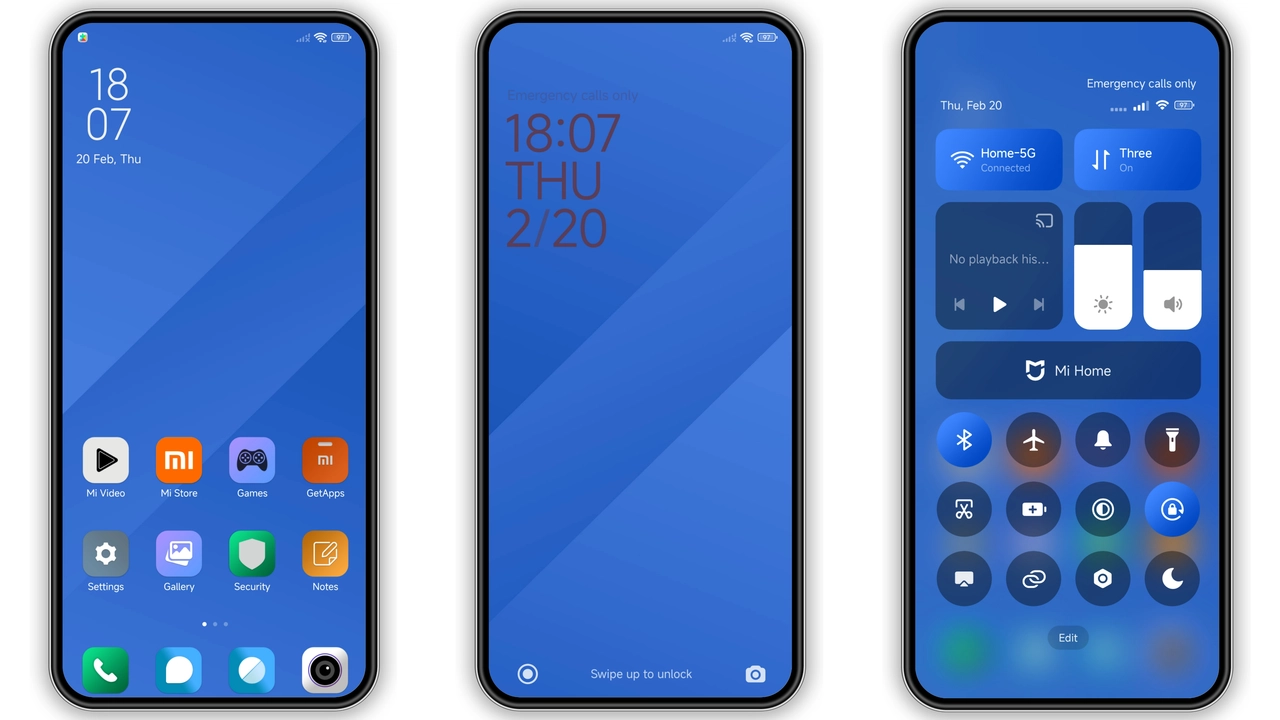
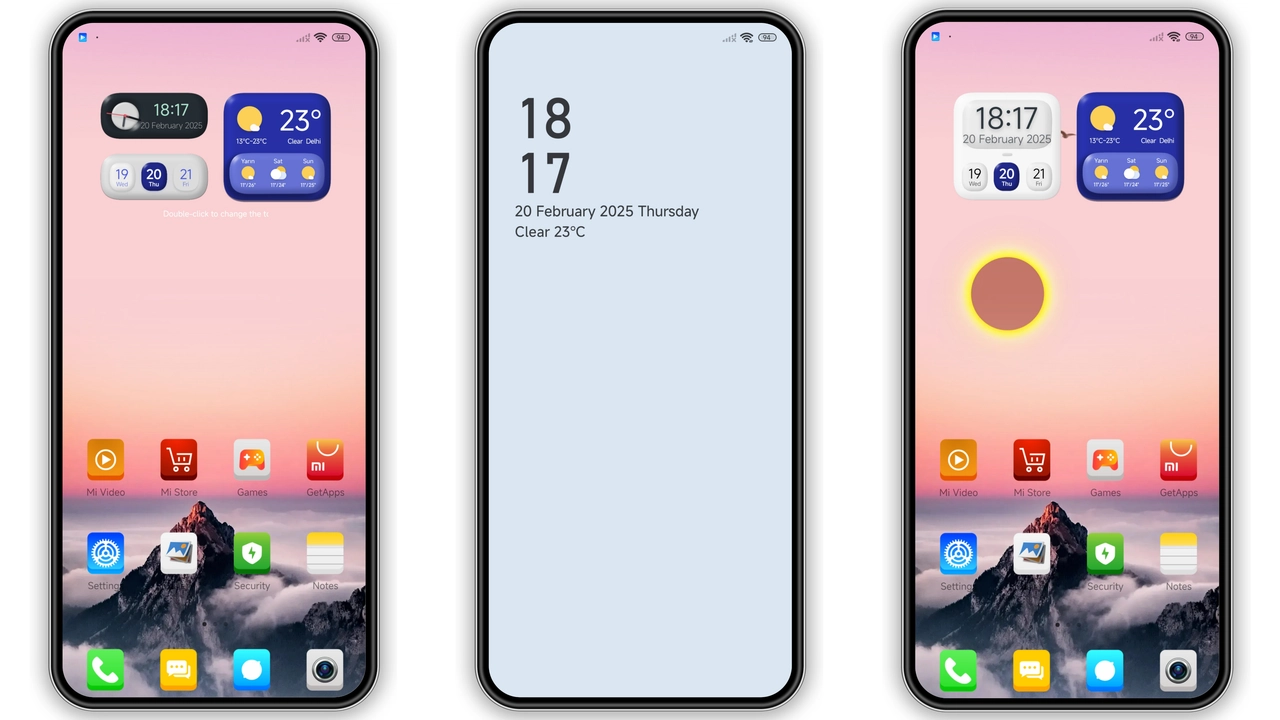
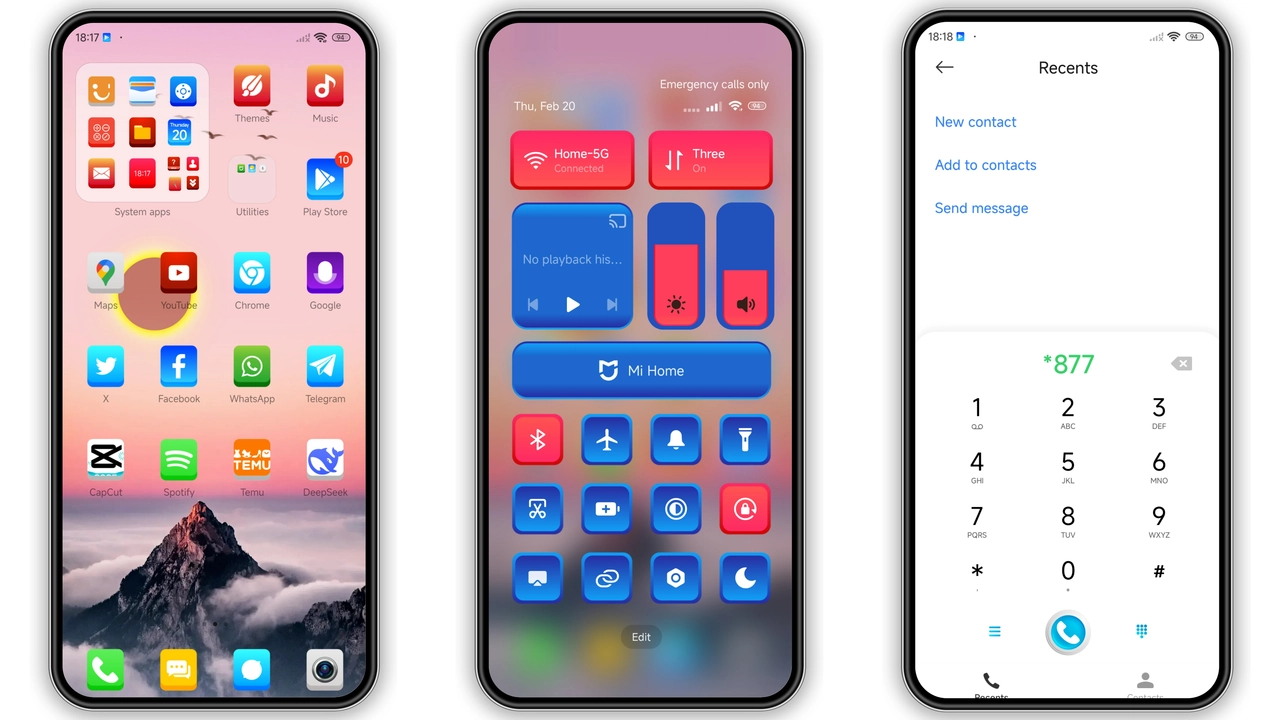
Theme embraces bright hues. Primary colors shift from teal to magenta. Icons receive rounded corners. Shadows add depth. Wallpapers feature abstract gradients. Each screen element follows the same hue logic. Consistency reduces visual clutter. Users notice immediate freshness. Battery indicator adopts neon green. Notification icons mirror accent colors. Overall feel remains playful yet balanced.
Suggested Read: Cute Shiba Inu MTZ Theme Trending on HyperOS & MIUI
Dynamic Lock Screen & AOD Highlights
Lock screen animates on swipe. Background blurs subtly. Clock font switches to bold sans. Date appears in lowercase. AOD shows rotating icons. Battery percentage glows softly. Unlock gesture feels responsive. No lag reported on mid‑range devices. Animation respects power‑saving mode. Users can disable motion in settings.
Target Audience & Everyday Appeal
Fans of vibrant UI gravitate here. Gamers appreciate bold contrast. Minimalists may find it loud. Students enjoy fresh look for study breaks. Professionals can tone down via dark mode toggle. Redmi owners benefit from optimized assets. POCO users notice smoother transitions. Community members often share screenshots on forums.
Installation Steps & Practical Tips
Download MTZ file from trusted source. Open Theme Store app. Tap "Import" at bottom. Select downloaded file. Preview appears instantly. Tap "Apply" to activate. Restart device for full effect. Verify icons on home screen. Check lock screen animation. If glitches appear, clear Theme Store cache.
Pros and Cons
• Pros
• Eye‑catching color scheme
• Smooth lock‑screen animation
• Low file size for rich assets
• Full HyperOS and MIUI support
• Cons
• May be too bright for dark‑mode lovers
• Some icons clash with stock widgets
• Limited customization beyond preset palette
Theme Preview
Download Links
Use the buttons below to open the theme file and the supporting link.
JiyanVIII Theme mtz File
Helpful links
More Theme Updates
For more curated HyperOS and MIUI theme updates, visit Hyper OS x MIUI .