Parameter · Value
Designer · gustieko26
Size · 110.30 MB
Format · MTZ
Compatibility · HyperOS / MIUI
iOS‑Inspired Dark Aesthetic
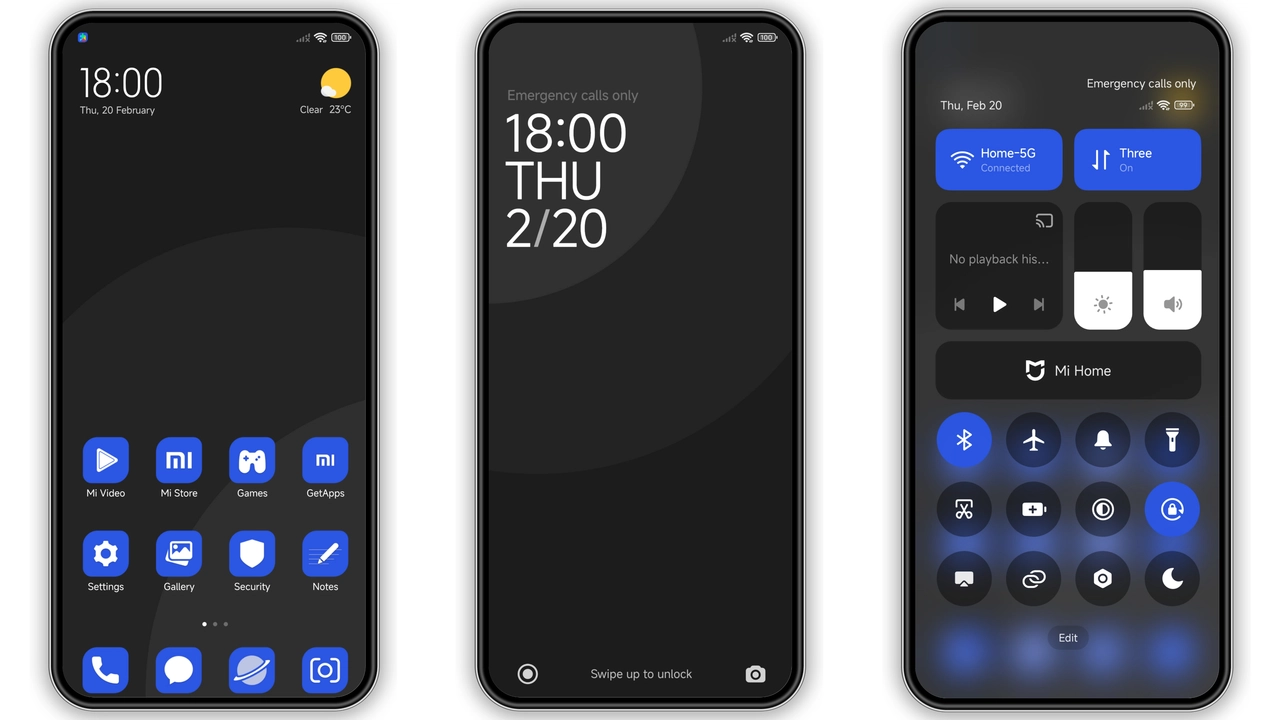
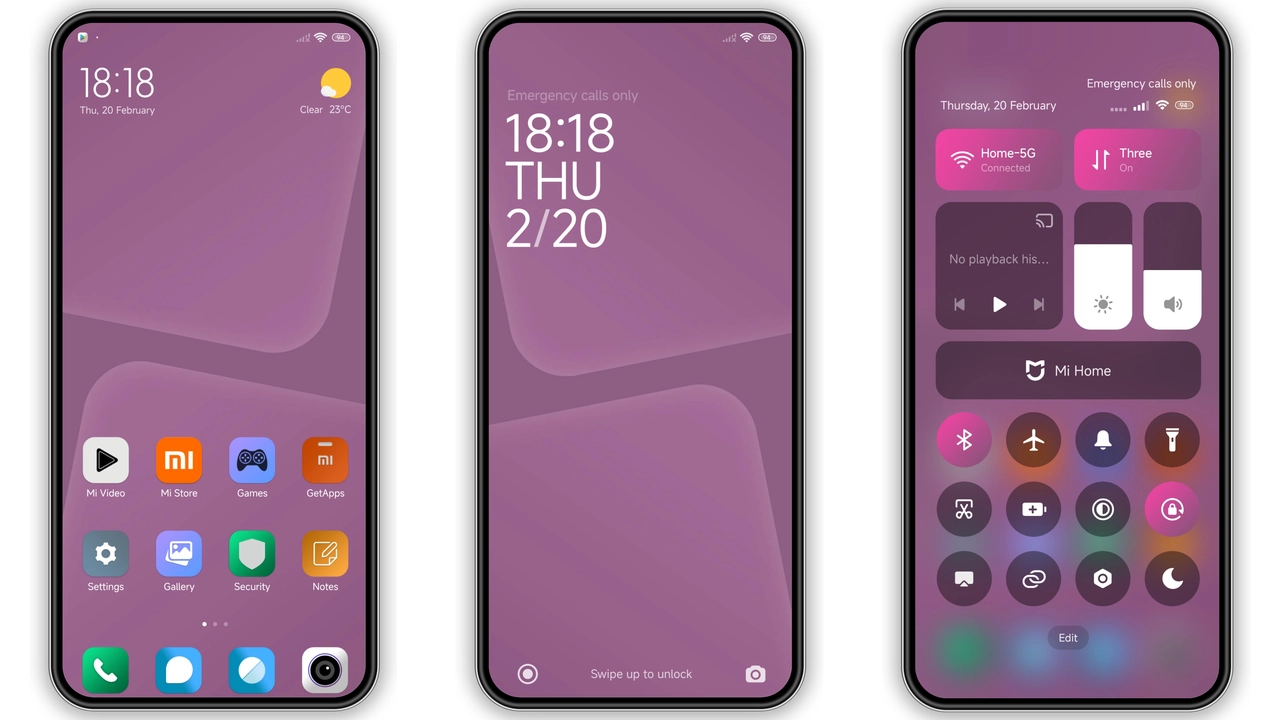
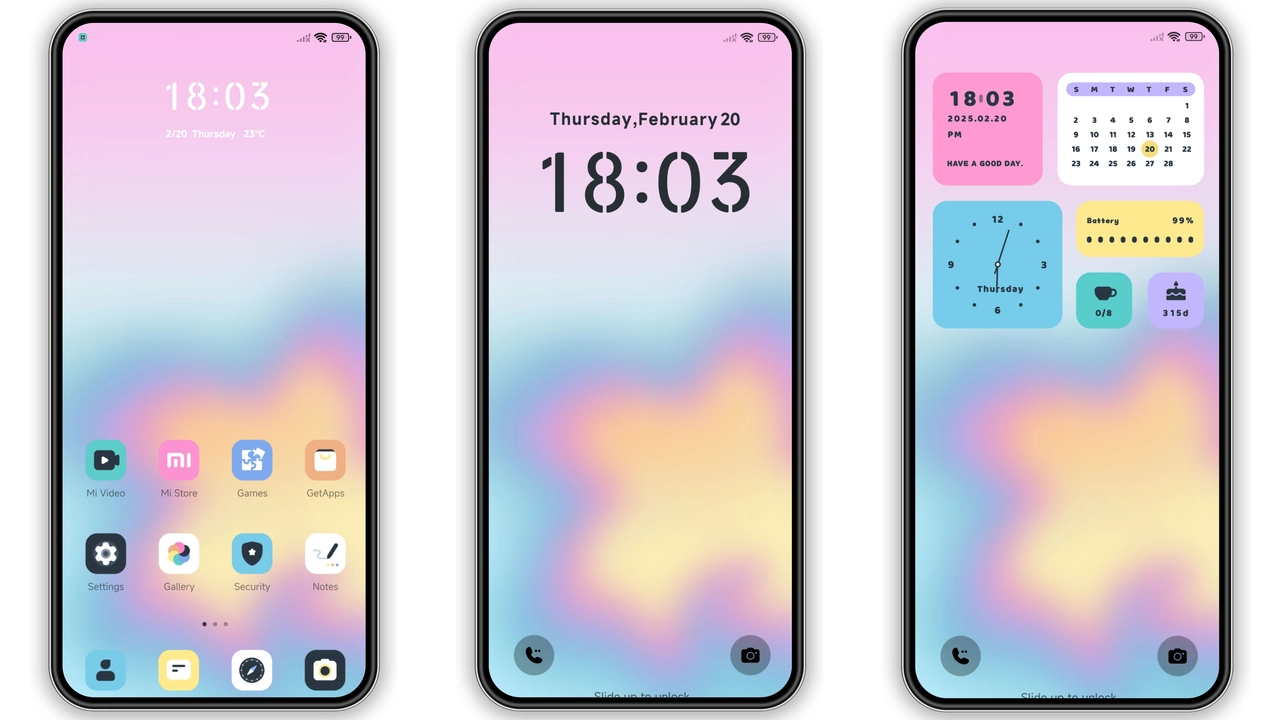
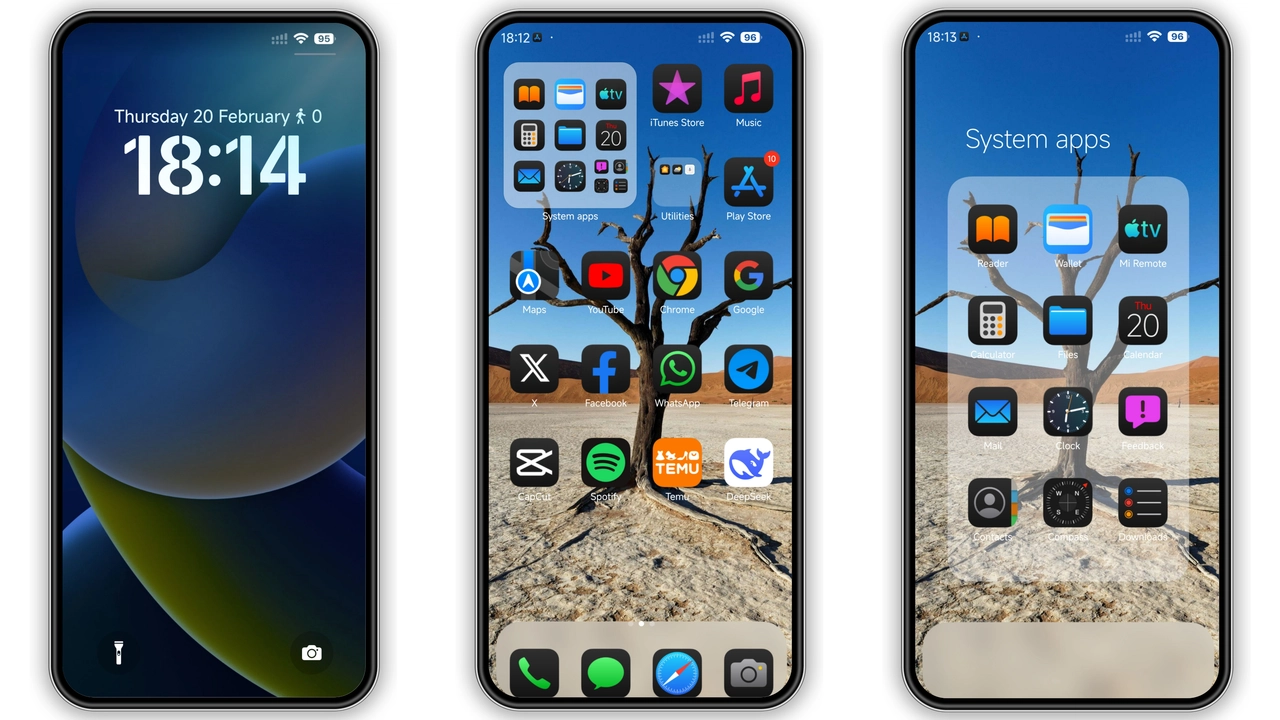
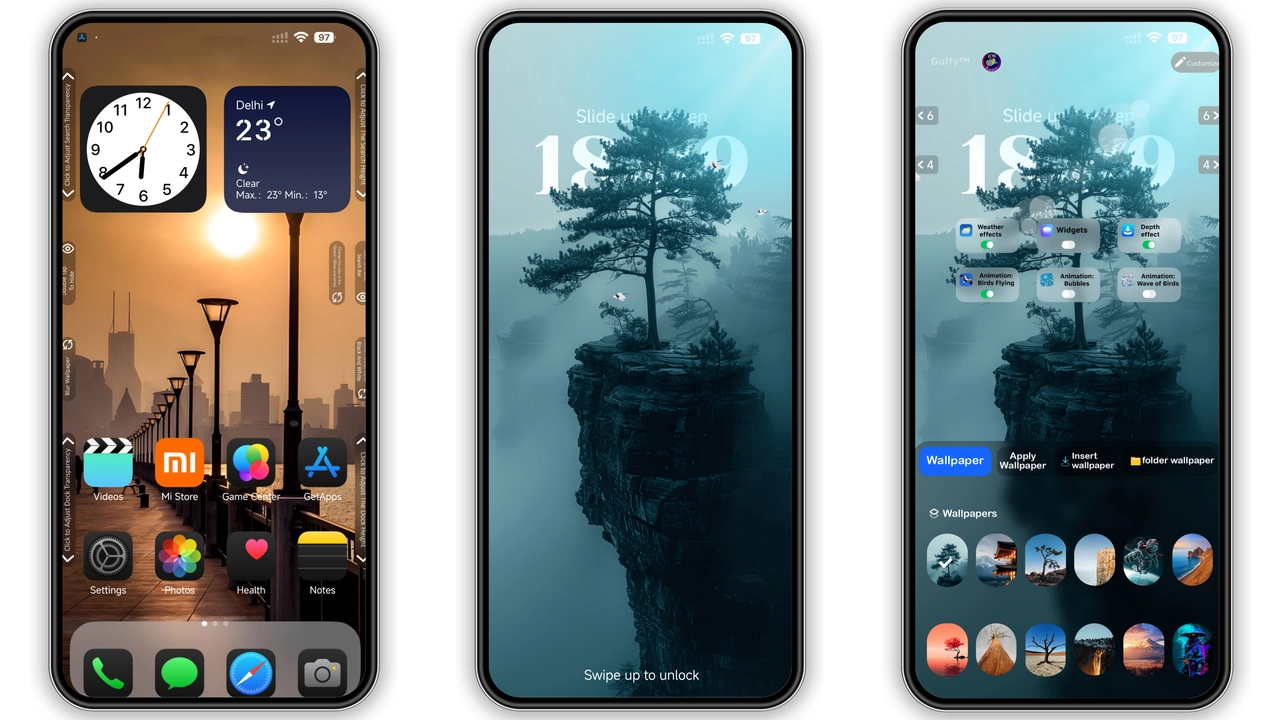
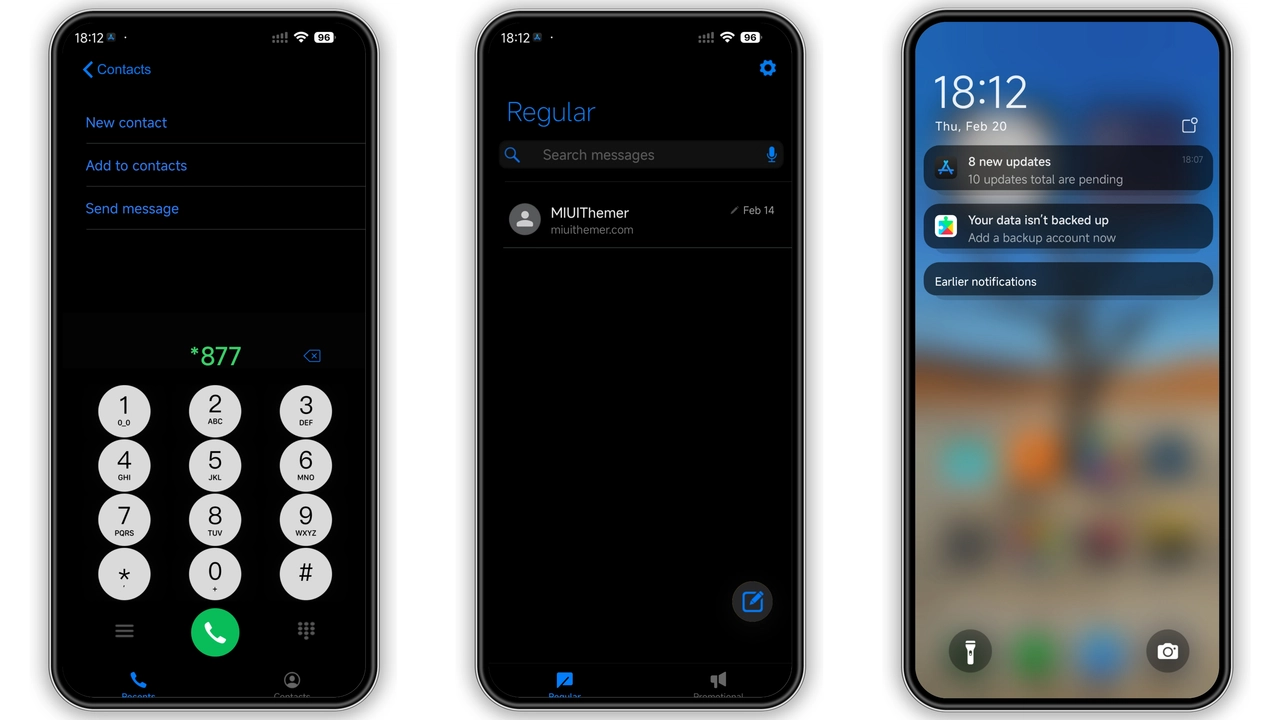
Theme adopts iOS dark palette for modern vibe. Colors stay deep, contrast stays crisp. Shadows stay subtle, depth stays natural. UI elements mirror iOS widgets for instant familiarity. Status bar adopts thin white text for readability. Notification shade inherits rounded corners for softness. Overall feel stays premium, minimal, focused.
Suggested Read: Stunning iQOO Neo 11 Wallpapers for HyperOS & MIUI – Download Guide
Icon Pack & Wallpaper Cohesion
Icon set redesigns native apps in flat iOS style. Shapes stay rounded, outlines stay thin. Colors stay muted, accents stay vibrant. Wallpapers swap to high‑resolution iOS‑like scenery. Each wallpaper aligns with icon hue for harmony. Dynamic lock‑screen image rotates daily for freshness. Users notice visual unity across home, lock, and settings.
Lock Screen & Always‑On Display Details
Lock screen mimics iOS clock layout. Time stays centered, font stays San‑Francisco. Control center icons stay functional, design stays faithful. Swipe gestures stay intact, shortcuts stay accessible. Always‑On Display inherits dark background, subtle time glow. Battery indicator stays white, status icons stay minimal. Result stays elegant, power usage stays low.
Installation Flow & Performance Expectations
Download MTZ file from provided link. Open Theme Store app, tap Import, select file. Apply theme, restart device for clean load. Installation steps stay straightforward, no extra tools needed. Theme size stays moderate, RAM impact stays minimal. Animations stay smooth, frame drops stay rare. Battery drain stays comparable to stock dark mode. Users report stable performance across Xiaomi, Redmi, POCO models.
Who Will Love This Theme?
iOS fans stay attracted, craving familiar look on Android. Dark‑mode enthusiasts stay satisfied, seeking eye‑friendly palette. Minimalist users stay pleased, appreciating clutter‑free icons. Power users stay happy, noting low resource footprint. Developers stay impressed, seeing clean implementation without bloat.
Maintenance & Updates
Theme receives occasional updates for new device models. Update process mirrors initial install: import new MTZ, apply, restart. No manual file replacement needed. Keep an eye on community forums for release announcements.
Pros and Cons
• Pros
• iOS‑level visual fidelity
• Cohesive icon‑wallpaper set
• Low RAM and battery impact
• Simple one‑step install
• Works on HyperOS and MIUI
• Cons
• No official store link, manual download required
• Limited customization beyond default palette
• Some third‑party apps may retain original icons
• Updates depend on community support
Theme Preview
Download Links
Use the buttons below to open the theme file and the supporting link.
iOS 18.1 Kawee Premium Dark Theme mtz File
Helpful links
More Theme Updates
For more curated HyperOS and MIUI theme updates, visit Hyper OS x MIUI .