Parameter · Value
Designer · Eva
Size · 42.38 MB
Format · MTZ
Compatibility · HyperOS / MIUI
Sunset Palette Meets Dynamic UI
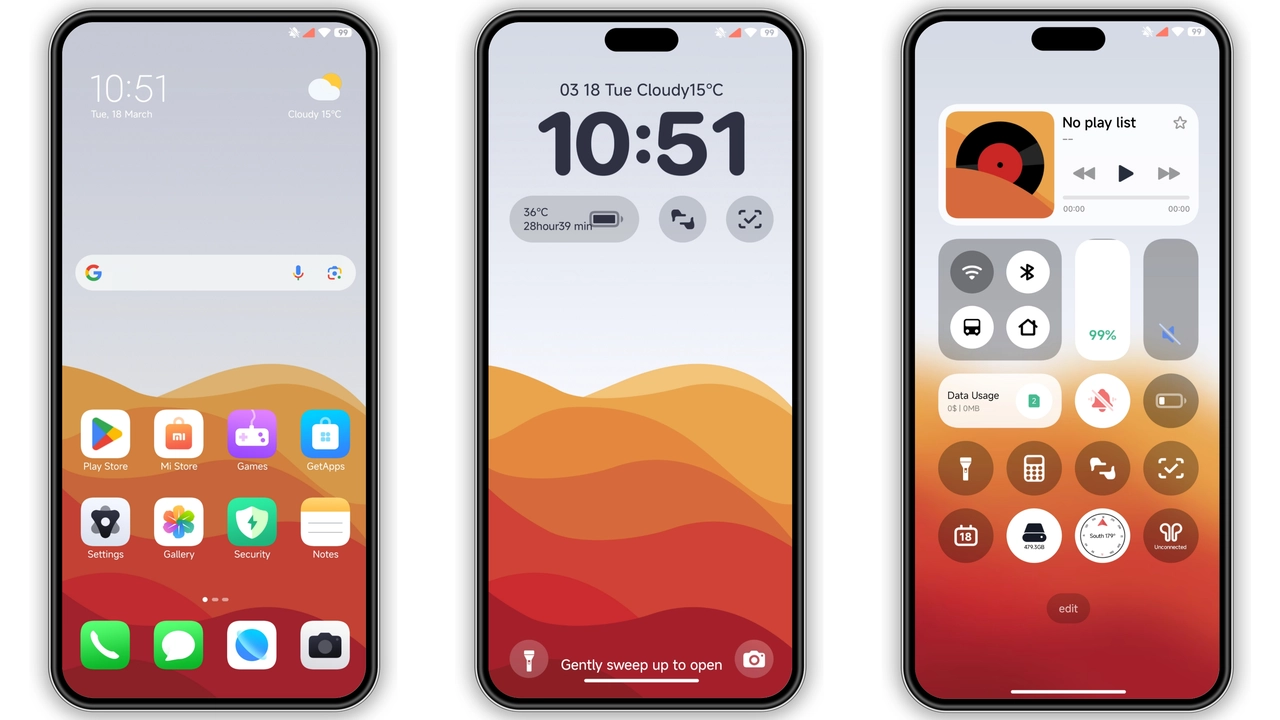
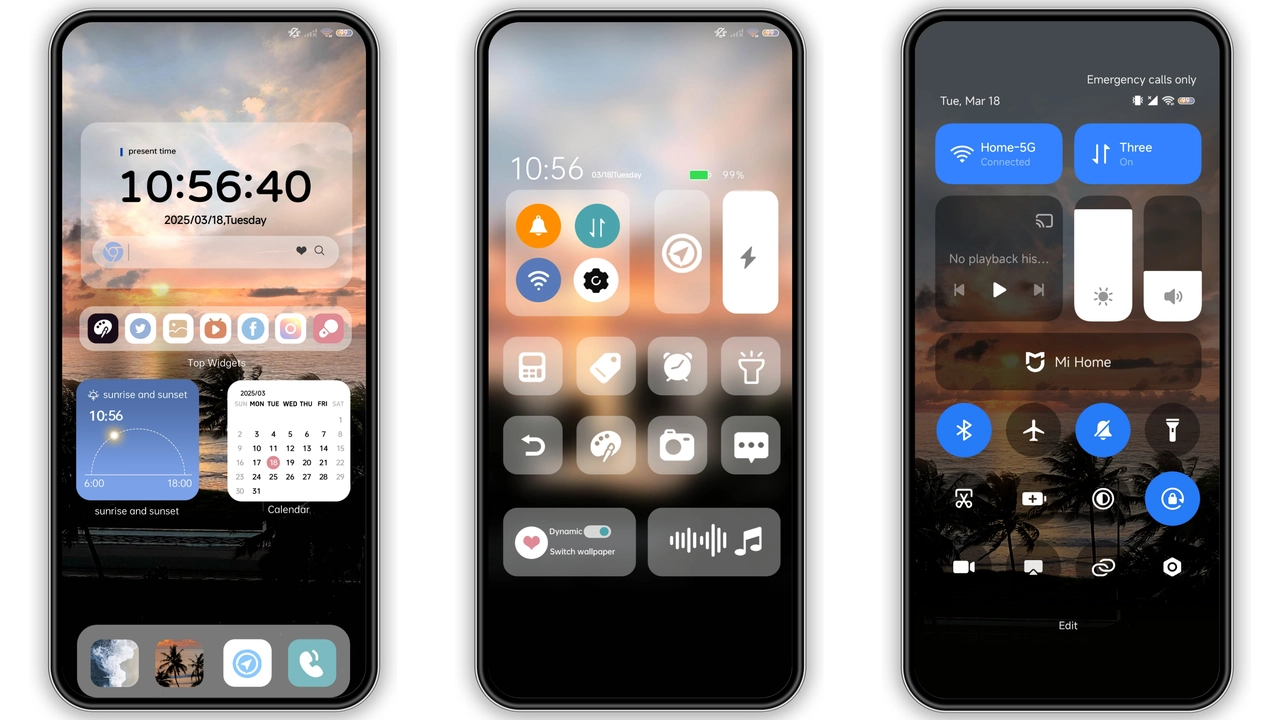
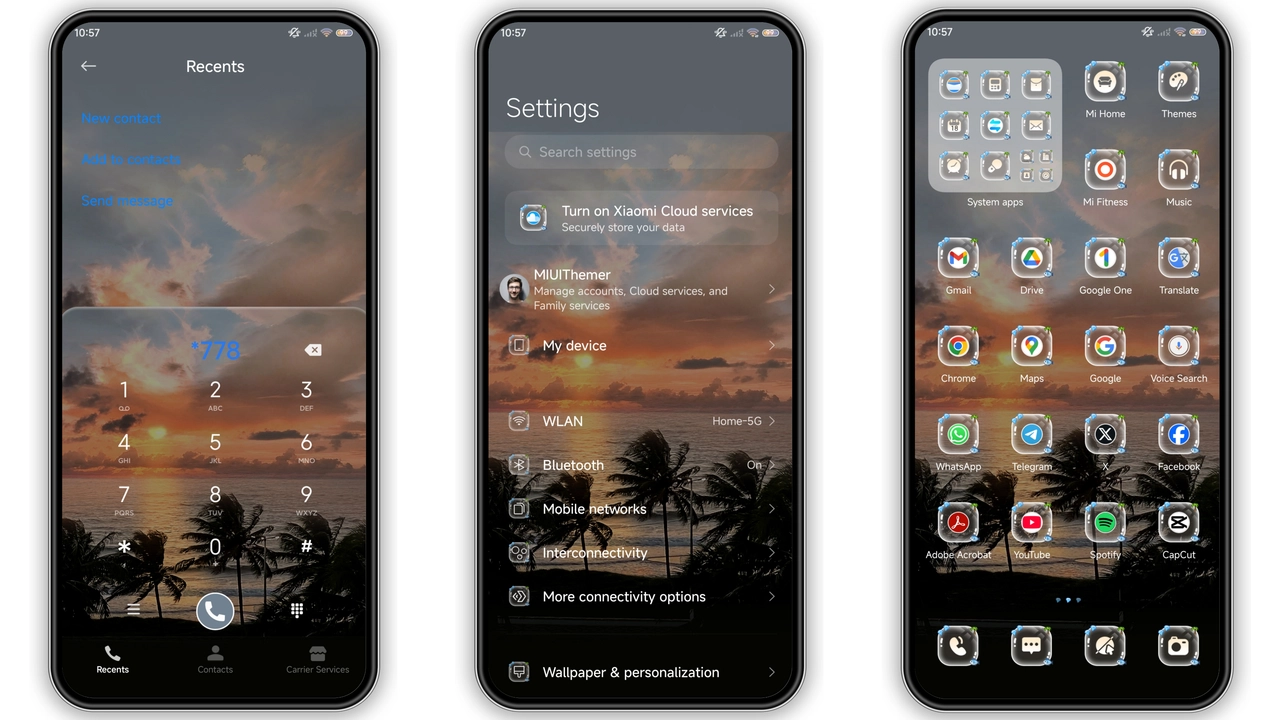
Soft orange gradients dominate the backdrop. Each hue fades into the next, mimicking a real sunset. Wallpapers shift with the time of day, offering subtle motion. The color scheme stays warm without overwhelming the eyes. Contrast remains balanced for readability. Text elements adopt a muted white, ensuring legibility. Status bar icons adopt the same palette, blending seamlessly. The overall feel is calm yet energizing.
Suggested Read: Hos3dark HyperOS Theme Review: Dark Elegance for Xiaomi & Redmi
Iconography and Widget Refresh
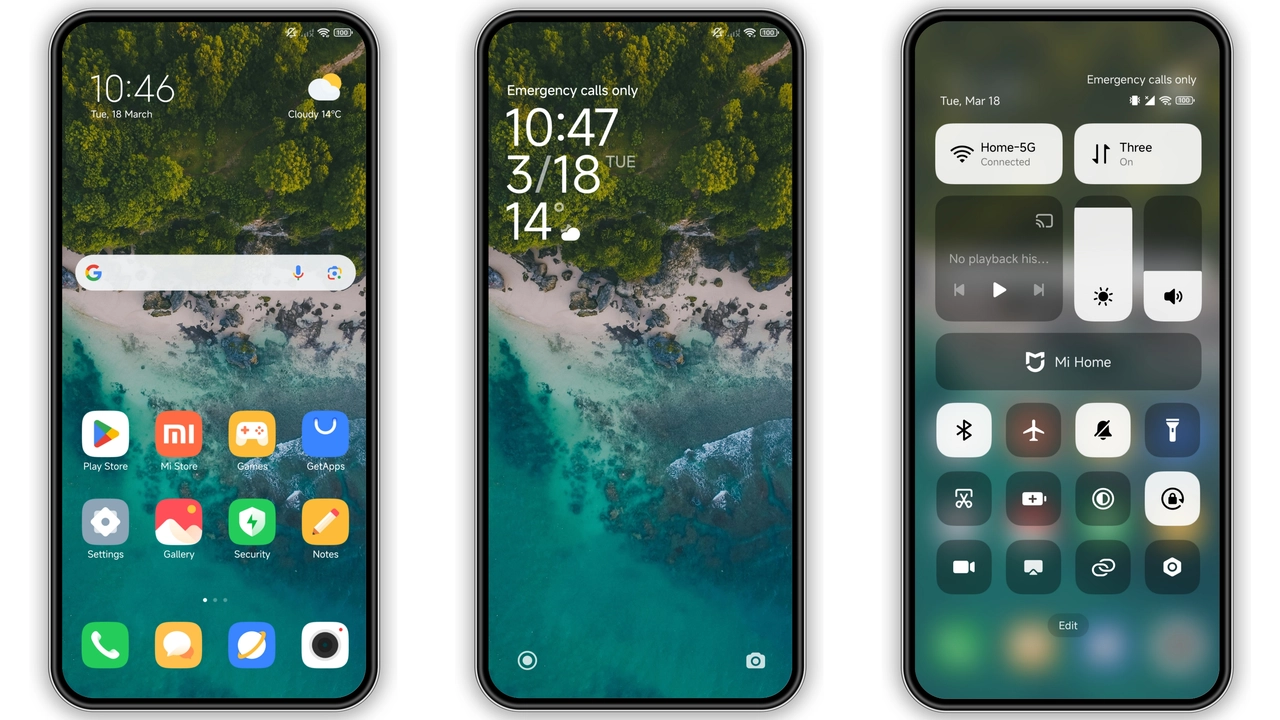
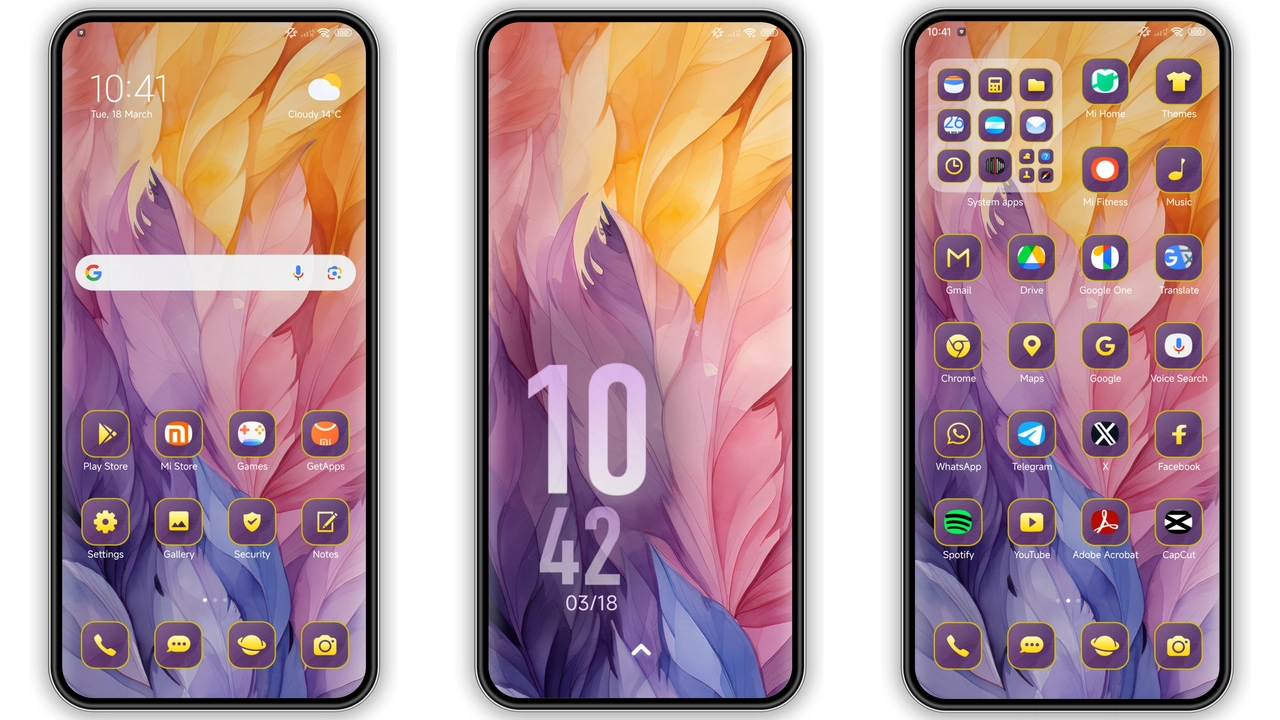
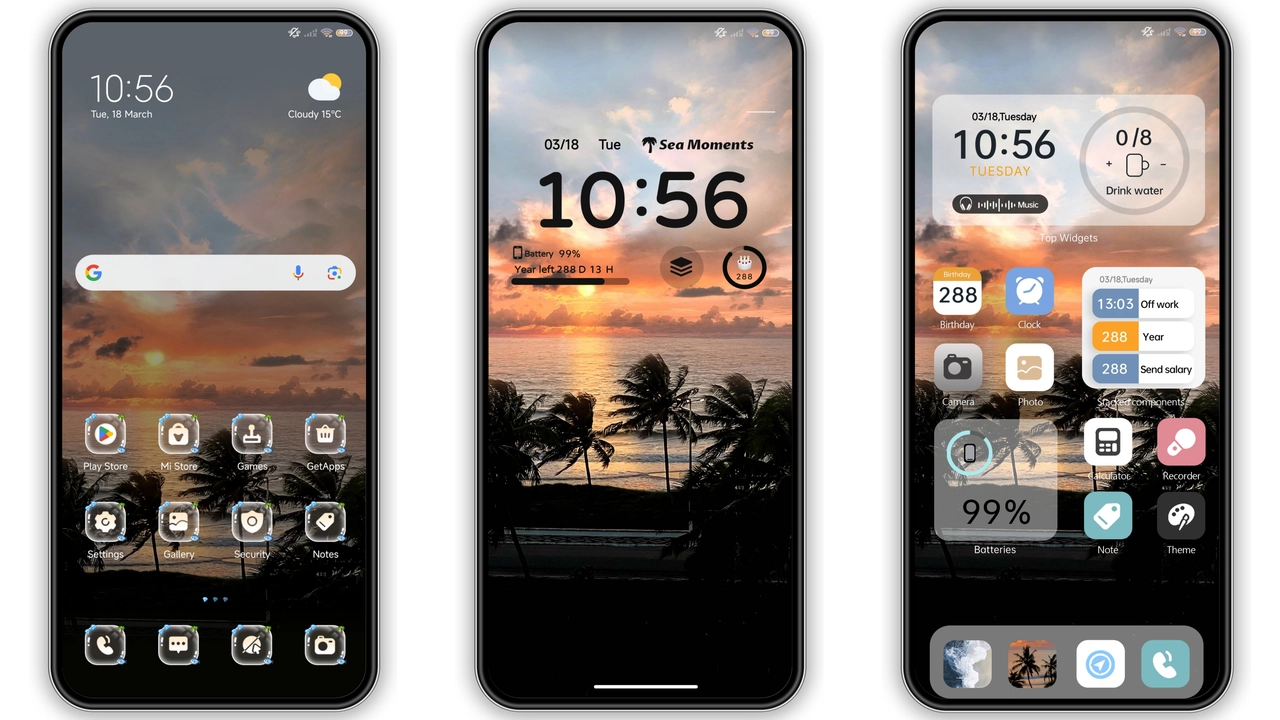
Icons receive a fresh silhouette. Rounded corners replace sharp edges. Shadows add depth, giving a three‑dimensional impression. Color accents echo the sunset tones, tying the whole look together. Widgets inherit the same style. Clock widget glows with a faint amber pulse. Music widget displays album art within a soft frame. All widgets respect the system’s grid, avoiding layout glitches.
Lock Screen & AOD Experience
Lock screen showcases a full‑screen sunset wallpaper. Time appears in a large, elegant font. Swiping up reveals a dynamic lock animation. The animation mirrors the horizon line moving upward. AOD (Always‑On Display) adopts a minimalist layout. Battery, date and notification icons sit on a translucent bar. The bar’s color matches the dominant sunset hue. Night mode dims the palette while preserving contrast.
Installation Flow & Tips
Download the MTZ file from the provided link. Open the Theme Store app, tap “Import”. Select the downloaded file. The theme appears in the “My Themes” list. Tap “Apply” to activate. Restart the device for full effect. If icons appear misaligned, clear the theme cache in Settings > Themes > Cache. For custom ROM users, ensure the ROM supports MTZ import. Use a file manager to locate the MTZ if the download folder differs.
Who Will Love This Theme?
Xiaomi enthusiasts seeking a fresh visual overhaul will gravitate toward this design. Users who favor warm color schemes find the sunset palette soothing. Fans of dynamic lock screens appreciate the animated transition. Minimalists enjoy the clean widget layout. Those who like occasional visual flair without heavy animations will feel at home.
Compatibility Notes
The theme declares compatibility with HyperOS and MIUI. It works on Xiaomi, Redmi and POCO devices running the official ROM. Custom ROMs based on HyperOS or MIUI also support the MTZ format. Devices lacking the Theme Store app cannot apply the theme directly. In such cases, install a compatible theme manager first.
Pros and Cons
• Pros
• Warm, cohesive color palette
• Dynamic lock screen animation
• Consistent icon and widget redesign
• Lightweight file size
• Full compatibility with HyperOS and MIUI
• Cons
• Limited dark‑mode variation
• No alternative color schemes
• Requires Theme Store for installation
• Minor layout tweaks may be needed on some custom ROMs
Theme Preview
Download Links
Use the buttons below to open the theme file and the supporting link.
INS Sunset Breeze Theme mtz File
Helpful links
More Theme Updates
For more curated HyperOS and MIUI theme updates, visit Hyper OS x MIUI .