Parameter · Value
Designer · BoZinsky
Size · 8.92 MB
Format · MTZ
Compatibility · HyperOS / MIUI
Bold Monochrome Canvas with Red Pulse
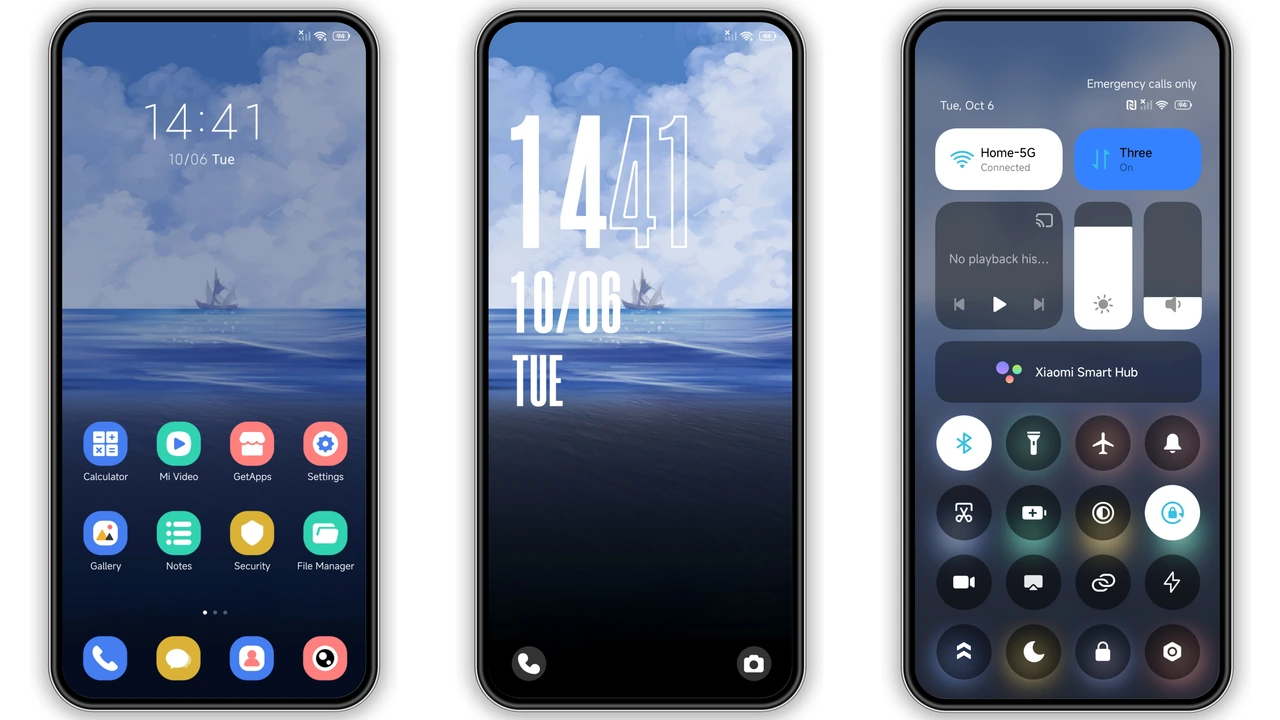
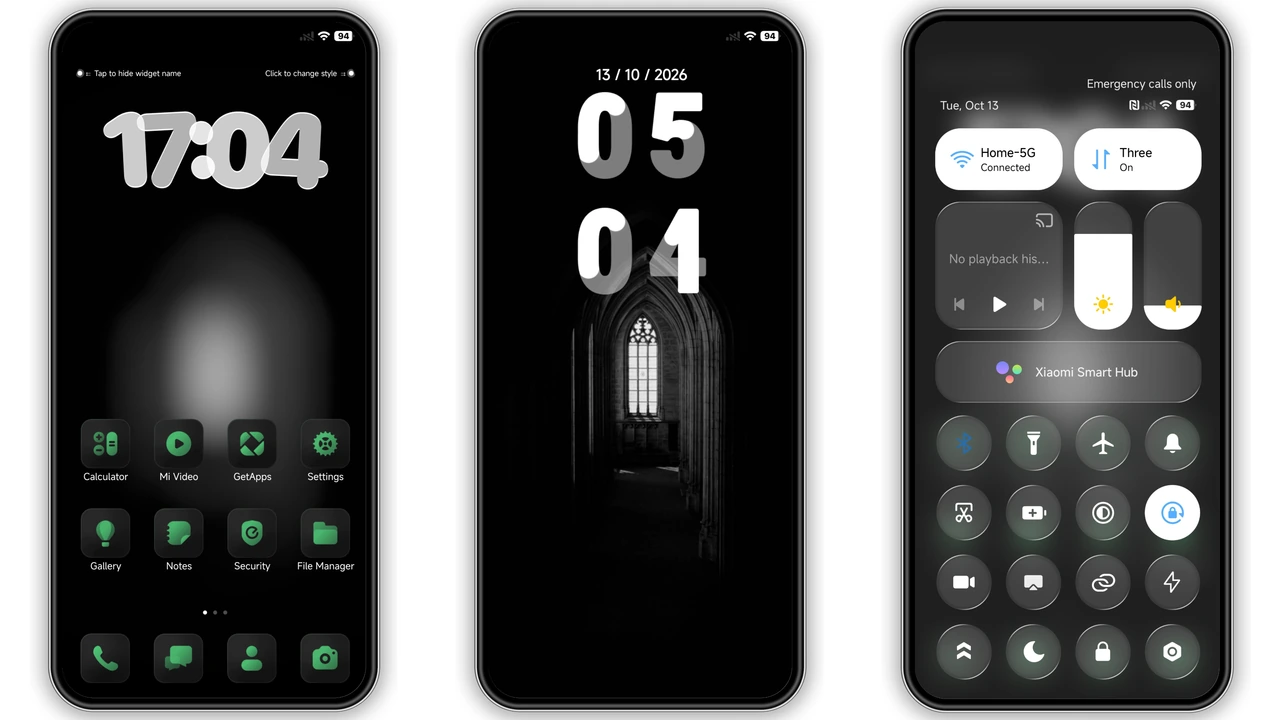
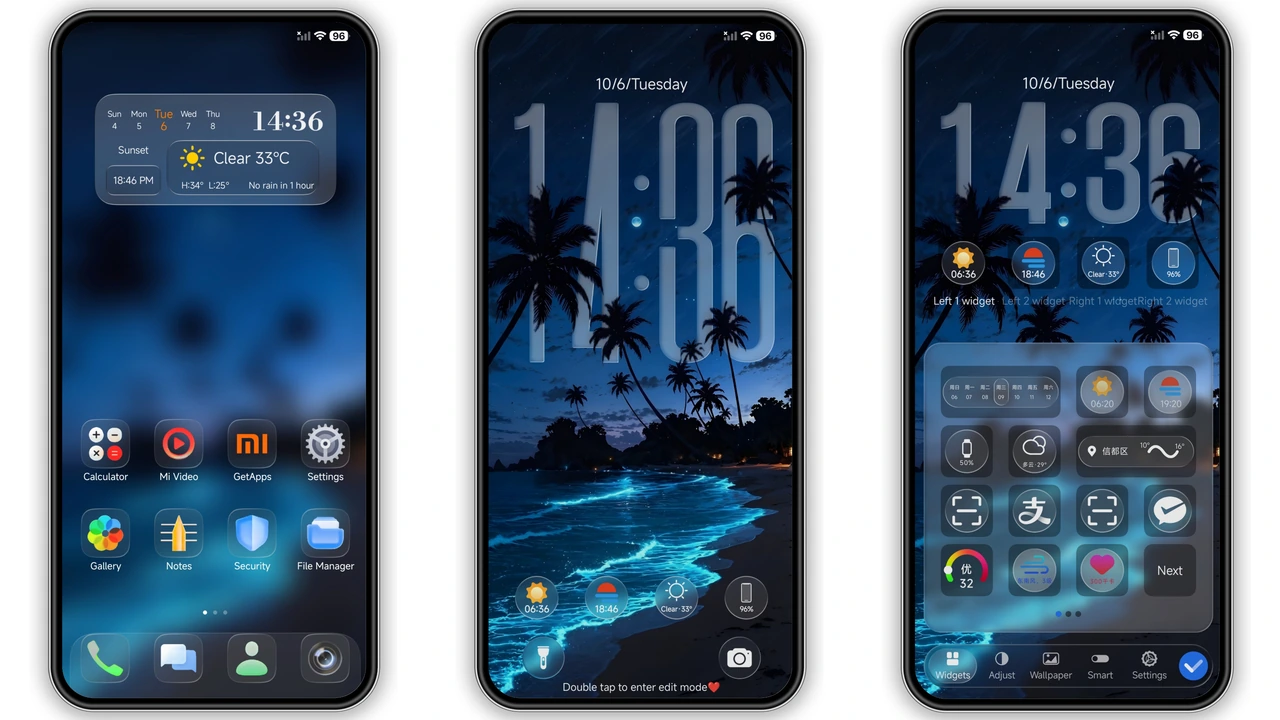
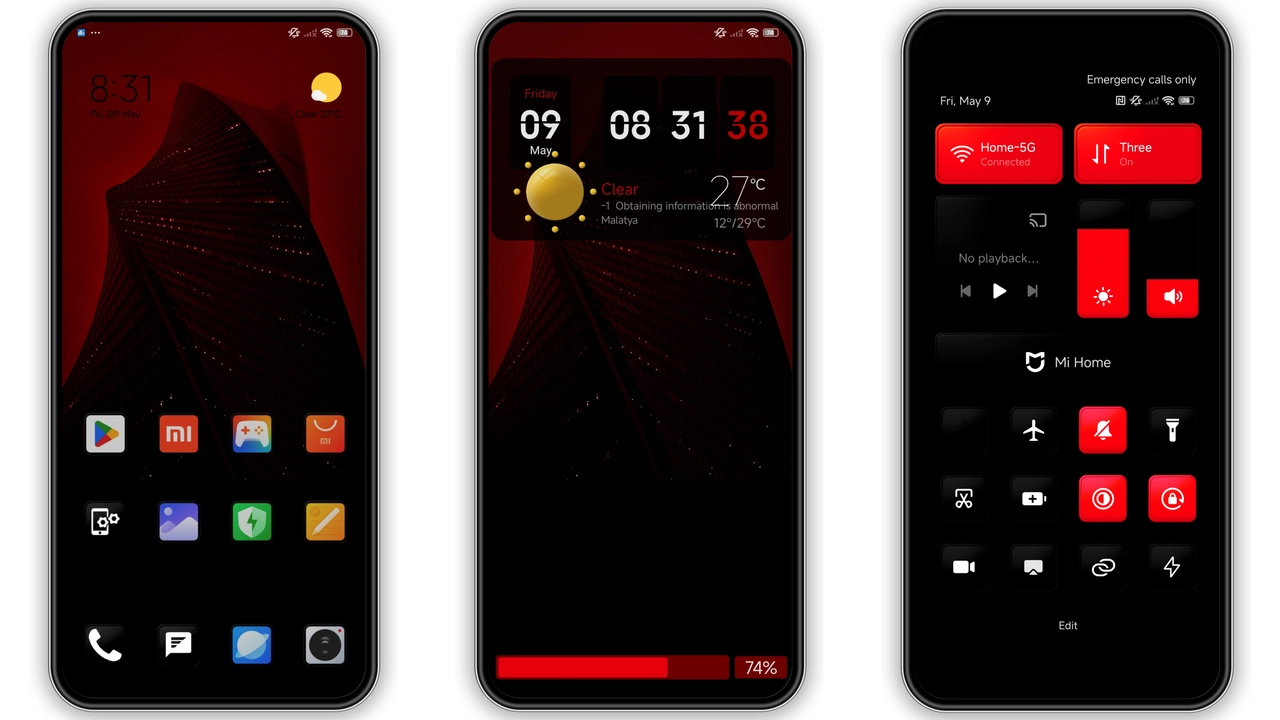
Theme leans on stark black‑white palette. Primary surfaces: deep black background, crisp white icons. Red accent threads through status bar, notification dots, lock‑screen clock. 3D elements appear in control centre, giving subtle depth. Wallpaper matches palette; grayscale scenery punctuated by a single red focal point. Fonts remain stock MIUI, ensuring readability. Overall vibe: futuristic, minimal, yet striking. No pastel fluff, no neon overload. The design respects Xiaomi’s iconography while reshaping color hierarchy.
Suggested Read: Sleek Cat‑Banner Theme for Redmi Note & Poco – HyperOS Ready
Ideal Audience: Dark‑Mode Aficionados
Fans of high contrast will gravitate here. Users who prefer night‑friendly UI find reduced eye strain. Red‑accent lovers appreciate a single brand colour that pops without overwhelming. The theme suits power users who customise home screens heavily. It also appeals to fans of “black‑and‑white with a twist” aesthetics—graphic designers, photographers, gamers. Those seeking a playful, colorful look may skip it. Minimalists enjoy the clean lines; tech‑savvy users enjoy the hidden 3D touches.
Installation Flow on Stock and Custom ROMs
Stock HyperOS: Open Theme Store app. Tap “Import”. Locate downloaded MTZ file (8.92 MB). Confirm import. Apply theme. Restart optional but recommended for clean overlay. MIUI 14: Same steps; Theme Store may prompt “Open in app”. Accept. Custom ROM (Xiaomi EU, MIUIRoom, etc.): Ensure MTZ support enabled. Open Theme Store, go to “Themes” → “Import”. Browse file manager, pick MTZ. Apply. Reboot device to clear residual assets. No root required. No PC tools needed. All actions performed on‑device. Ensure enough storage (≥10 MB) before download. Delete previous heavy themes to free space.
Performance and Battery Impact
Theme replaces system UI assets only. No background services injected. CPU usage unchanged. GPU load marginally higher when 3D control centre animates, but impact negligible. Battery life remains comparable to stock. Users report no lag in app launch or animation. Theme size modest; OTA updates replace assets without bloating system partition. Compatibility layer handles both HyperOS and MIUI, preventing duplicate resource loading.
Pros and Cons
Pros
• Striking contrast; red accent adds personality.
• Fully themed: icons, wallpapers, lock screen, AOD.
• Lightweight; 8.92 MB download.
• Works on stock HyperOS, MIUI, and major custom ROMs.
• No extra apps or permissions required.
Cons
• Limited colour customization; red accent fixed.
• No light‑mode variant; dark‑only.
• 3D elements may feel unnecessary to purists.
• Requires manual restart for flawless overlay.
• No built‑in widget pack.
Theme Preview


Download Links
Use the buttons below to open the theme file and the supporting link.
Hyper BWR Theme mtz File
Helpful links
More Theme Updates
For more curated HyperOS and MIUI theme updates, visit Hyper OS x MIUI .