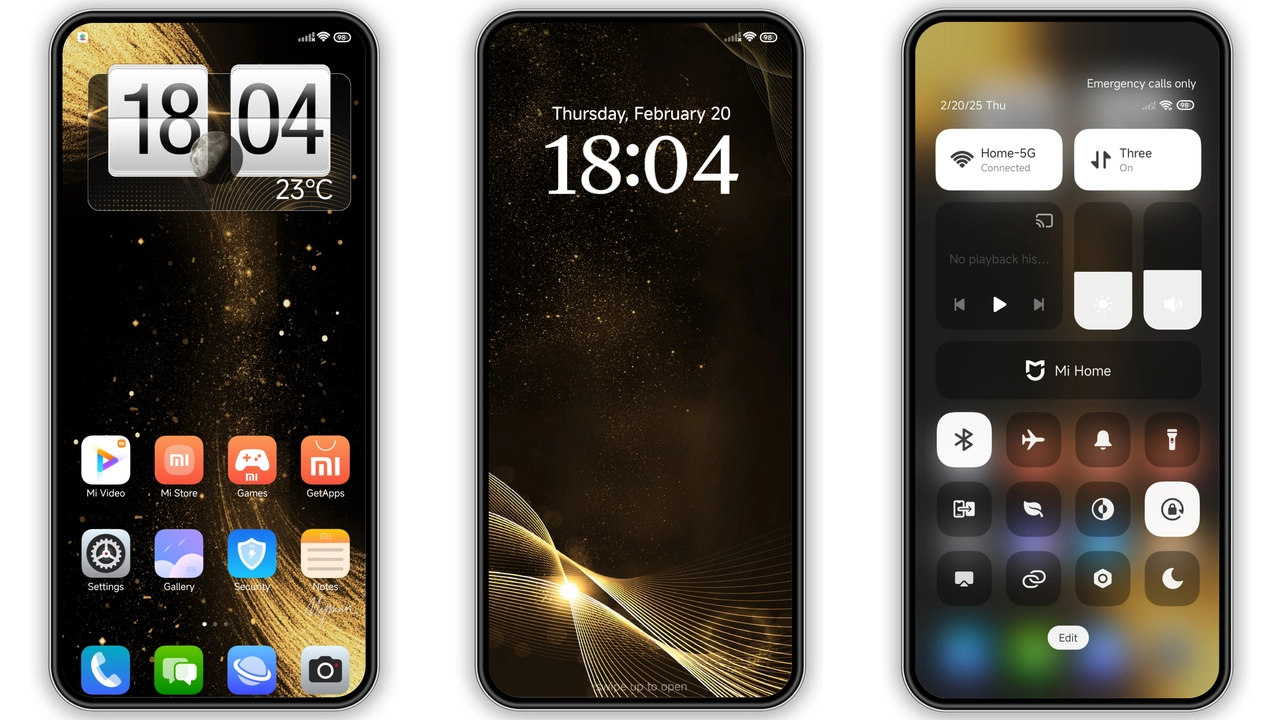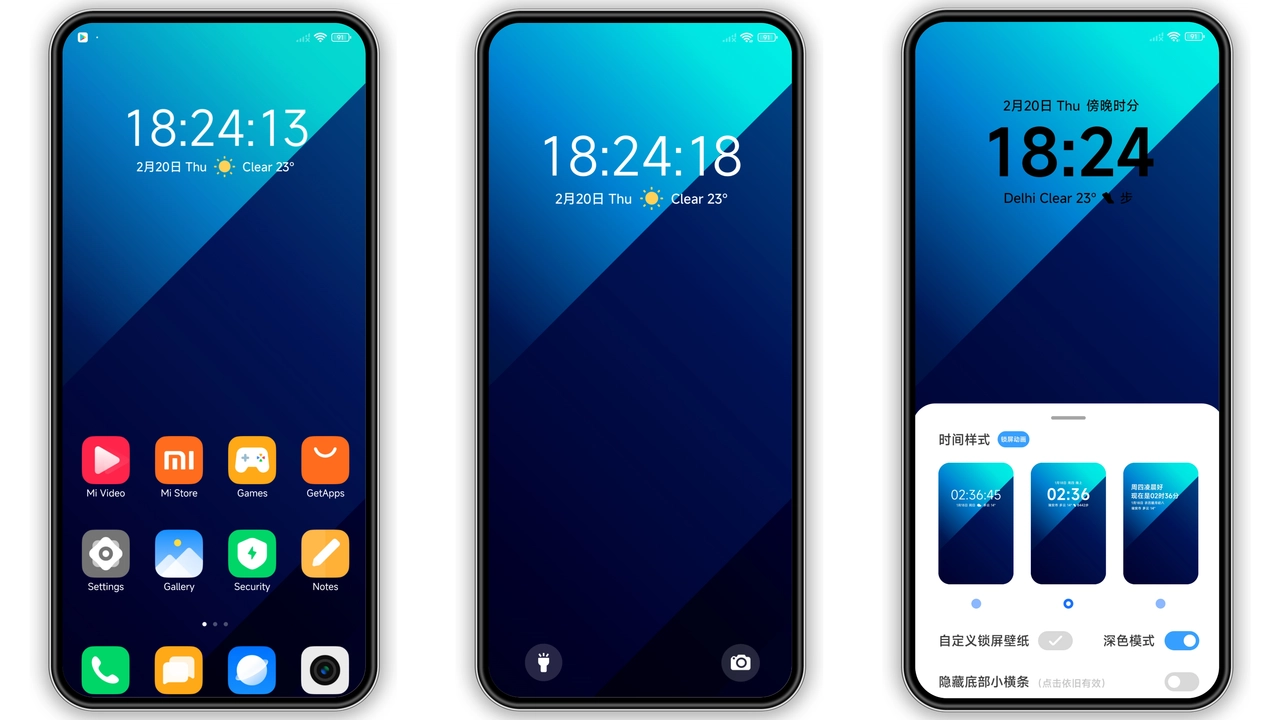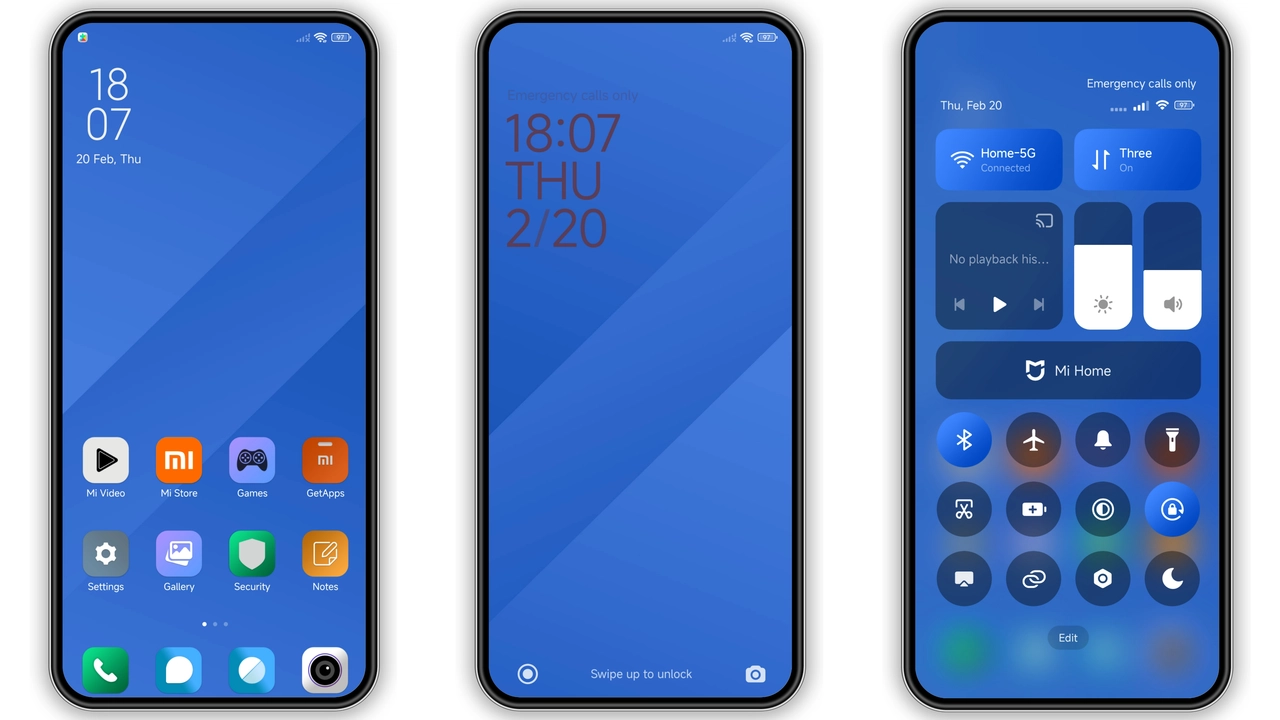
Parameter · Value
Designer · Ivan22
Size · 2.66 MB
Format · MTZ
Compatibility · HyperOS / MIUI
Deep‑Blue Minimalist Aesthetic
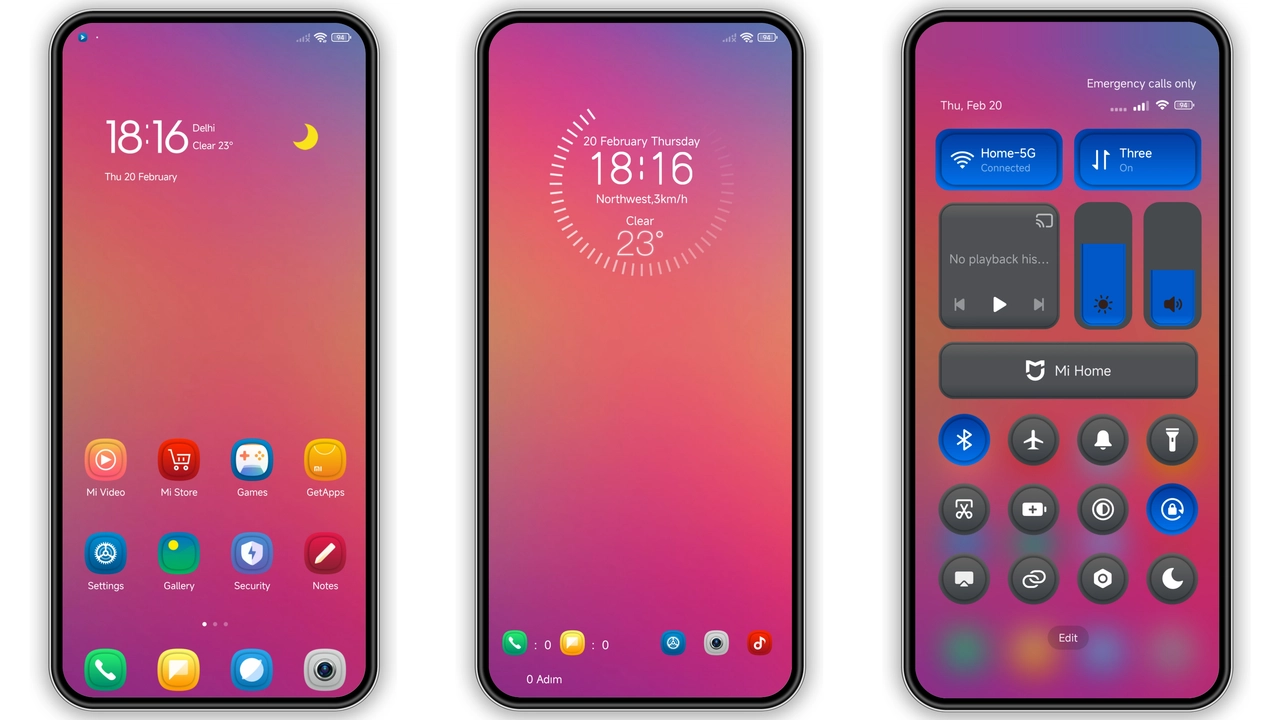
Theme embraces single‑tone blue. Backgrounds shift from sky to navy. Icons adopt flat geometry. Shadows removed. Text contrast tuned for readability. Overall vibe: calm, professional. No clutter. Space between elements enlarged. Status bar icons recolored to match hue. Lock screen gradient fades gently. Always‑on display inherits same palette. Users notice immediate visual lift. Battery indicator glows subtly. Notifications appear crisp. Animation speed unchanged. Theme stays true to minimalist ethos.
Suggested Read: Archive Entry: HyperDarkOS 3 – Premium Deep‑Cosmic Dark Theme for HyperOS
Icon & Wallpaper Refresh for Daily Use
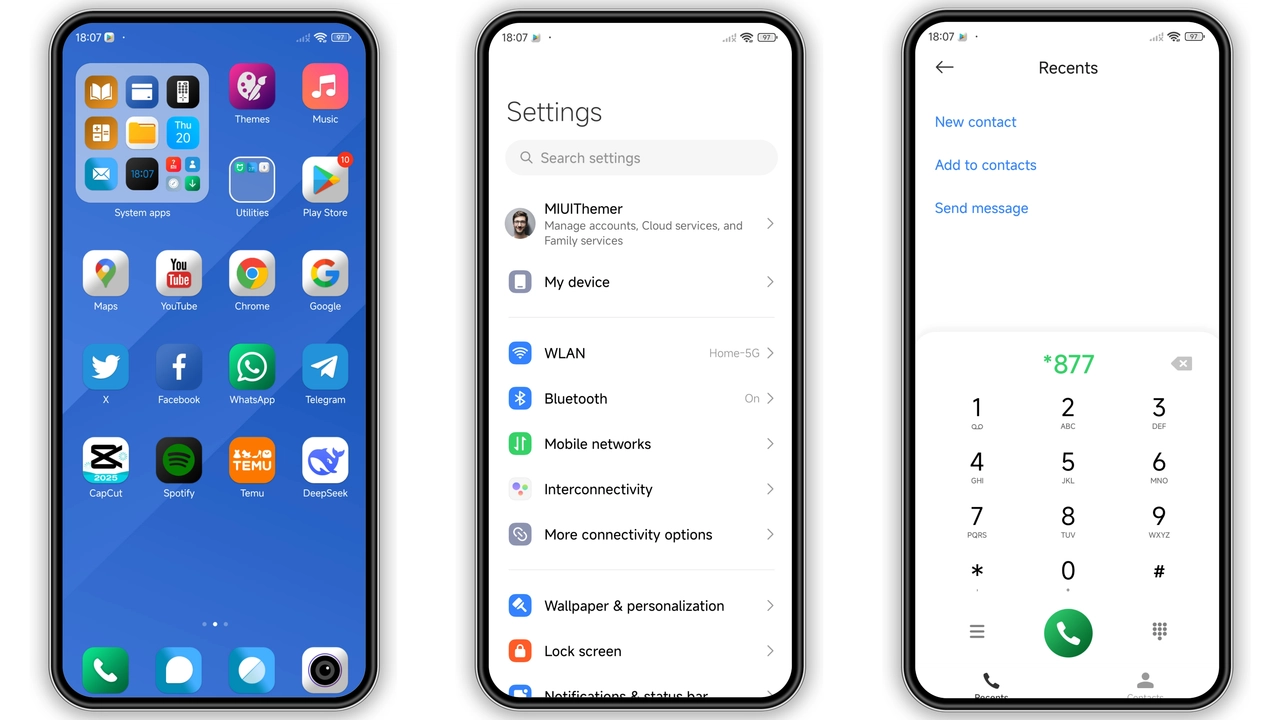
Icons redesigned from ground up. App silhouettes simplified. Launcher grid gains breathing room. Wallpaper pack includes six high‑resolution images. Each wallpaper mirrors theme’s blue spectrum. Wallpapers auto‑rotate on swipe. Users can set static favorite. Icons maintain legibility at small sizes. Folder icons receive subtle outline. System fonts unchanged, preserving familiarity. Widget backgrounds adopt translucent overlay. Result: cohesive look from home to lock.
Seamless Compatibility Across HyperOS & MIUI
Theme declares support for HyperOS and MIUI. Tested on Xiaomi 13, Redmi Note 12, POCO X5. Works on global and EU builds. No root required. Installer validates OS version before applying. On custom ROMs, theme imports via MTZ file. Import process identical to stock store. Minor UI glitches reported on heavily modified skins. Theme respects system dark mode, but does not switch palette. Users on older MIUI 12 still see full effect, though status bar icons may appear slightly off‑center. Restart recommended after apply to clear cache.
Installation Walkthrough & Expectation
Download MTZ file from provided link. Save to device storage. Open Theme Store app. Tap "Import" at bottom. Browse to saved MTZ. Select file. Preview appears. Tap "Apply". Wait few seconds. Device restarts UI layer. Theme appears instantly. First launch may show brief flicker; normalizes after reboot. No additional permissions needed. Theme size 2.66 MB, negligible impact on storage. RAM usage stays within normal range. Battery drain unchanged. Users report smooth navigation post‑install. If install fails, clear Theme Store cache and retry. Ensure internet connection for verification step.
Pros and Cons
Pros
• Clean blue palette enhances readability.
• Low RAM impact preserves performance.
• Quick install via MTZ file.
• Consistent look across home, lock, AOD.
Cons
• Limited to blue; no alternative colors.
• No dedicated dark mode toggle.
• Minor UI alignment issues on heavily customized ROMs.
• No animated icon set.
Theme Preview
Download Links
Use the buttons below to open the theme file and the supporting link.
HSI Theme mtz File
Helpful links
More Theme Updates
For more curated HyperOS and MIUI theme updates, visit Hyper OS x MIUI .