Parameter · Value
Designer · MATTIRO
Size · 4.76 MB
Format · MTZ
Compatibility · HyperOS / MIUI
Lush Green Landscape UI
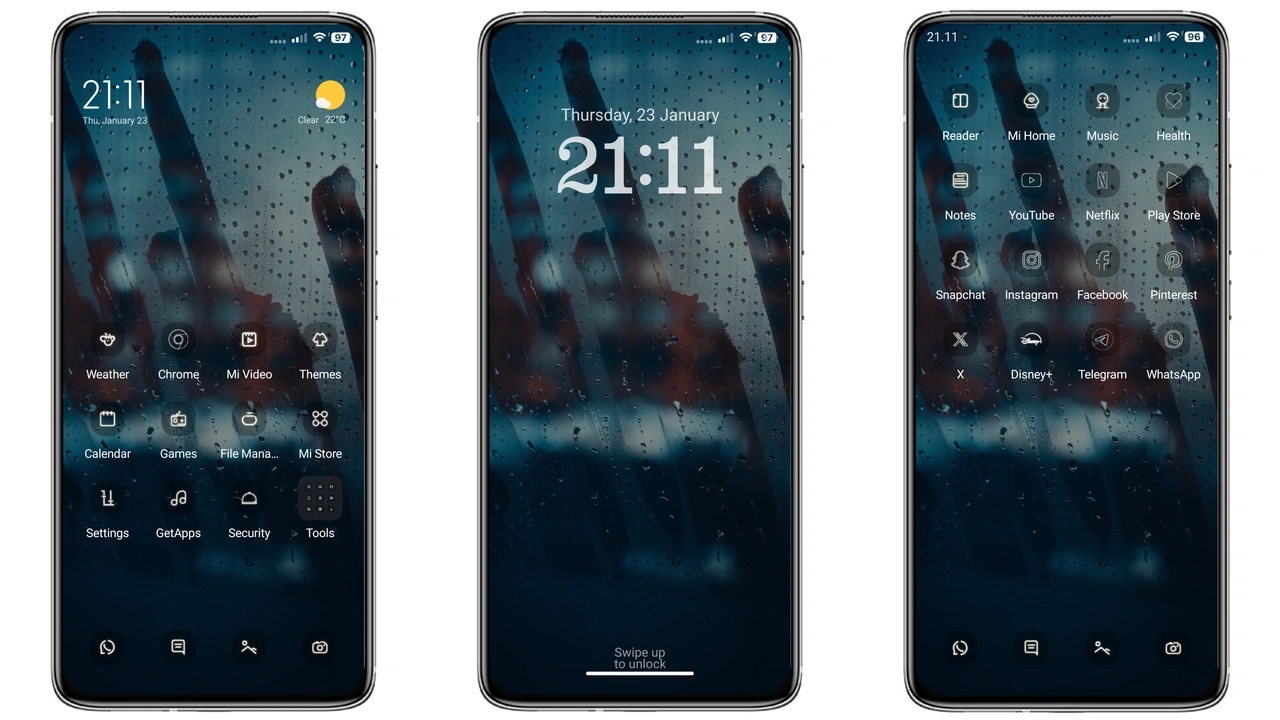
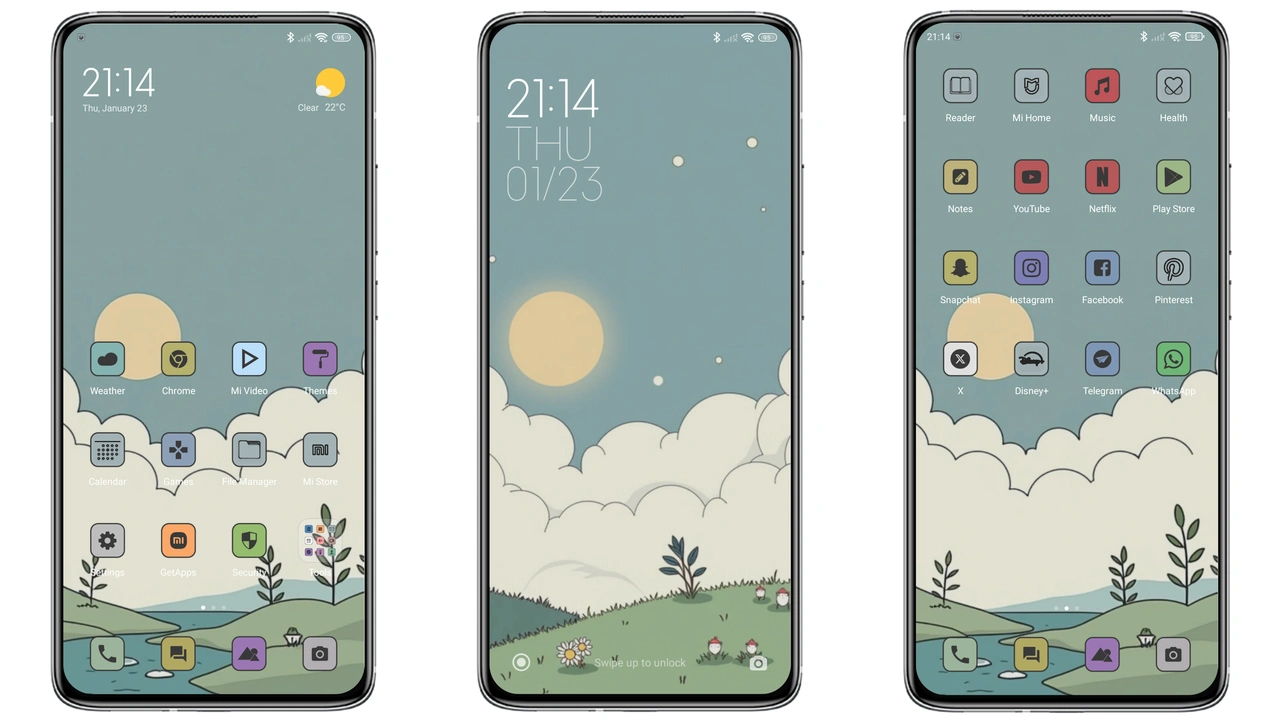
Theme drapes home screen in vibrant grass tones. Background wallpaper features rolling hills, subtle depth. Color palette stays within greens, whites, soft shadows. Status bar inherits matching hue, improves readability. Notification icons recolored to complement backdrop. Overall vibe feels outdoors, calming.
Suggested Read: Esbesiji HyperOS Theme – Fresh Look for Redmi, POCO & Mi Phones
Fresh Icons & Widgets
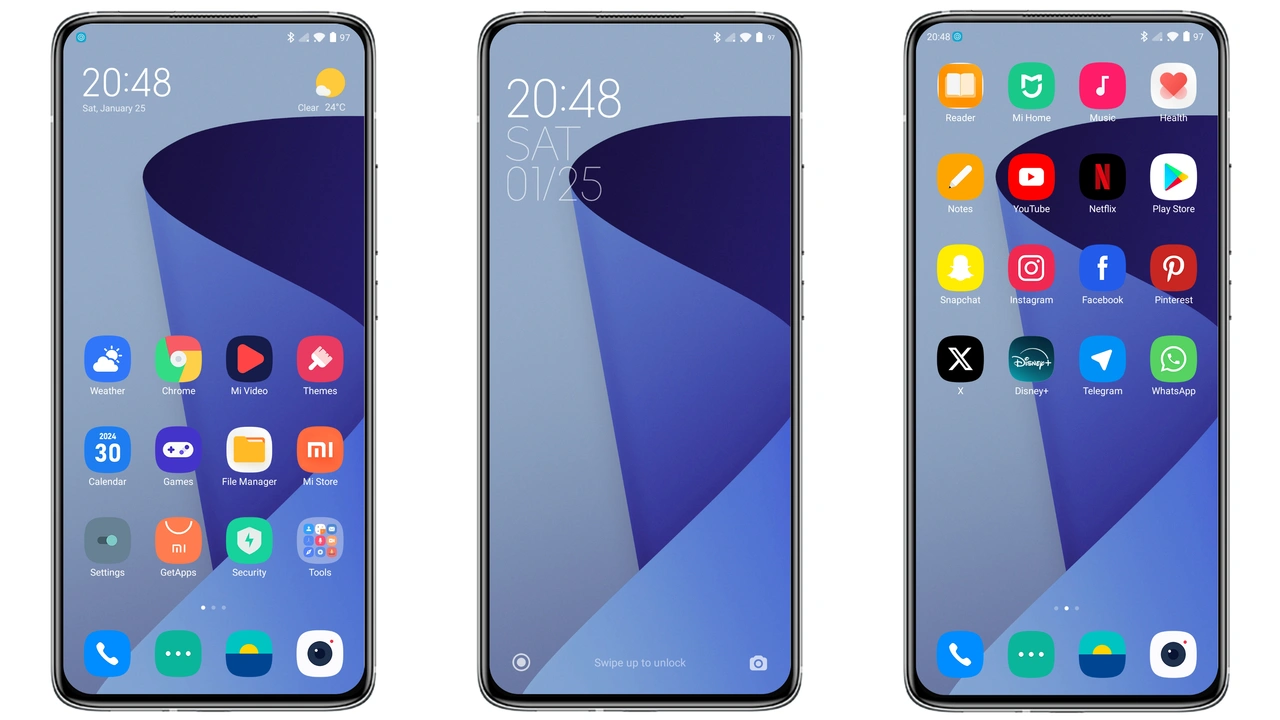
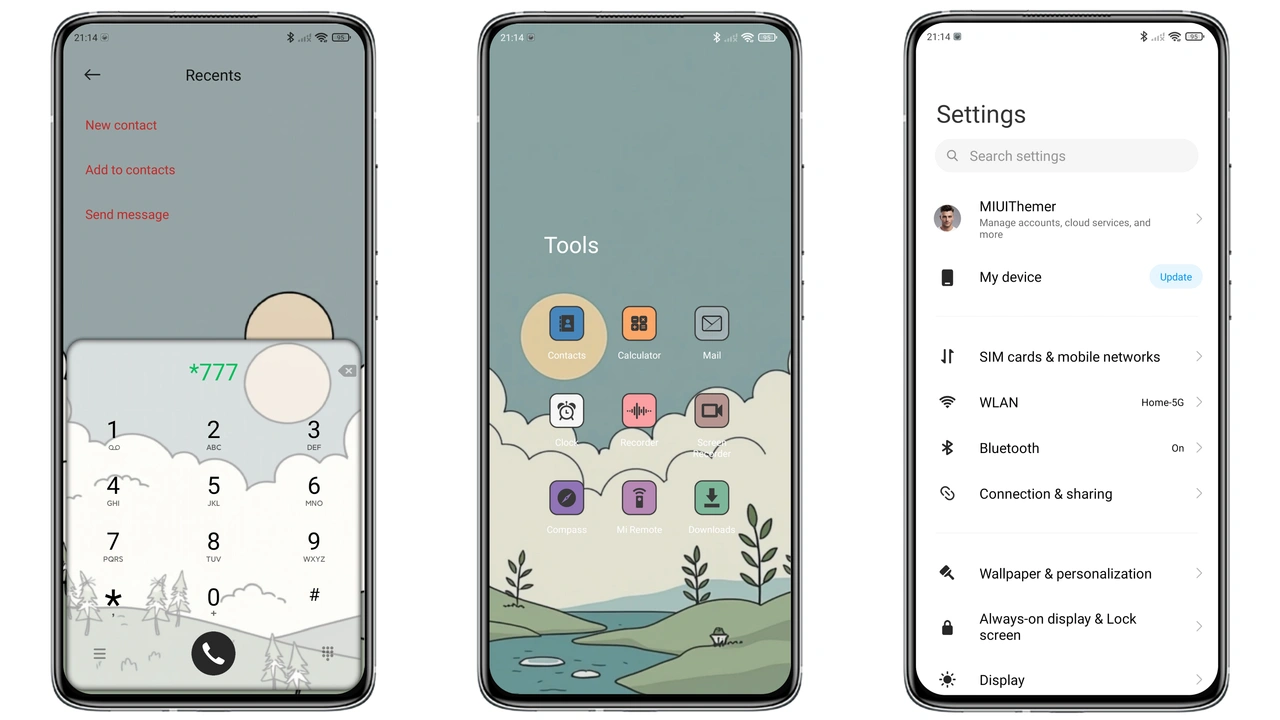
Icon pack rebuilt from scratch. Shapes stay square, corners softened. Green accents highlight key apps. System folders receive subtle gradient. Widget skins redesigned: clock adopts leaf motif, weather widget shows sun over meadow. Font remains default, ensuring legibility.
Seamless Lock Screen & AOD
Lock screen adopts blurred hill image, keeps time prominent. Unlock swipe reveals full‑screen wallpaper. Always‑On Display mirrors lock design, low‑power green bar shows date, battery. No extra animations, preserves battery life. Fingerprint area highlighted with faint green outline.
Device Fit & Performance
Theme tested on Xiaomi, Redmi, POCO models. File size under 5 MB, quick download. Installation via Theme Store or direct MTZ import. No reboot required, but one recommended to clear cache. Works on HyperOS Global builds and MIUI 14. No known conflicts with third‑party launchers.
Who Will Love This Theme?
Nature enthusiasts seeking a fresh aesthetic. Users preferring minimal animation. Fans of uniform color schemes. Those who want a cohesive look across home, lock, AOD. Not suited for fans of dark mode or neon palettes.
Installation Expectations
Download MTZ file from provided link. Open Theme Store app, tap “Import”, select file. Theme appears in My Themes list. Tap “Apply”. Wait a few seconds for assets to load. Verify icons, wallpaper, lock screen updated. If any element stays unchanged, clear Theme Store cache and re‑apply.
Pros and Cons
Pros
• Cohesive green palette
• Light footprint
• Compatible across HyperOS & MIUI
• Fresh icon set
• Clear lock screen design
Cons
• No dark mode variant
• Limited to green lovers
• No animated transitions
• Requires manual import on custom ROMs
Theme Preview
Download Links
Use the buttons below to open the theme file and the supporting link.
GREEN GRASS HILL Theme mtz File
Helpful links
More Theme Updates
For more curated HyperOS and MIUI theme updates, visit Hyper OS x MIUI .