Parameter · Value
Designer · dwcold77
Size · 11.70 MB
Format · MTZ
Compatibility · HyperOS / MIUI
Vivid Purple‑Black Palette That Pops
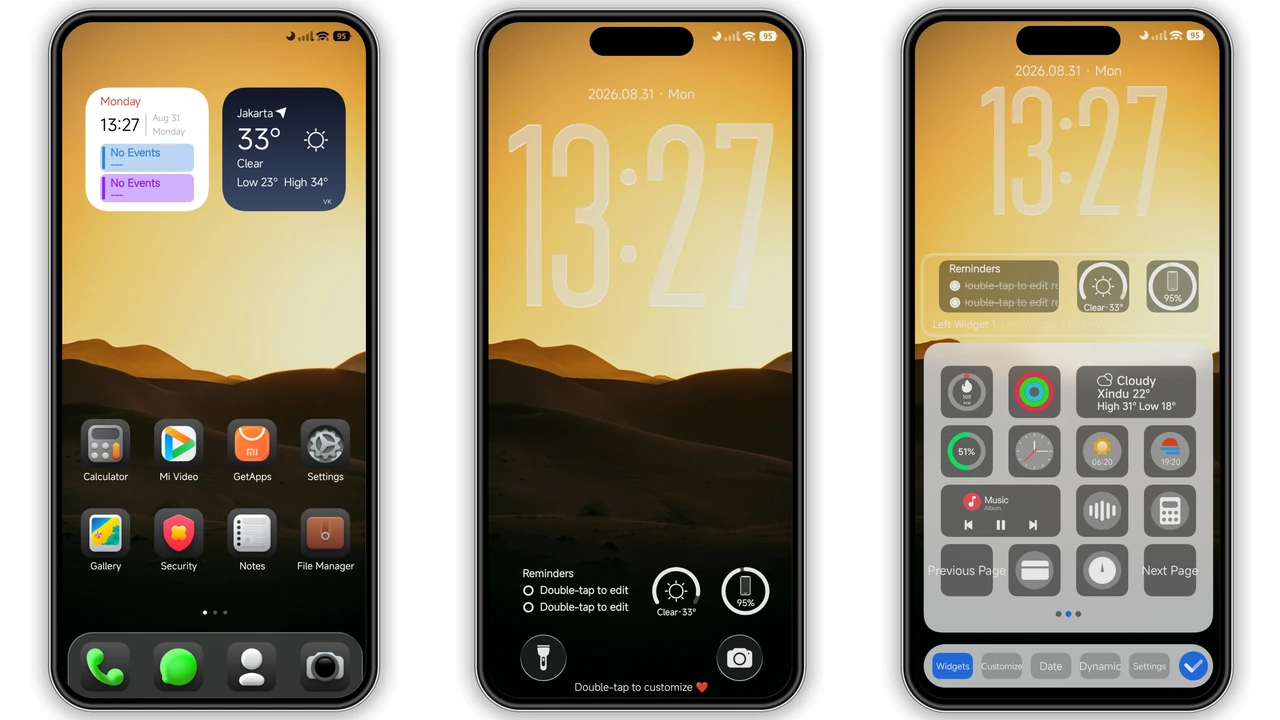
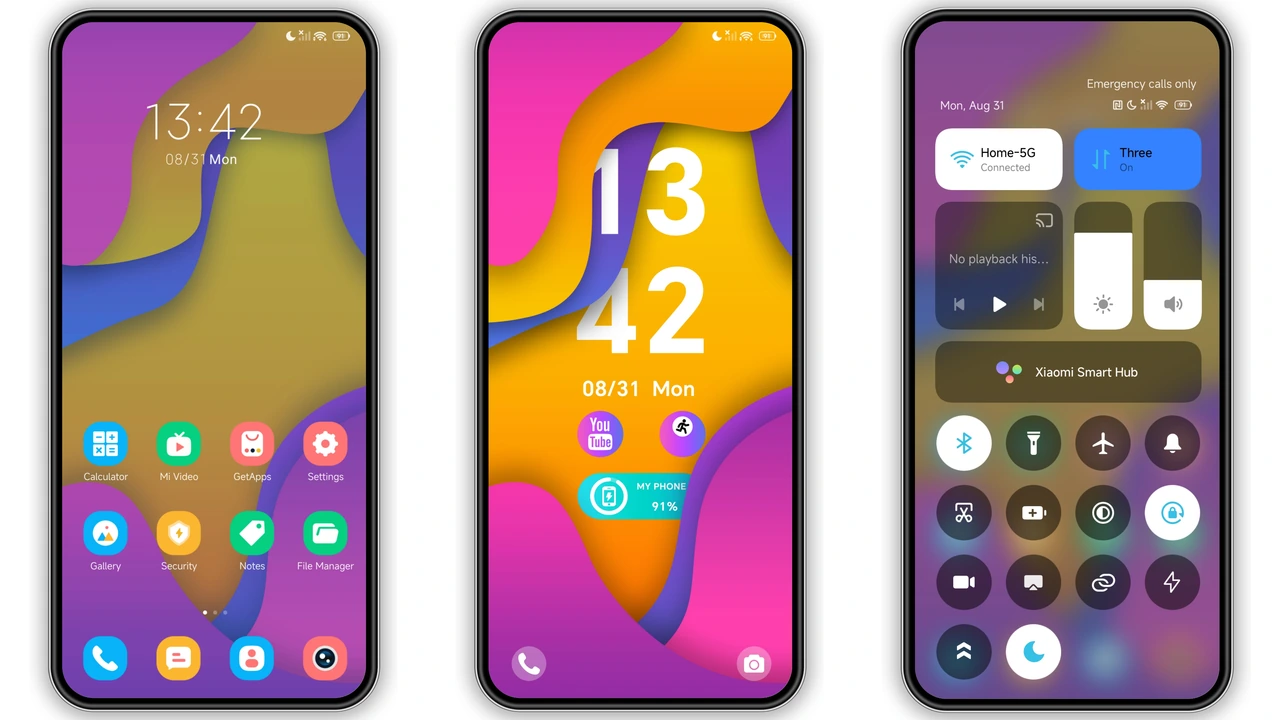
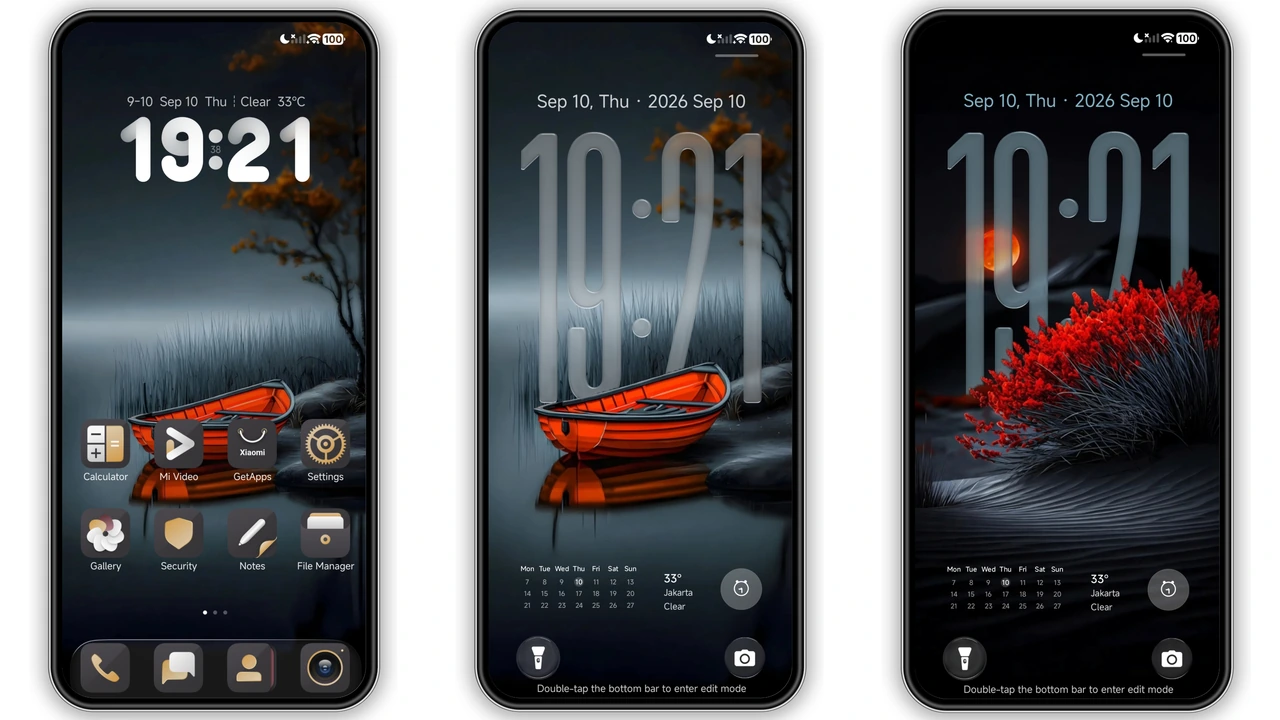
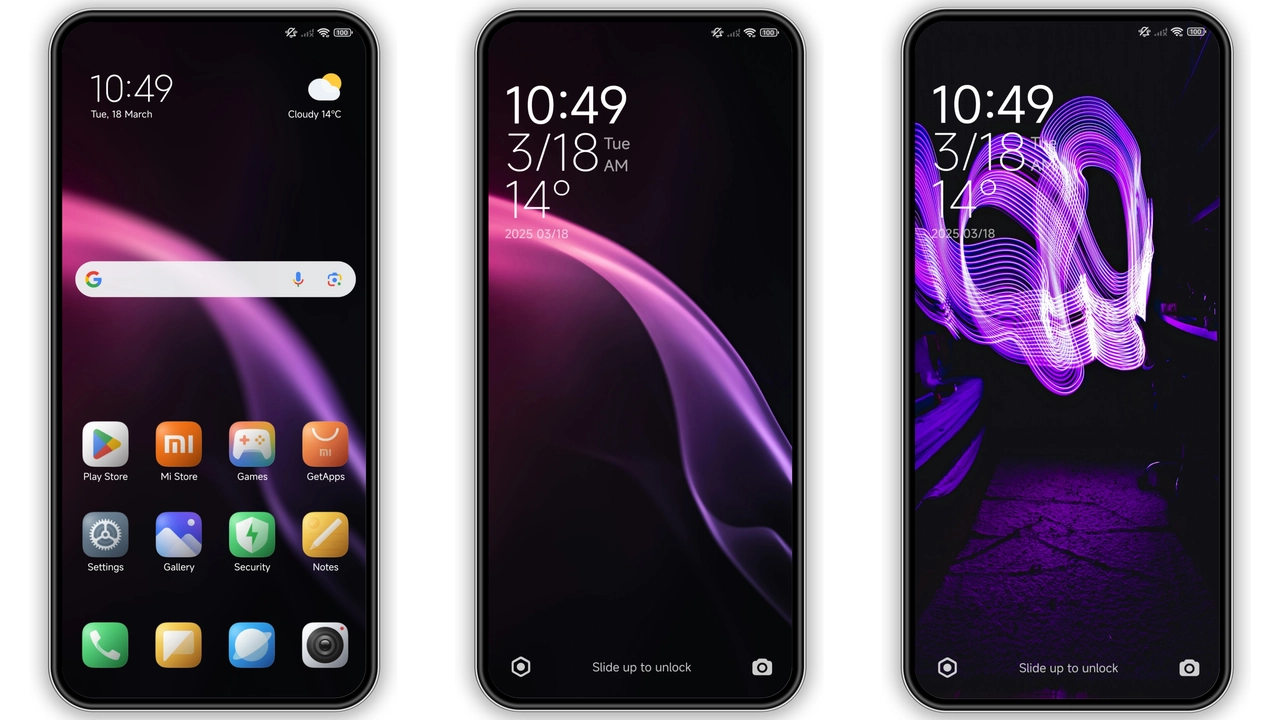
Dw‑PlayV15 leans into a high‑contrast purple‑black scheme. Backgrounds stay deep, letting accent colors shine. Purple glows on status icons, while black anchors the UI. The result feels modern without overwhelming the eye. Users who enjoy cyber‑punk vibes or simply want a night‑mode that isn’t plain will gravitate toward this look.
Suggested Read: Poo-Max3 HyperOS 3.0 Theme for Xiaomi Redmi Devices
Iconography & Wallpaper Refresh
All core app icons receive a fresh silhouette. Rounded corners stay, but outlines gain a subtle neon edge. The new wallpaper set mirrors the theme’s color story: abstract gradients, faint geometric patterns, and occasional splash of magenta. Together they create a cohesive visual language that ties the lock screen, home screen, and settings together.
Dynamic Lock Screen & Always‑On Display
Lock screen animation reacts to swipe gestures, shifting the purple hue subtly. The dynamic clock adopts a sleek sans‑serif typeface, matching the status bar’s font weight. Always‑On Display inherits the same color treatment, showing time and notifications in a low‑power mode that still feels lively. Battery impact remains minimal thanks to optimized OLED usage.
Installation Walkthrough & Tips
1. Open the Theme Store app on a HyperOS or MIUI device.
2. Tap the three‑dot menu, choose Import, then locate the downloaded MTZ file.
3. Confirm import; the theme appears in My Themes.
4. Apply, then restart for a clean refresh.
If the official store link fails, switch to a standard browser (Chrome or the native Xiaomi browser) and repeat the import. After applying, a quick reboot clears any leftover overlays.
Who Should Try This Theme?
• Power users who love bold color statements.
• Fans of dark UI with a pop of color.
• Owners of Xiaomi, Redmi, or POCO devices running HyperOS or MIUI 14.
• Anyone looking for a free, polished theme without ad‑ware.
Pros and Cons
• Pros
• Striking purple‑black aesthetic.
• Fresh icon set, cohesive wallpapers.
• Dynamic lock screen adds flair.
• Low battery impact on OLED.
• Fully compatible with HyperOS and MIUI.
• Cons
• Limited customization beyond preset colors.
• May feel too dark for daylight use.
• No built‑in font tweaks.
Theme Preview
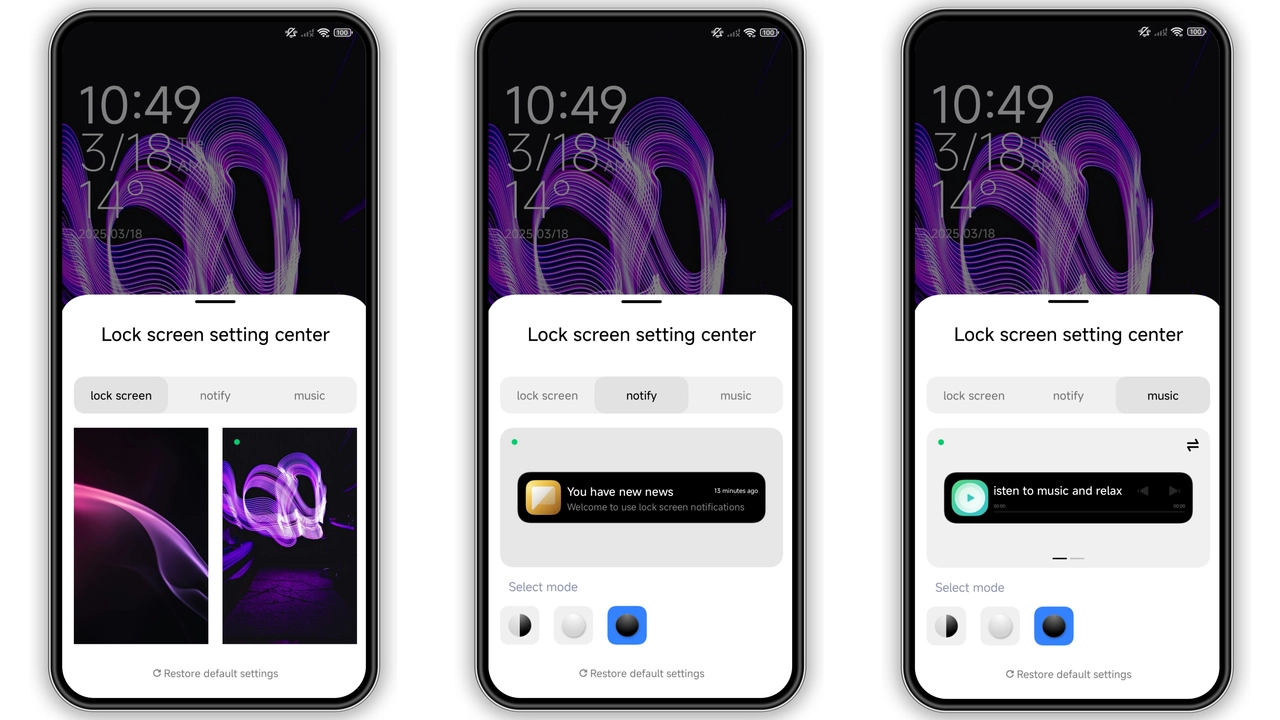
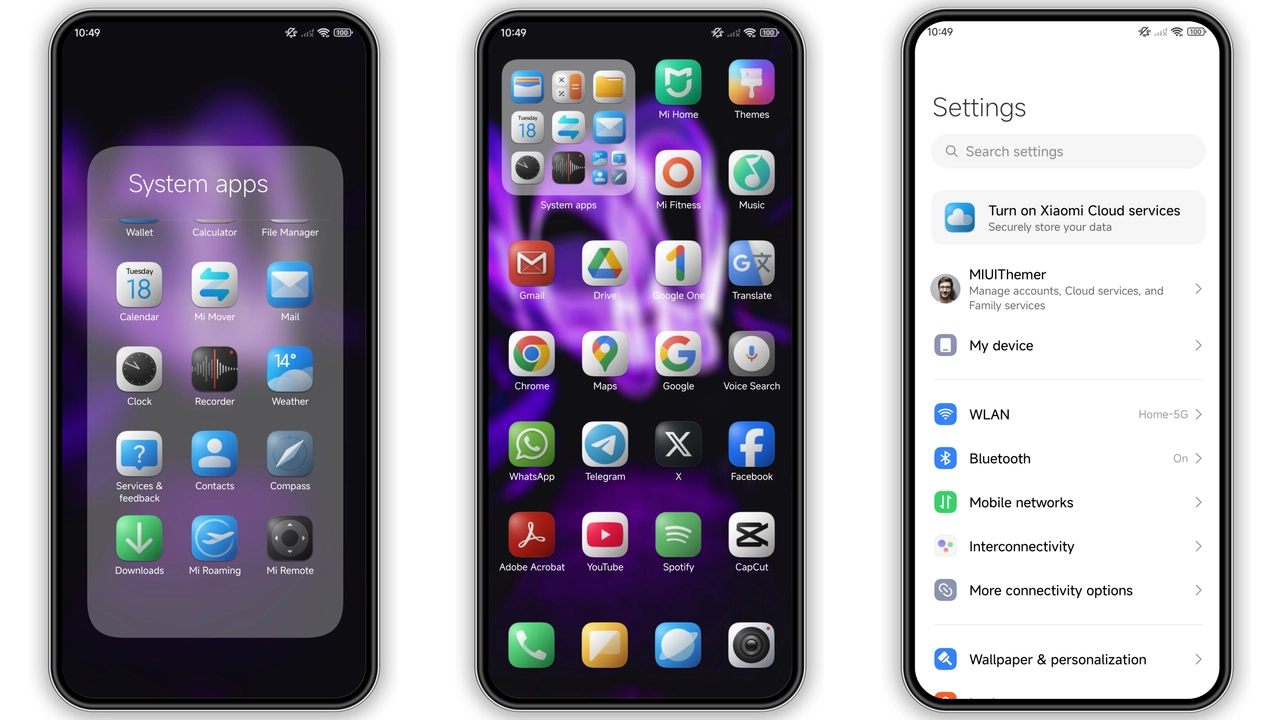
Download Links
Use the buttons below to open the theme file and the supporting link.
Dw-PlayV15 Theme mtz File
Helpful links
More Theme Updates
For more curated HyperOS and MIUI theme updates, visit Hyper OS x MIUI .